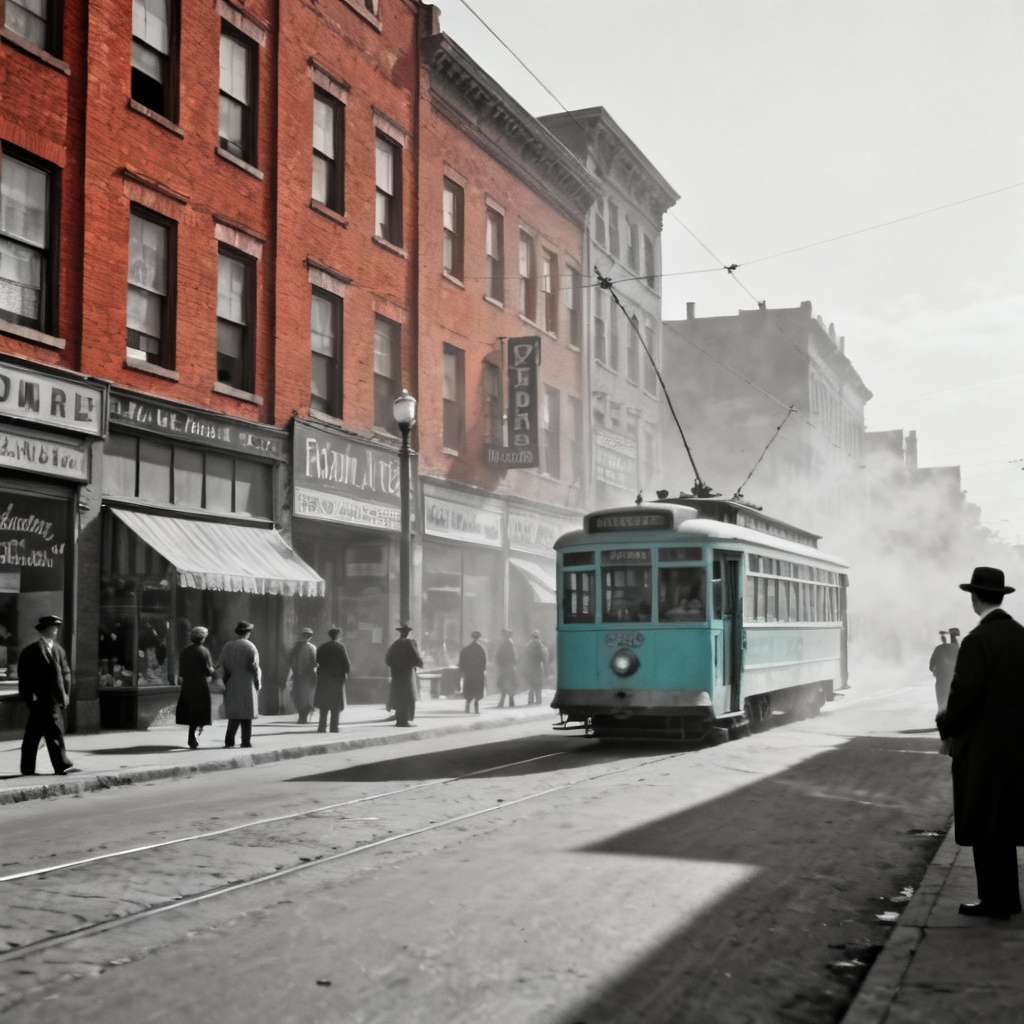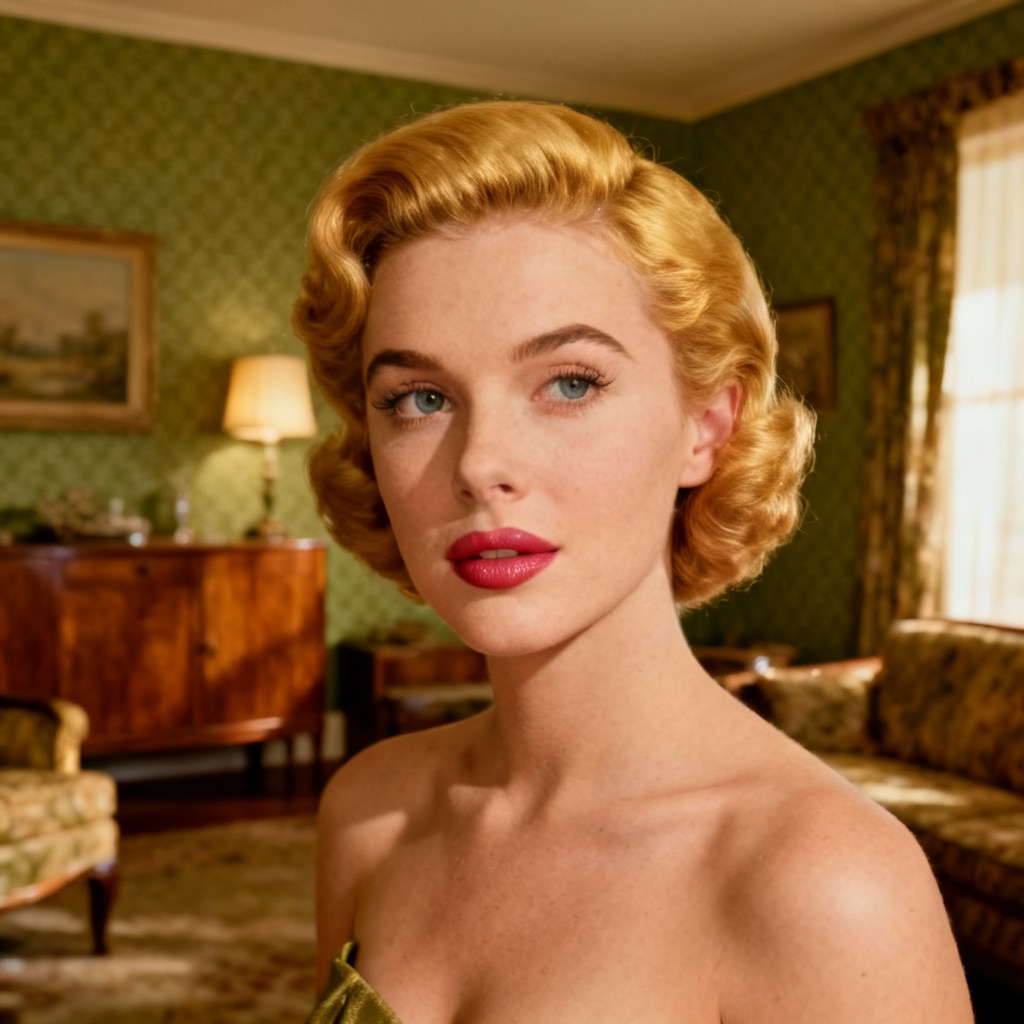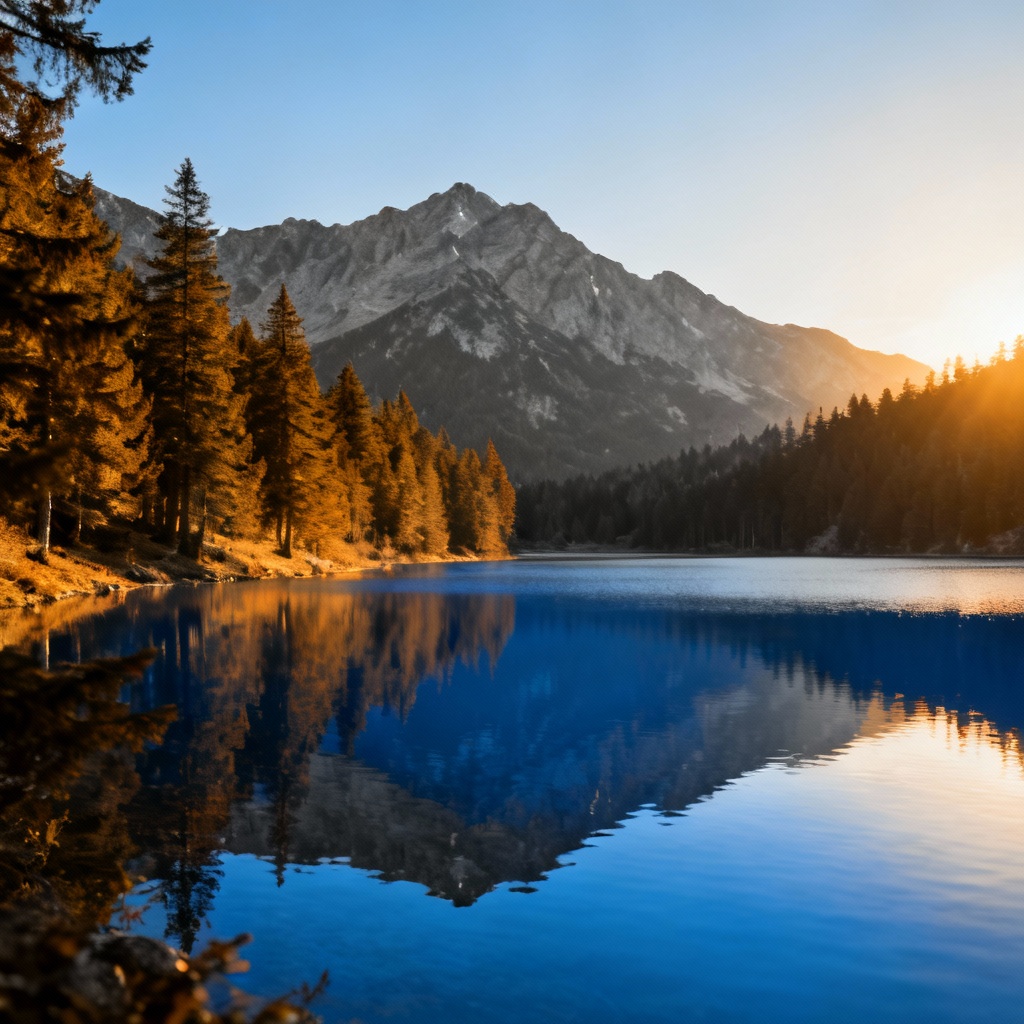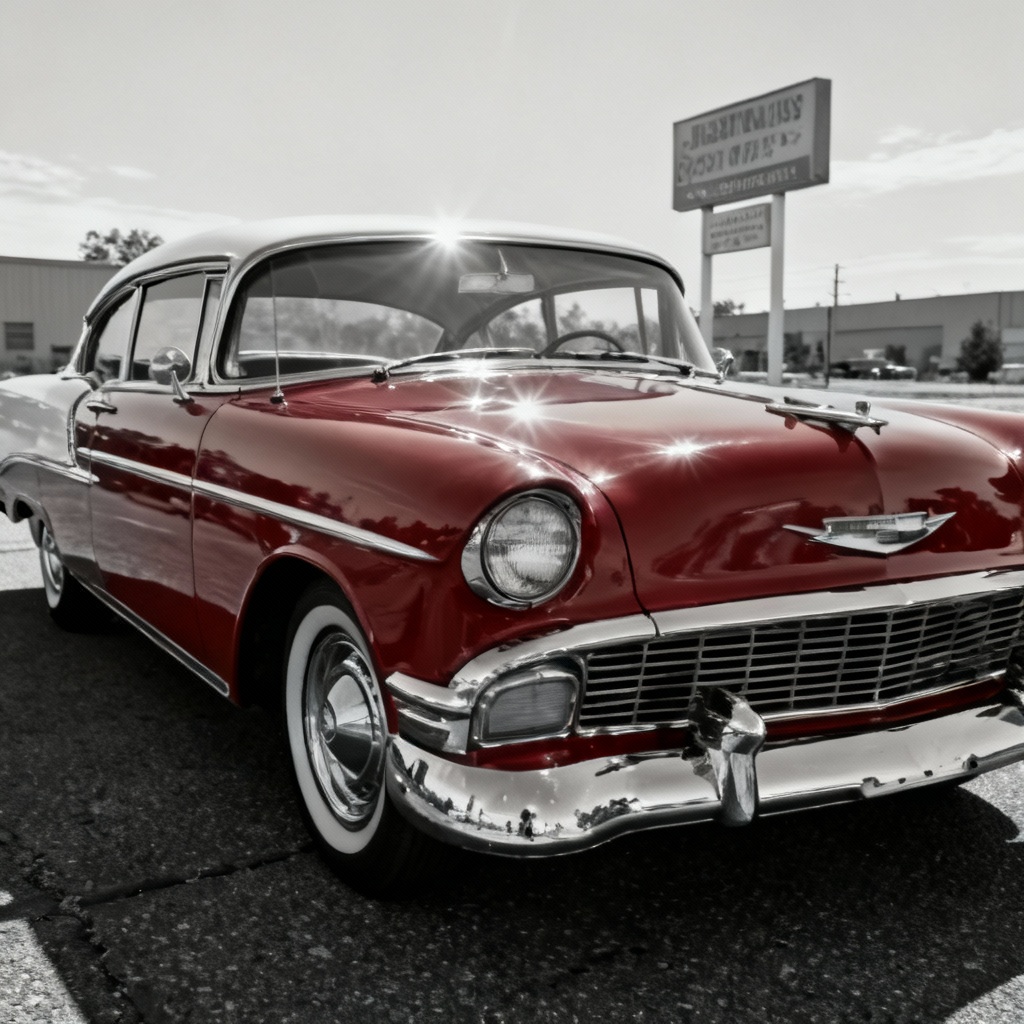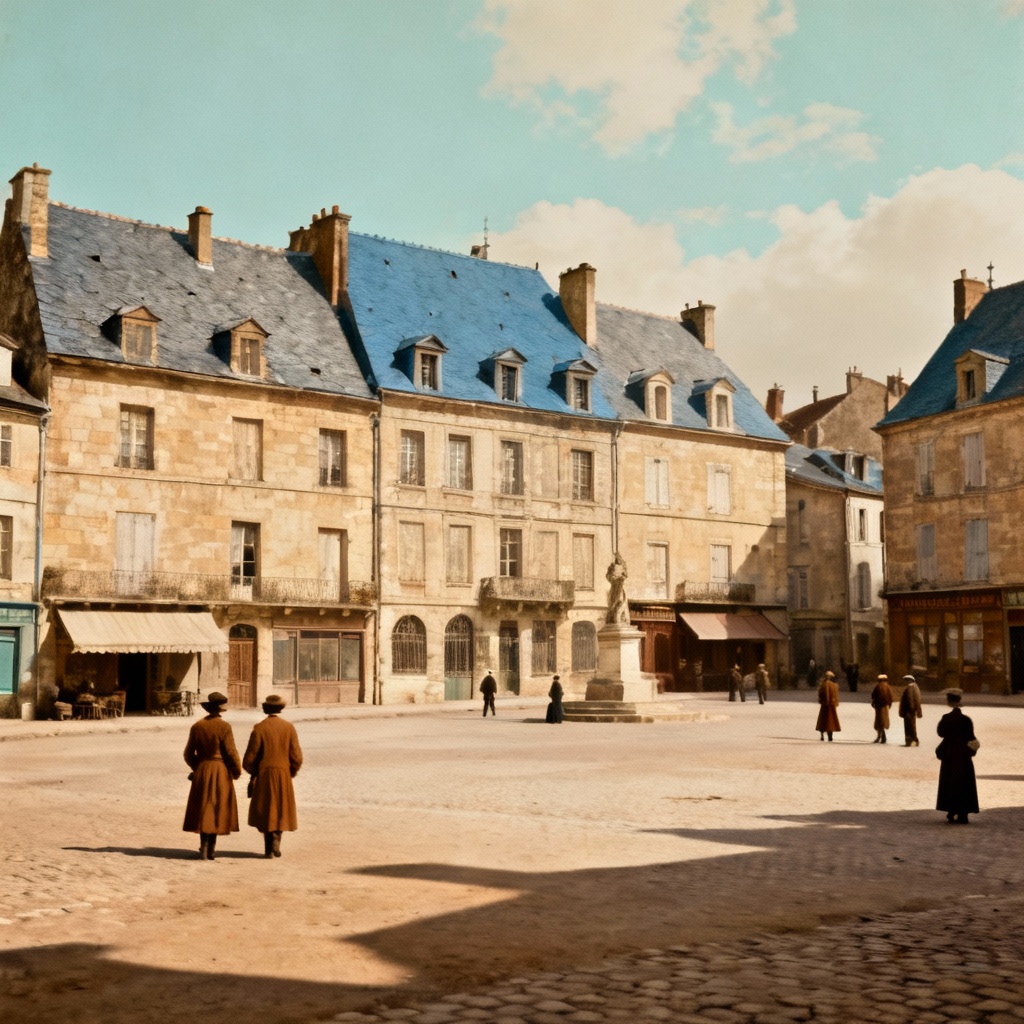

MyAIArt’s free add-color-to-black-and-white-photo tool instantly restores your memories with natural, vivid colors. Upload a grayscale image, let AI detect faces, clothing, skies, and objects, then colorize with photorealistic tones while preserving details and texture. Perfect for vintage family photos, historic archives, and social media. Fast, secure, and watermark-free.
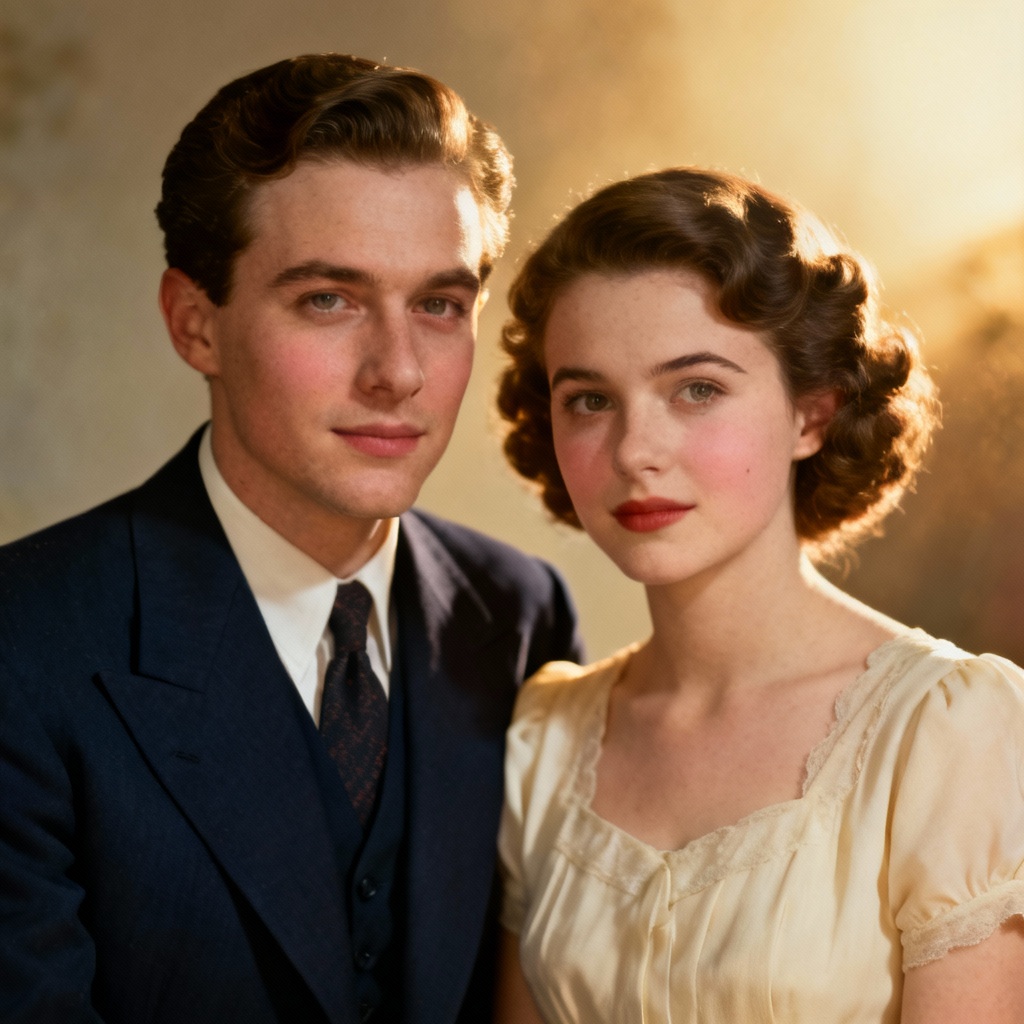
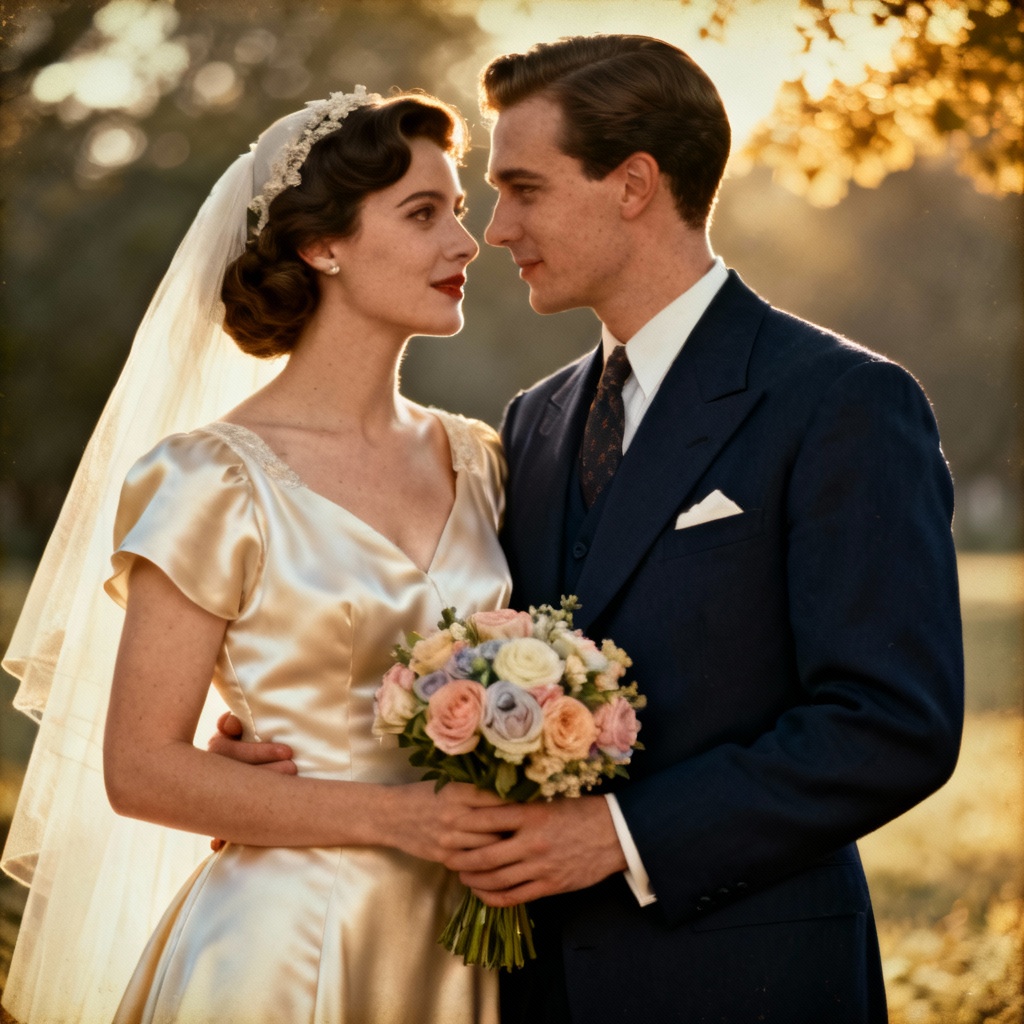
Import a black and white image in JPG or PNG. Higher resolution yields better results. MyAIArt automatically detects faces, clothing, skies, and objects before colorization.
Select the AI colorizer and fine-tune options like vibrance, film era, and skin tone balance. Preview before finalizing to ensure natural hues and preserved details.
Export your colorized photo in high resolution without watermarks. Save for prints, albums, or social posts with lifelike color and original texture intact.
Bring your archives and memories to life with AI colorization. Our add-color-to-black-and-white-photo tool helps you colorize old photos online free, restore vintage family portraits, and enhance historical collections for education or exhibitions. Perfect for designers, genealogists, photographers, and social media creators who want natural, faithful color while preserving film grain and original detail.
Our AI maps grayscale luminance to believable hues, delivering natural skin tones, fabric colors, sky gradients, and material reflections. It maintains fine details, textures, and contrast, ensuring authentic, period-friendly colorization for portraits, landscapes, and documentary images.
Upload, preview, and download in seconds. No complex settings required. Your images are processed securely and automatically deleted after completion, so your family photos and historical documents remain private and protected.
Export crisp, high-resolution colorized photos with zero watermarks. Preserve the integrity of prints, albums, marketing materials, and presentations while keeping the original film-like character of your images.