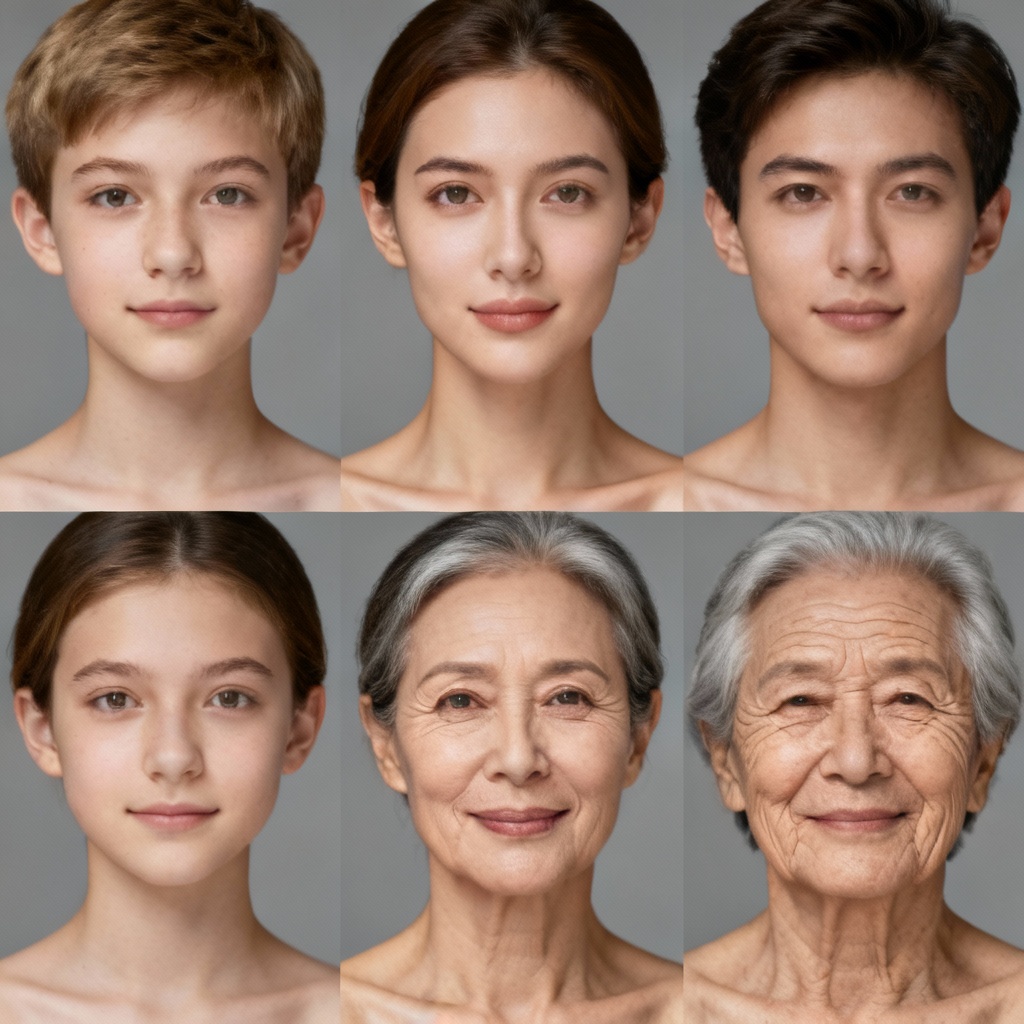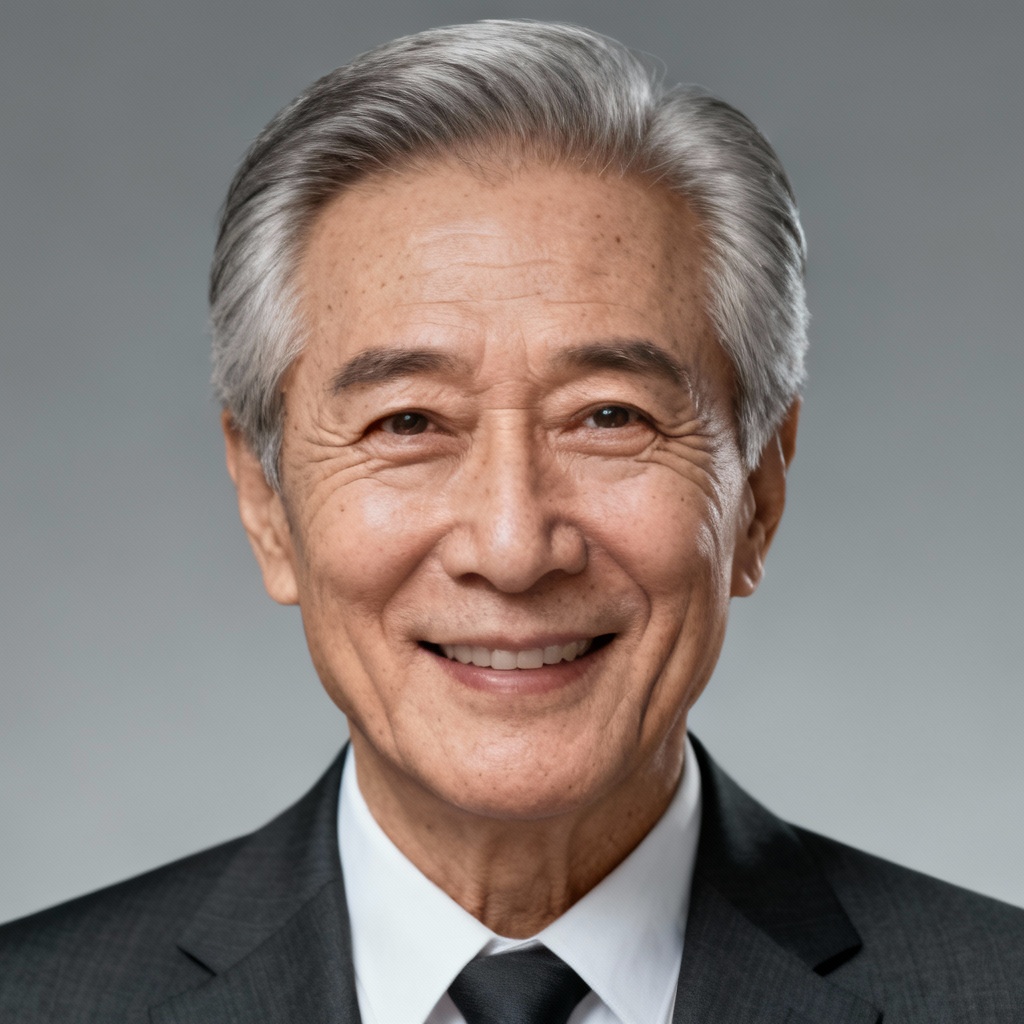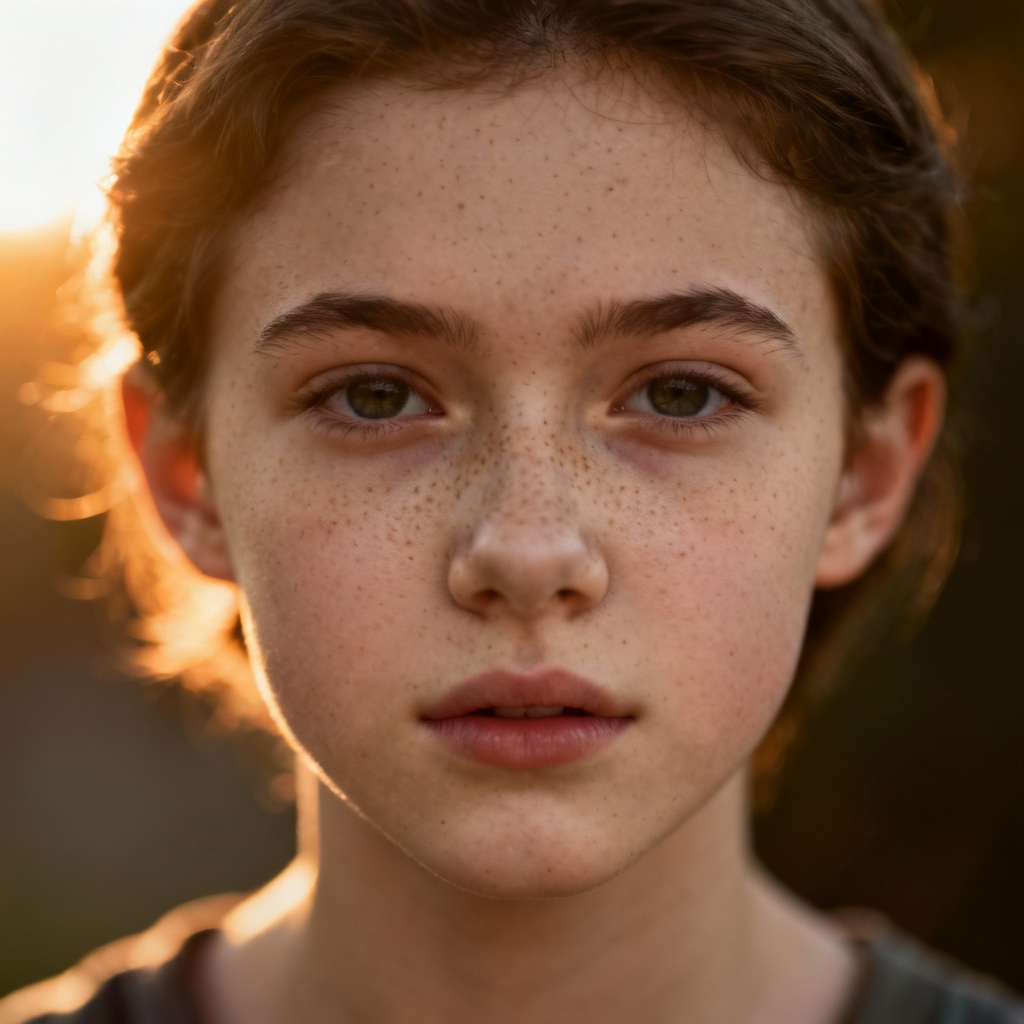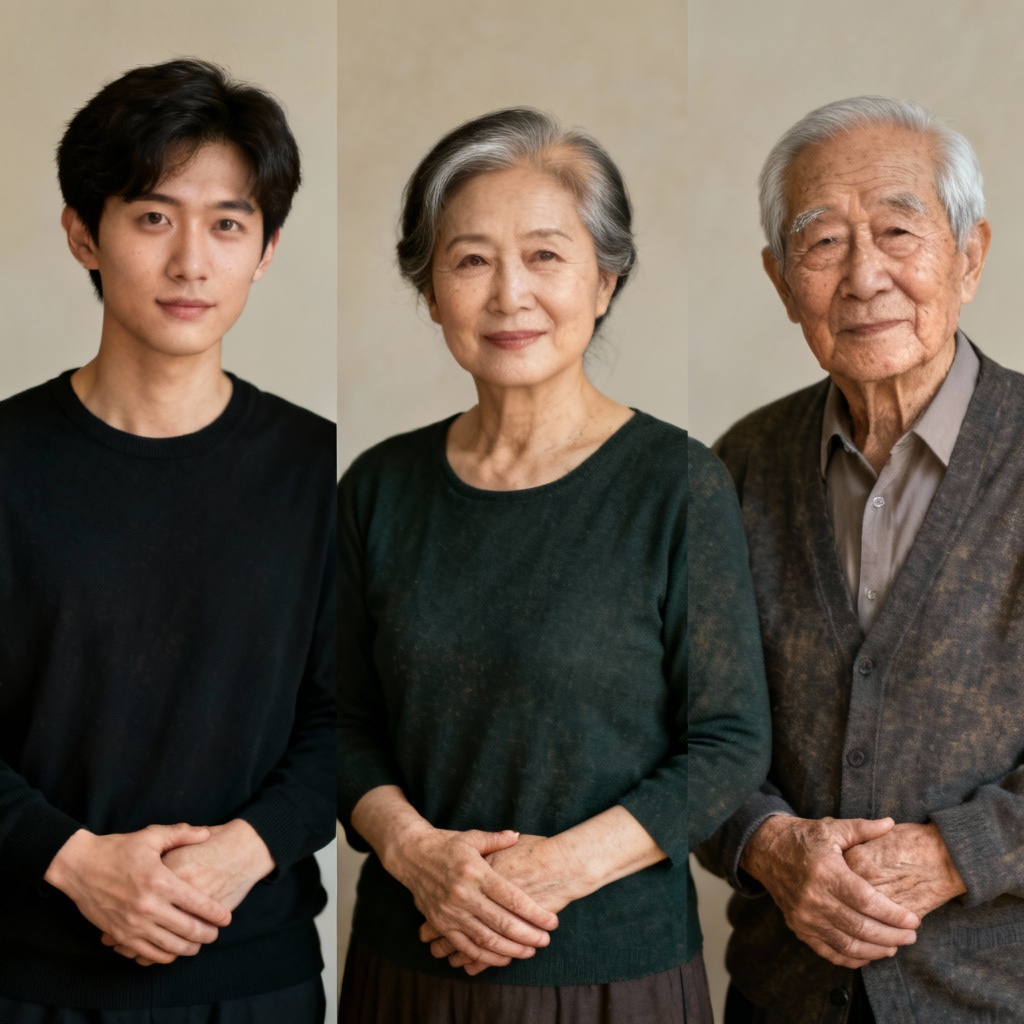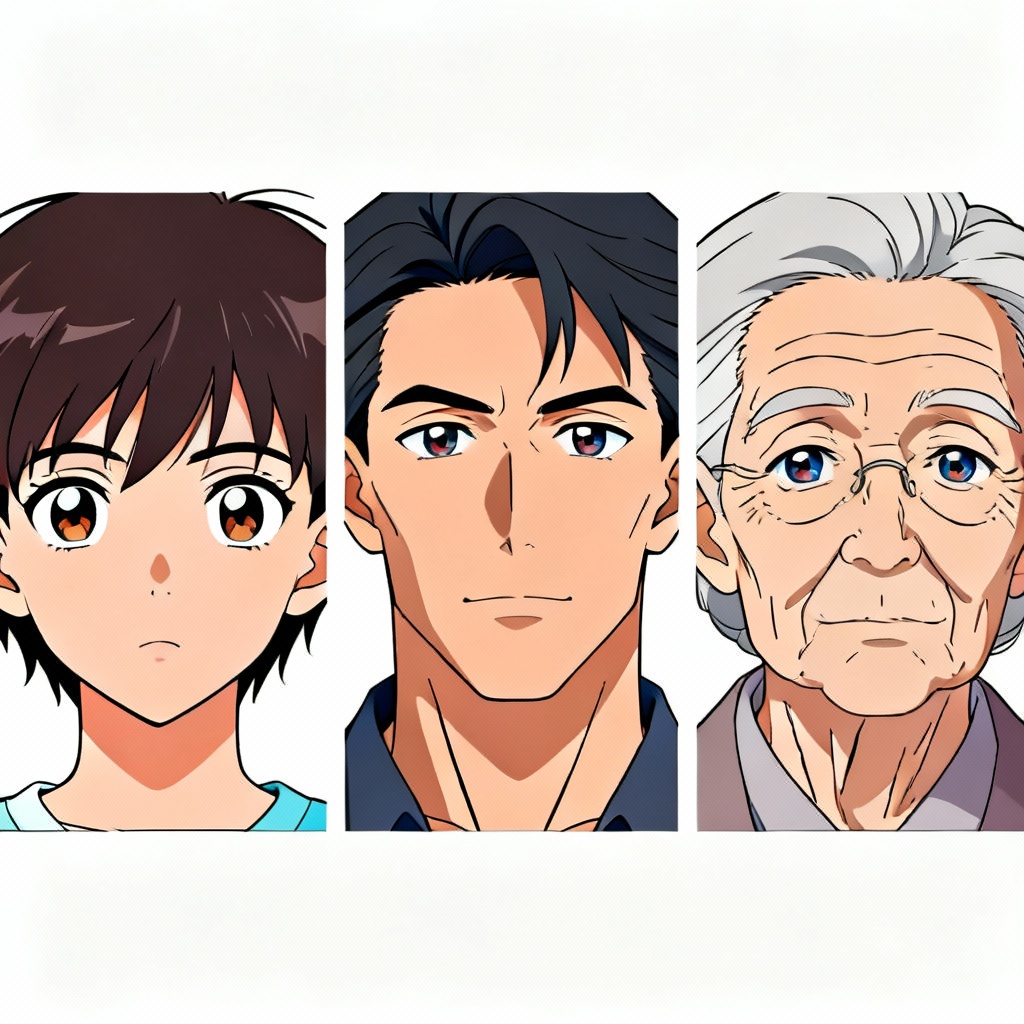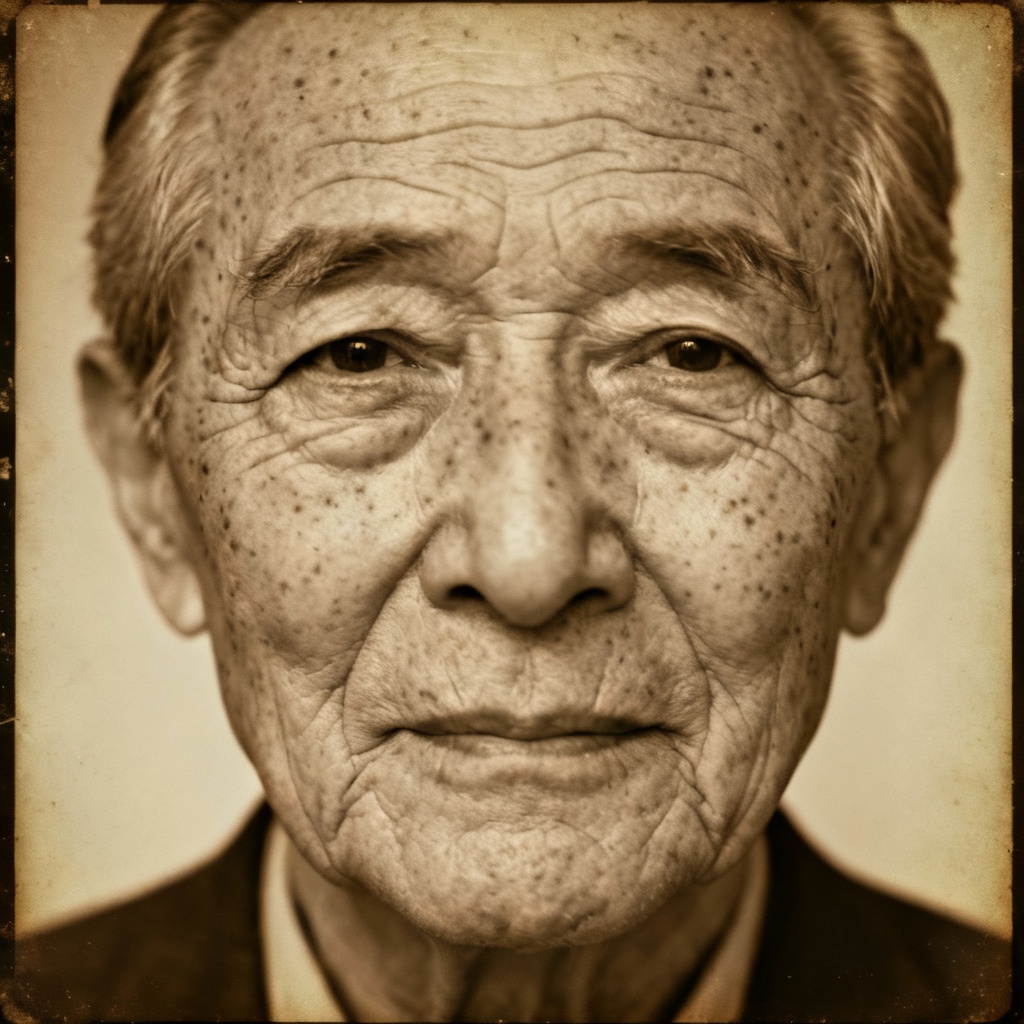

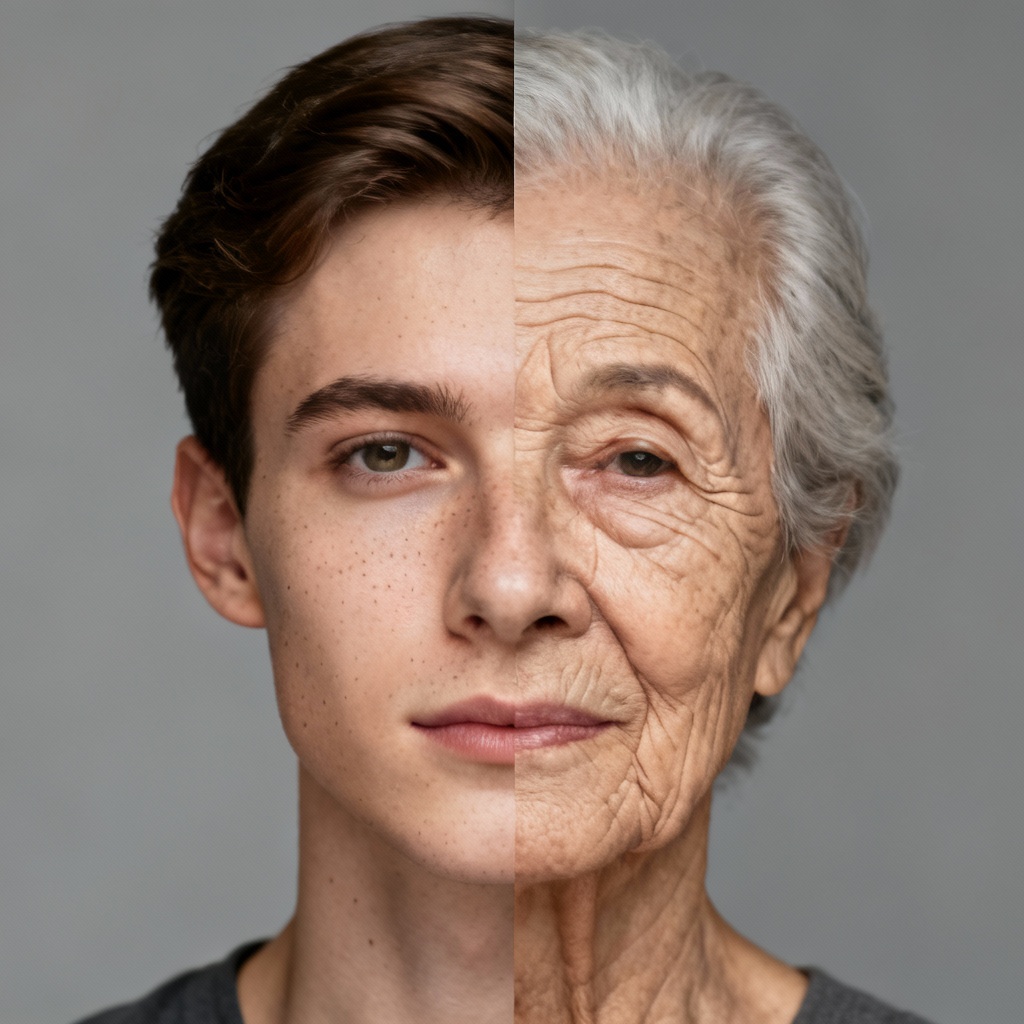
Turn any photo into believable future or past versions with MyAIArt. Our AI age progression editor lets you age or de-age faces, control decades, preserve identity, and export high-resolution before-and-after images. Start free to create old age filters, future face previews, glow-up timelines, and character aging for stories, design, and social media.
Upload a clear face photo or start with a text prompt. Supported JPG and PNG. Use a forward-facing image with good lighting for best results.
Choose age targets like 20, 40, 60, or a custom decade range. Pick style presets such as photoreal, cinematic, or anime, and toggle de-aging or old age filter.
Click Generate to preview. Compare before-and-after, refine with sliders for wrinkles, hair graying, and skin texture, then download high-resolution images watermark-free.
Apply the AI age progression editor to visualize time, plan creative concepts, and deliver compelling before-and-after stories. Perfect for design, media, and personal projects.
Advanced face matching preserves identity while adjusting bone structure cues, skin texture, and hair changes. Get natural results that look like the same person across decades.
Target exact ages or ranges, fine-tune wrinkle depth, hair graying, and skin elasticity, and compare multiple variations side-by-side for the perfect age morph.
Process images quickly with high-resolution output, clean files without watermark, private handling, and content protection for safe, copyright-friendly use.