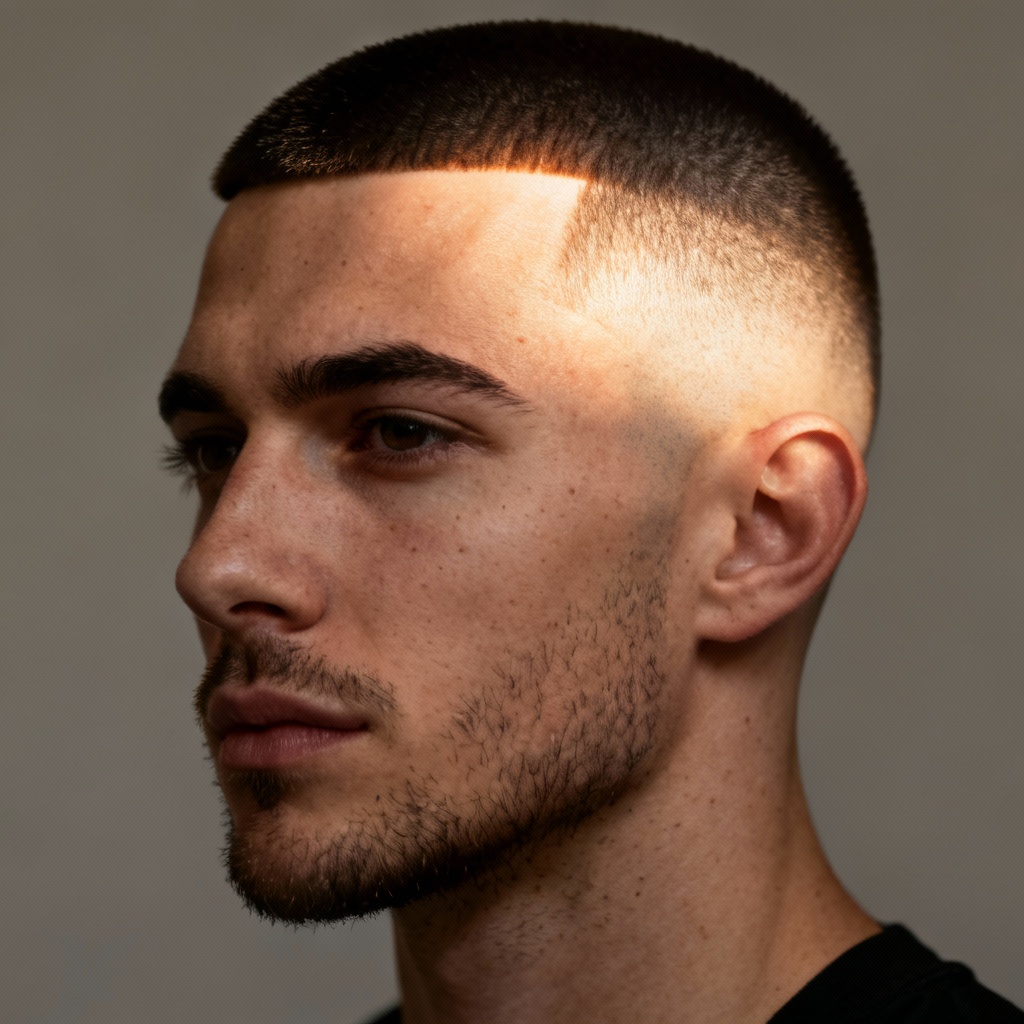
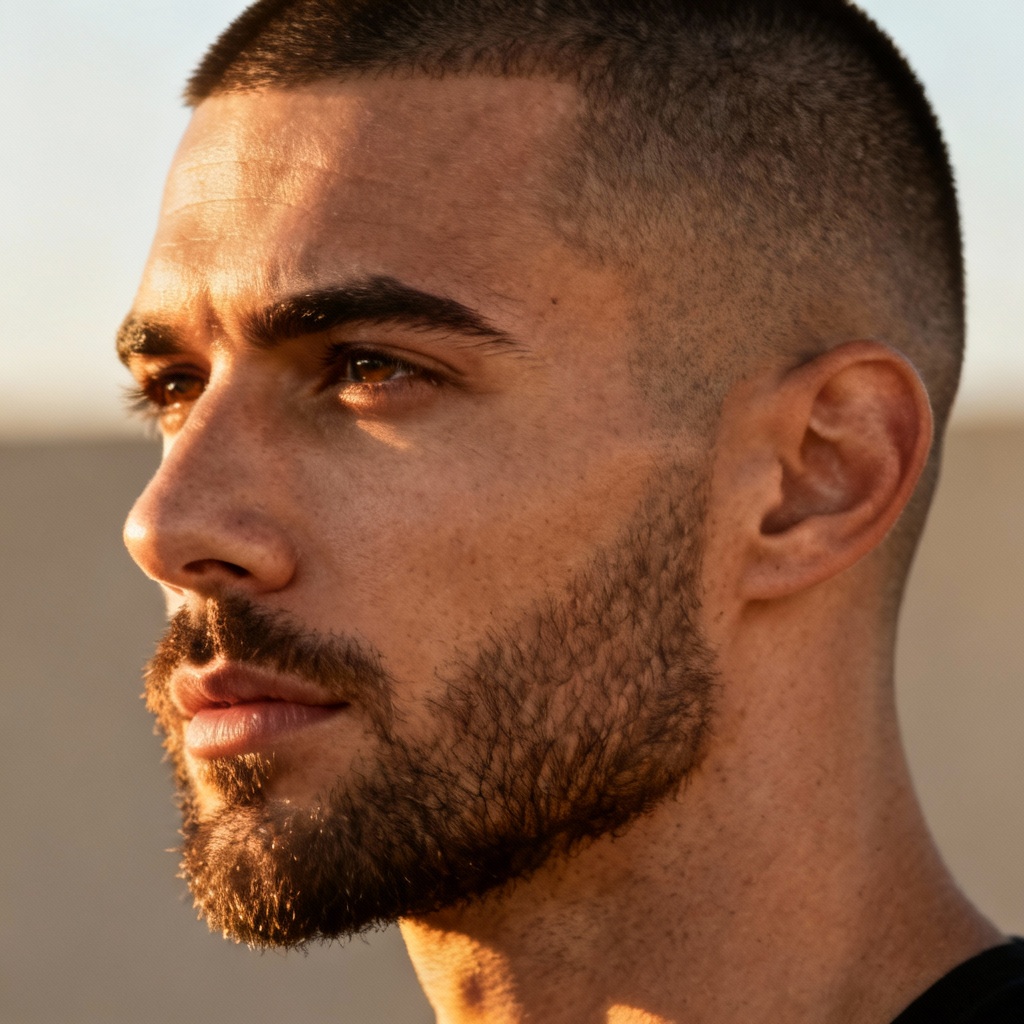
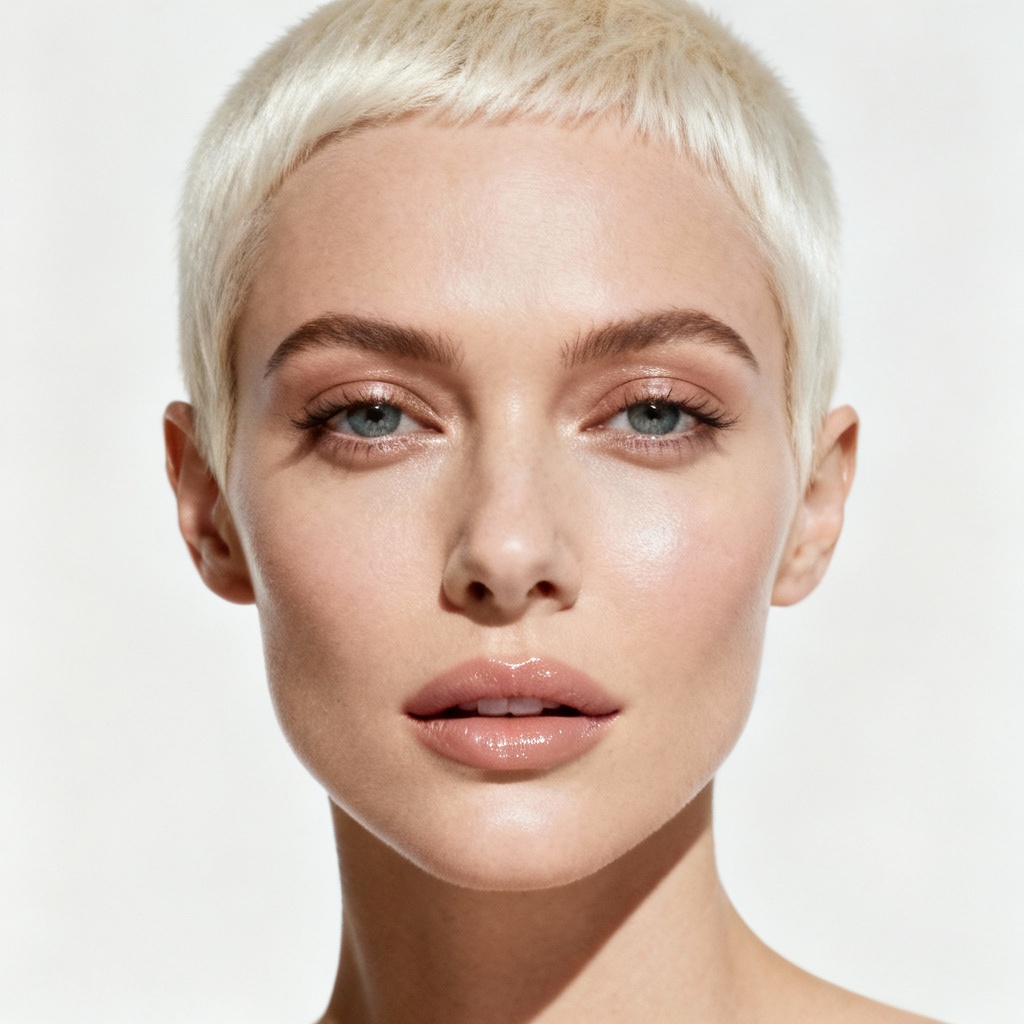
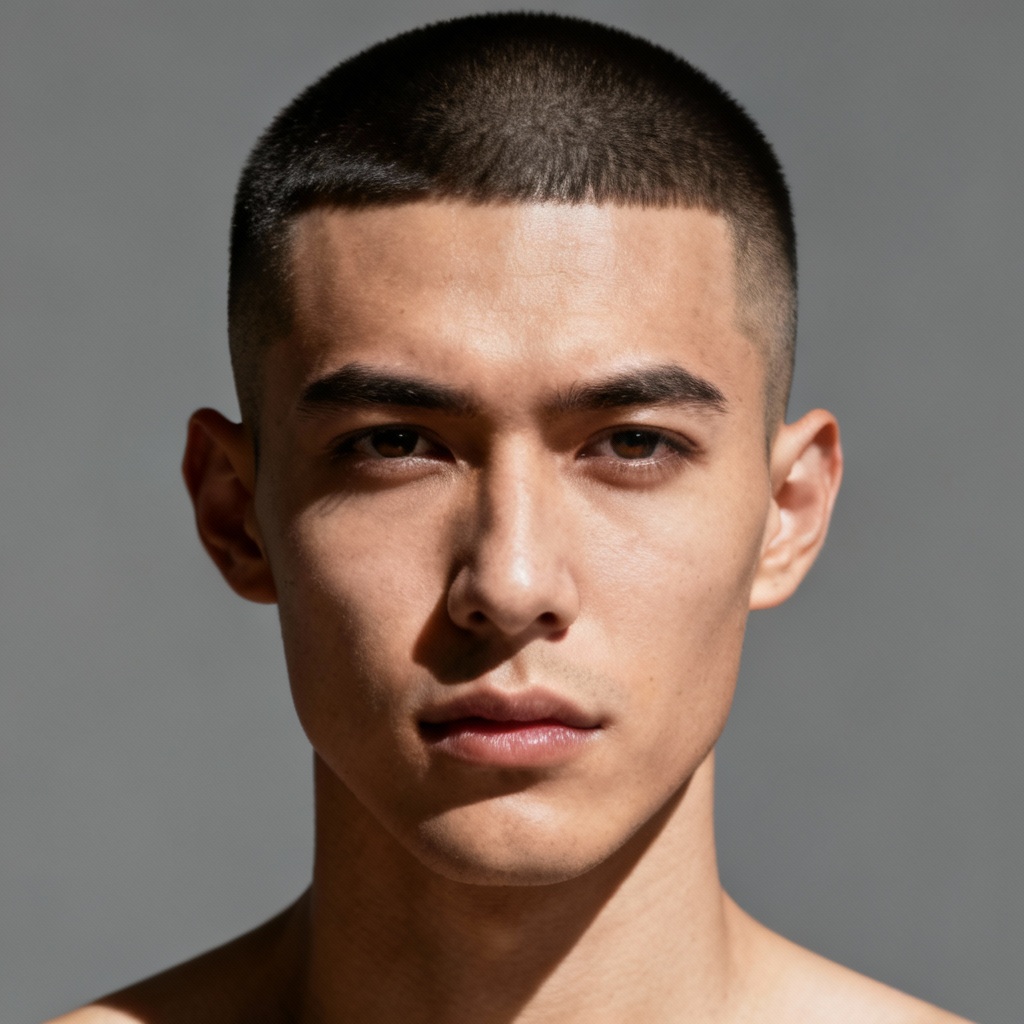
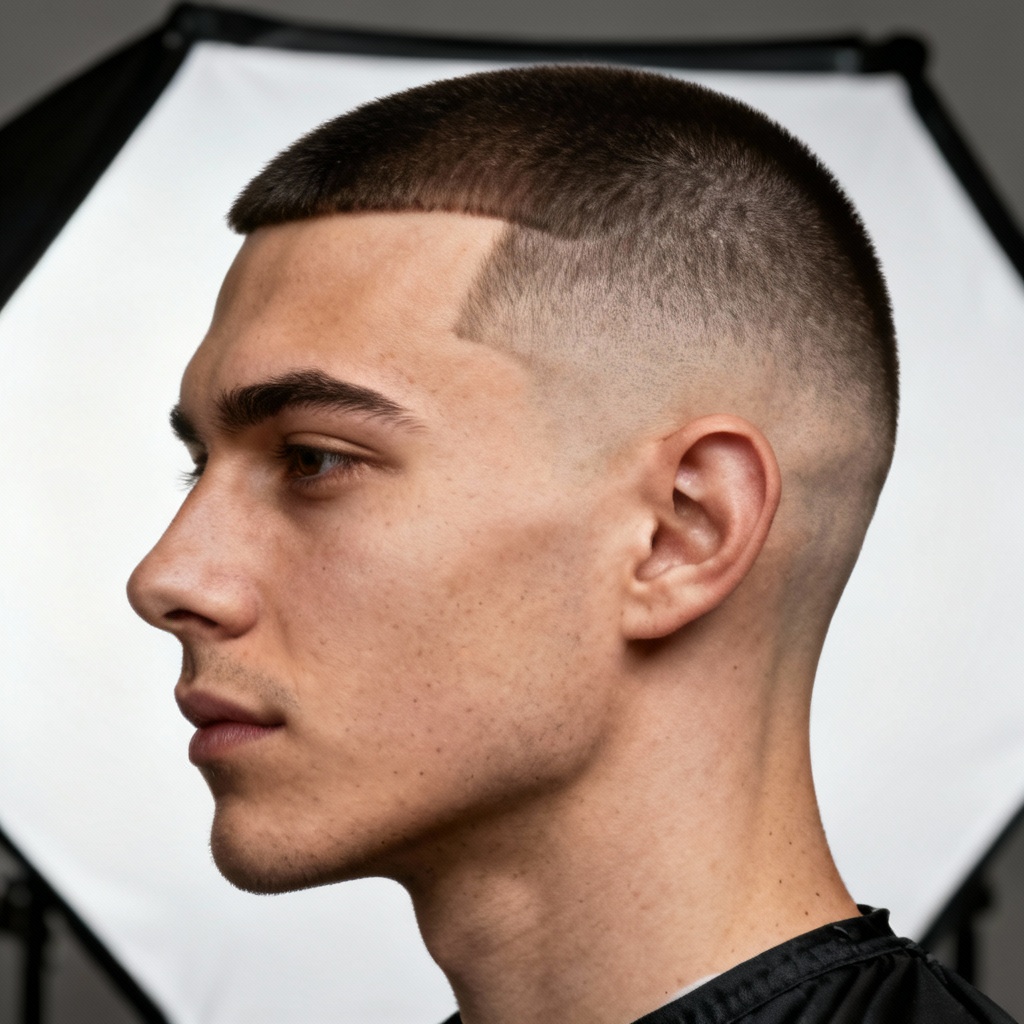
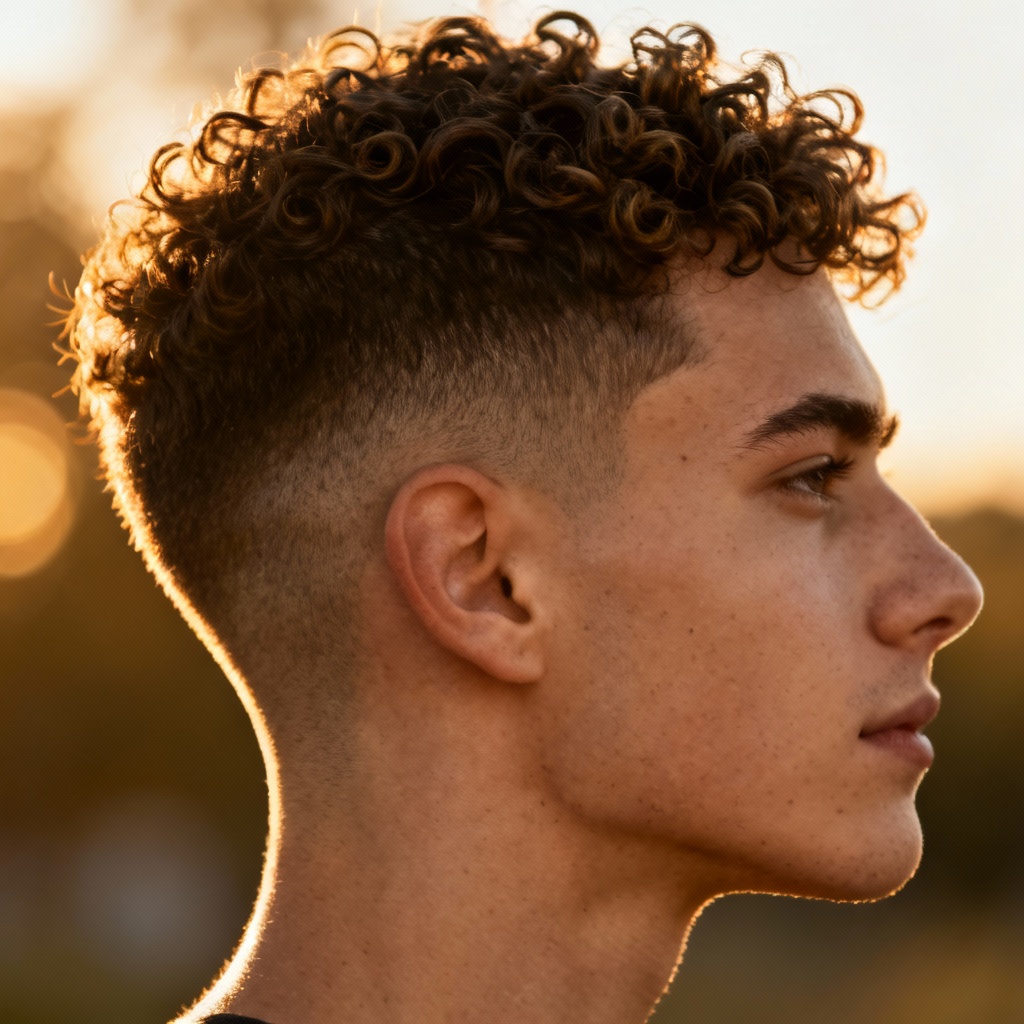
Myaiart’s AI buzz cut filter lets you try a buzz cut online in seconds. Upload a photo, pick guard lengths, fades, and beard options, then preview a clean, low-maintenance look tailored to your face shape. Get realistic before and after results, fine-tune details, and download your new buzz cut photo in high quality.
Import a front-facing, well-lit photo. JPG, JPEG, or PNG work best. For the most realistic haircut try-on, keep your hair away from the face and include your full head and shoulders.
Select buzz lengths from No.0 to No.4 guard, pick high, mid, or low fade, adjust lineup sharpness, and toggle beard styles. The AI adapts to your face shape for a natural virtual buzz cut preview.
Click Generate to see your before and after. Refine settings or add a prompt like clean No.2 guard with sharp lineup, then download your high-resolution buzz cut photo.
Use Myaiart’s haircut simulator to preview and create buzz cut visuals for personal, creative, and professional needs.
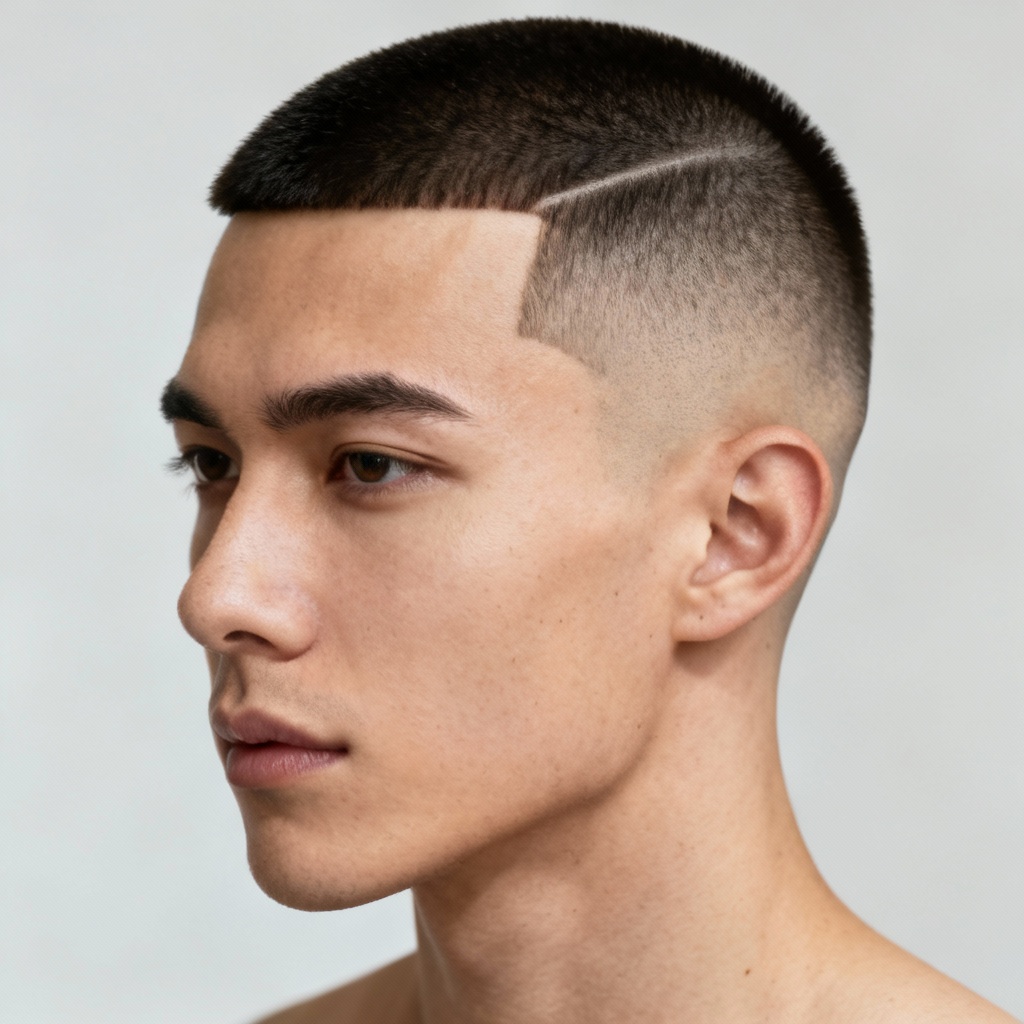
Advanced AI preserves pores, stubble, and lighting for lifelike results. See believable hair density, scalp shading, and clean lineups that match your photo.
Choose No.0 to No.4 guards, high or low fade, lineup sharpness, and beard pairing. Fine-tune to mirror real barber options for an accurate preview.
Generate in seconds and download high-resolution results with no watermark. Enjoy a smooth, private experience directly in your browser.