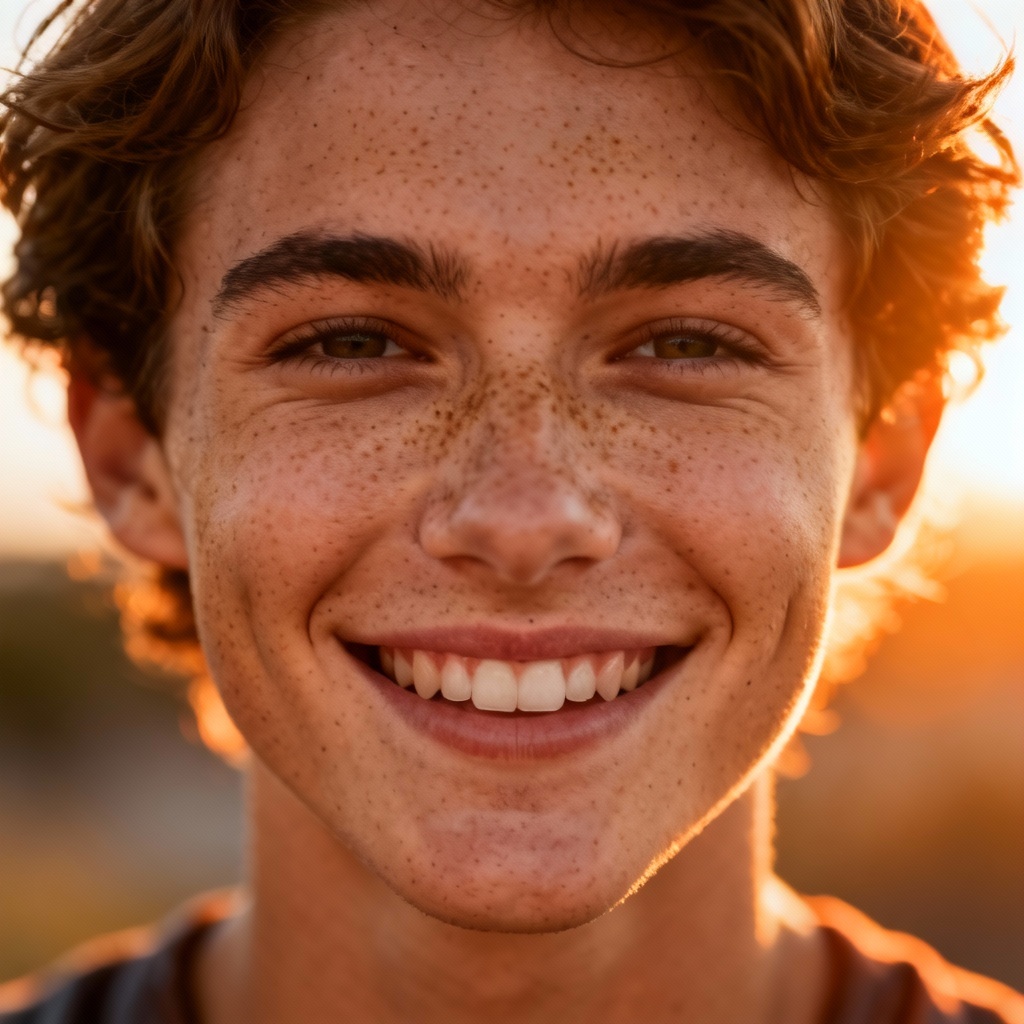
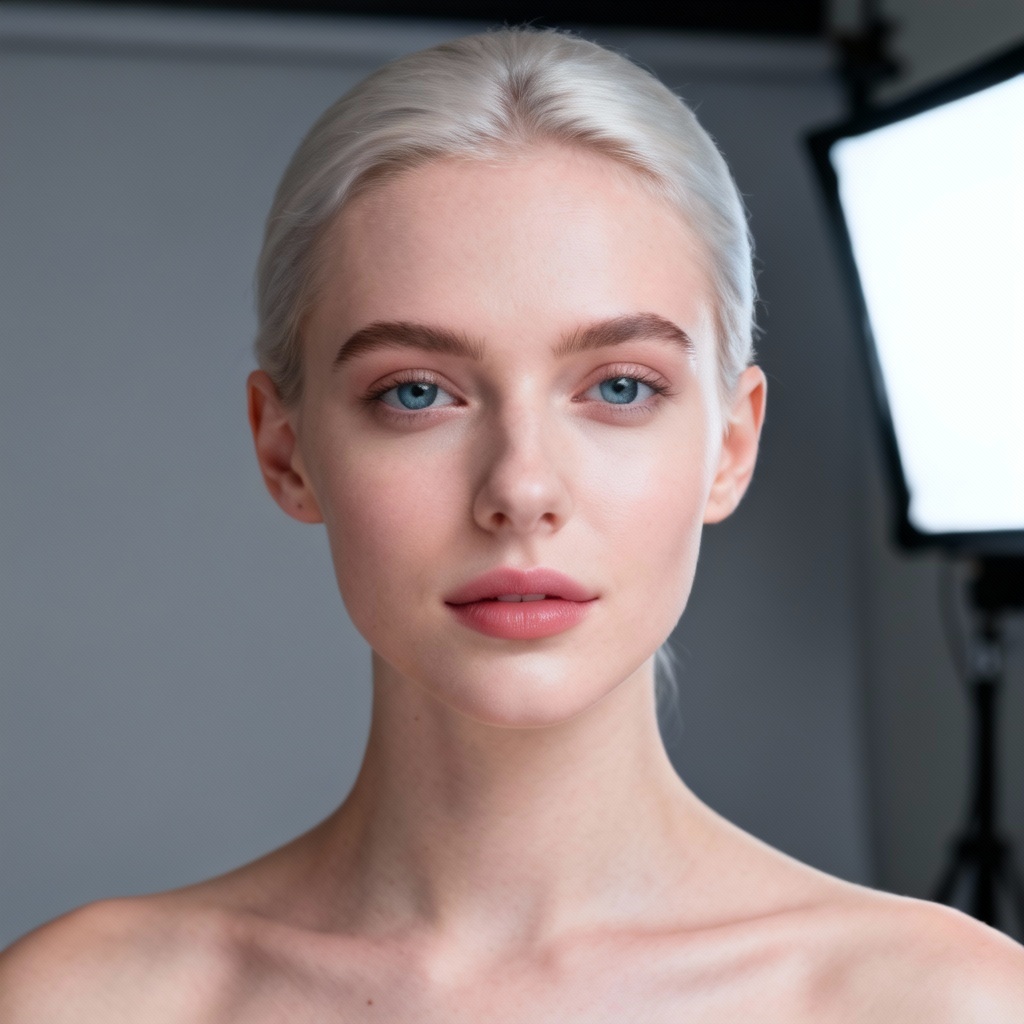
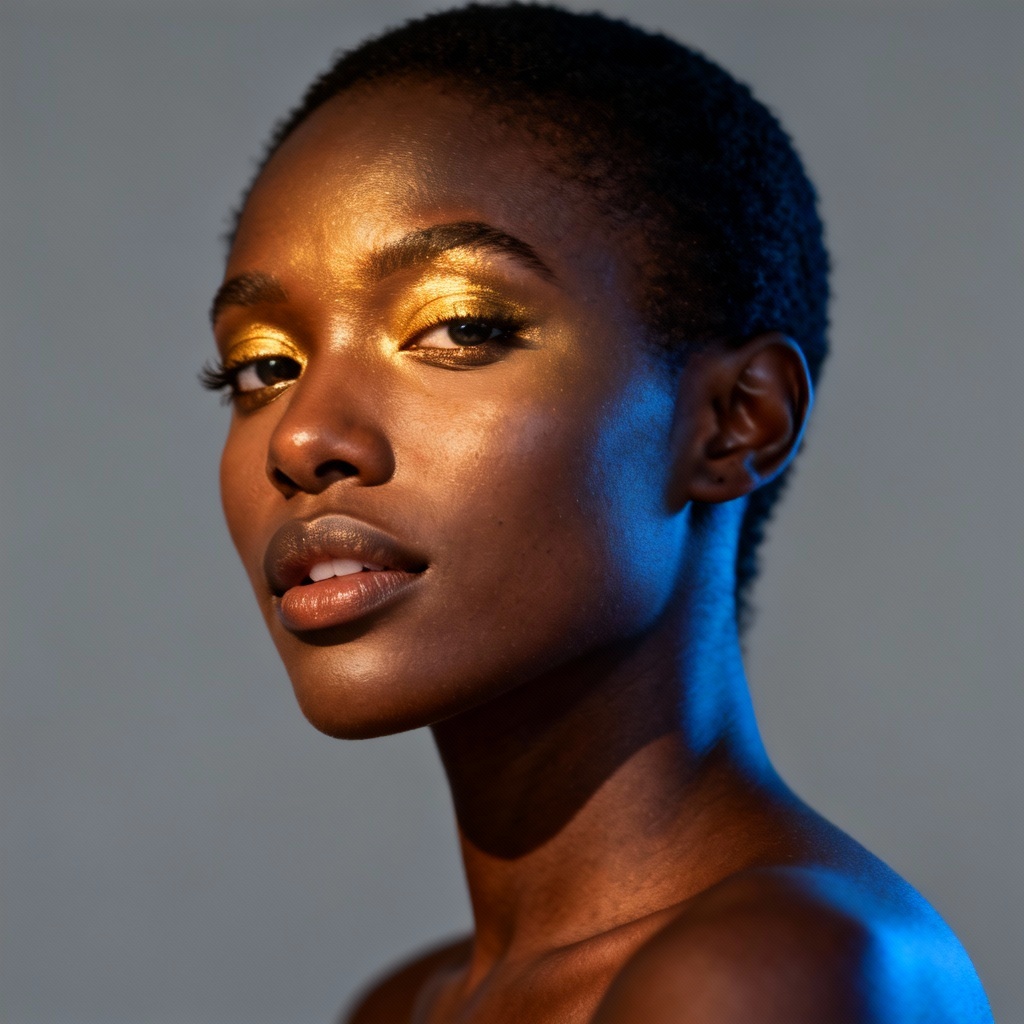
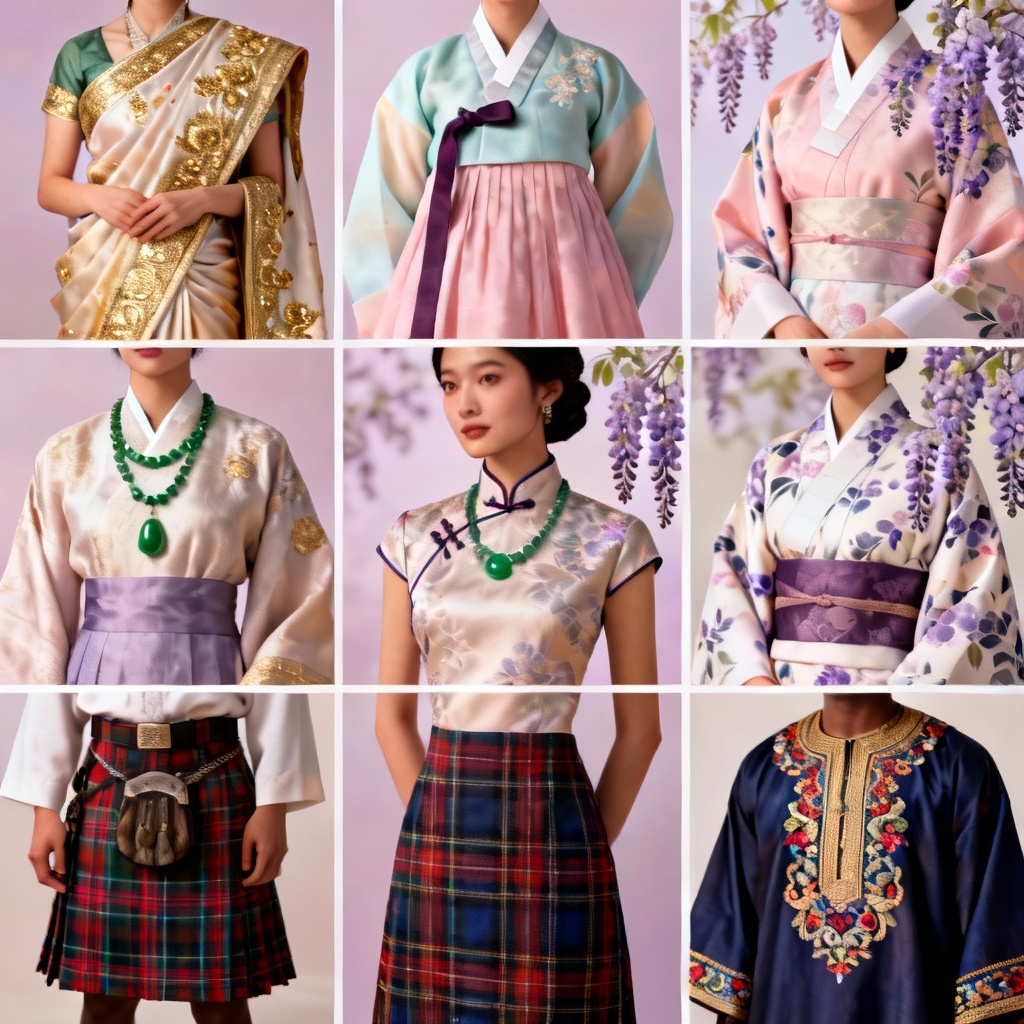
Myaiart’s free AI change skin color generator lets you refine any portrait with natural-looking skin tone edits. Balance lighting, match complexions, preview tan or makeup shade shifts, and harmonize undertones in seconds. Upload a photo or describe the tone you want. Get clean, high-resolution results ready for social, design, and e-commerce.
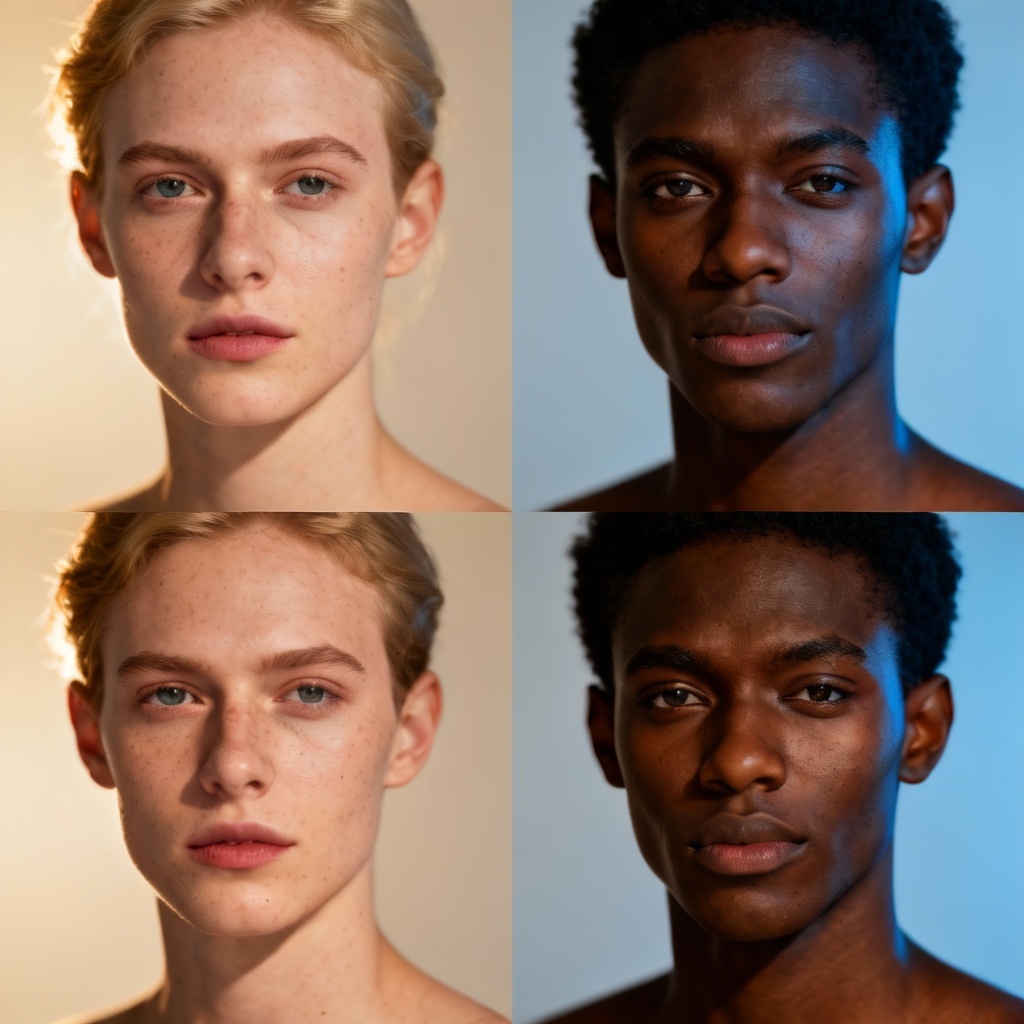
Upload a portrait in JPG, PNG, or JPEG, or enter a prompt describing the skin tone, undertone, and style you want, such as warm tan, fair cool, or deep neutral.
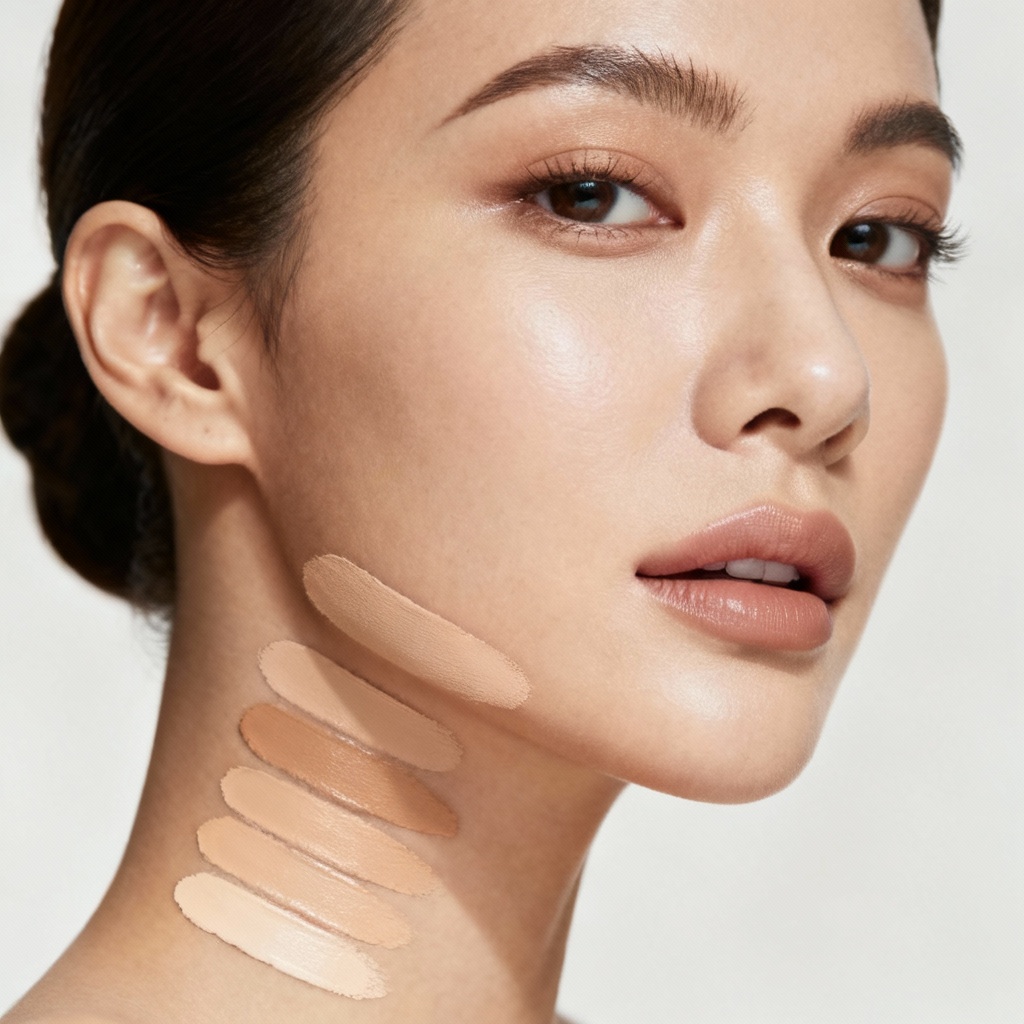
Choose lighten or darken, pick a tone swatch, or use a reference image for tone matching. Fine-tune warmth, coolness, saturation, and overall balance to keep results natural.
Click Generate to preview. When you are satisfied, download a high-resolution image without watermarks, ready for social posts, design mockups, or e-commerce.
From portraits to product visuals, quickly refine skin tones with natural, consistent results. Perfect for design, marketing, beauty, and creative workflows.
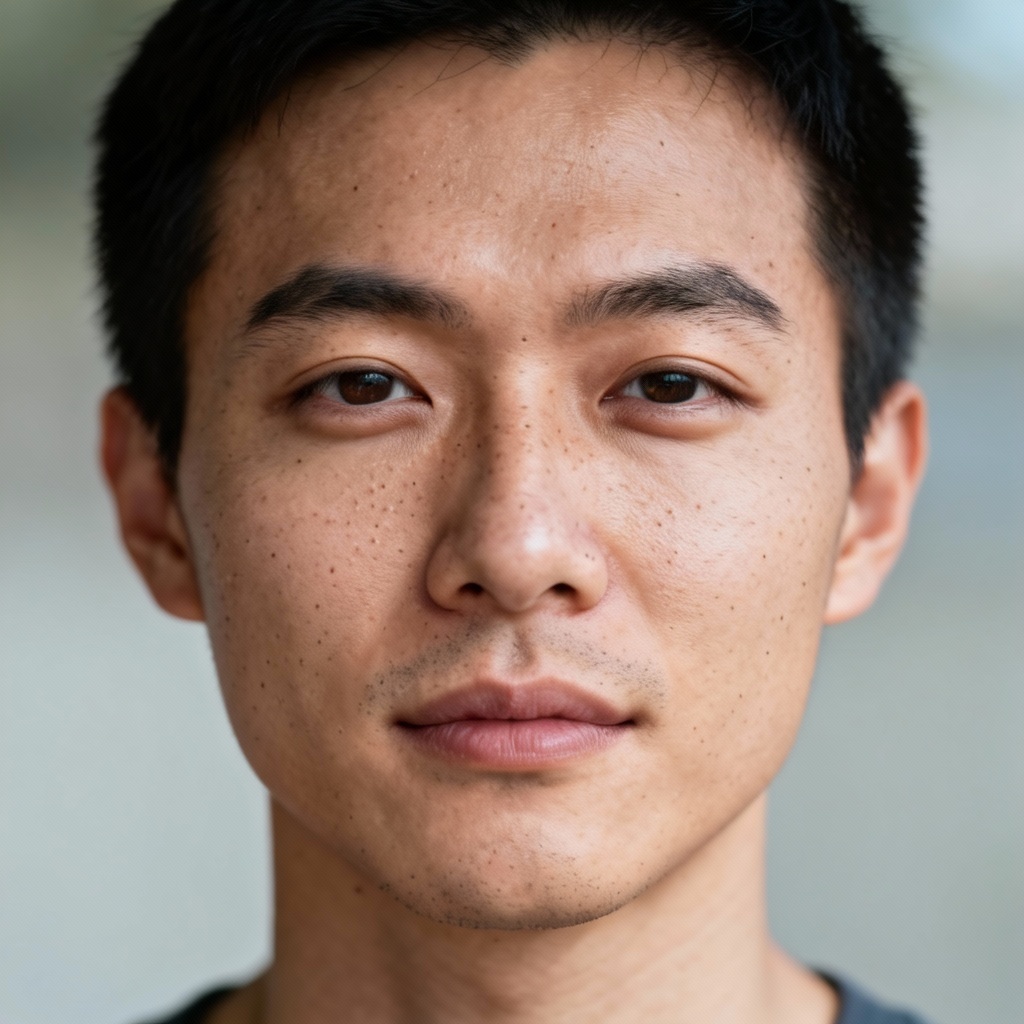
Preserve facial features, pores, and microtextures while adjusting tone and undertone. Get realistic edits suitable for close-up portraits and commercial work.
AI recognizes faces and skin areas automatically. Fine-tune lightness, warmth, saturation, and undertones or match a reference image for consistent results.
Generate skin tone changes in seconds, download high-resolution images, and keep your content clean with no watermarks. We respect your privacy and security.