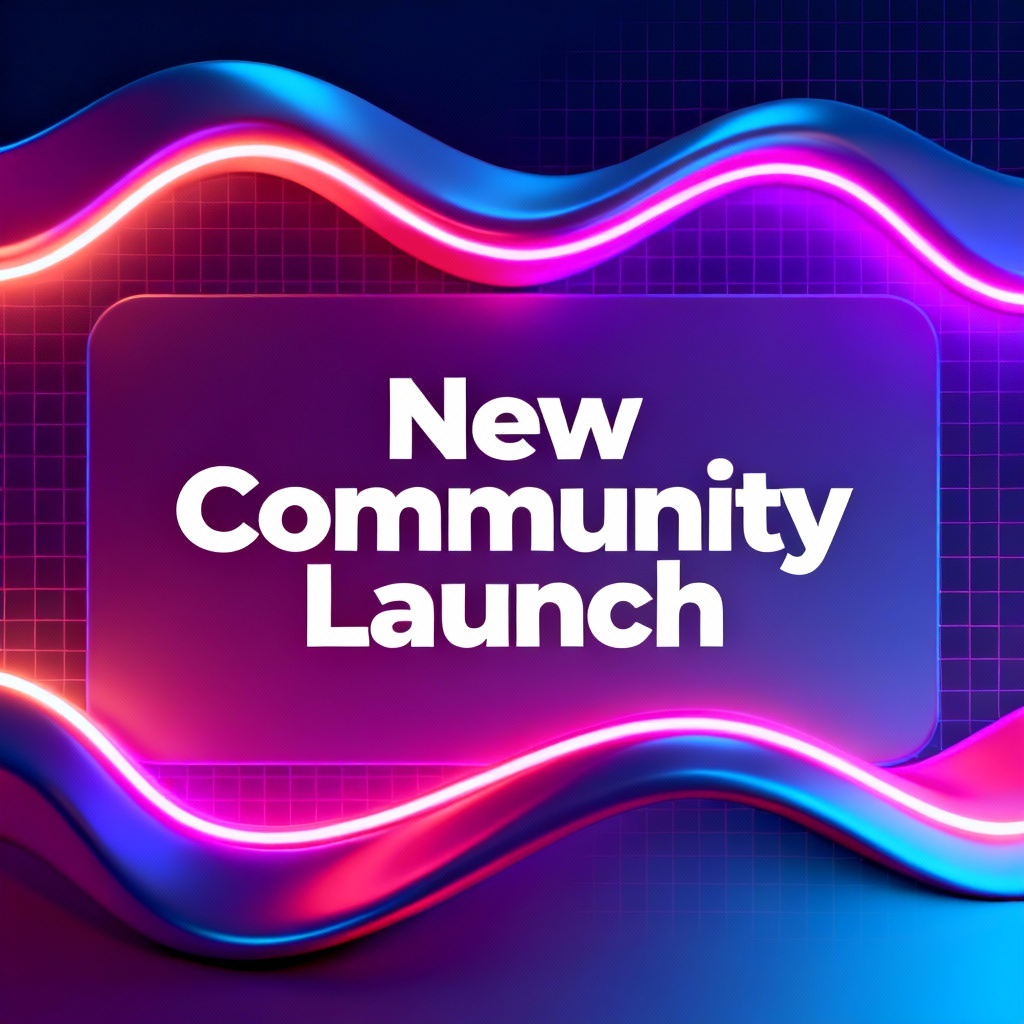
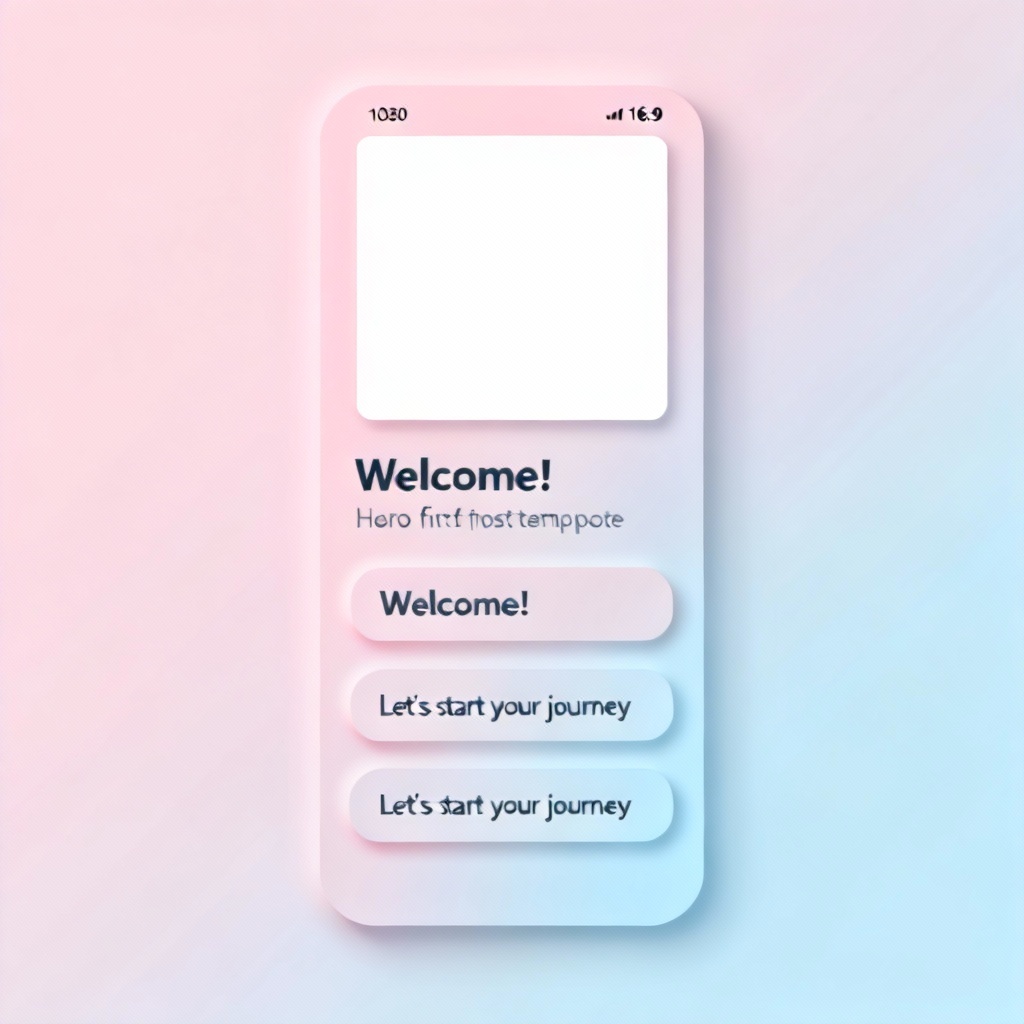
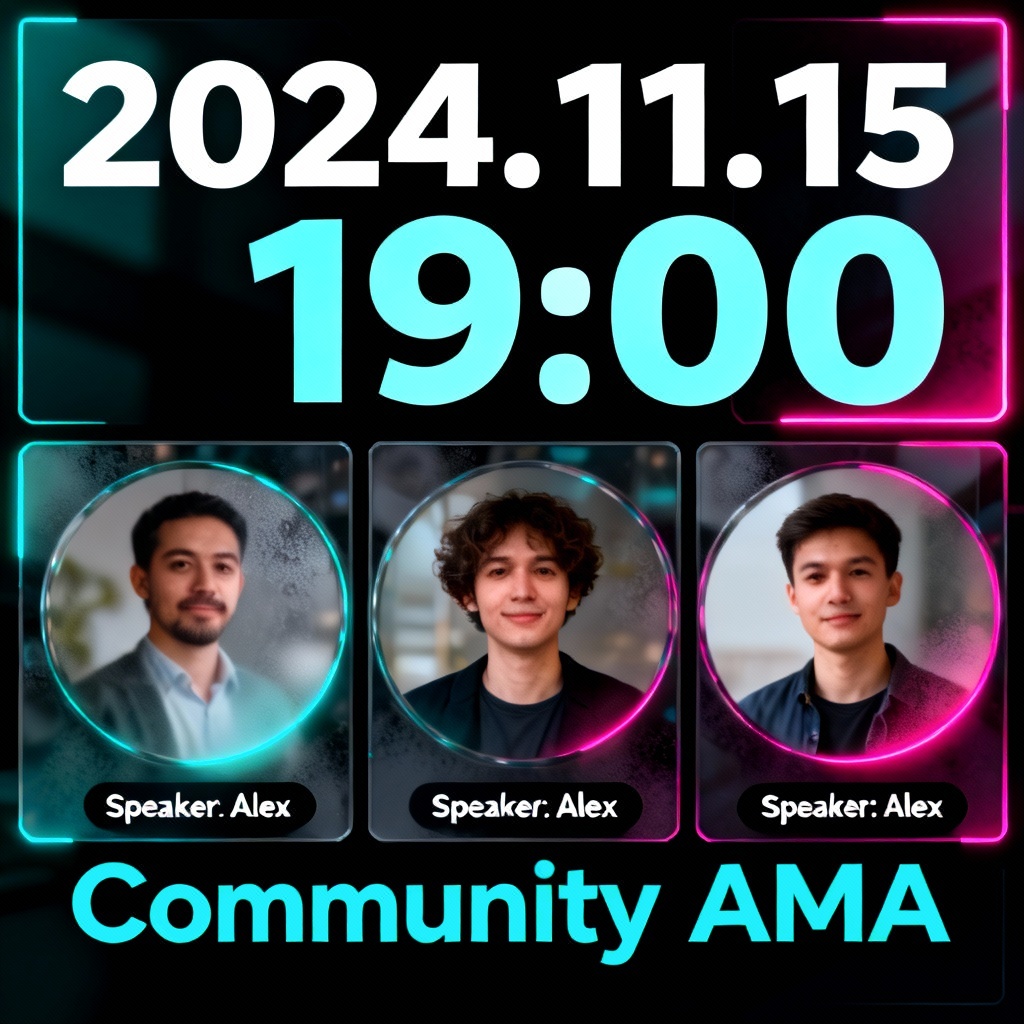
Myaiart’s AI community generator lets you design and launch a complete community brand in minutes. Create banners, logos, role icons, emoji packs, event posters, and ready-to-post welcome messages. Start from templates or your niche, then customize style, colors, and tone. Download assets in high quality and publish across your forum, chat server, or membership platform.
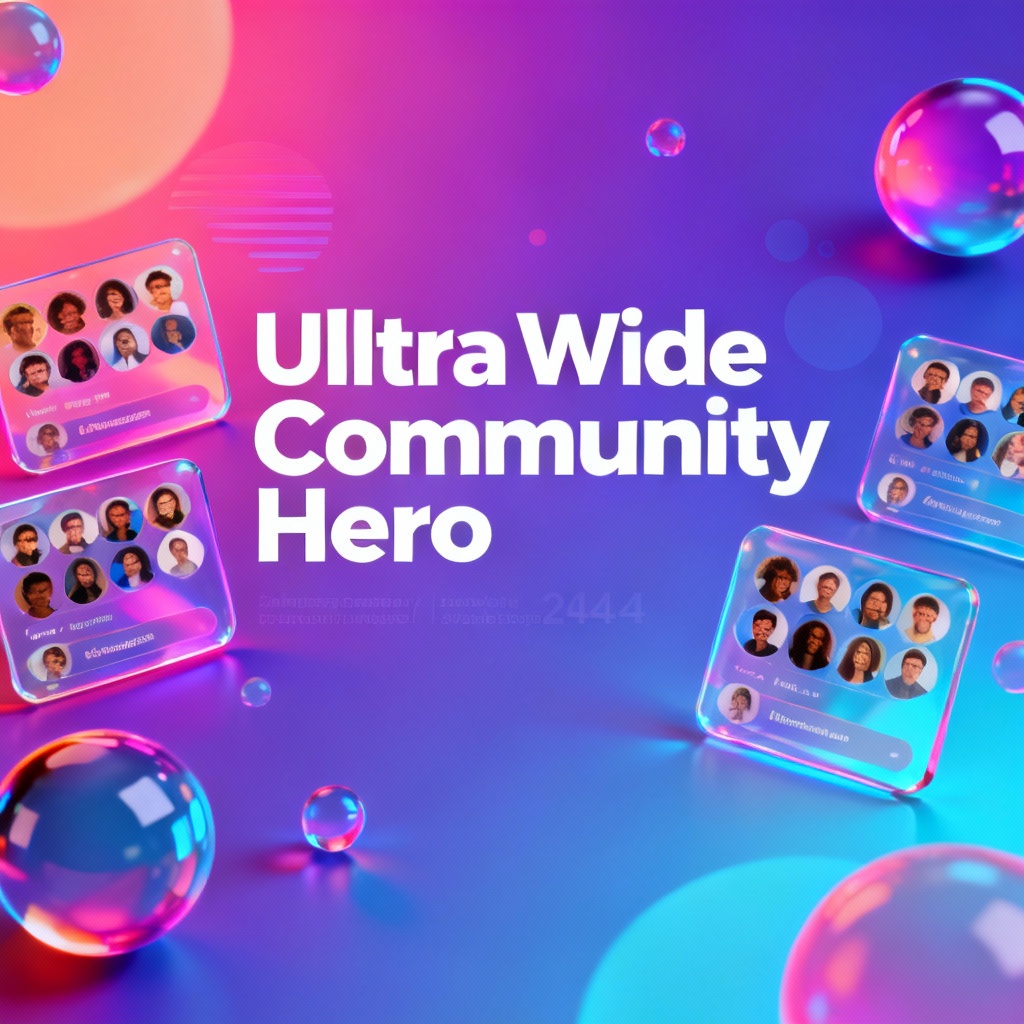
Enter your niche, audience, vibe, color preferences, and platform type. Add keywords like helpful, playful, or pro. You can also paste a short mission statement to guide the AI community builder.
Choose a brand kit, banner size, logo approach, icon style, and post layouts. Upload an existing logo or palette to match. Preview instant variations generated by the online community generator.
Create full assets and copy in seconds. Tweak fonts, colors, and compositions, rewrite welcome messages, and export banners, logos, icons, emojis, and posters in PNG, JPG, or SVG. Download everything watermark free.
From first impression to daily engagement, Myaiart turns your ideas into a cohesive community brand. Use the AI community creator to design visuals, craft onboarding flows, and generate evergreen content that keeps members active and aligned with your mission.
Advanced models analyze your niche and tone, then produce coordinated banners, logos, icons, and post templates that look consistent across platforms. Start free and publish faster.
Generate multiple styles, refine with precise controls, and export sharp assets in PNG, JPG, or SVG. All results are high resolution and watermark free.
Beyond images, get welcome copy, channel ideas, posting prompts, and event descriptions. Build a complete community kit that covers voice, visuals, and launch messaging.