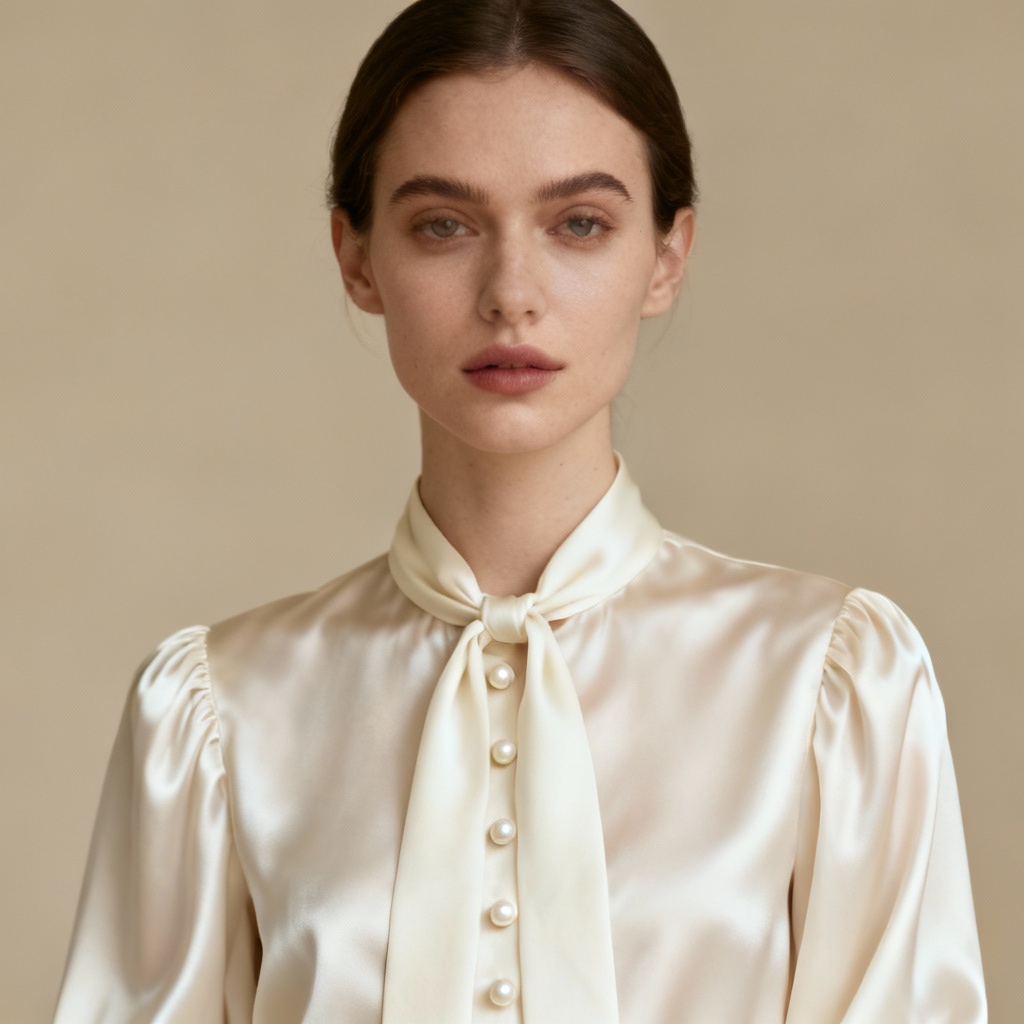
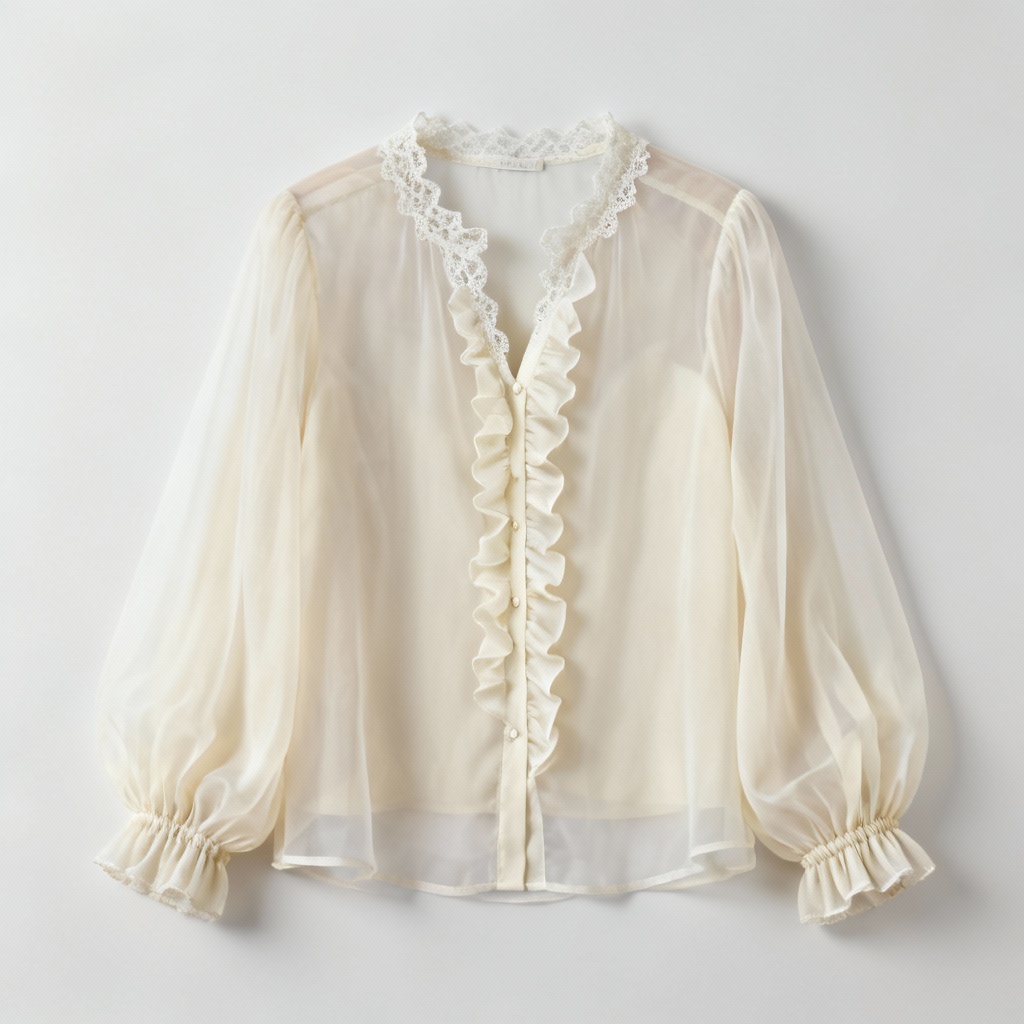
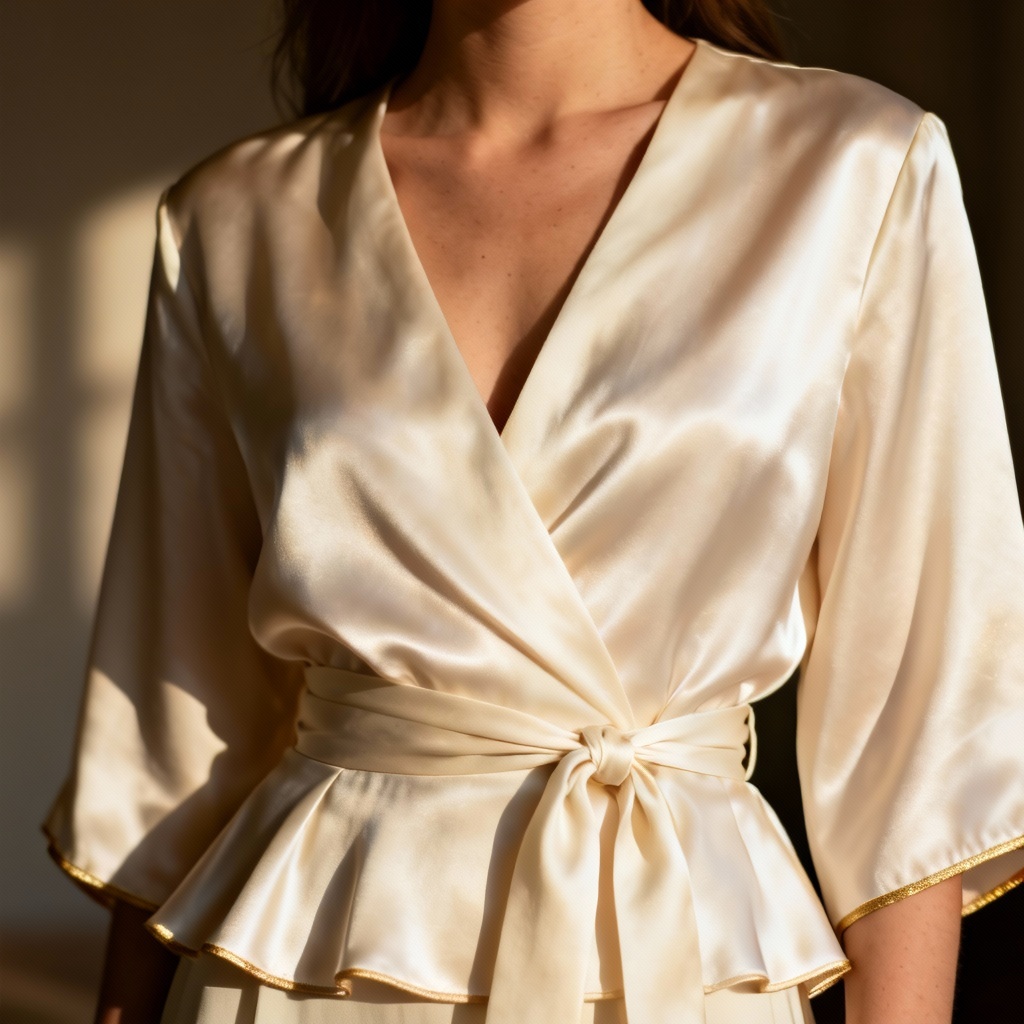
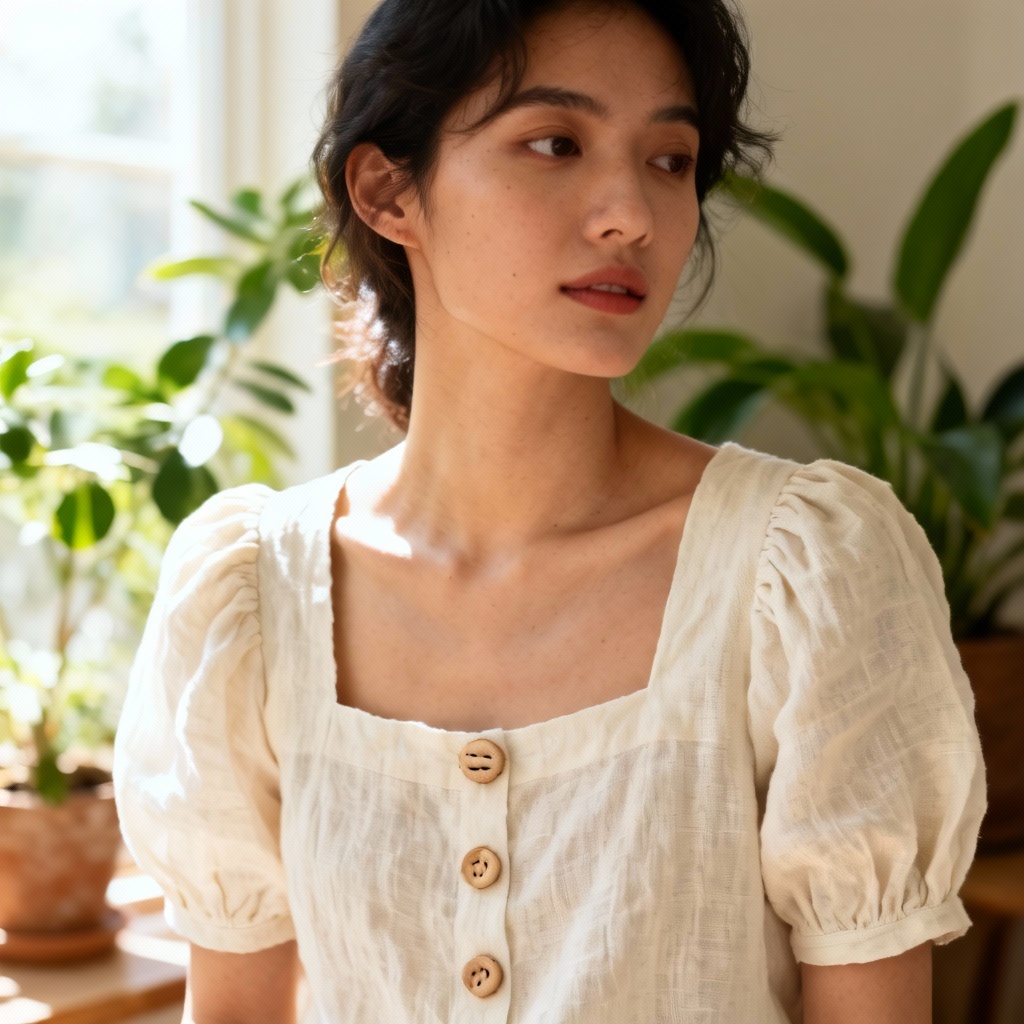
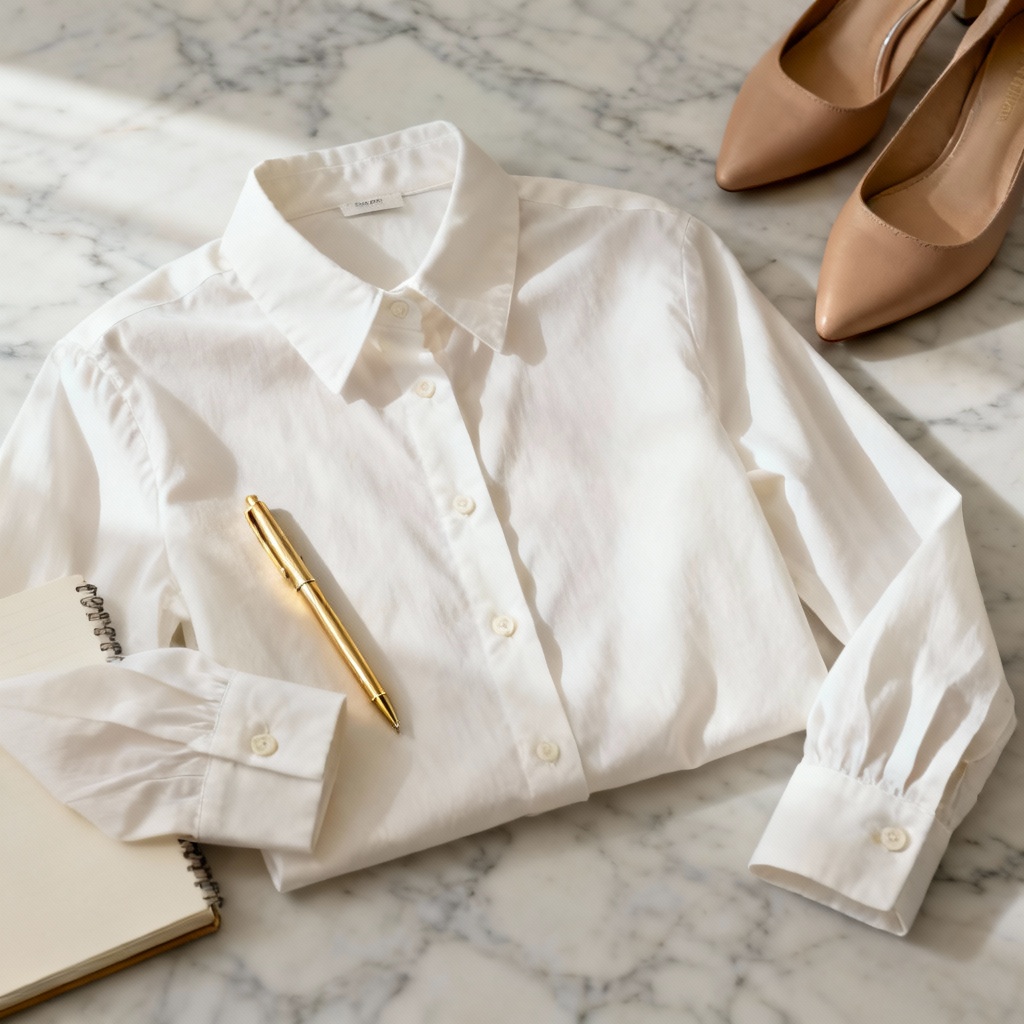
Myaiart’s AI cream blouse generator lets you design cream blouses, build mockups, test fabrics, and style full outfits instantly. Type a prompt or upload a photo to create chiffon, silk, satin, or linen looks with accurate drape, collars, ruffles, and lace. Download high-resolution, watermark-free images for fashion design, e-commerce, and social media.
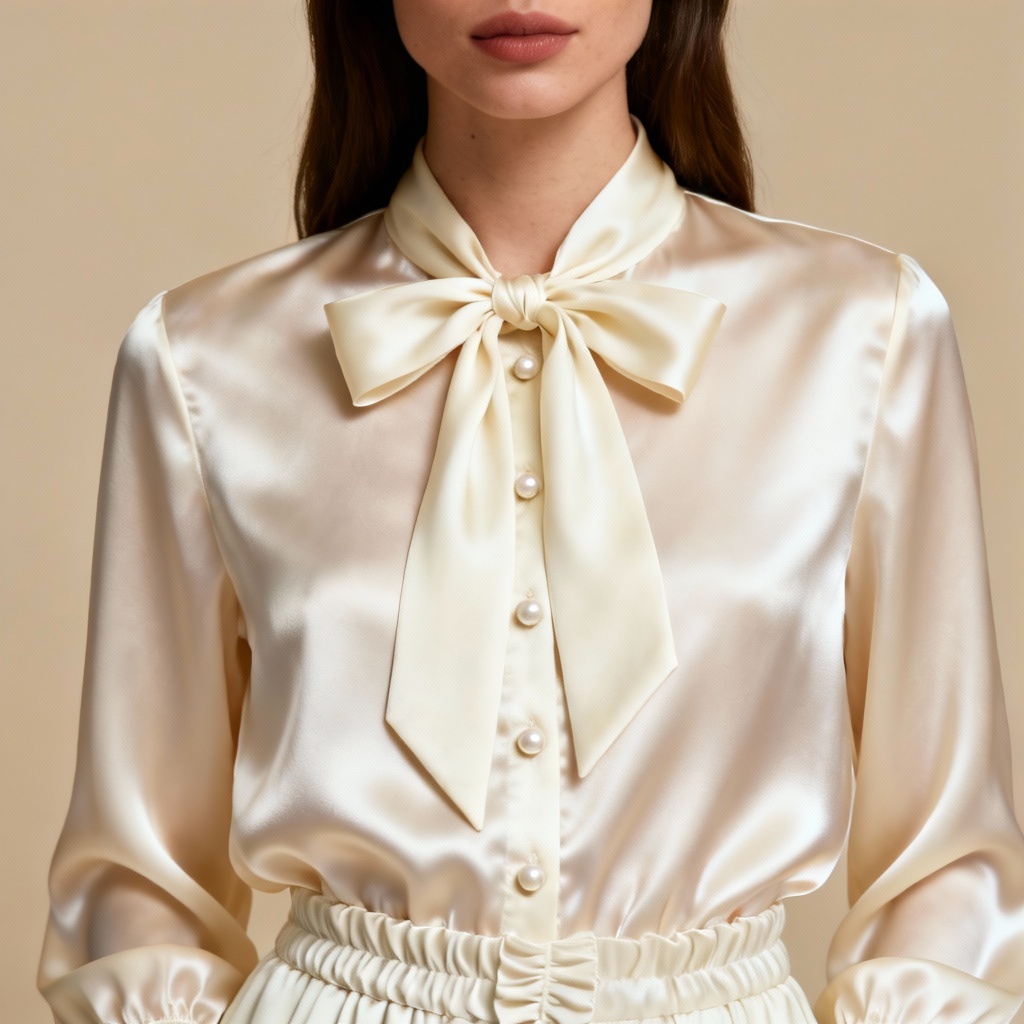
Enter a detailed prompt describing fabric, sleeve, collar, buttons, silhouette, pose, and background. Or upload a photo to restyle an outfit with a cream blouse overlay.
Click Generate. Adjust style, fabric, colorway, lighting, and background. Use inpainting to refine collars, cuffs, lace trim, or logo placement.
Download high-resolution mockups for print or web. Export clean PNG or JPG for e-commerce, lookbooks, and social media.
Apply the AI cream blouse generator to speed up concepting, marketing visuals, and outfit planning. Instantly test necklines, sleeves, and textures without a photoshoot.
Get sharp, realistic blouse textures with accurate sheen, weave, and translucency. Maintain details like pearl buttons, pleats, and stitch lines for pro-grade results.
Switch between chiffon, satin, silk, linen, crochet lace, or cotton. Control collars, ruffles, cuffs, tie-neck bows, puff sleeves, and peplum silhouettes with precision.
Generate images in seconds from text or photo. Use inpainting to fix collars or cuffs, remove wrinkles, swap backgrounds, and produce clean mockups fast.