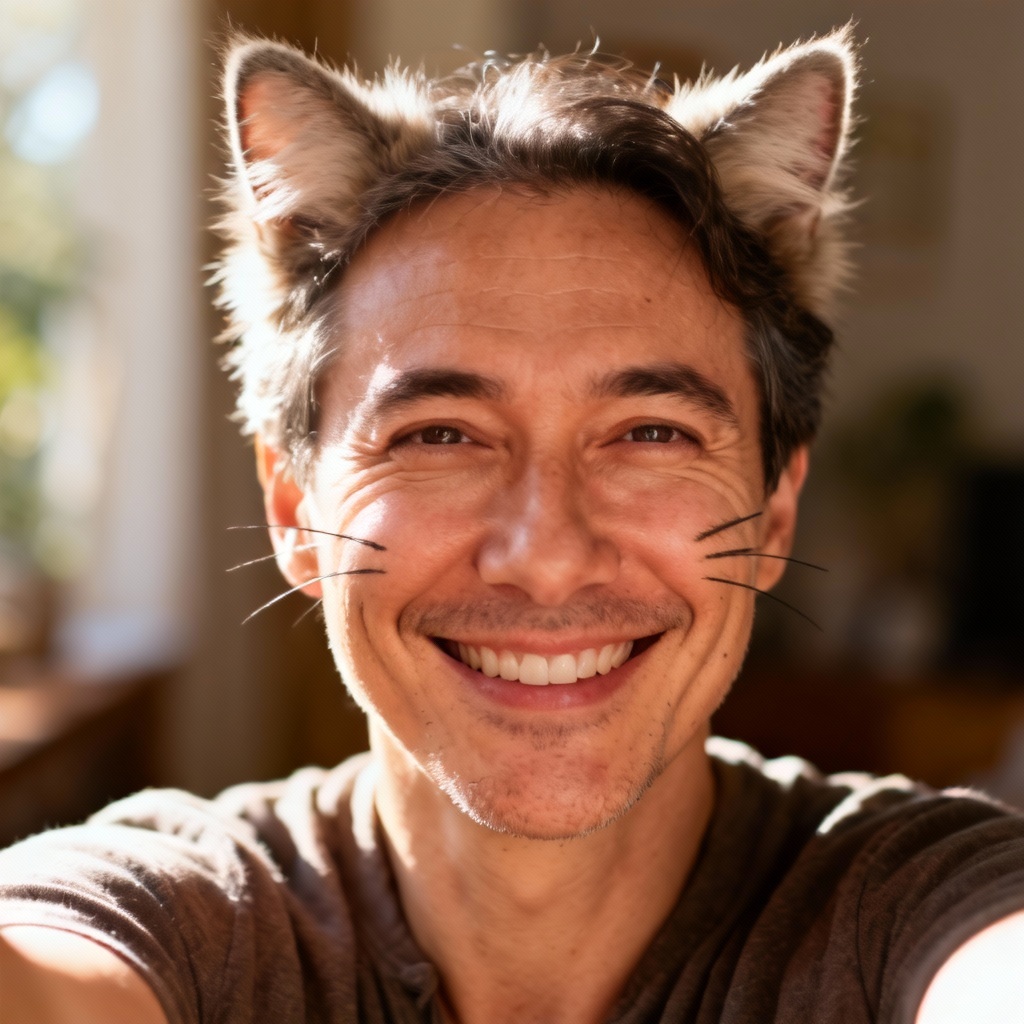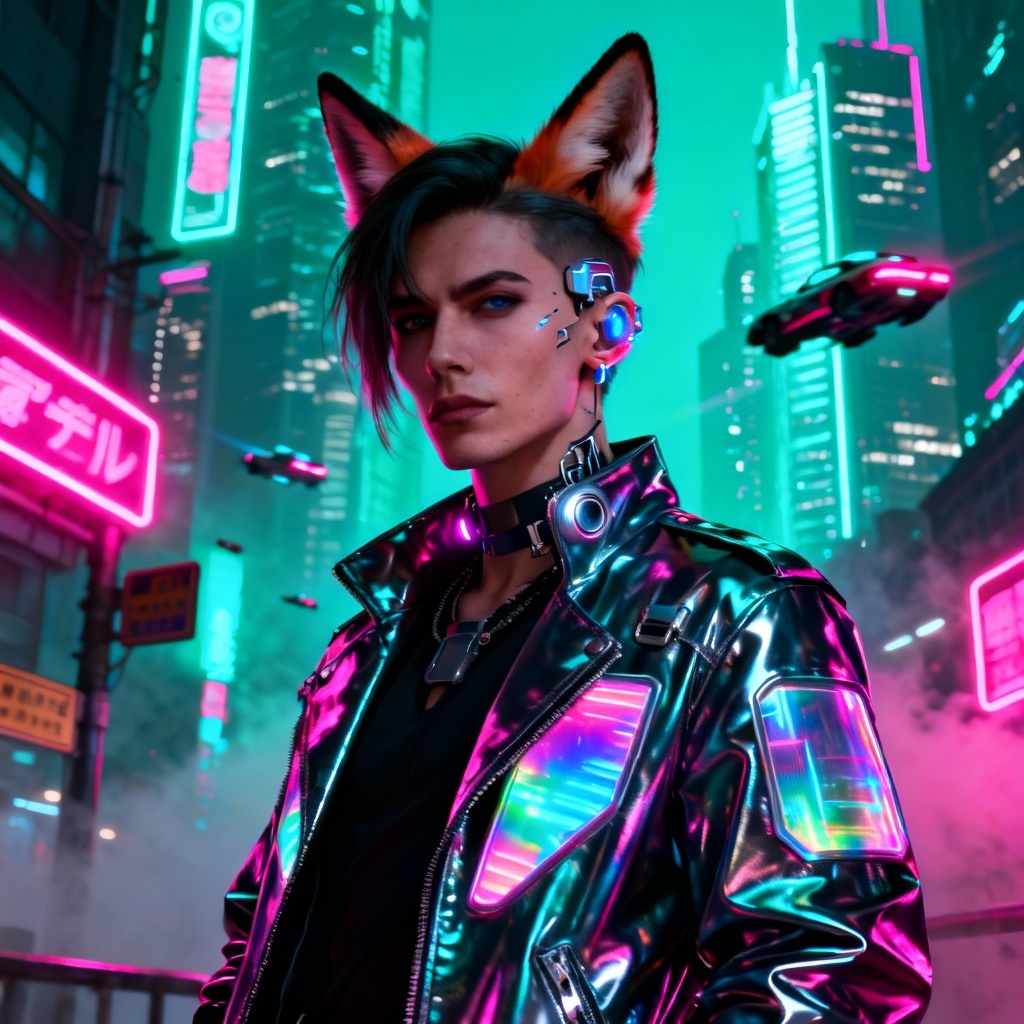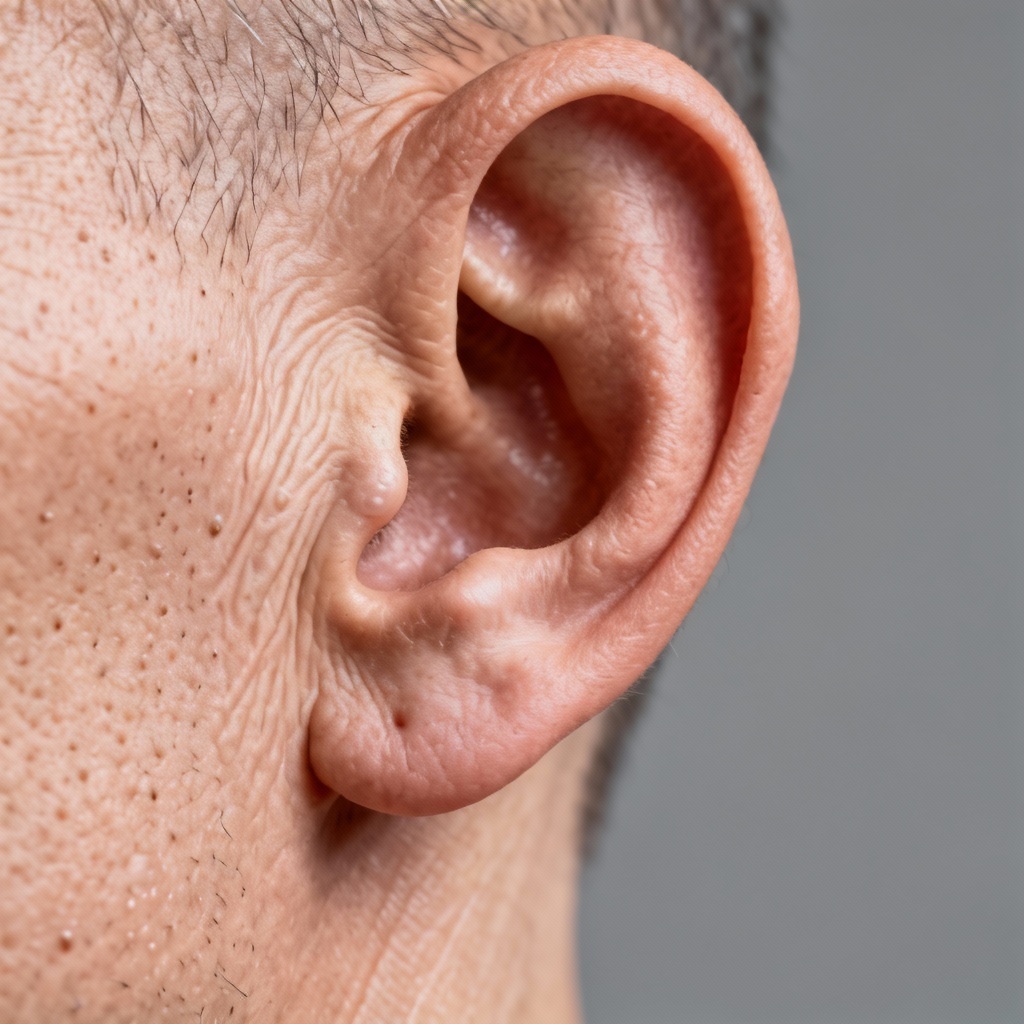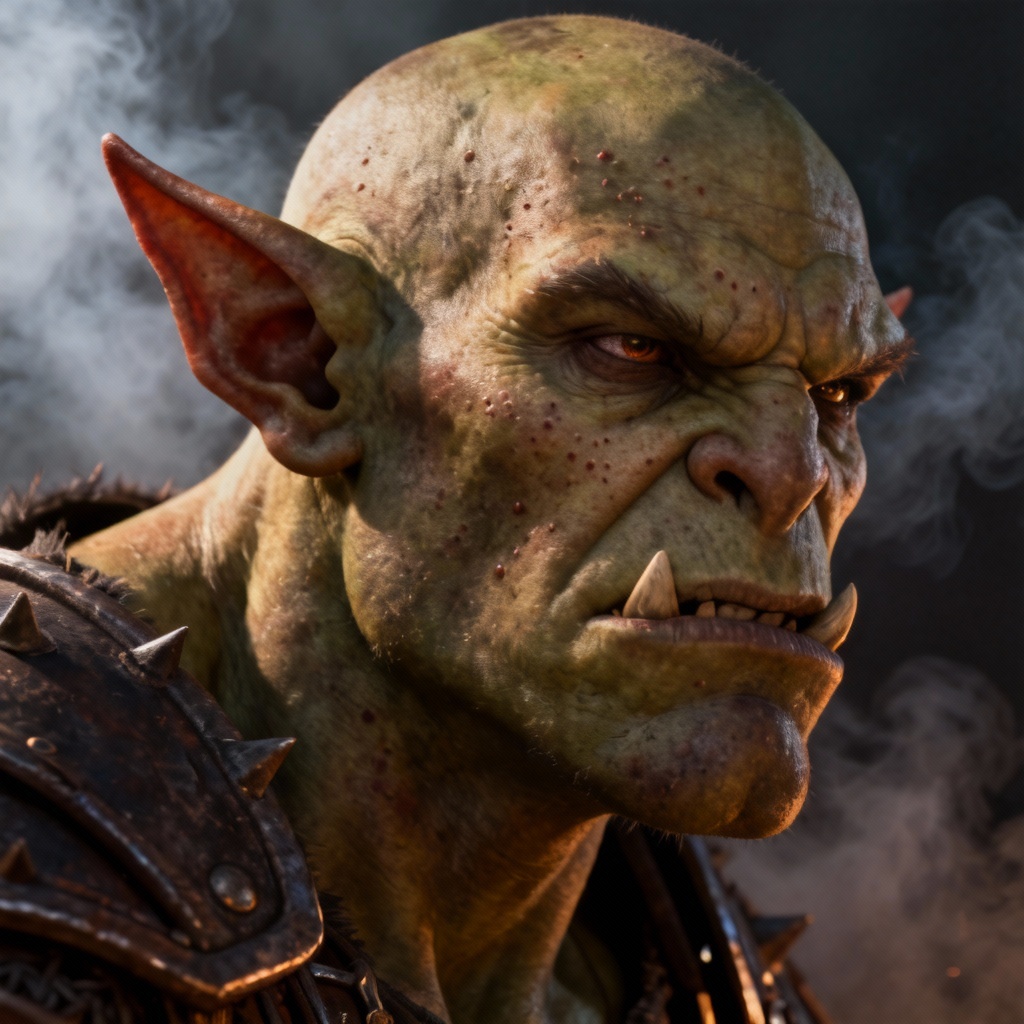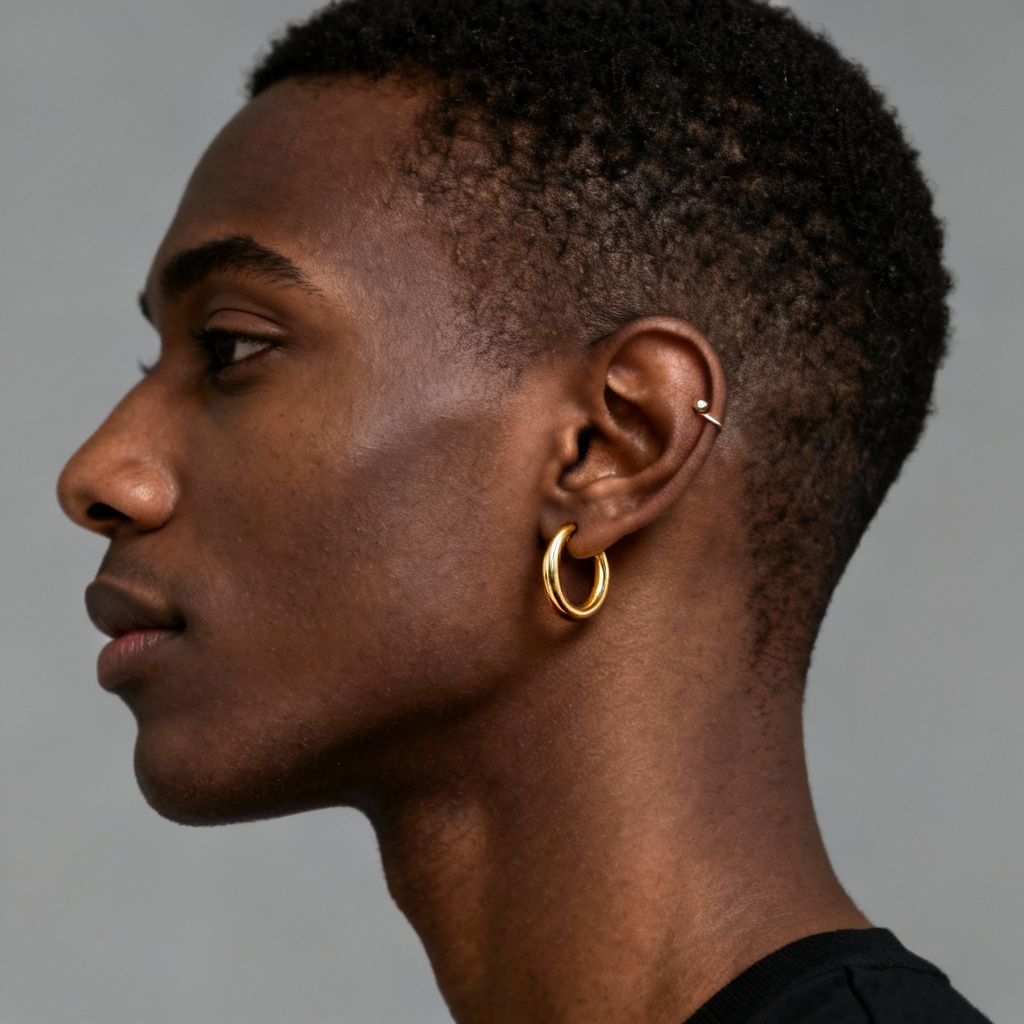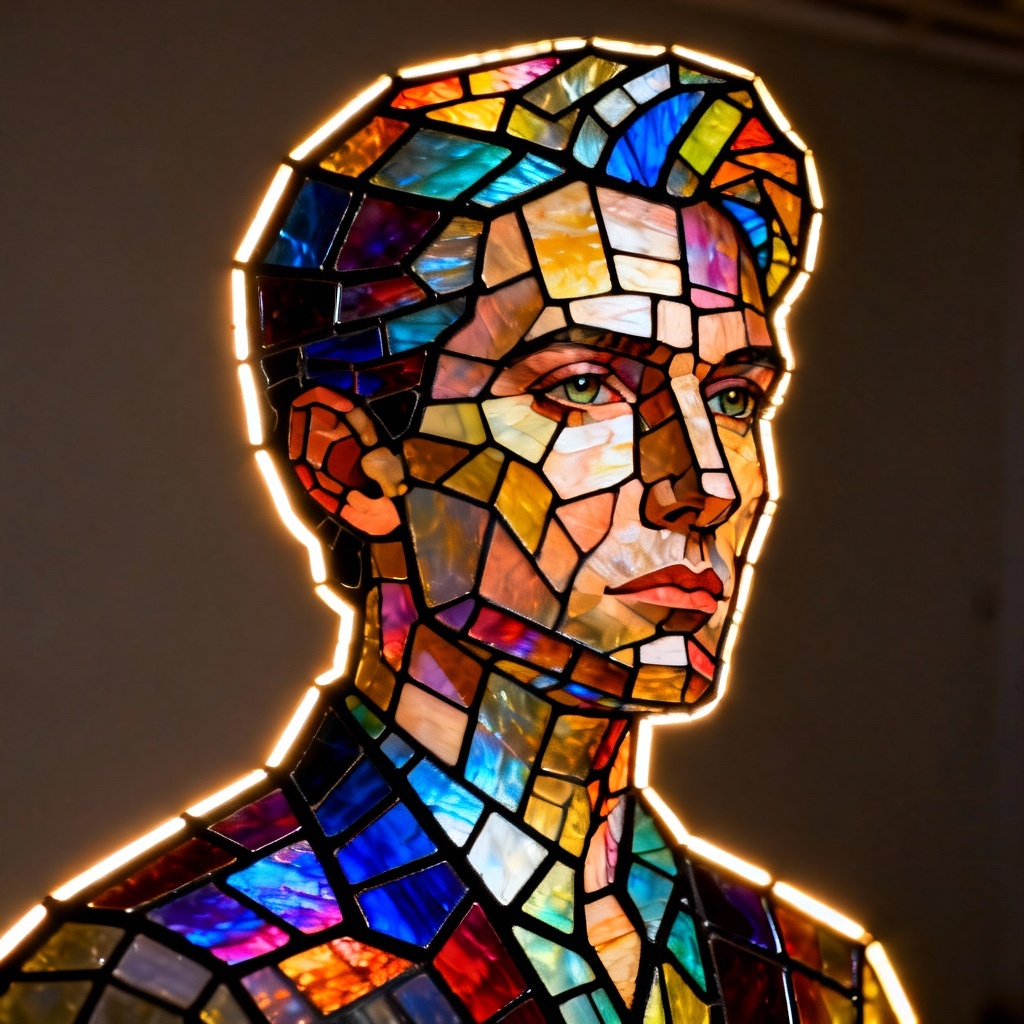

MyAIArt’s free AI ears generator lets you add, fix, or stylize ears in any image. Create elf ears, cat or fox ears, realistic human ear corrections, and earring or piercing try-ons. Upload a photo or enter a prompt, customize the look, and download high-quality results in seconds.
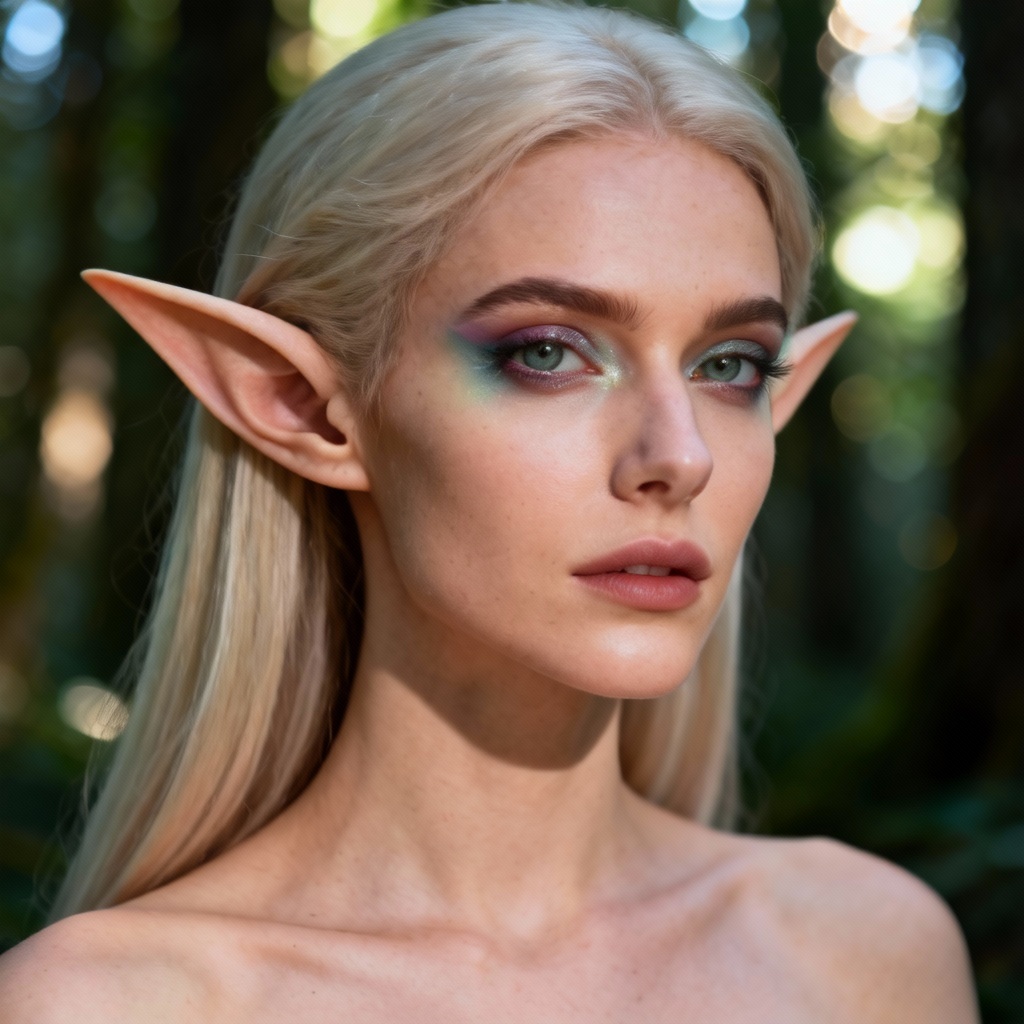
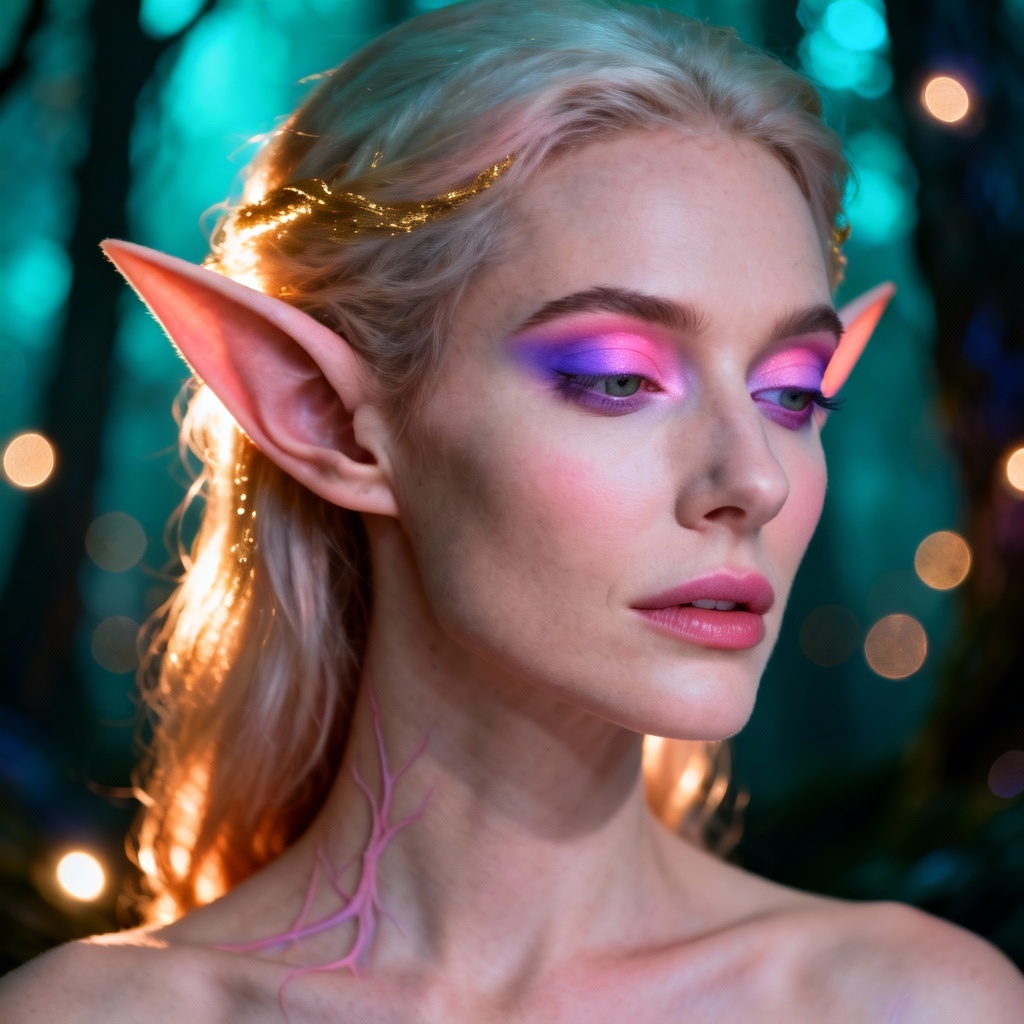
Upload a photo or write a prompt with the ear type, size, angle, and style you want. Include details like elf or cat ears, realistic ear shape, piercings, lighting, and background.
Select realistic, anime, or stylized model. For photo edits, enable inpainting, brush over the ear area, and set strength for subtle or bold changes. Click Generate to preview multiple results.
Adjust size, symmetry, and color match. Try variations, upscale for high resolution, and keep your original composition intact. Download watermark-free images ready for portraits, cosplay, or design.
Whether you need fantasy makeovers, portrait retouching, or product visuals, MyAIArt’s AI ears generator delivers fast, consistent results for personal and commercial projects.
Preserve facial structure, lighting, and skin tone while adding or adjusting ears. The AI maintains natural proportions, realistic shadows, and texture detail, delivering sharp results that look authentic and consistent in portraits and product images.
Use text-to-image for fresh creations or image-to-image for precise edits. Mask just the ear area with inpainting, tweak size and angle, and switch between realistic, anime, and stylized ears for any creative direction or brand aesthetic.
Generate previews in seconds and download high-resolution images without watermarks. Your uploads are processed securely and auto-deleted after completion, giving you privacy and production-ready outputs for personal or commercial use.