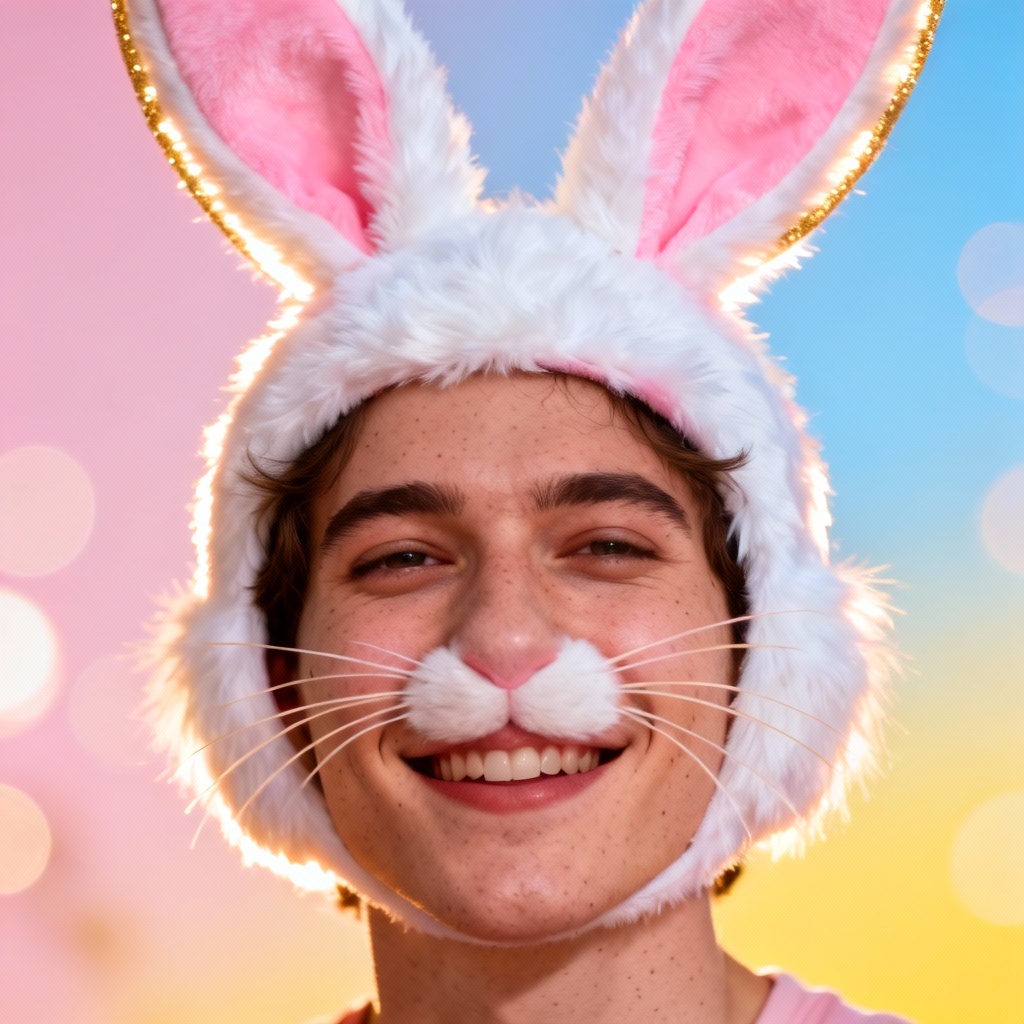
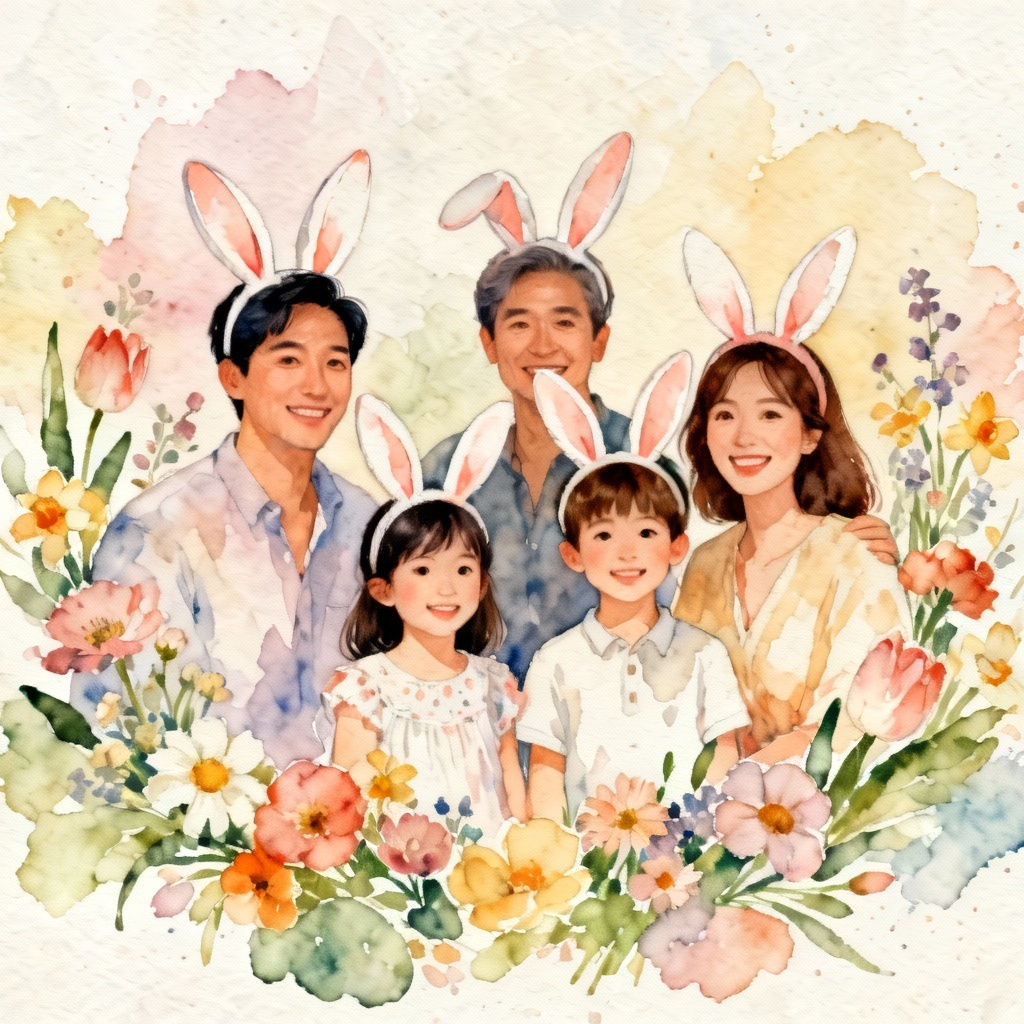
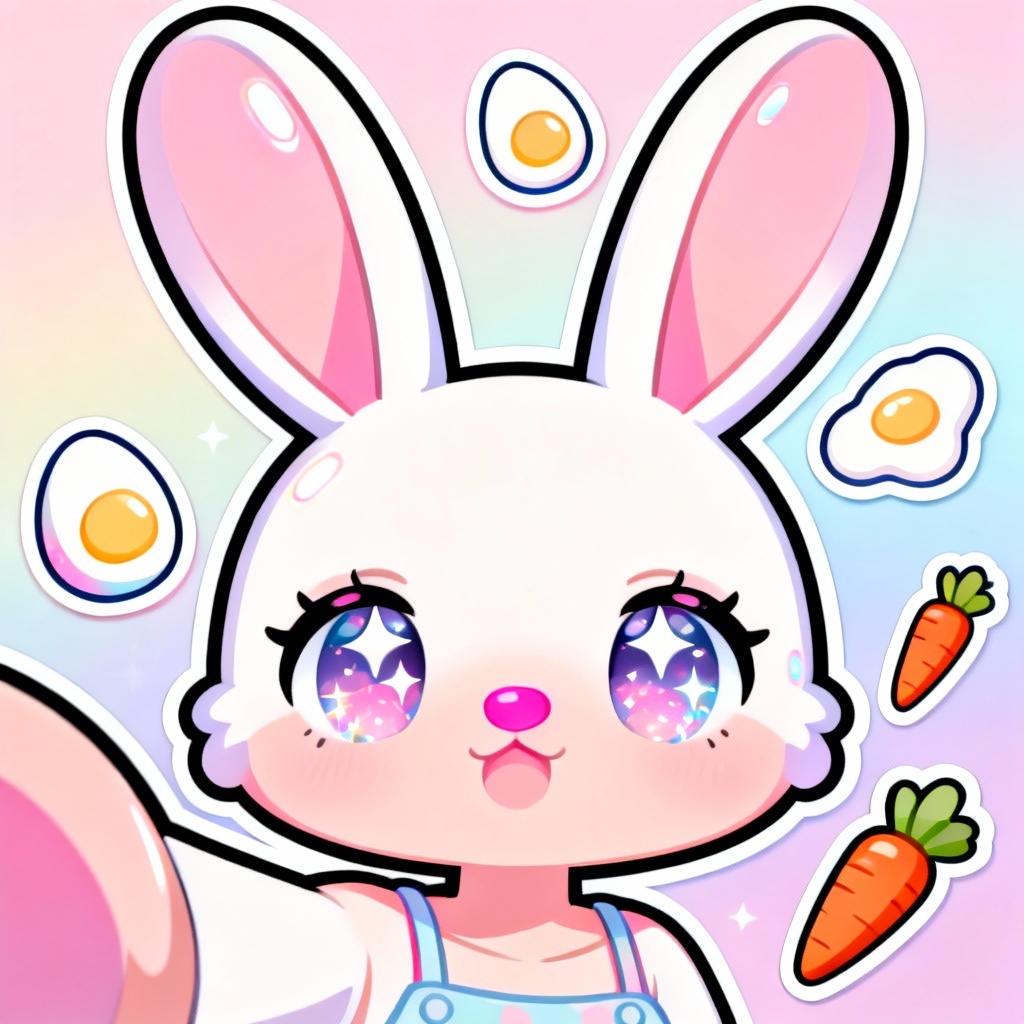
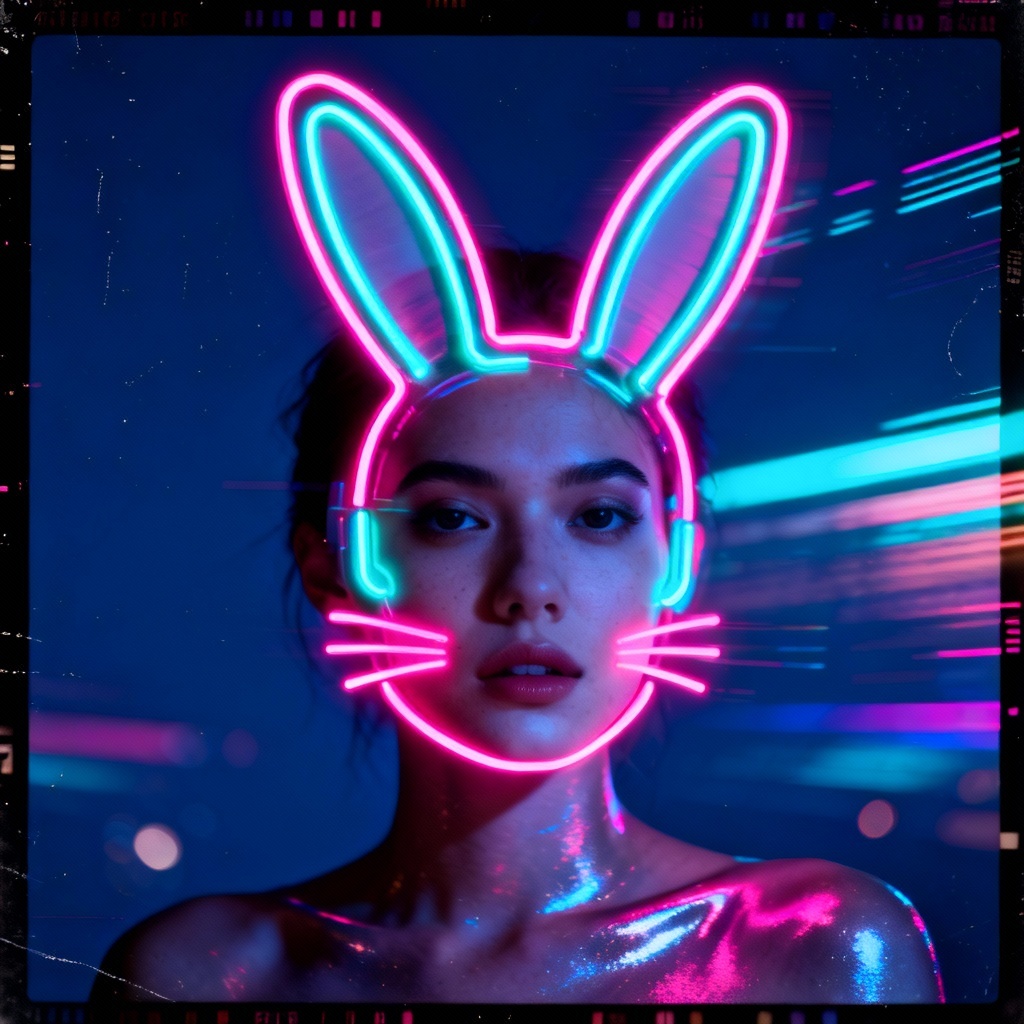
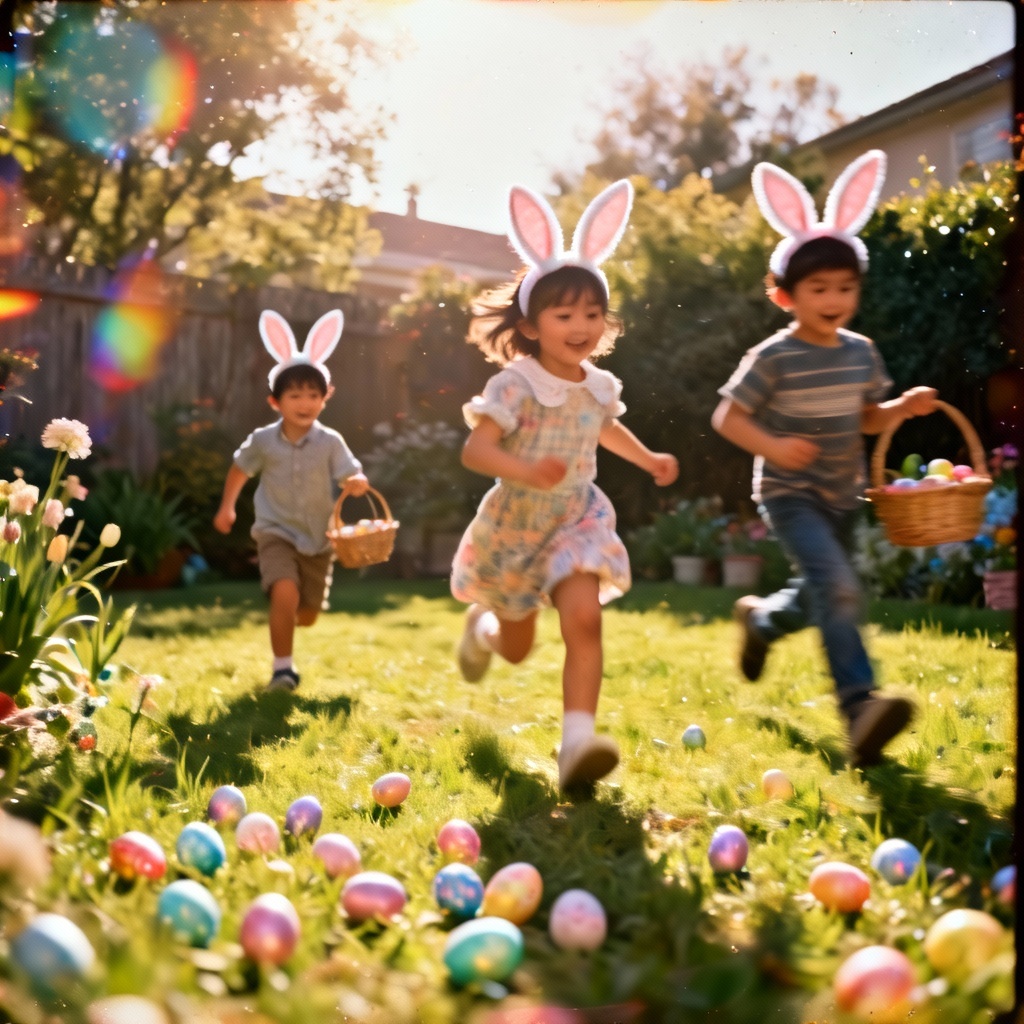
Turn any photo into a cheerful Easter moment with MyAIArt’s AI Easter Bunny filter. Add fluffy bunny ears, pink nose and whiskers, pastel spring scenes, and cute sticker overlays in one click. Perfect for Easter selfies, family photos, cards, invites, and social posts. Fast, free to start, and fun for all ages.
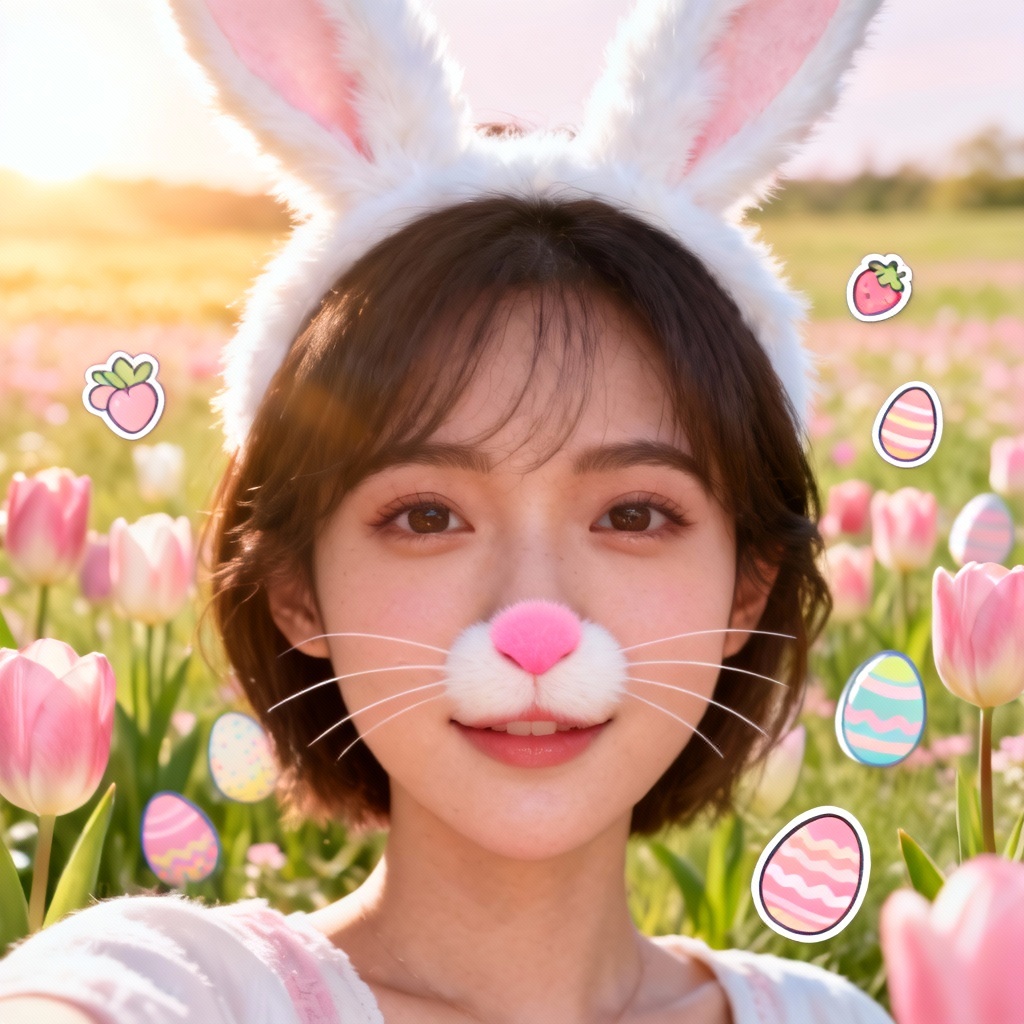
Upload a selfie, family photo, or product shot in JPG or PNG, or enter a text prompt describing the bunny look you want, like pastel ears, whiskers, and spring background.
Pick the AI Easter bunny filter, then adjust options such as ear size, whisker style, pastel palette, background, and stickers. Use image-to-image or inpainting to refine faces, hair, and props.
Preview your Easter bunny face filter result, then export high-resolution, watermark-free images. Share to social media, print Easter cards, or reuse in designs instantly.
Make seasonal content that pops with our Easter bunny photo filter. Turn selfies into cute bunny portraits, build Easter-themed profile pictures, design printable cards, craft invites, or decorate marketing banners for spring sales. Add bunny ears to group photos, generate a cartoon rabbit avatar, or remix product shots with pastel eggs and ribbons. Our Easter bunny AI generator helps you go from idea to finished visuals in seconds.
Our Easter bunny filter preserves facial details, lighting, and skin tone while adding clean bunny ears, whiskers, and pastel spring scenes. Expect crisp, high-resolution results ready for print, social media, and marketing.
Advanced AI recognizes faces, hair, glasses, and accessories to place the bunny ears and nose naturally. It keeps expressions and poses intact for realistic or stylized Easter bunny face filter results across single or group photos.
Upload, click, and download in seconds. No app installs or complex steps. Start free, then upgrade for higher limits, batch work, and premium styles for your Easter bunny photo filter projects.