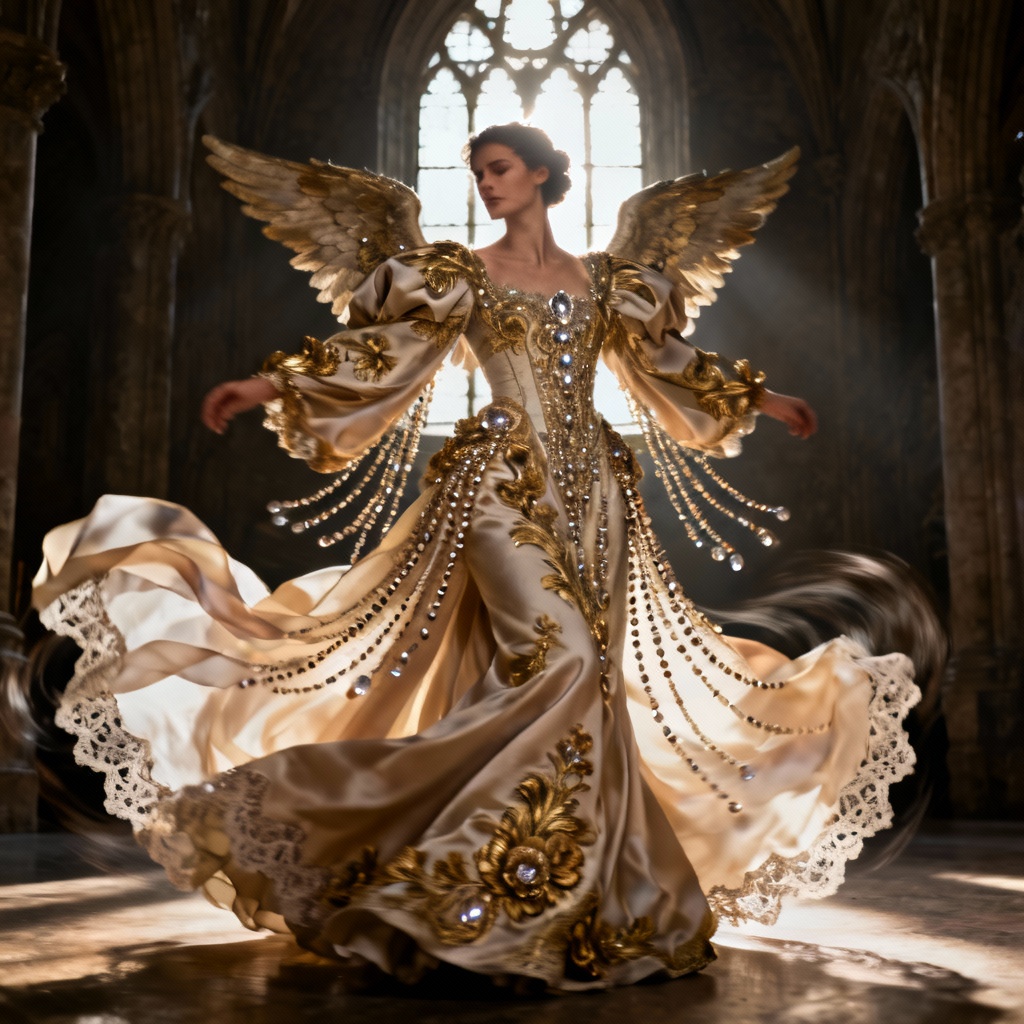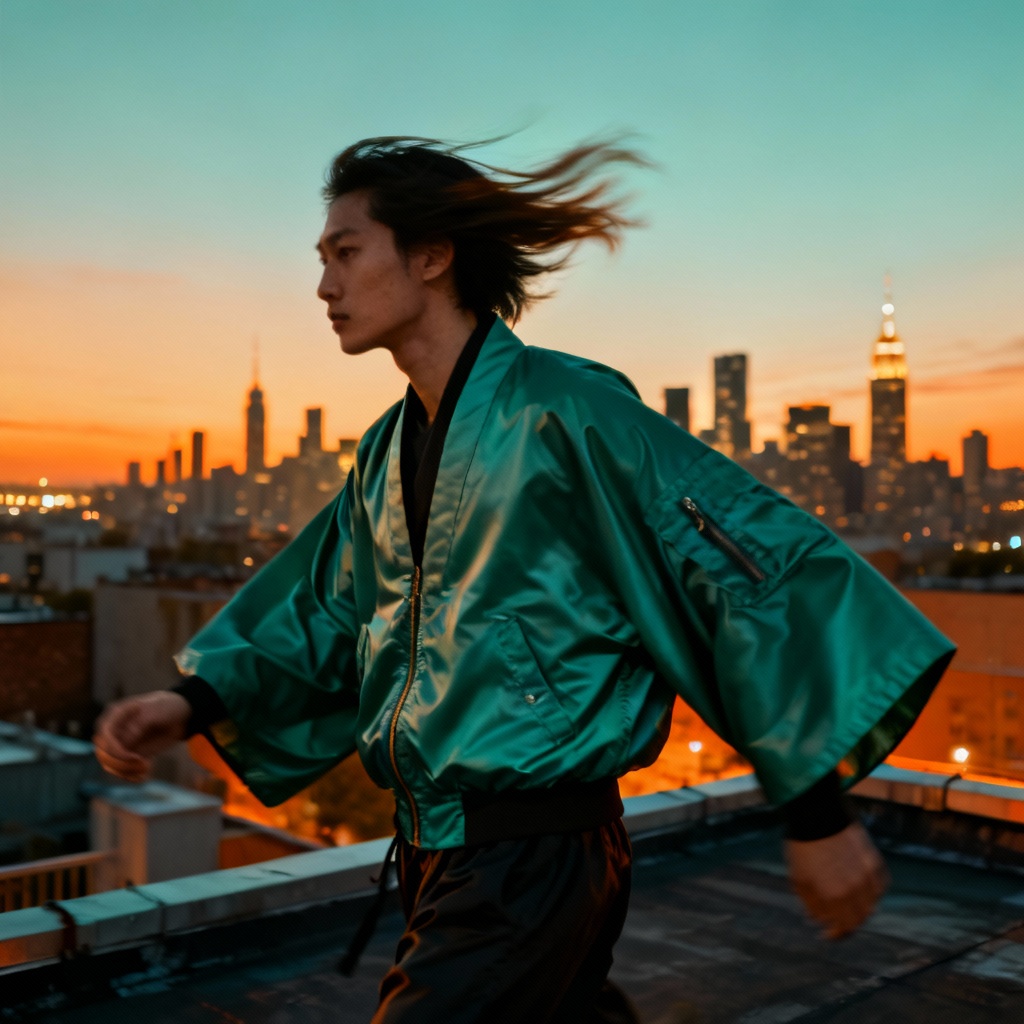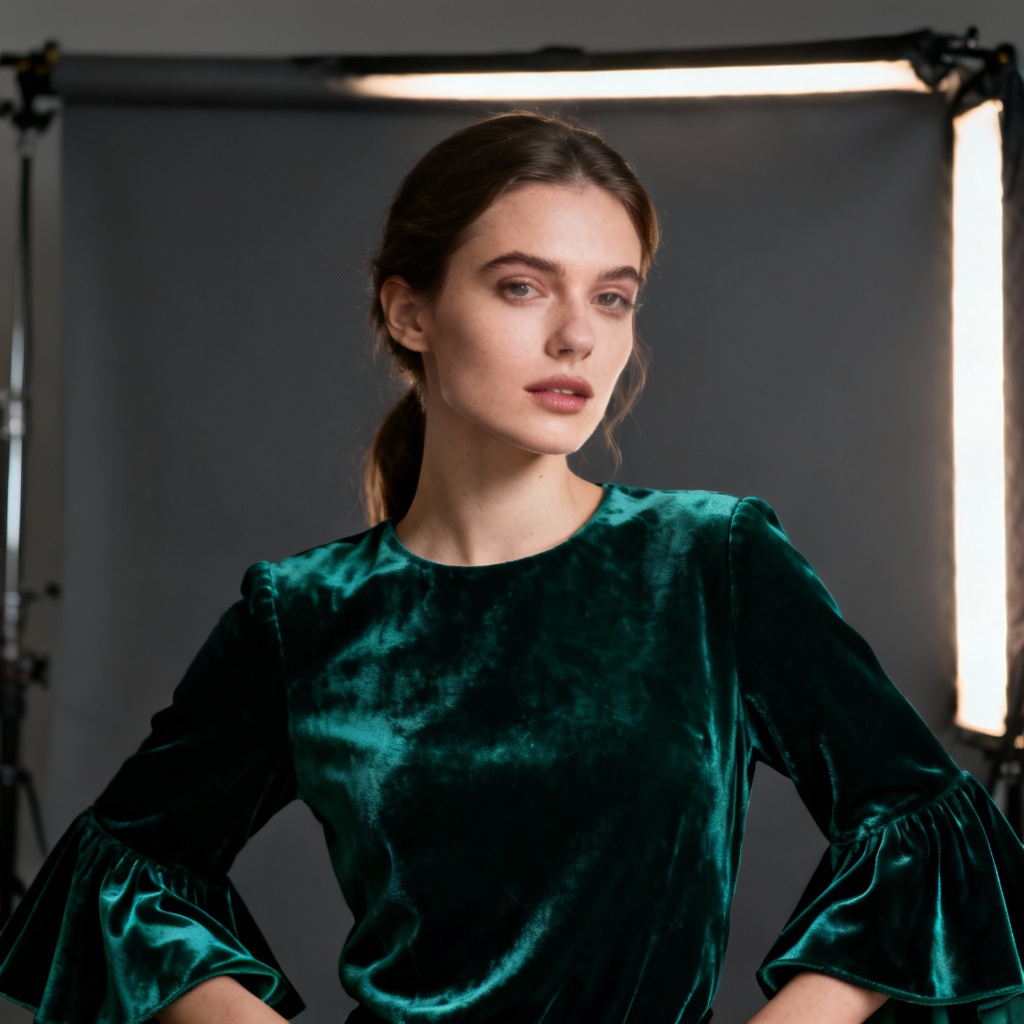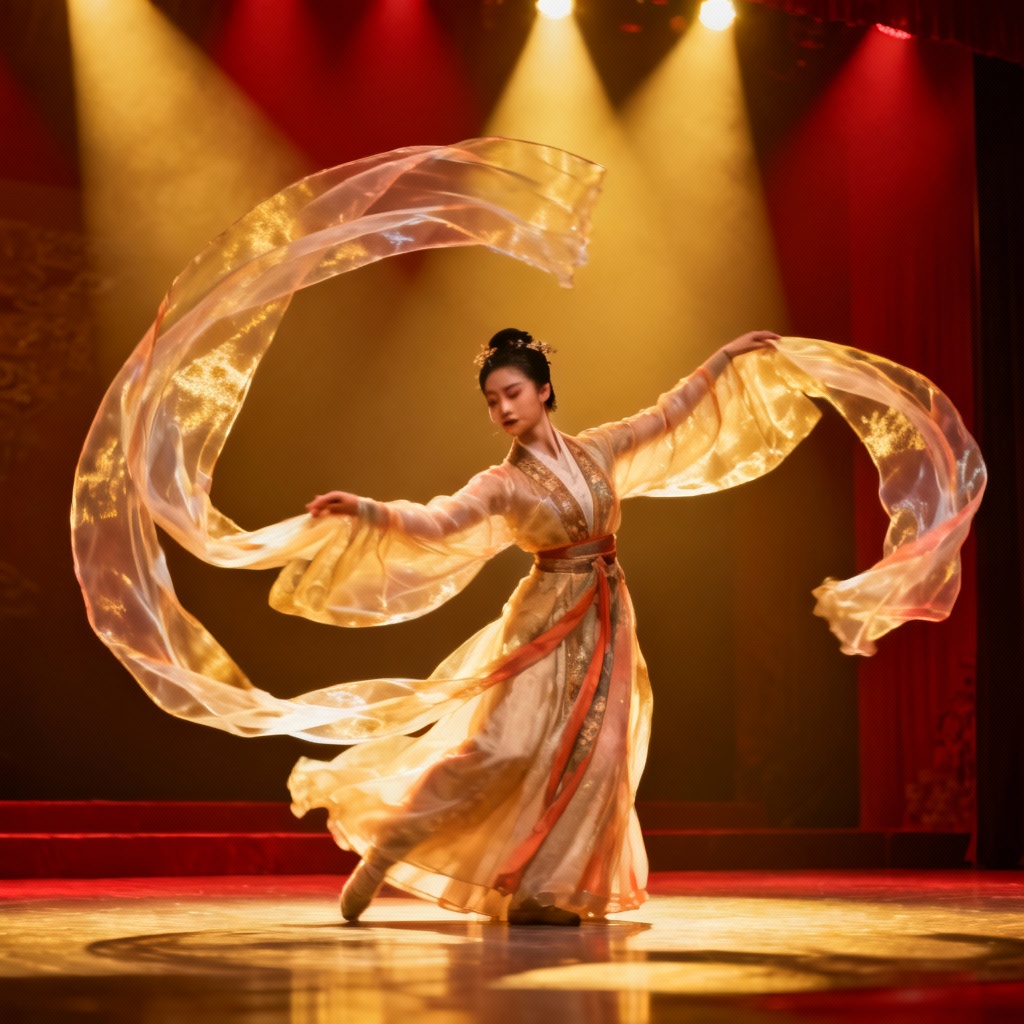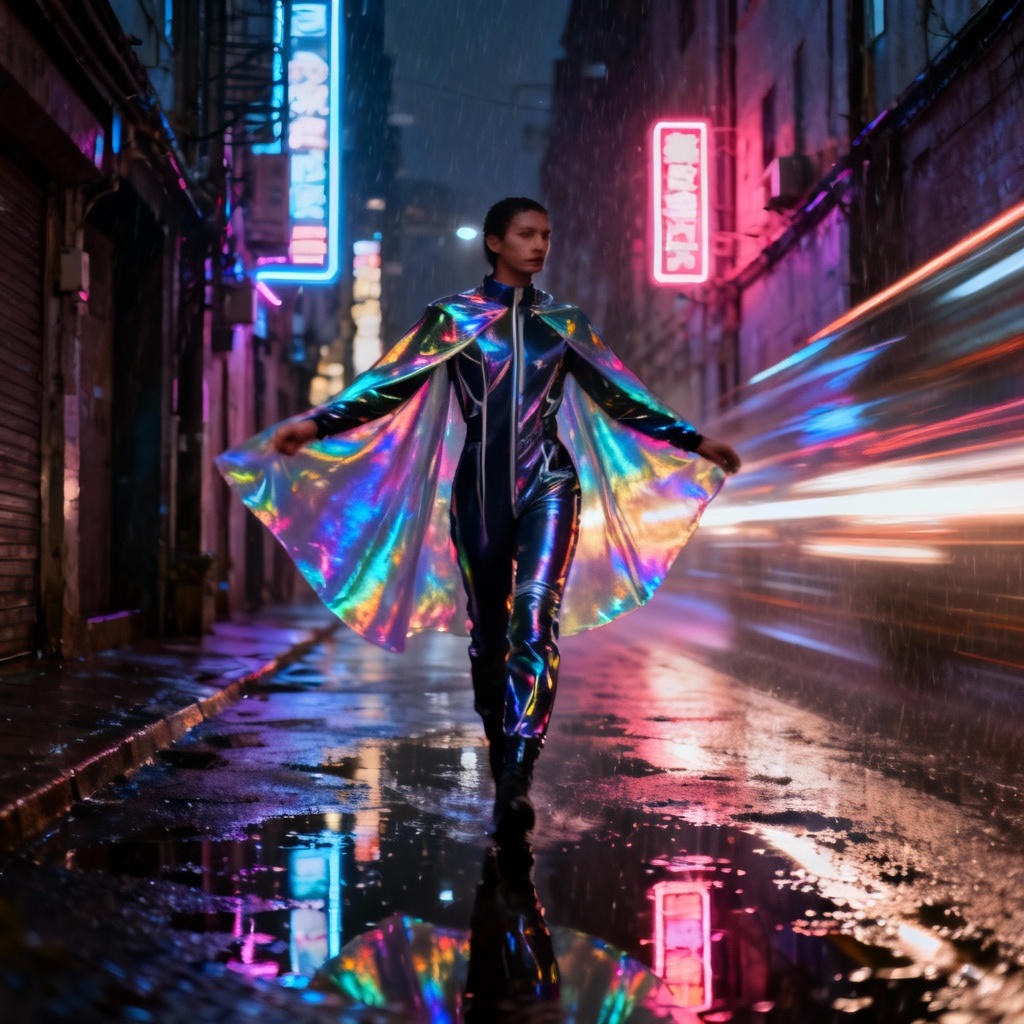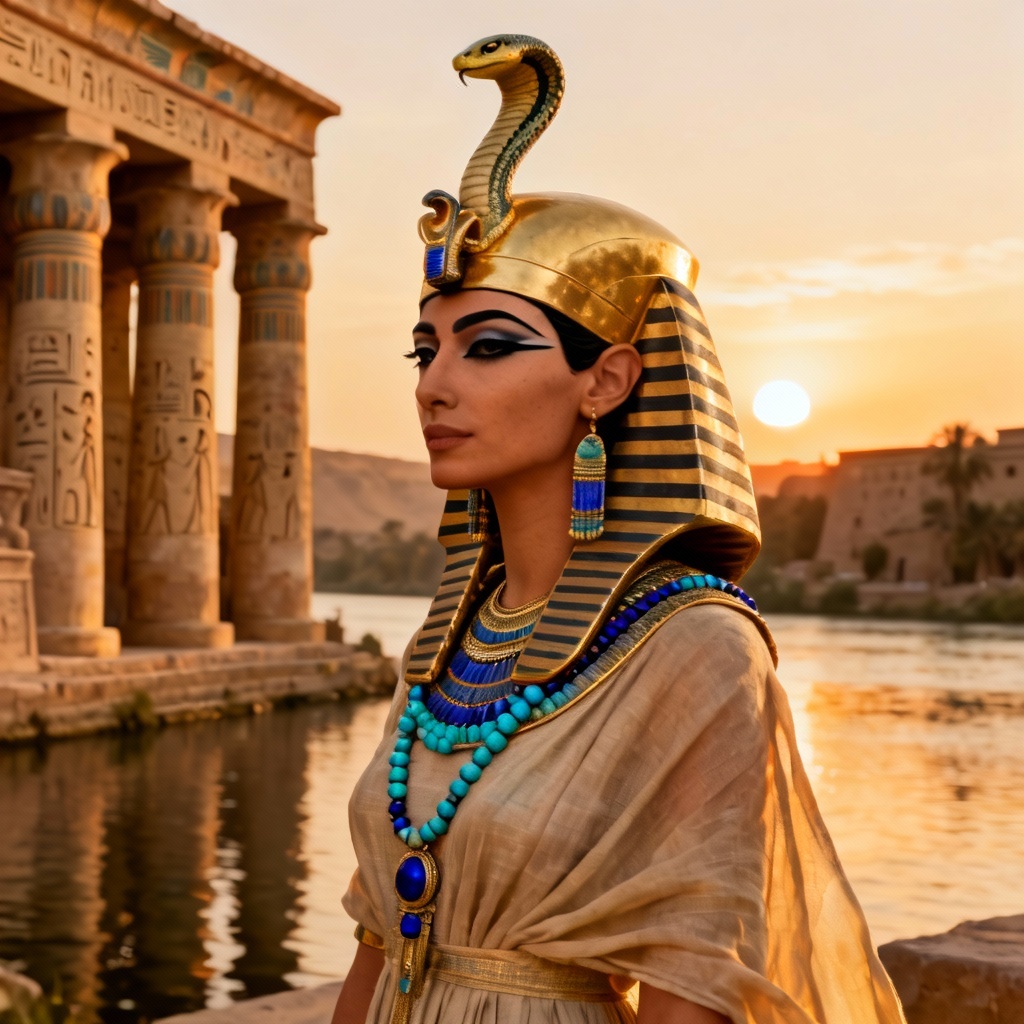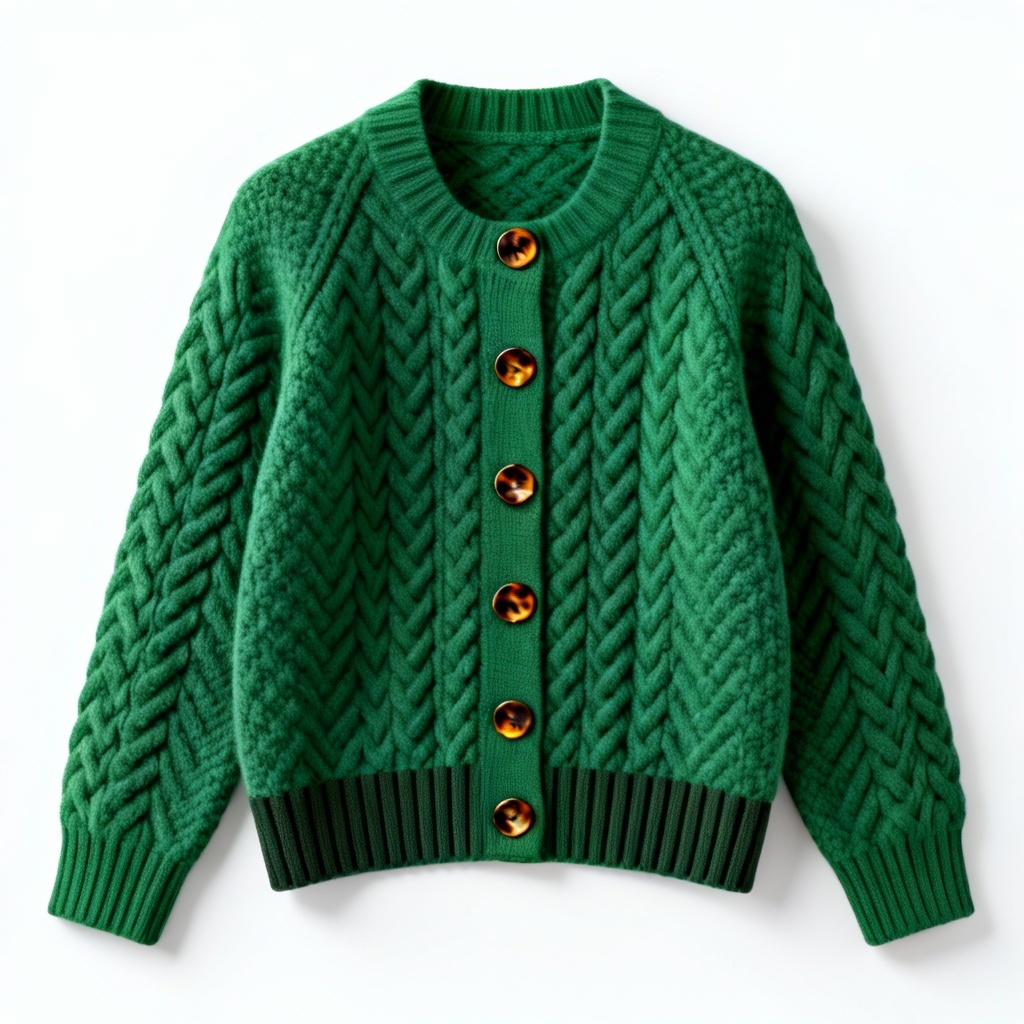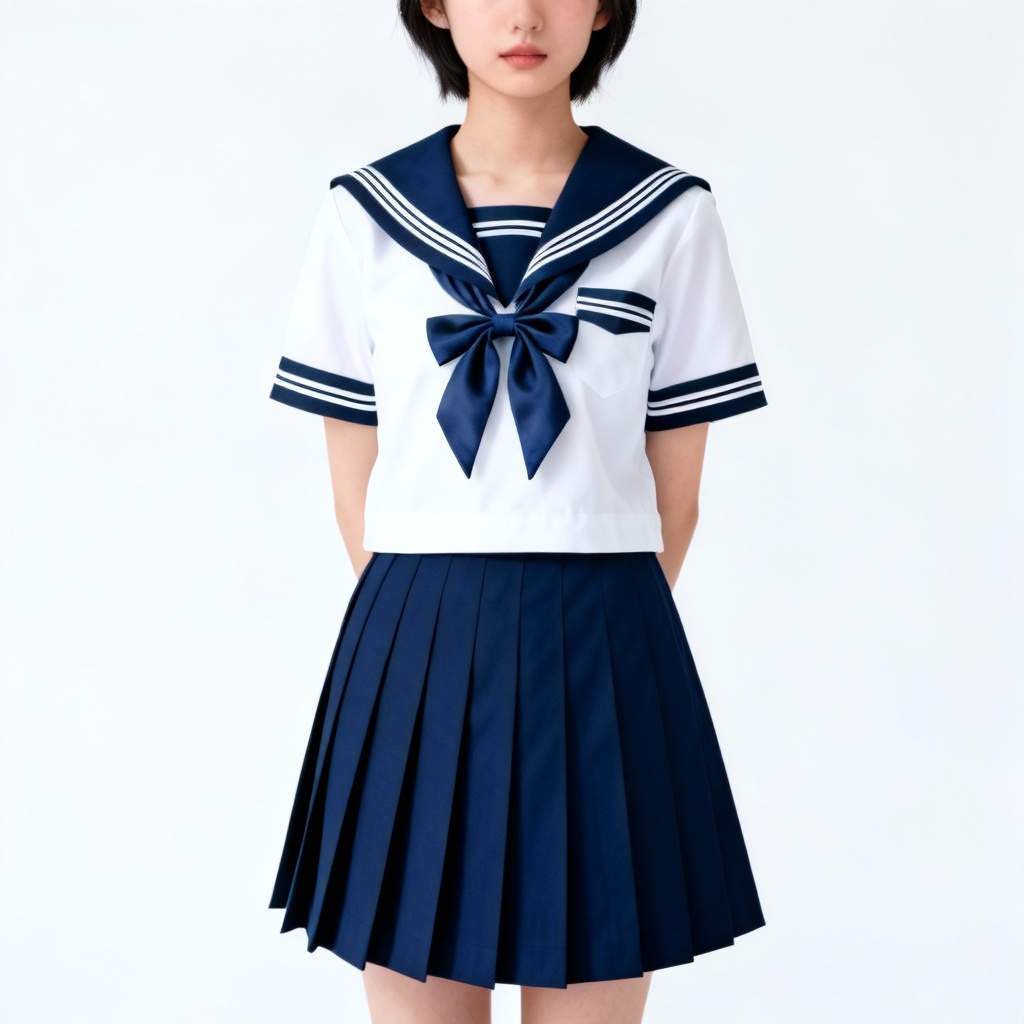

Myaiart’s free AI flowing sleeves generator lets you design dramatic sleeve silhouettes from text or photos. Create bell sleeves, bishop sleeves, kimono sleeves, and flutter chiffon draping with one click. Generate fashion sketches, product mockups, and costume concepts in high resolution, no watermark. Preserve pose, fabric texture, and lighting while exploring endless styles for apparel design, cosplay, runway, and editorial looks.
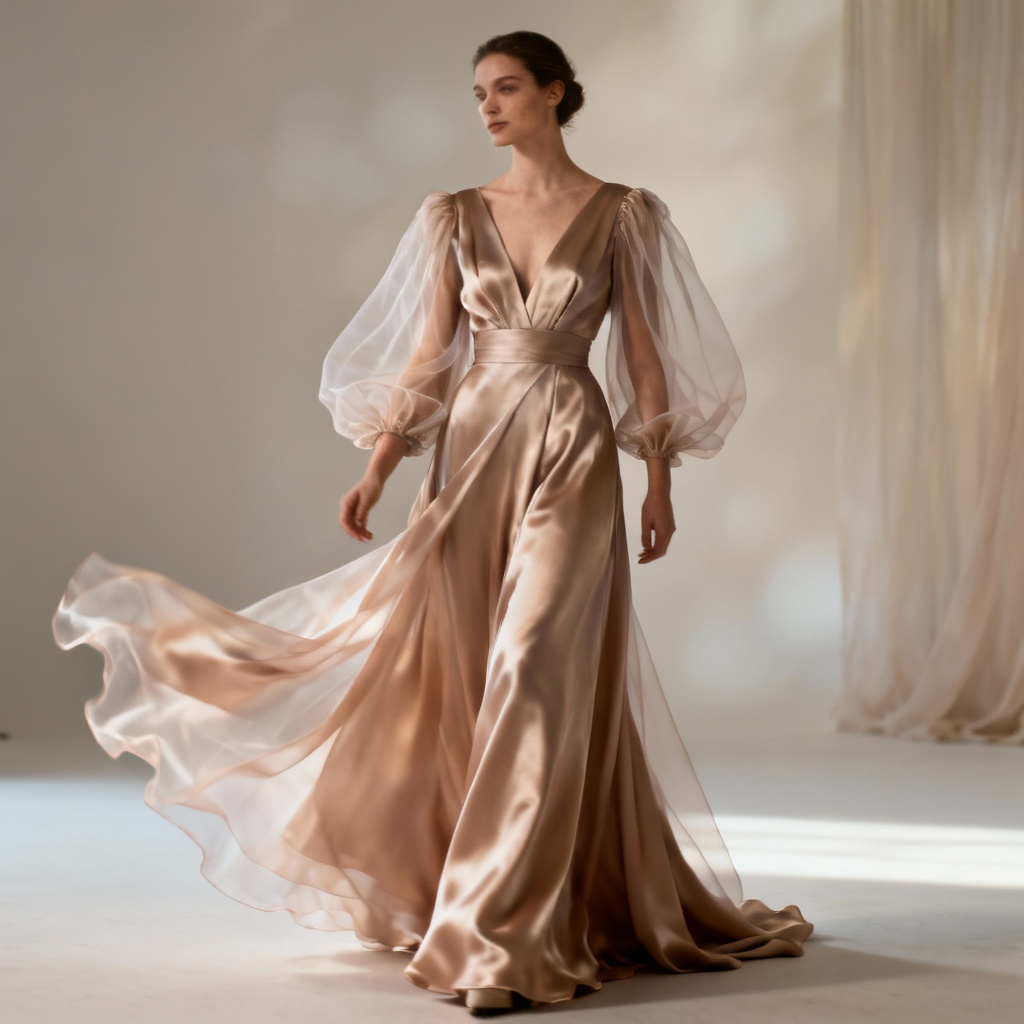
Enter a prompt or upload a reference photo. Specify sleeve type, fabric, length, color, movement, and setting. Example: bishop sleeves in silk organza, ivory, wind-swept, runway lighting, 3 quarter pose.
Choose a style model such as photorealistic, fashion illustration, or anime. Adjust guidance, aspect ratio, and image strength for photo editing. Use masking to add or replace sleeves precisely.
Review variations, refine details, and upscale. Tweak folds, cuff design, lace trim, and silhouette. Download high resolution PNG or JPG with no watermark, ready for mockups, lookbooks, or sewing plans.
Apply the AI flowing sleeves generator across fashion and creative workflows. Quickly prototype flowing sleeve design ideas, visualize fabric drape, and produce assets for marketing or production with consistent styling.
Render lifelike drape and texture for chiffon, organza, satin, velvet, and lace. See realistic folds, seam lines, cuffs, and hems under studio or natural lighting with clean edges and fine detail.
Upload a model or product shot and add, replace, or extend sleeves while preserving pose, silhouette, and brand colors. Use mask based inpainting for precise sleeve edits and perfect continuity.
Generate sleeve designs in seconds and download in high resolution with no watermark. Private processing and automatic cleanup keep your reference photos safe and secure.