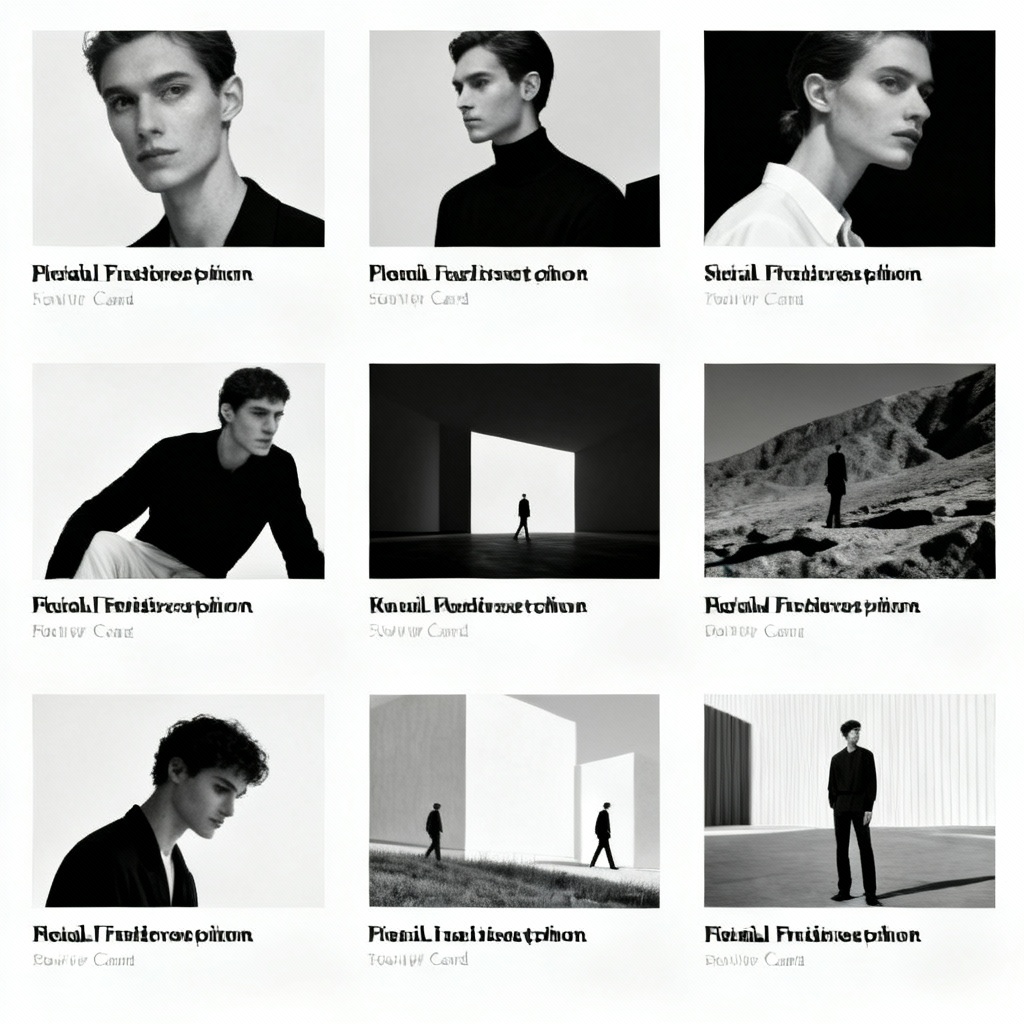
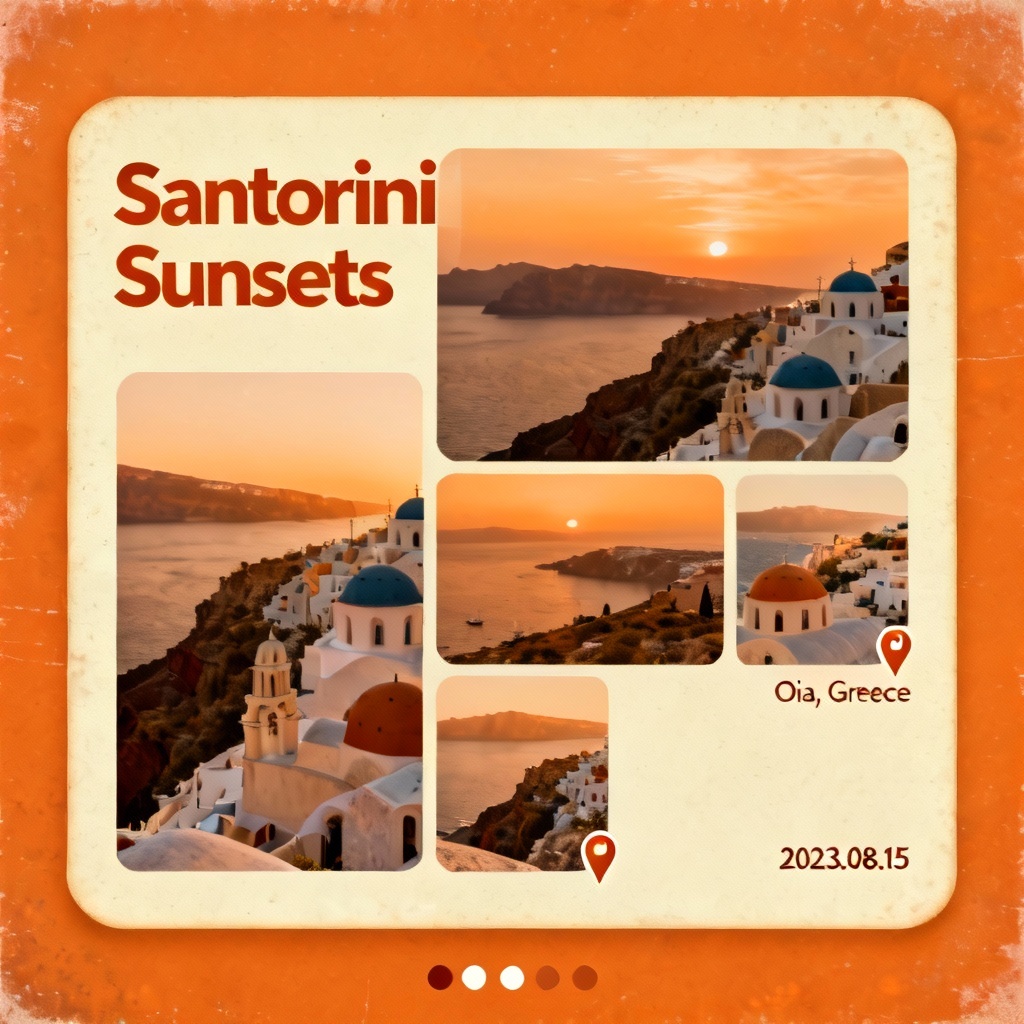
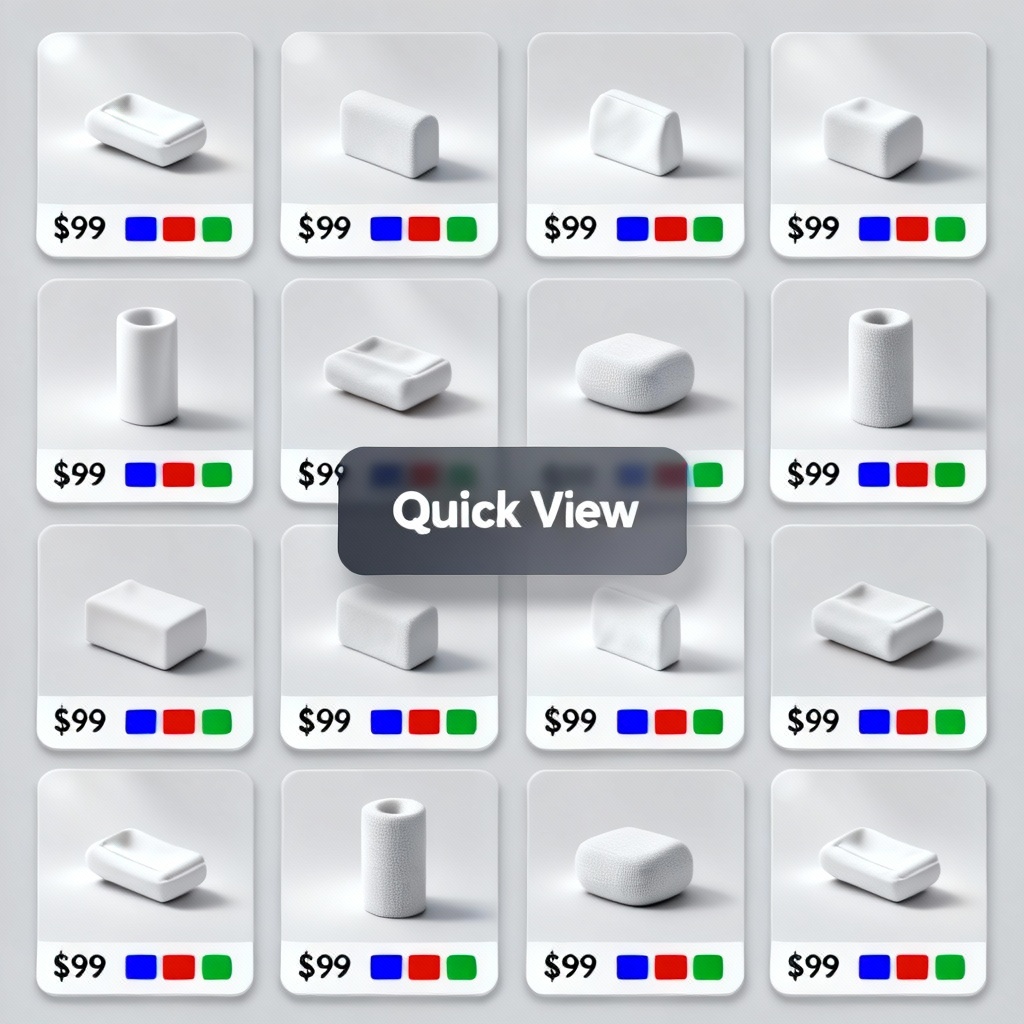
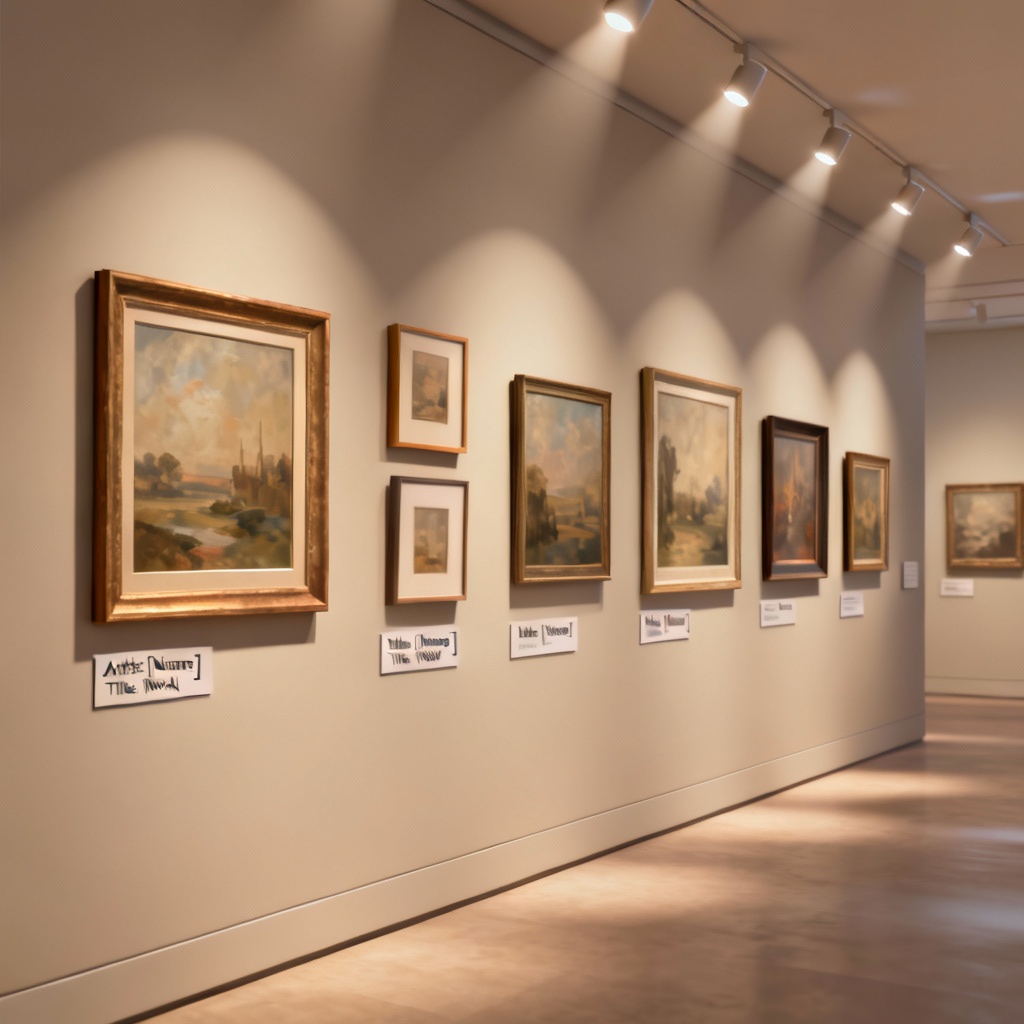
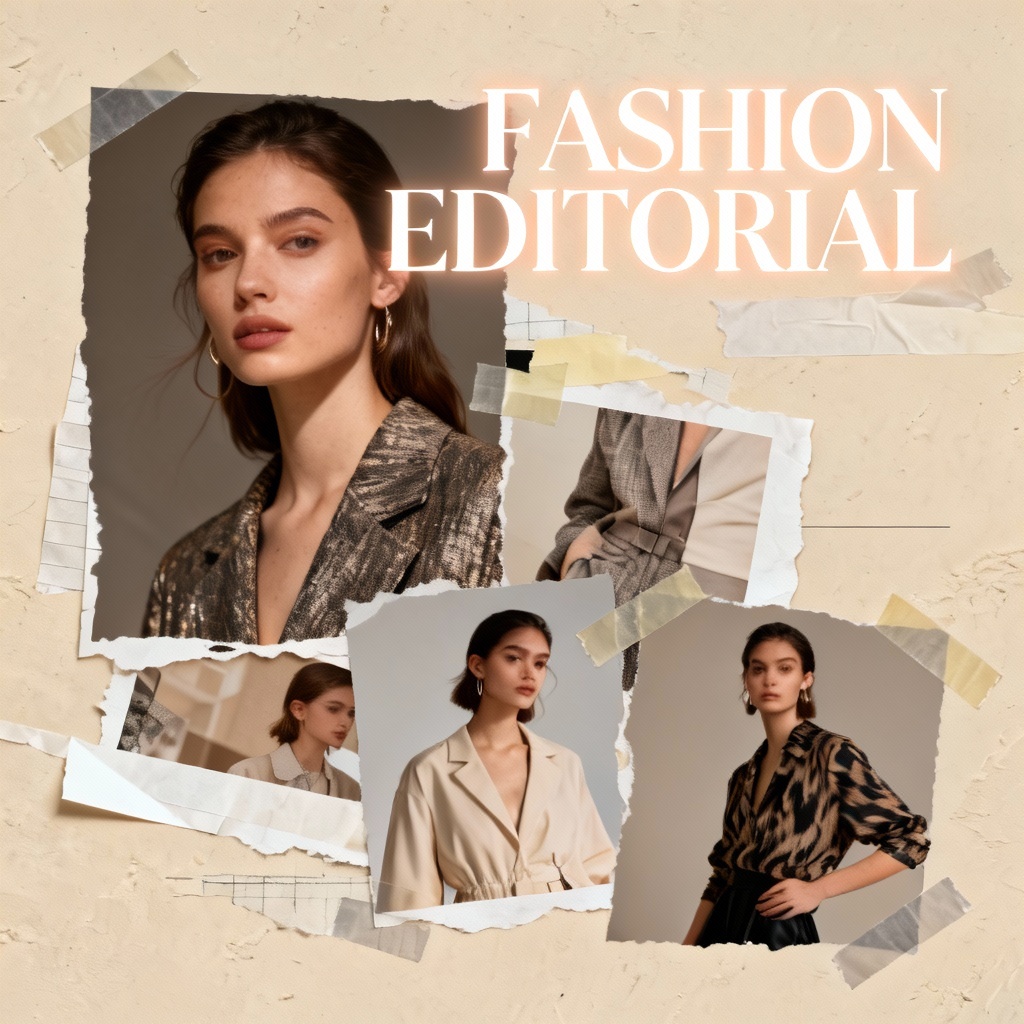
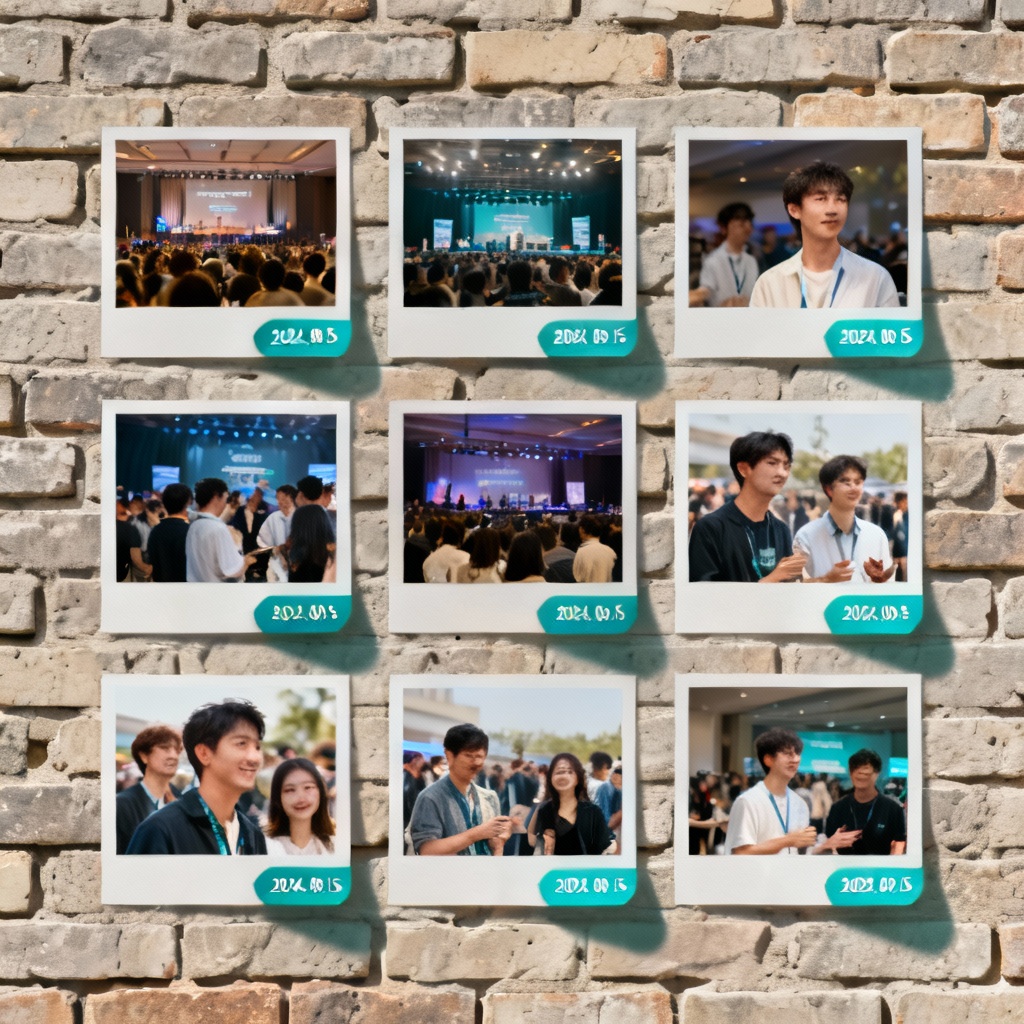
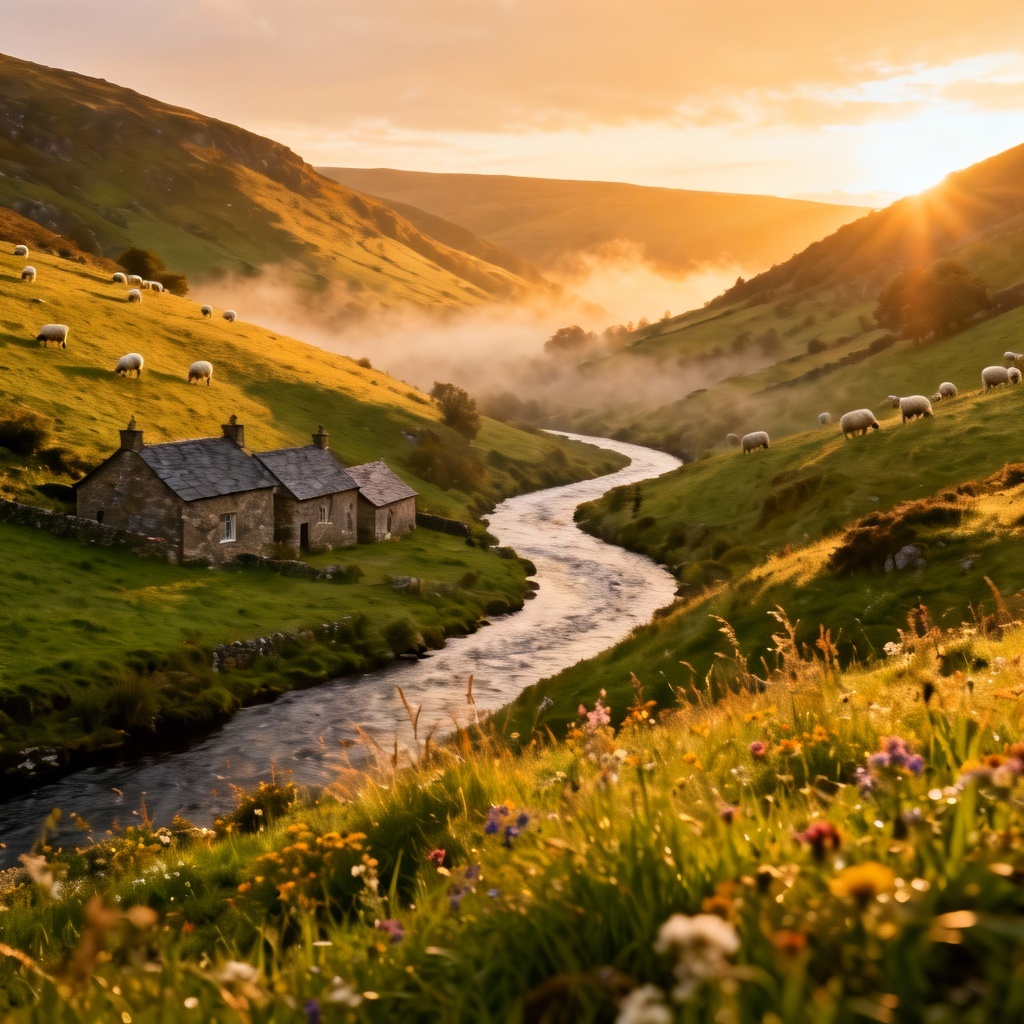
Myaiart’s AI gallery generator instantly arranges your photos into beautiful galleries. Create grids, masonry layouts, carousels, and collages from a prompt or upload. Auto-tag images, style with themes, add captions, and export high quality results for web, social, or print. Build a polished AI photo gallery in seconds.
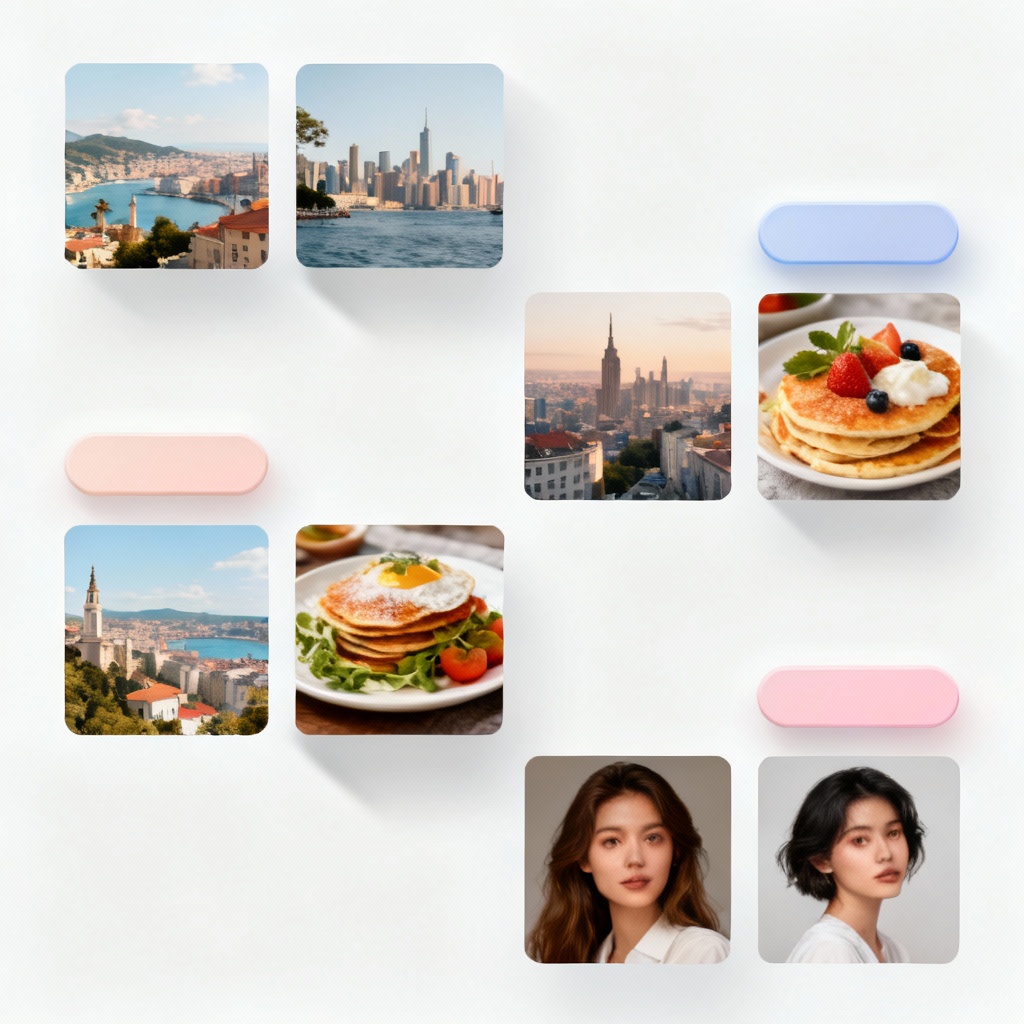
Upload your images or paste a detailed prompt describing the theme, layout, and mood. Choose a gallery type such as masonry grid, classic grid, carousel, collage, or timeline. Add optional keywords like minimal, editorial, bold color, or black and white.
Click Generate and let the AI gallery maker arrange images, balance colors, and create captions. Reorder with drag and drop, switch themes, adjust spacing and aspect ratios, and enable auto-tagging for quick organization across large sets.
Download a high resolution image, contact sheet, or a lightweight HTML snippet for web embedding. Export square or story formats for social. Save presets, duplicate galleries, and publish a link to share your AI photo gallery online.
Turn any folder of images into a polished gallery for web, social, or print. Myaiart helps you design portfolios, lookbooks, and recap walls with one click. Use smart layouts, AI captions, and themes to speed up delivery without sacrificing style.
Automatically create masonry, grid, carousel, collage, and timeline galleries that balance sizes, colors, and focal points. The AI image gallery generator optimizes gutters, alignment, and rhythm for a professional finish.
Download watermark free images, contact sheets, and shareable links. Export HTML embed code or social ready sizes with crisp text and consistent ratios suitable for portfolios, marketing, and presentations.
Switch themes, fonts, and color accents instantly. Edit captions, alt text, and tags with AI assistance. Fine tune spacing, corners, and shadows to match your brand while keeping performance and clarity.