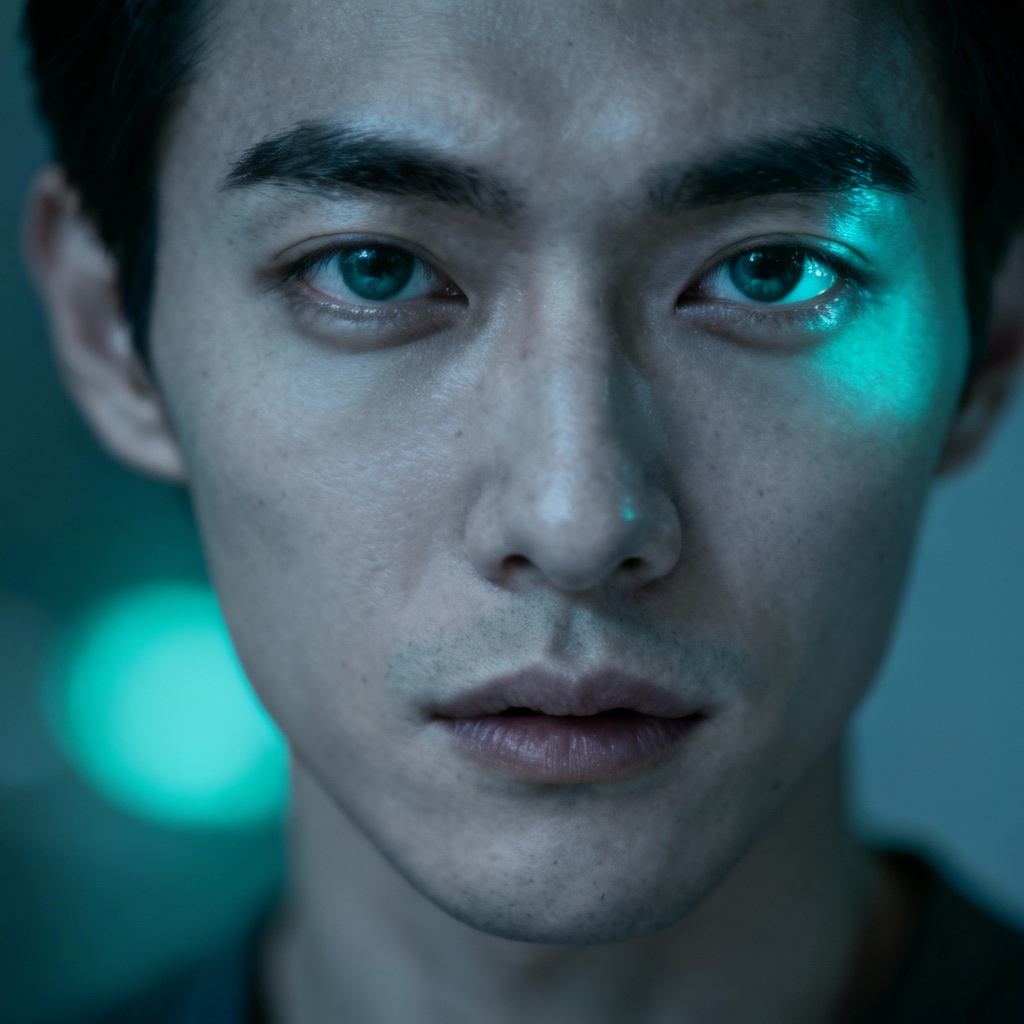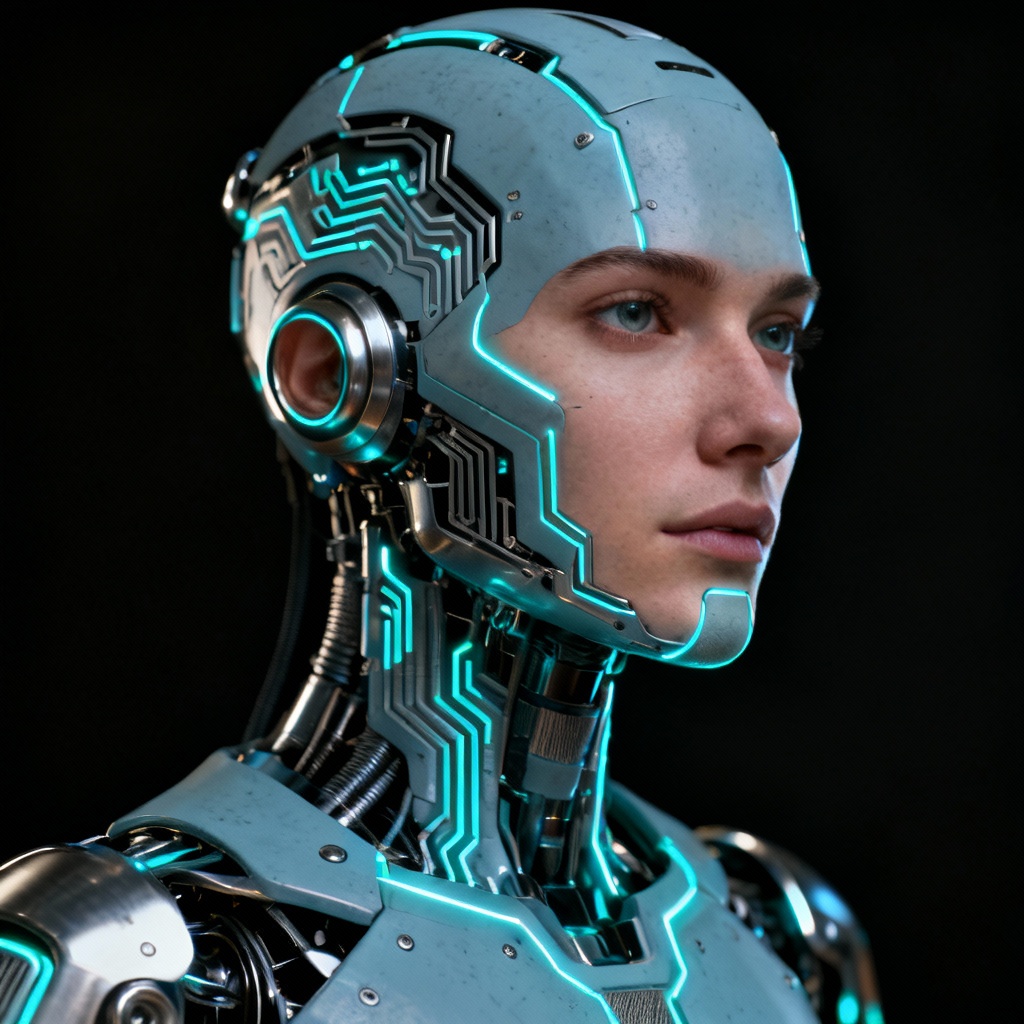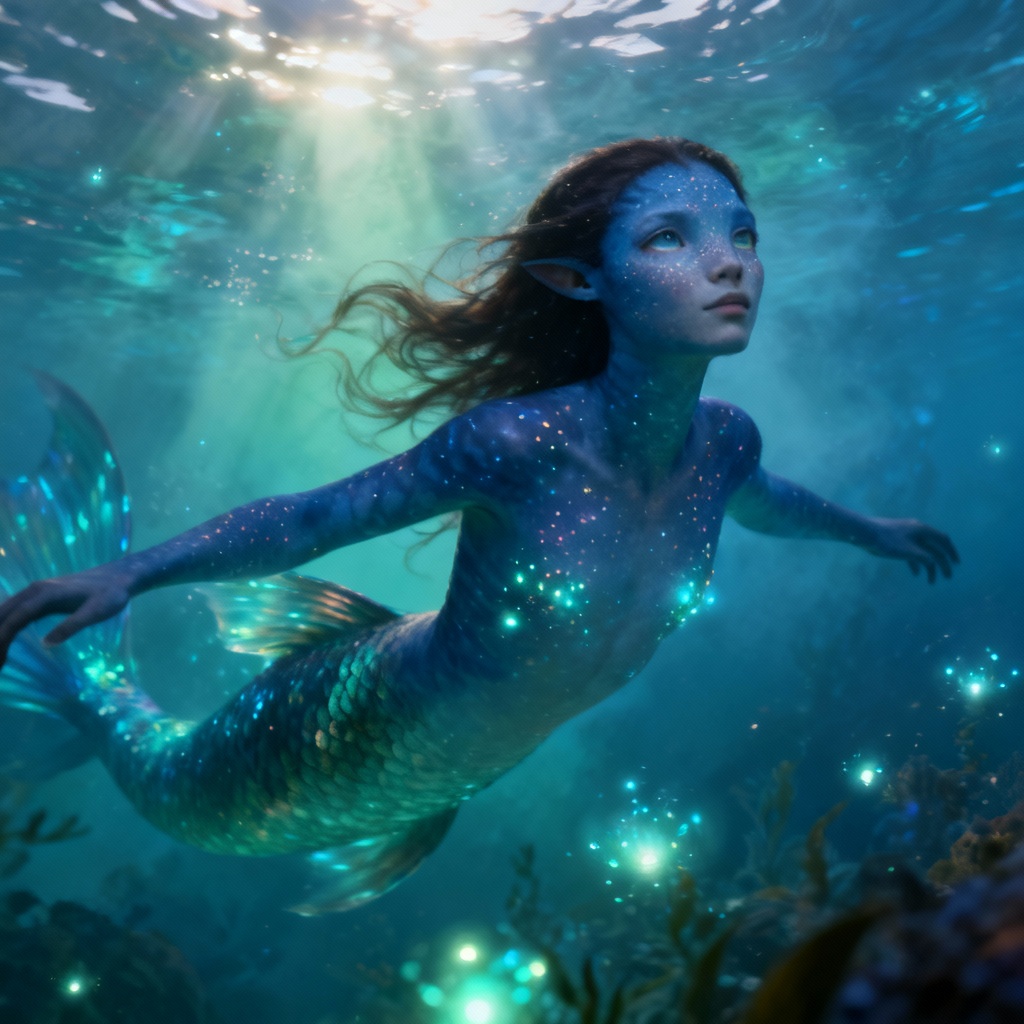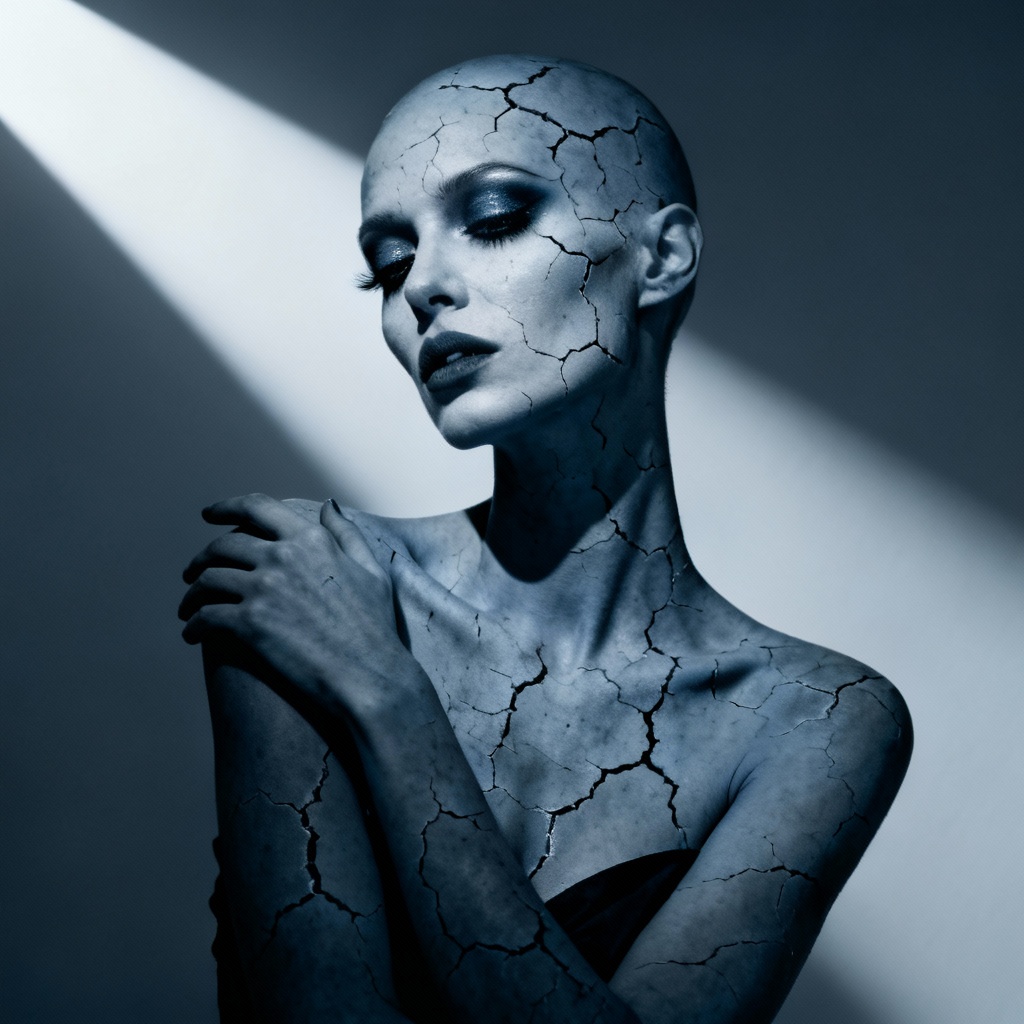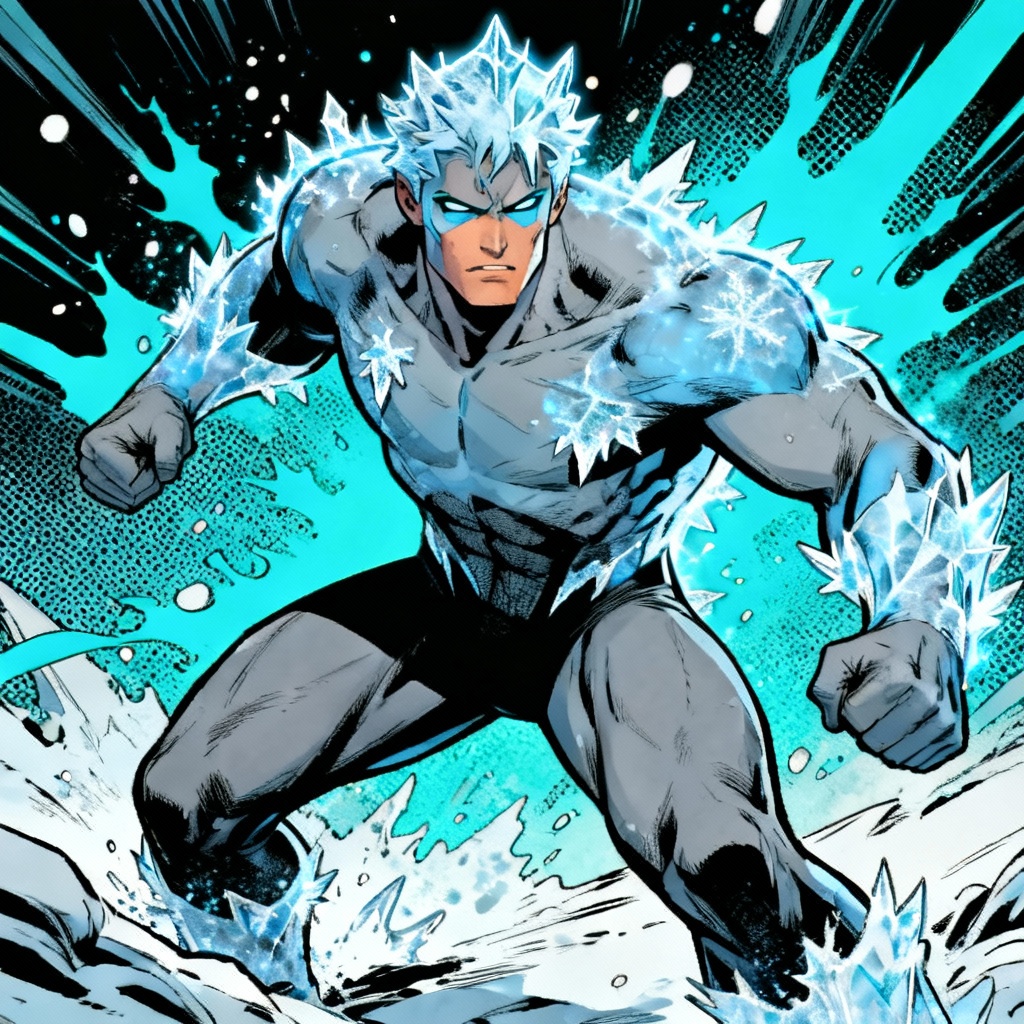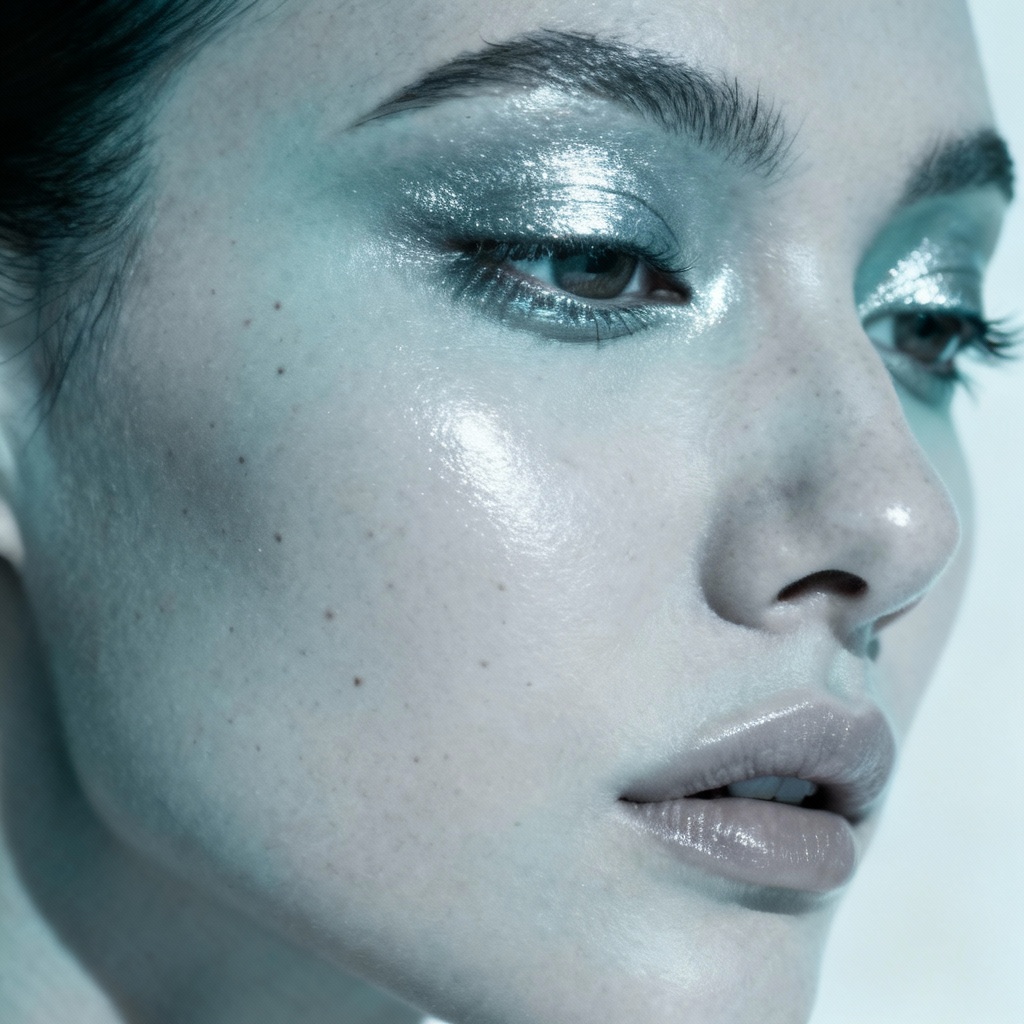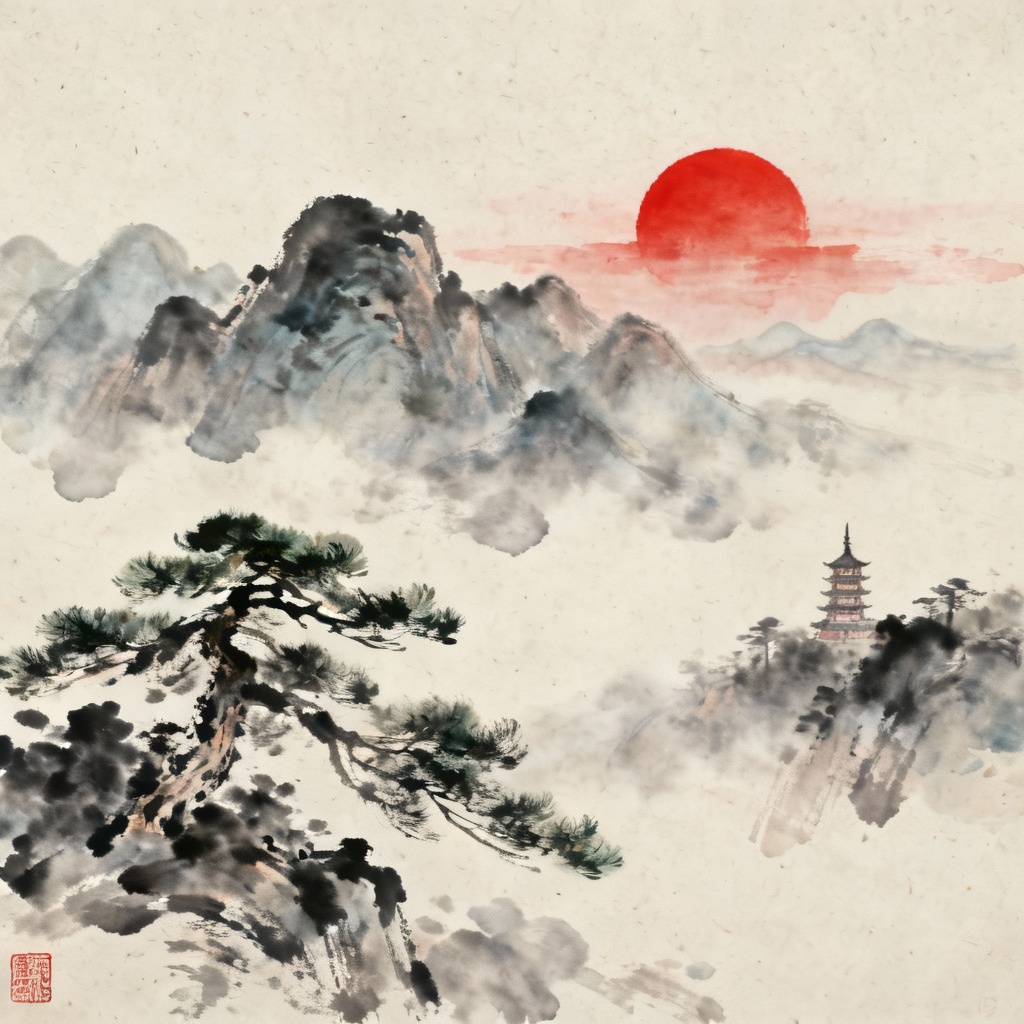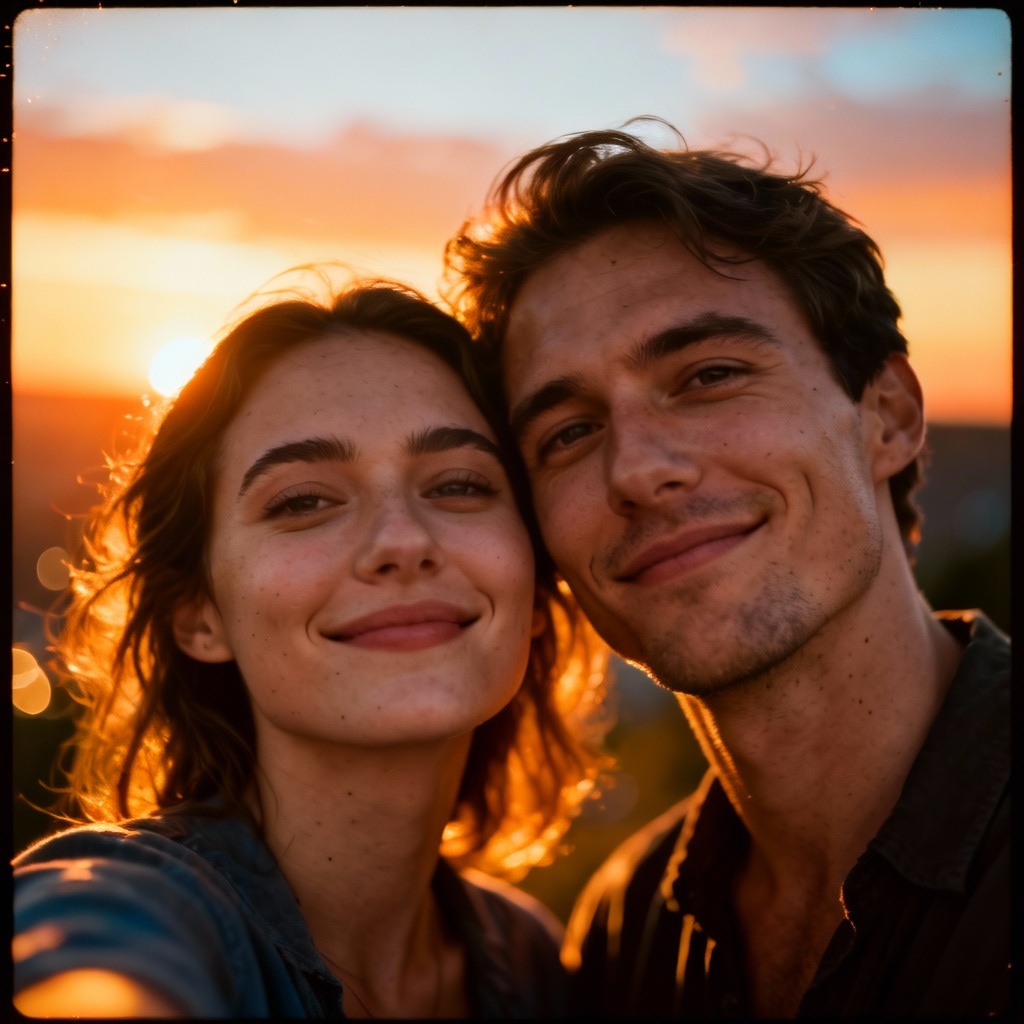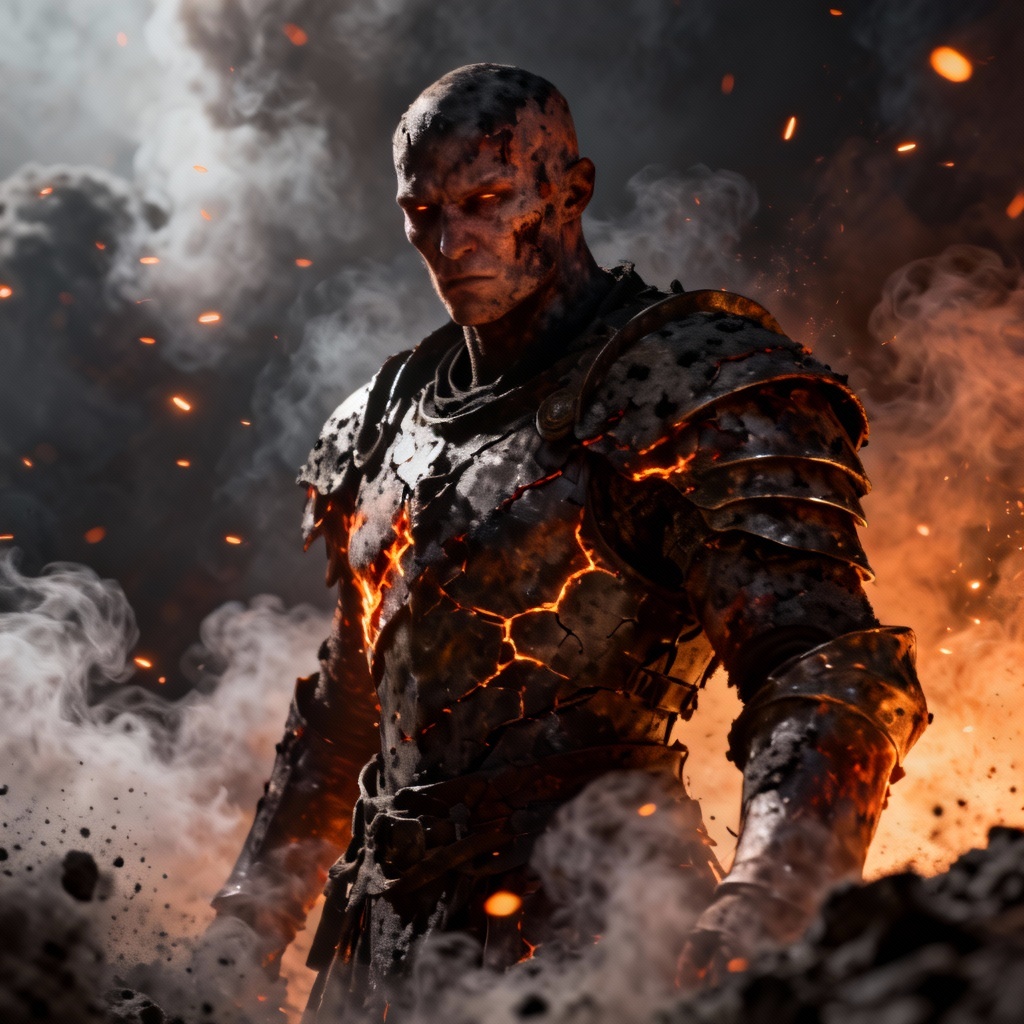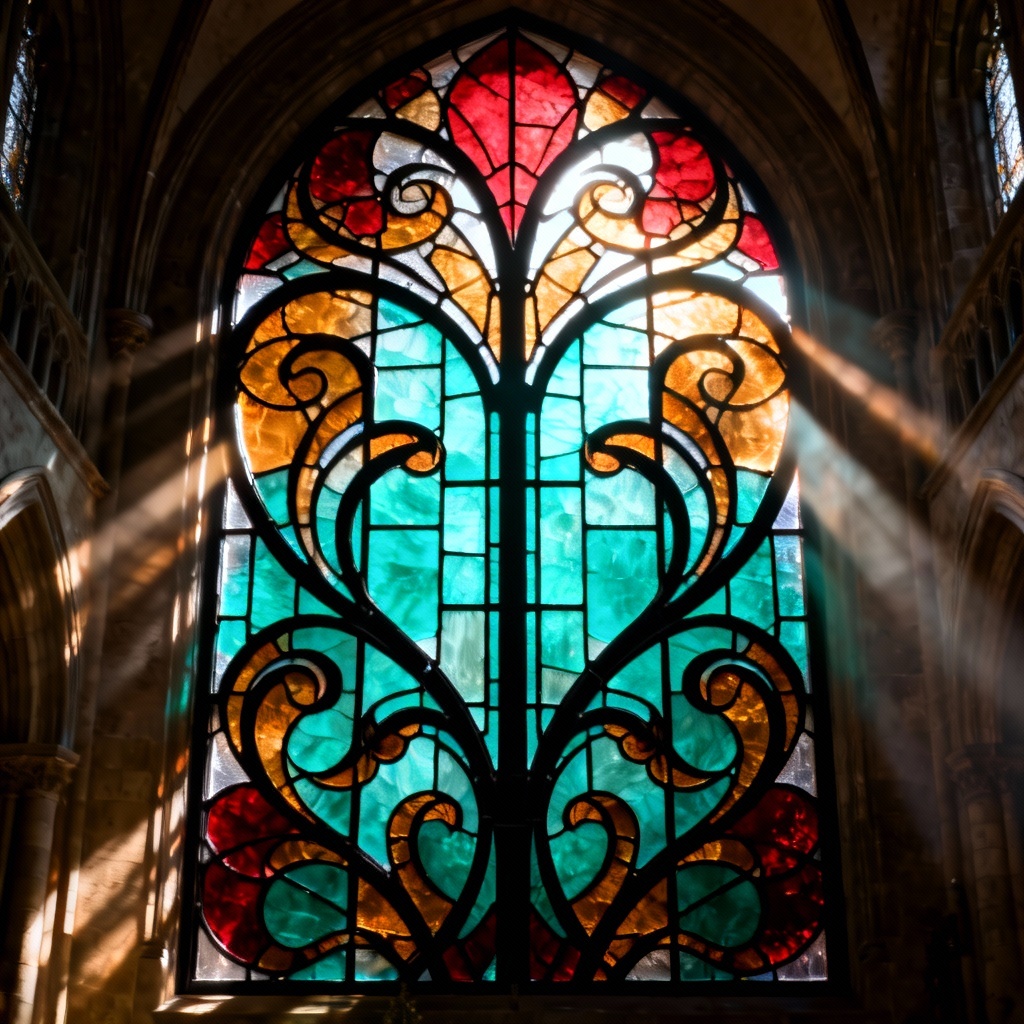

Transform any portrait into a cool, slate gray-blue look with one click. Myaiart’s AI grayish blue skin generator adds cinematic, fantasy, or cyber vibes while preserving facial details, lighting, and texture. Upload a photo or type a prompt to craft realistic or stylized gray-blue complexions for art, cosplay, or concept design.
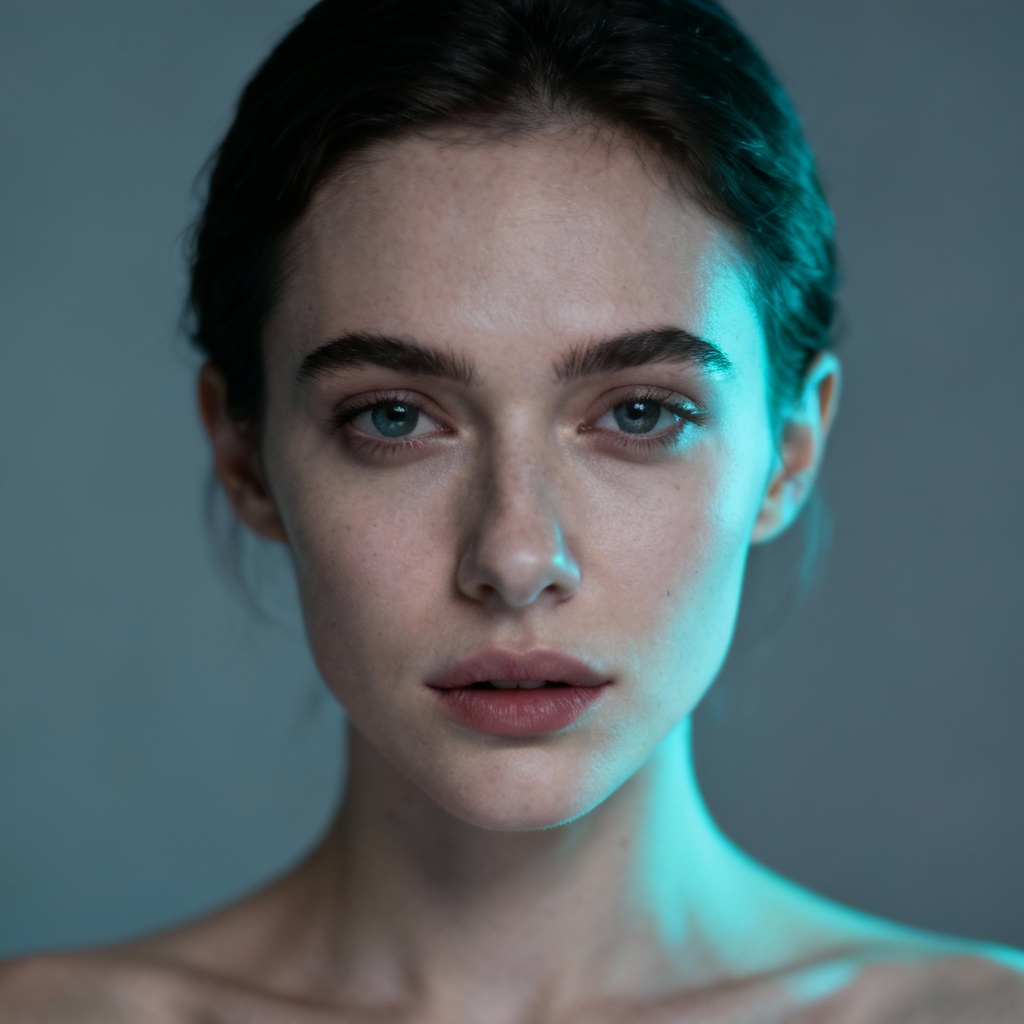
Upload a portrait in JPG or PNG, or start from text. For best results use a clear face with even lighting. Add long-tail prompts like cool-toned gray-blue skin, slate blue complexion, cyan-gray highlights, cinematic portrait.
Select Grayish Blue Skin in effects, then fine-tune hue, saturation, and intensity. Adjust temperature, contrast, and detail preservation. Add style tags like cyber, fantasy, undead, merfolk, or editorial for different vibes.
Click Generate to preview multiple variations. Refine with negative prompts to avoid over-saturation or banding. Download high-resolution results without watermarks for art, design, cosplay, or concept work.
Give portraits a cinematic, fantasy, or sci-fi mood using grayish blue grading. Apply subtle cool tones or full character transformations with realistic texture and accurate lighting.
Our AI applies a precise grayish blue color map with preserved pores, micro-contrast, and lighting. Avoid harsh clipping, muddy shadows, and color banding while keeping natural detail intact.
Dial in subtle cool portrait filters or bold fantasy looks. Switch between realistic skin retention, matte undead texture, cyber slate sheen, or underwater haze with intuitive sliders and style tags.
Generate in seconds, download high-resolution images without watermarks, and keep your uploads private. Perfect for professional workflows in design, marketing, and illustration.