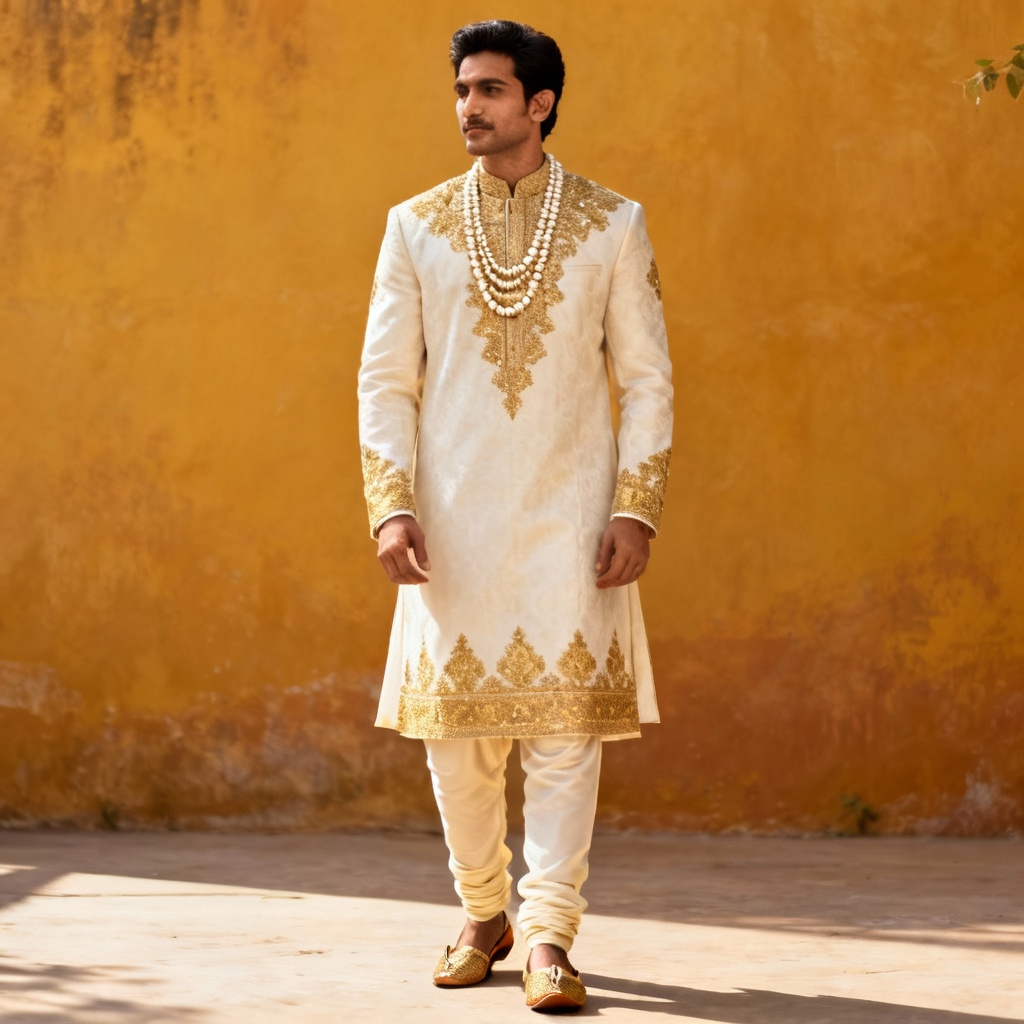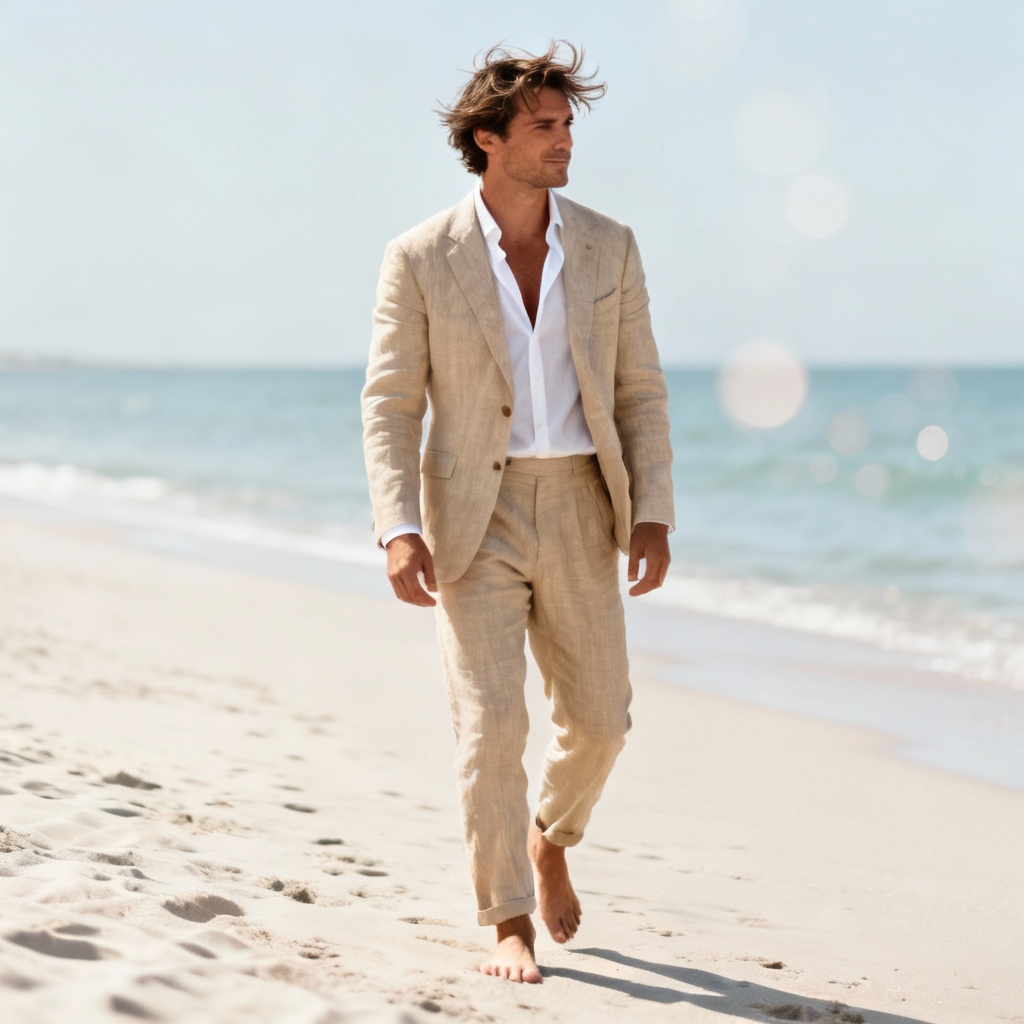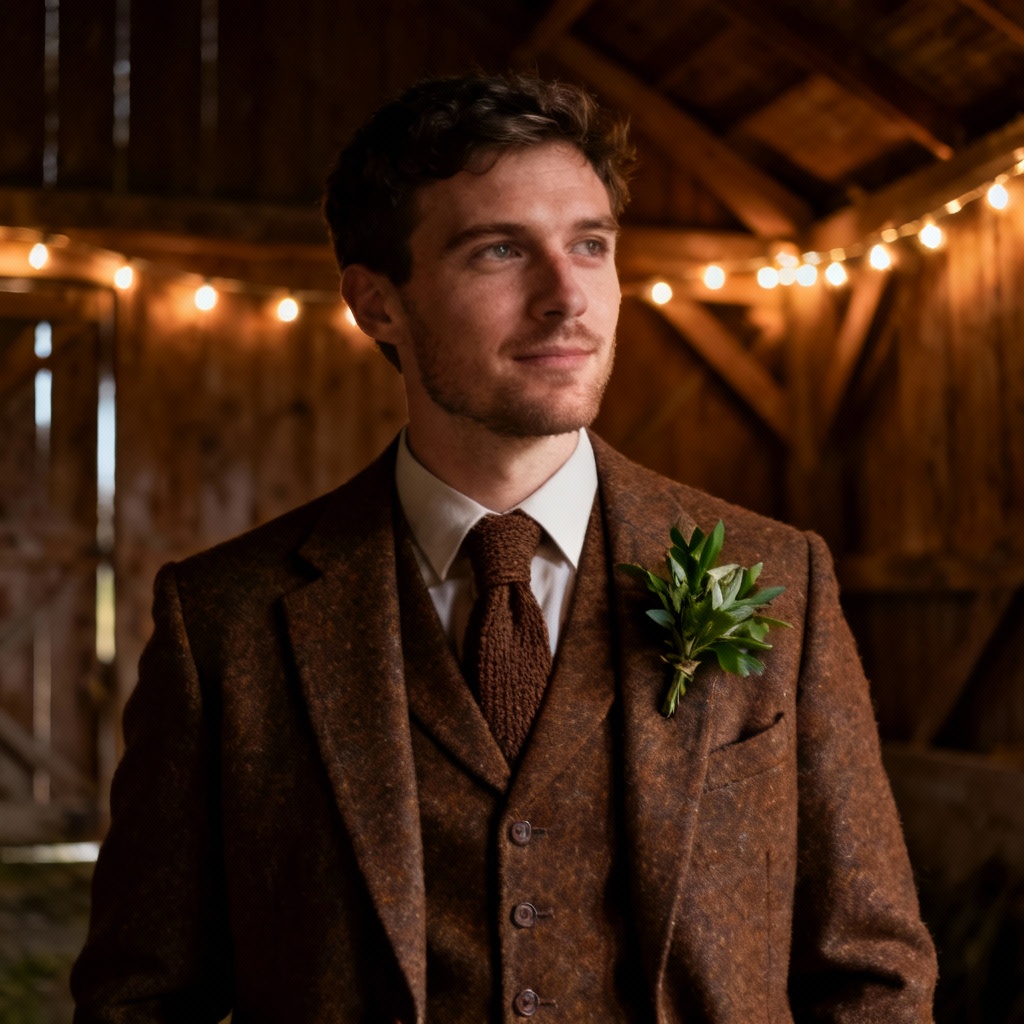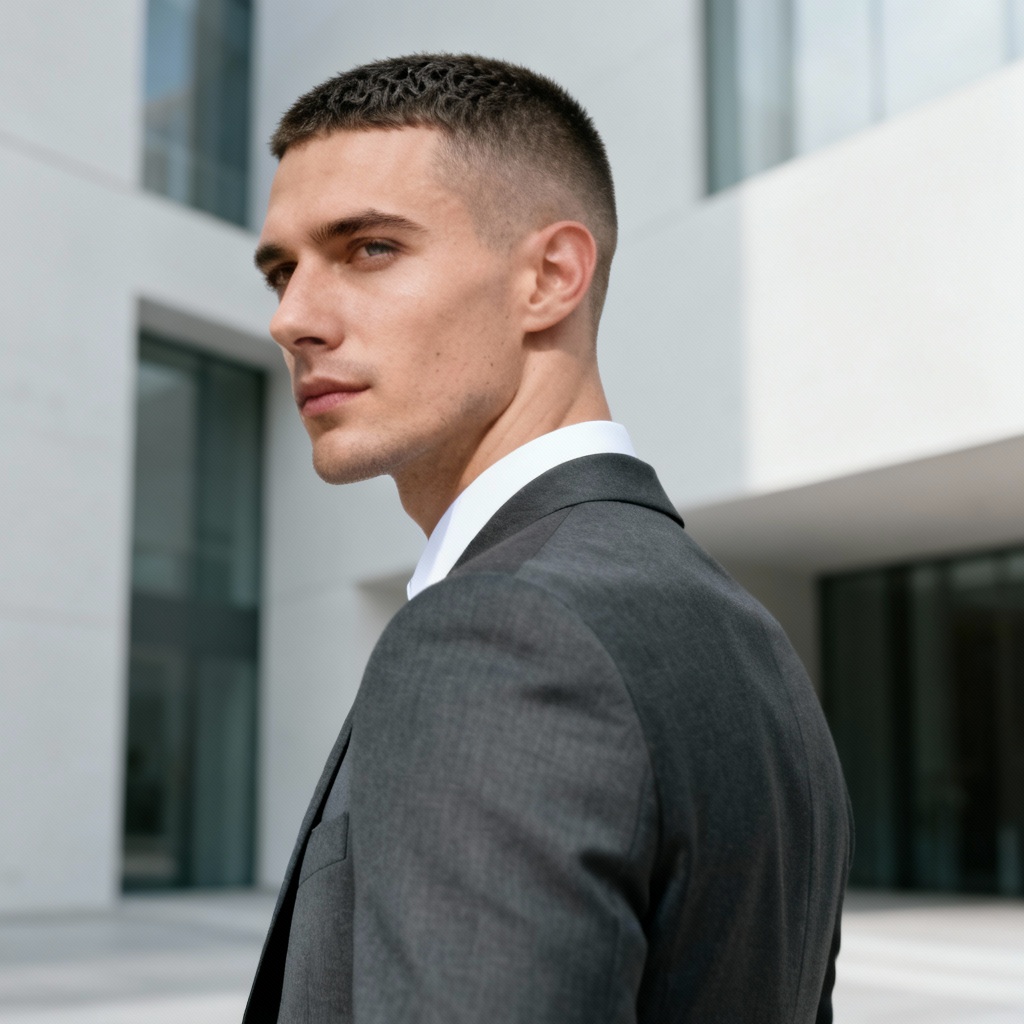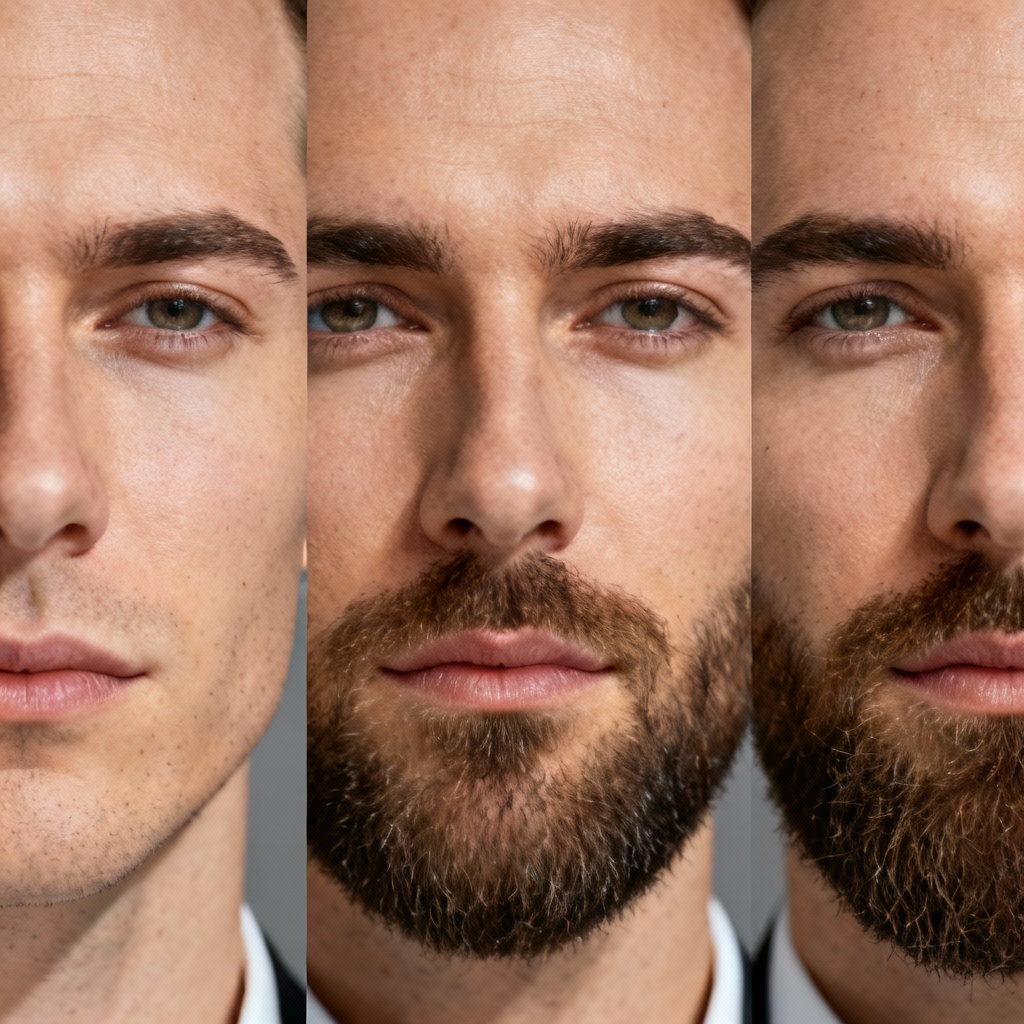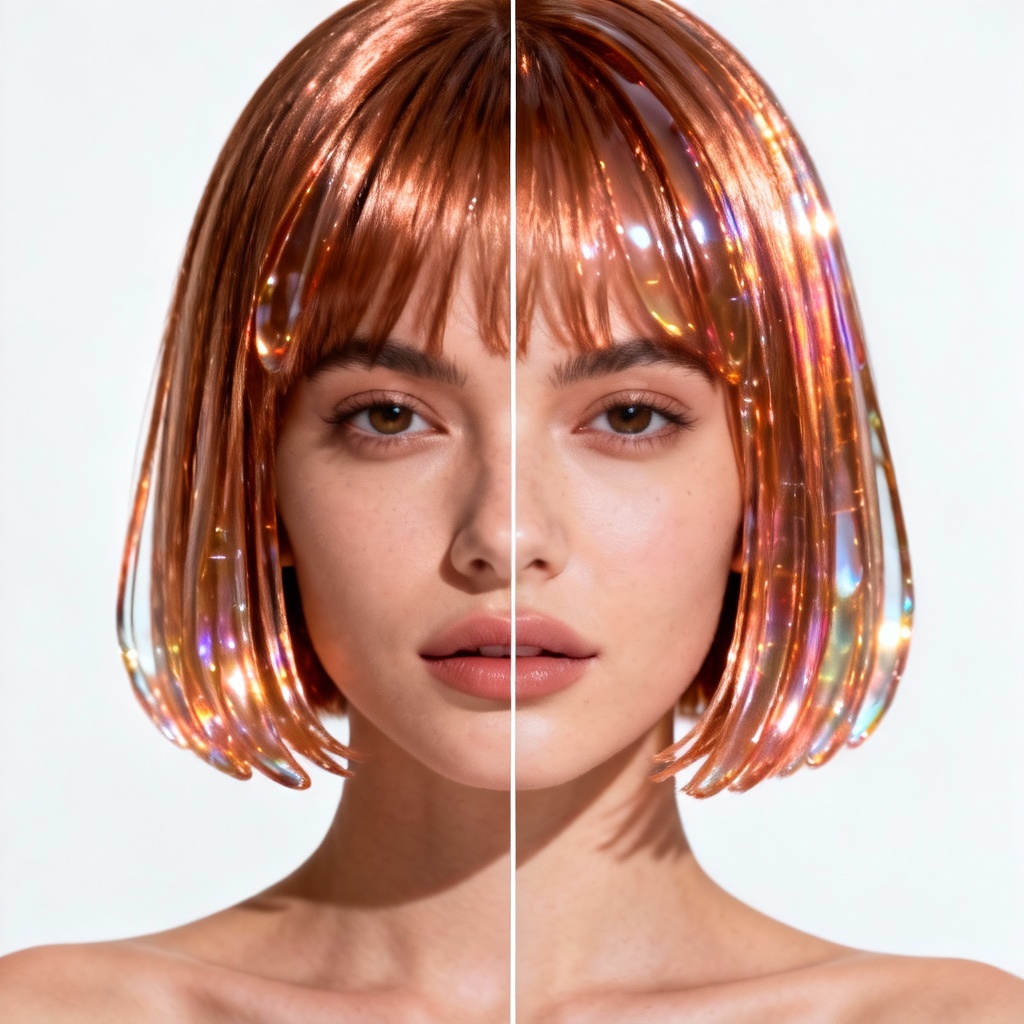

MyAIArt’s free AI groom generator lets you preview wedding-ready looks in seconds. Upload a photo or type a prompt to try tuxedos, sherwanis, suits, beard styles, and hairstyles with photorealistic results. Preserve your face and expression while exploring colors, cuts, and accessories. Download high-quality images for planning, sharing, or save-the-date designs.
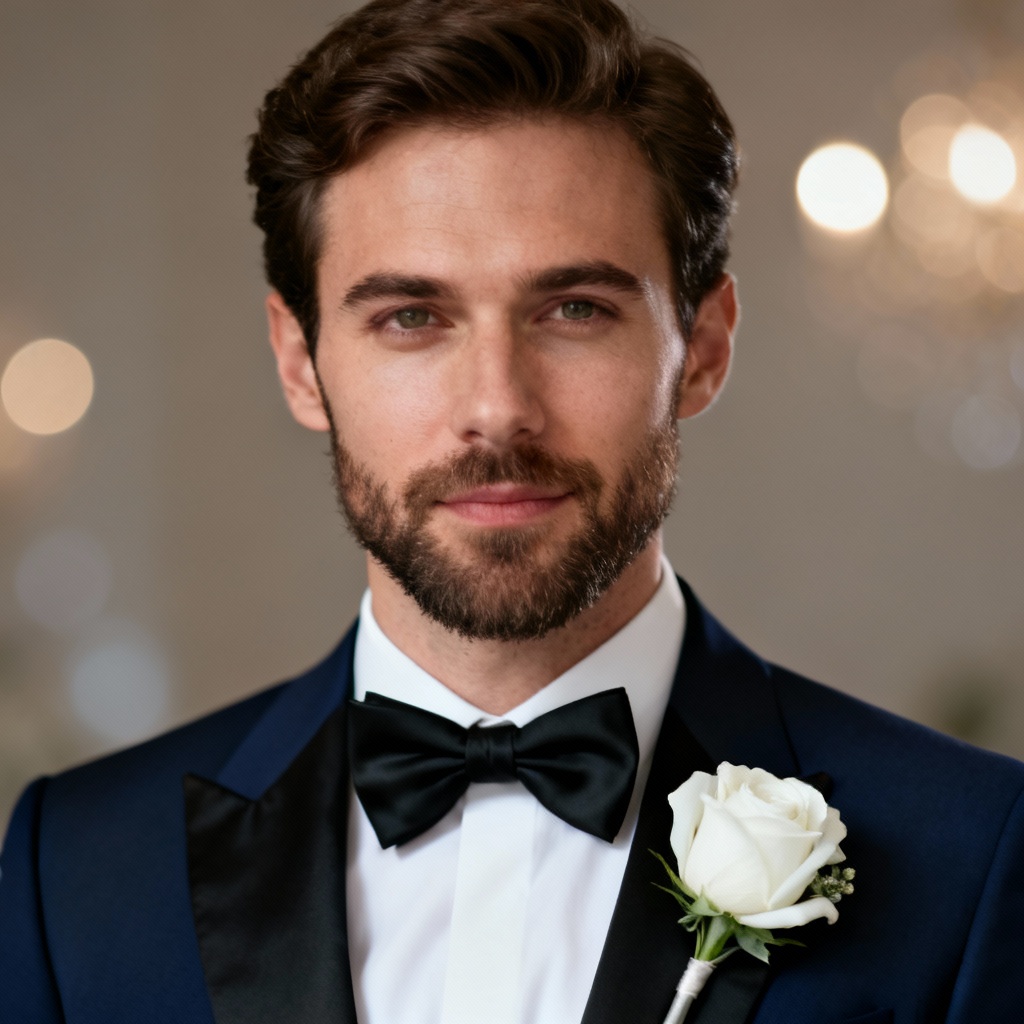
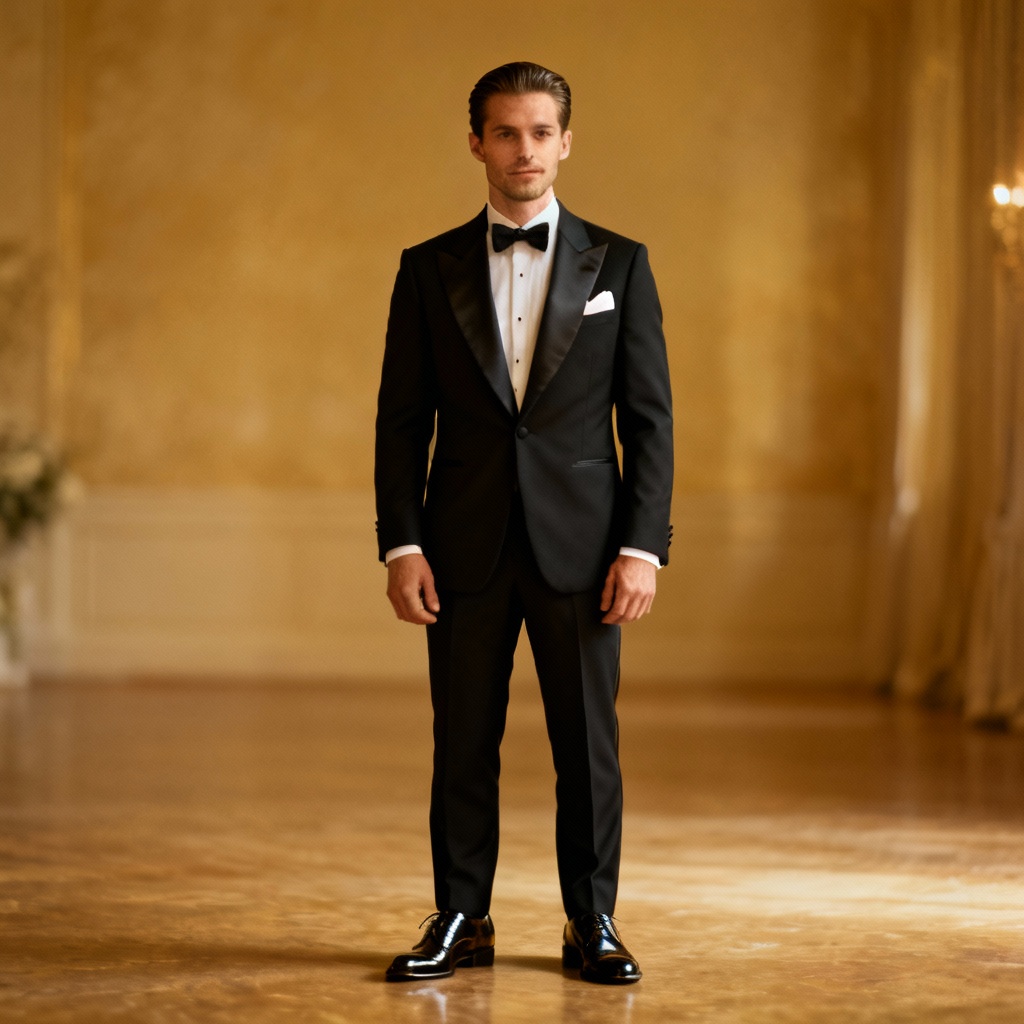
Upload a headshot or full-body photo in JPG or PNG, or type a text prompt like “navy tux, bow tie, fade haircut, stubble beard.” Add details such as color palette, accessories, and background.
Select the AI groom generator model, choose suits or cultural attire like tuxedo, sherwani, or jodhpuri, then set beard and hairstyle preferences. Click Generate to create realistic previews that keep your face intact.
Review results, switch fabrics and colors, refine beard or hair length, and adjust lighting. When satisfied, download your high-resolution groom photo for wedding planning, mood boards, or sharing.
From wedding planning to marketing visuals, the AI groom generator helps you test outfits, haircuts, and beard styles without a photoshoot.
Advanced AI preserves identity, pose, and expression while realistically rendering fabrics, seams, lapels, and hair detail. Get lifelike tuxedos, sherwanis, suits, and accessories with studio-grade lighting.
Generate from text or photos, mix outfits with beard and hairstyle options, and try themes from black tie to beach casual. Fine-tune color, texture, and backdrop for a perfect AI groom photo.
Download high-resolution images fast with clean results and consistent quality. Your uploads remain private and are processed securely for a smooth wedding styling workflow.