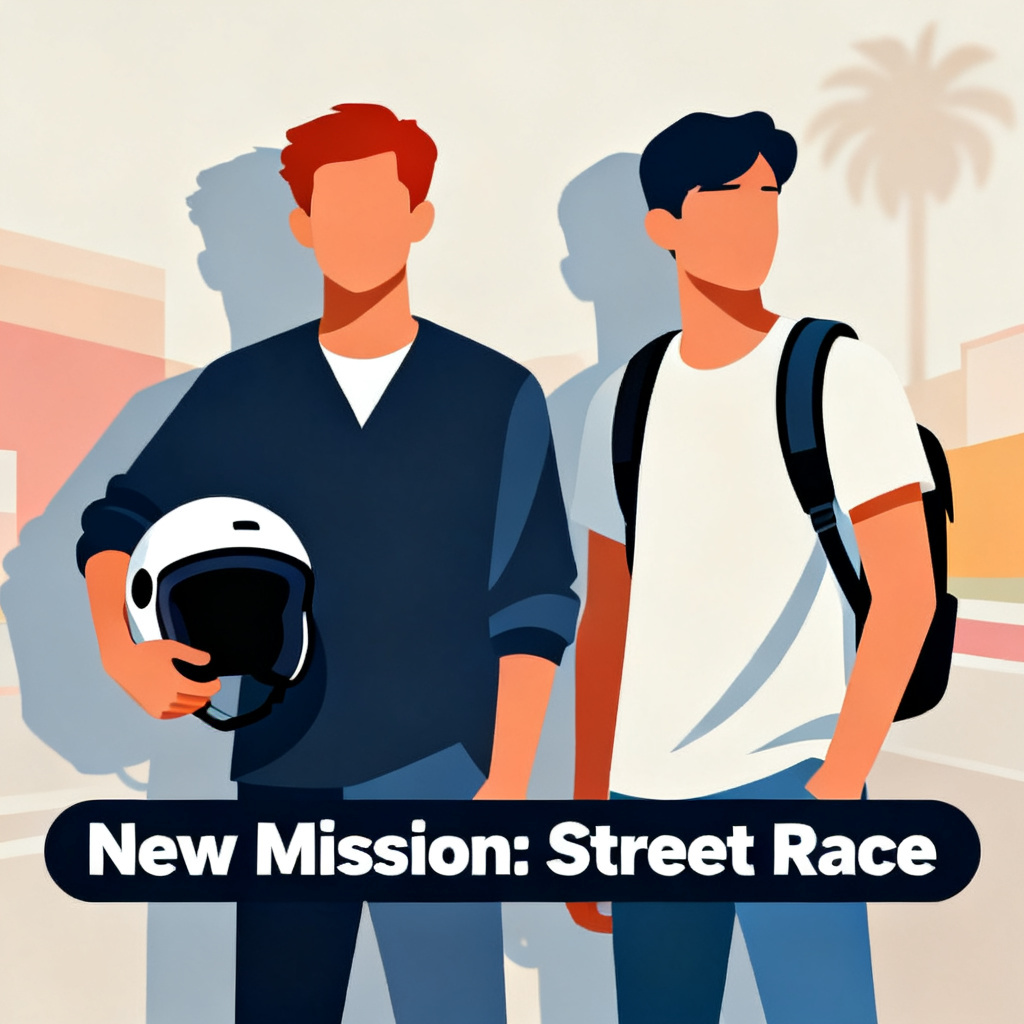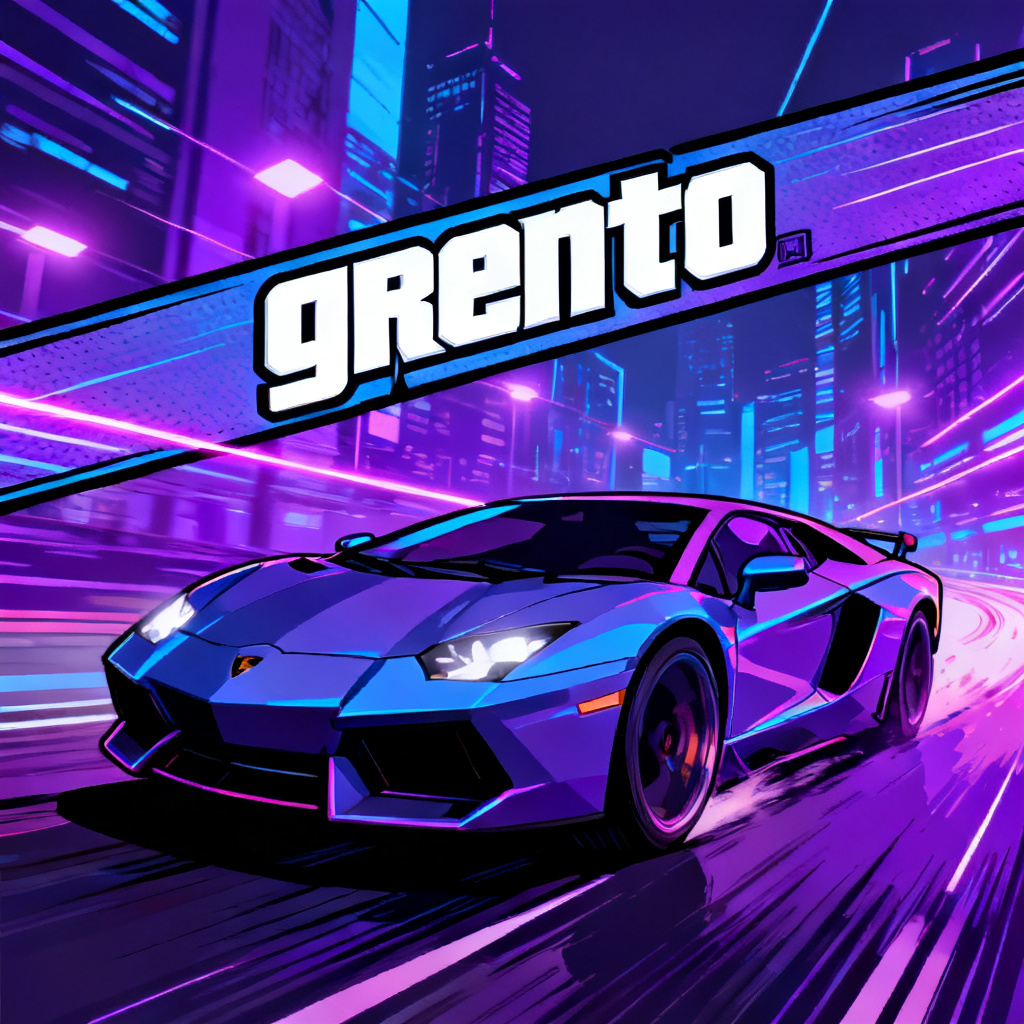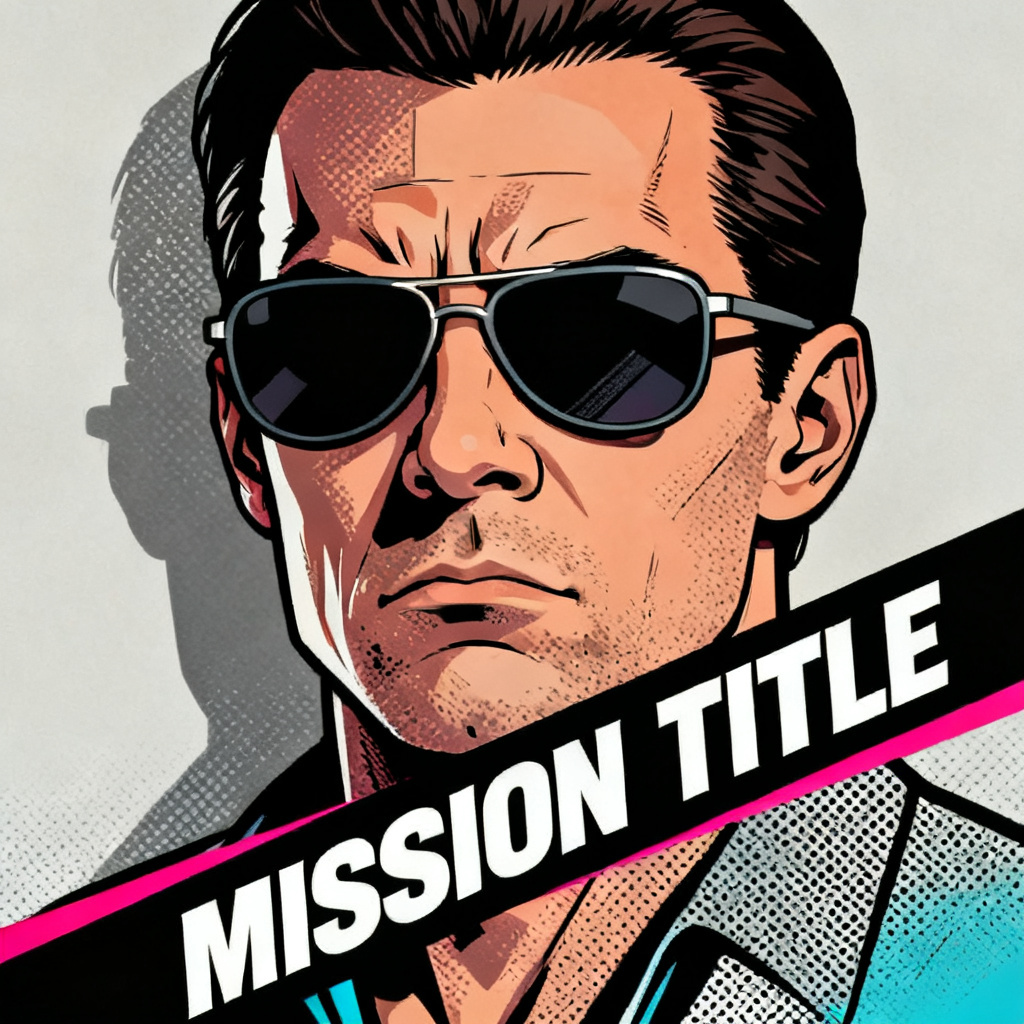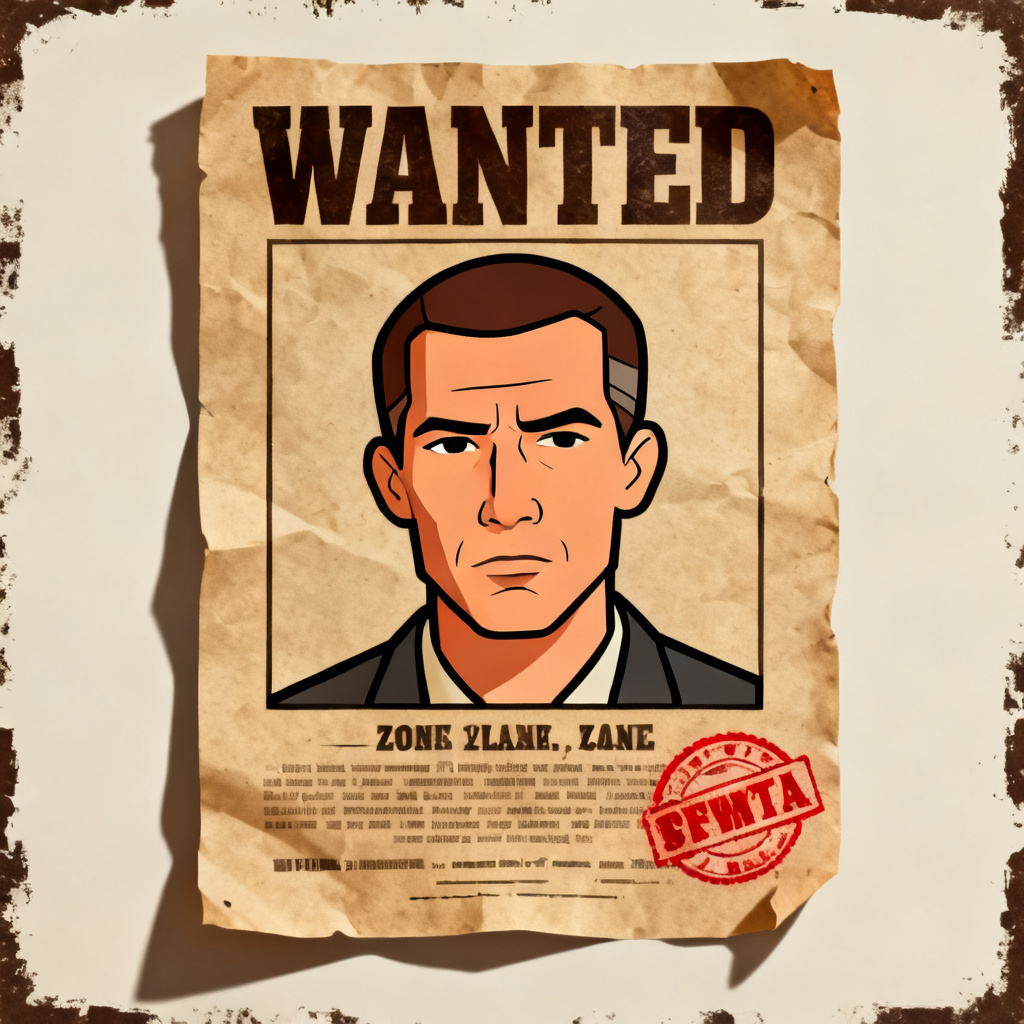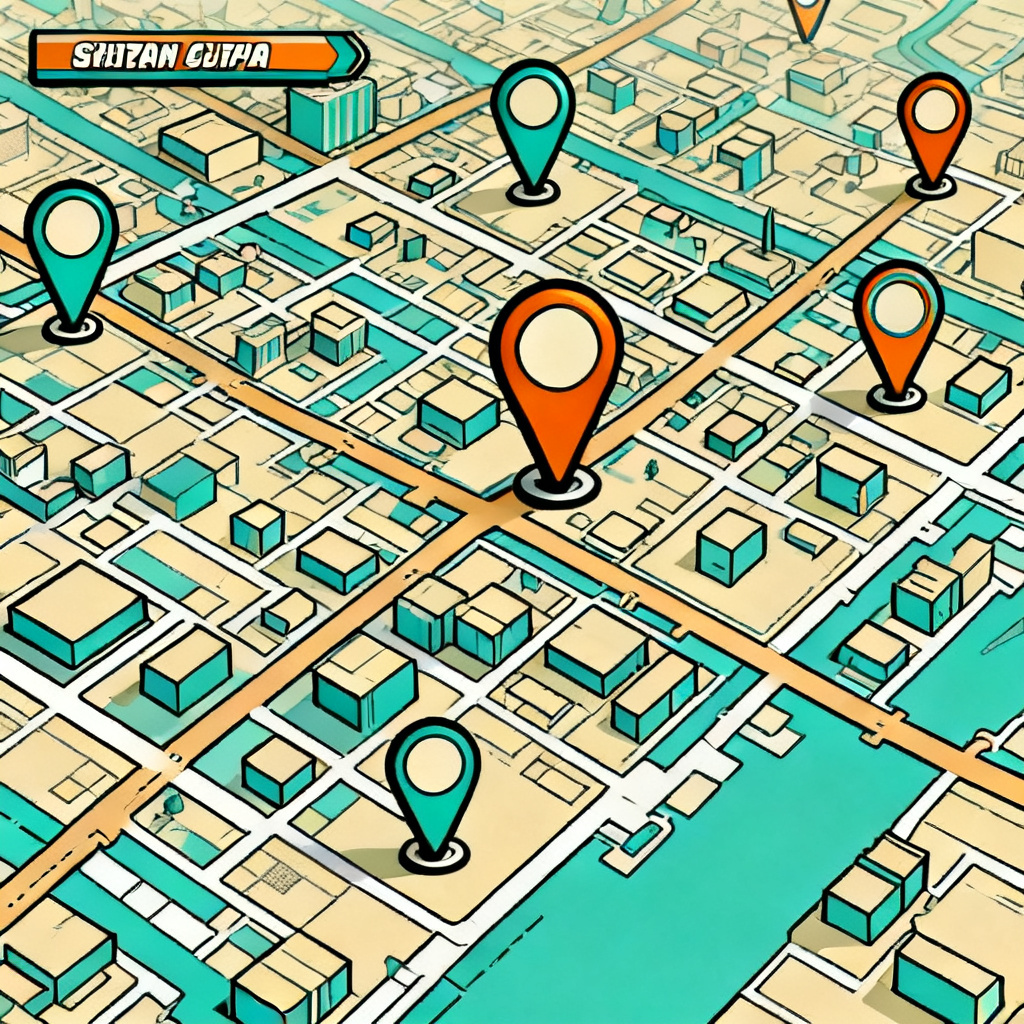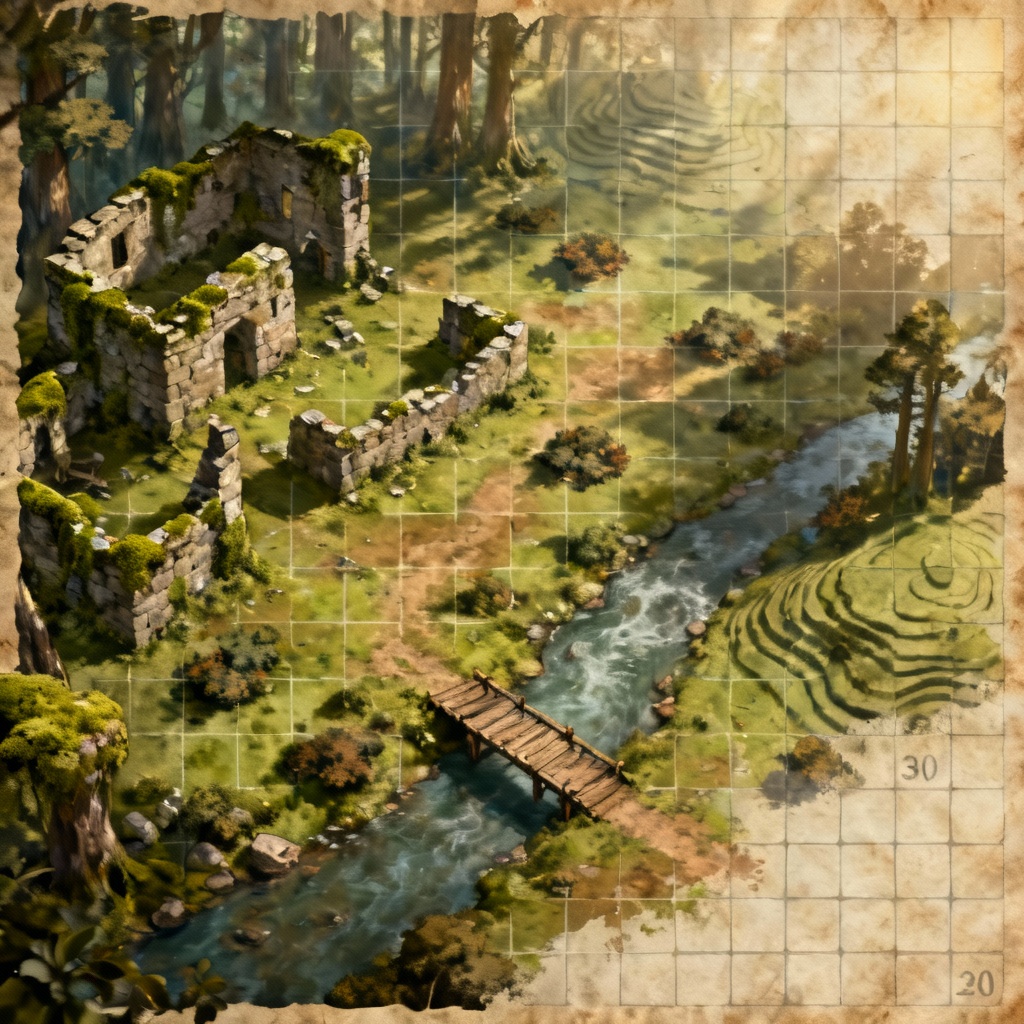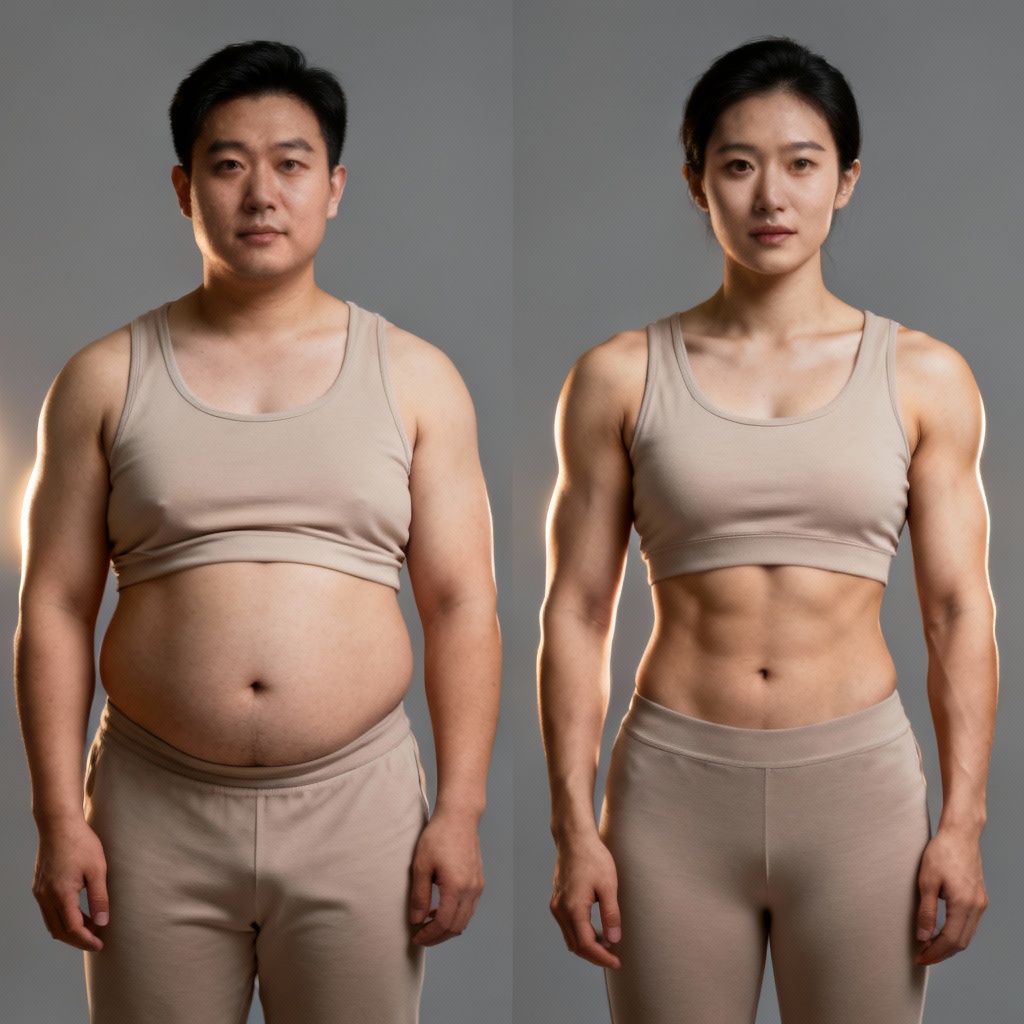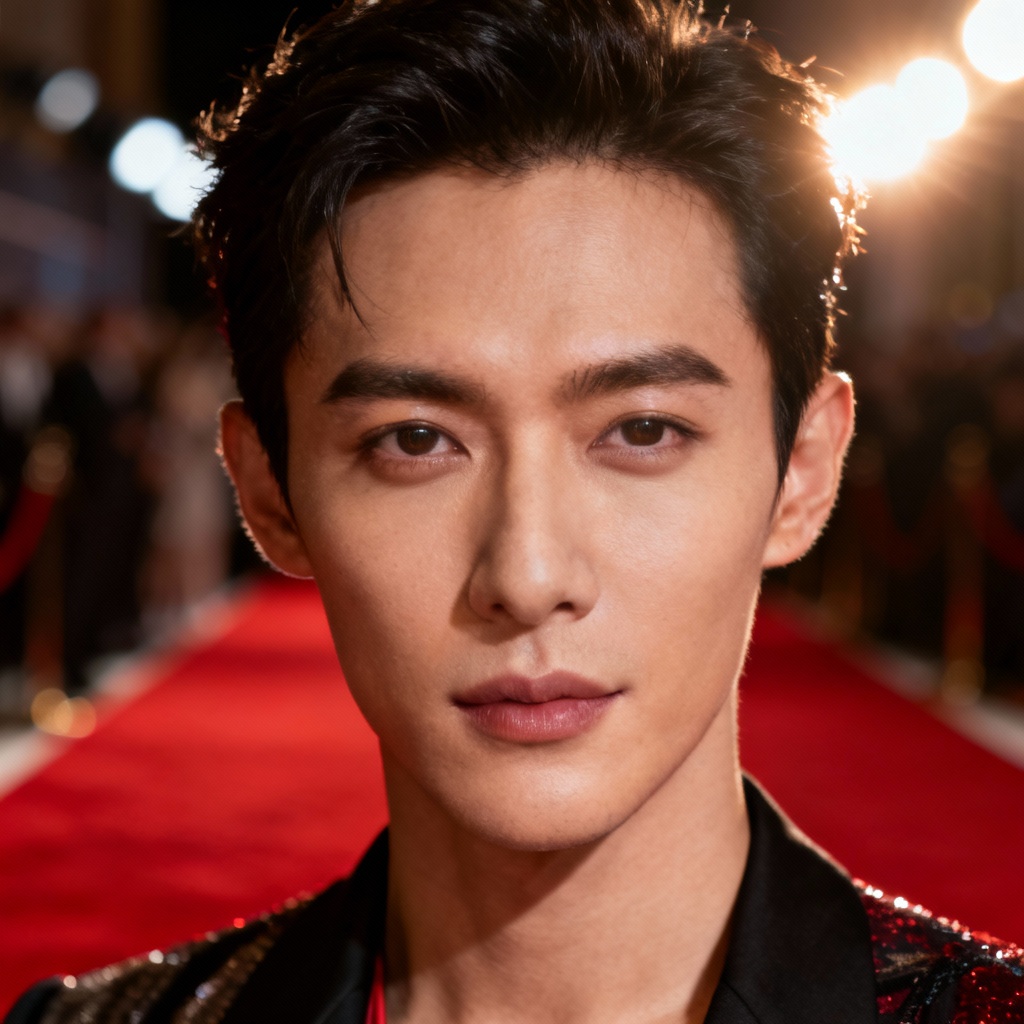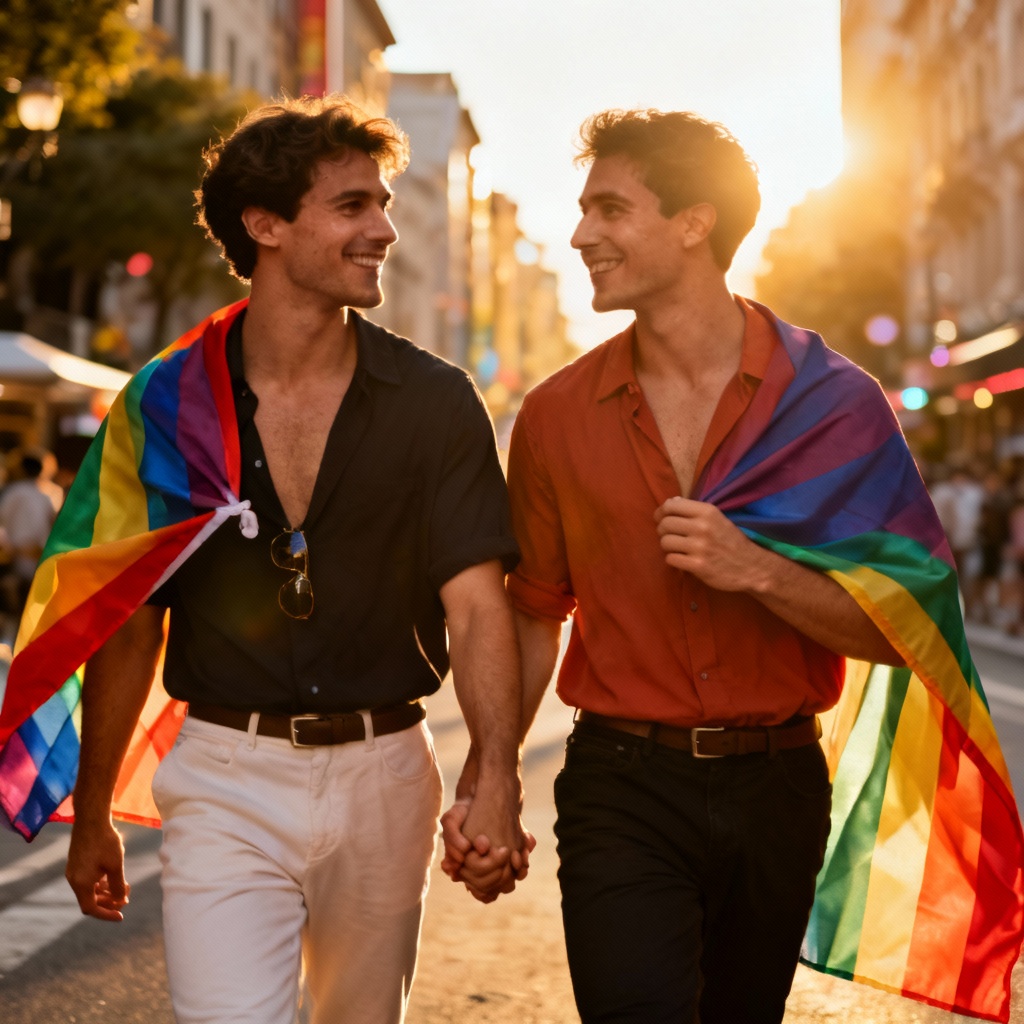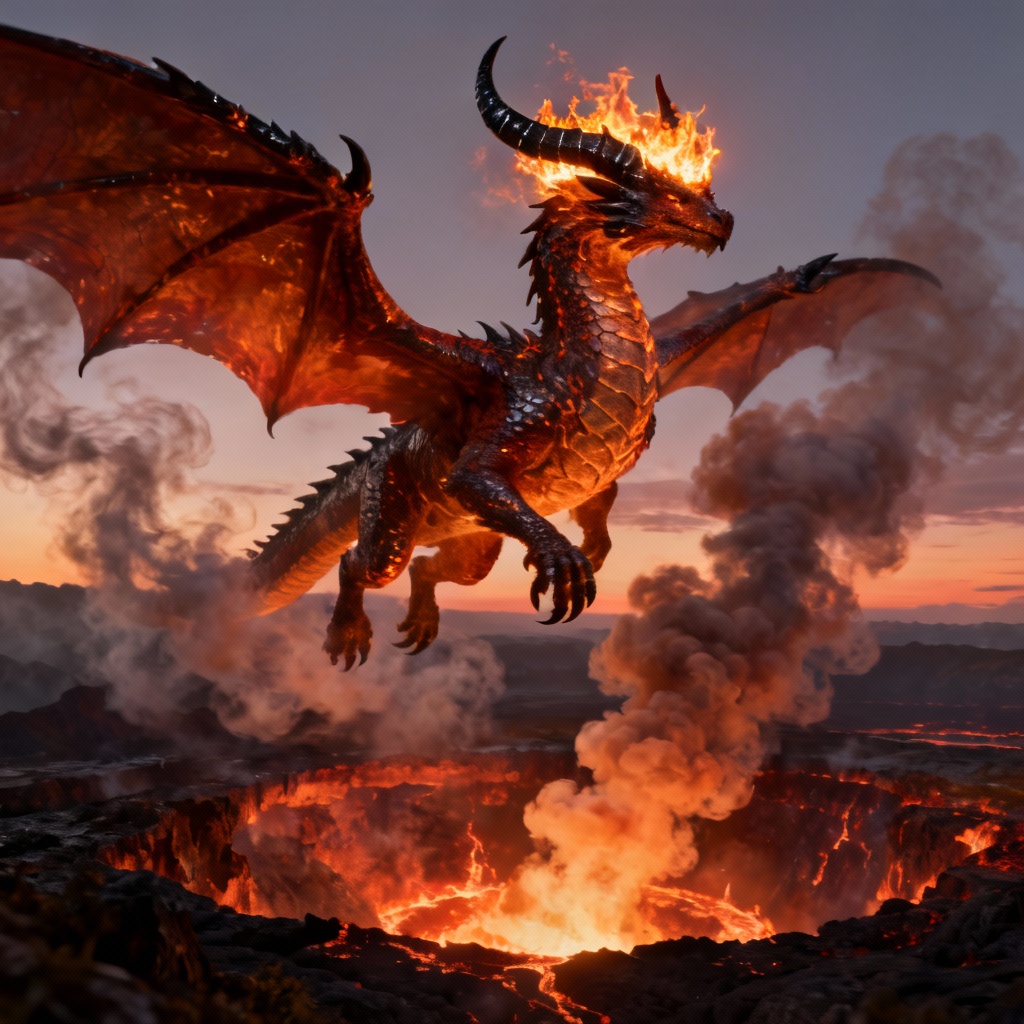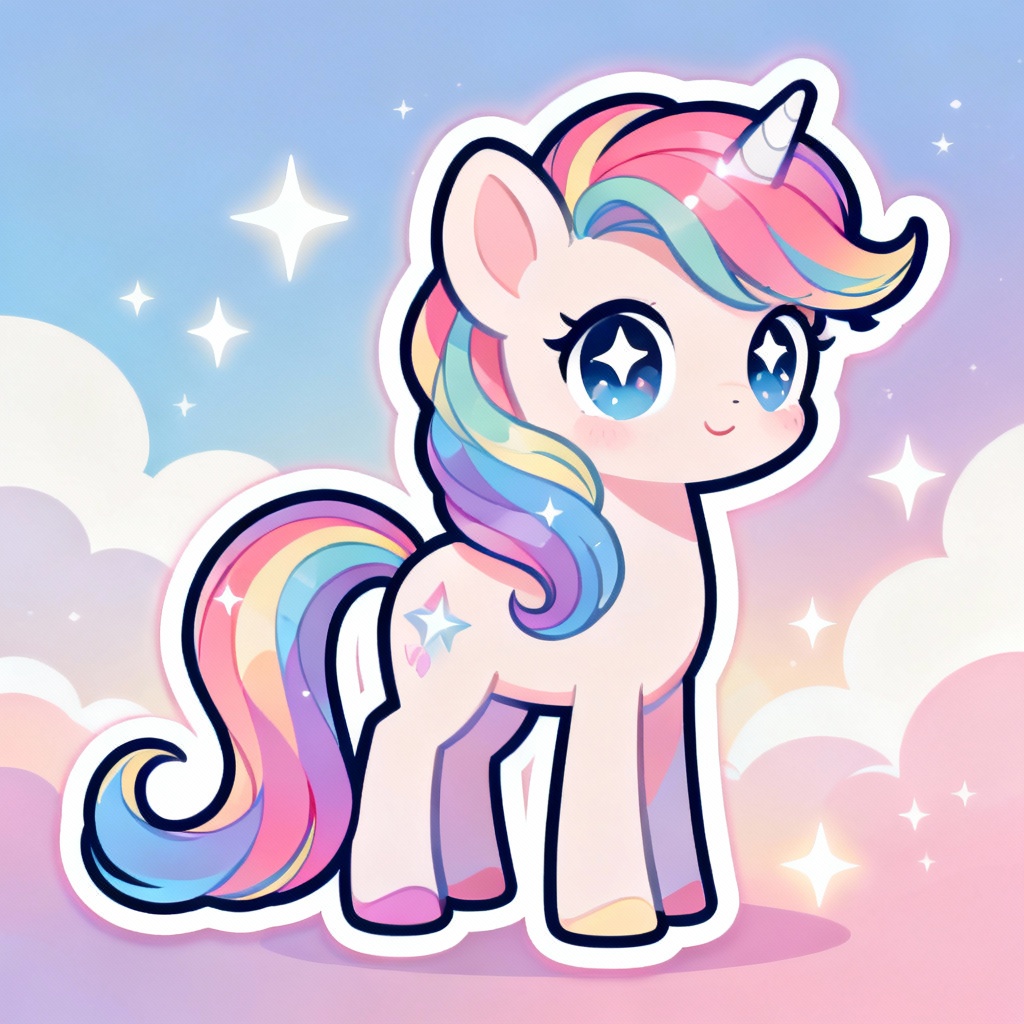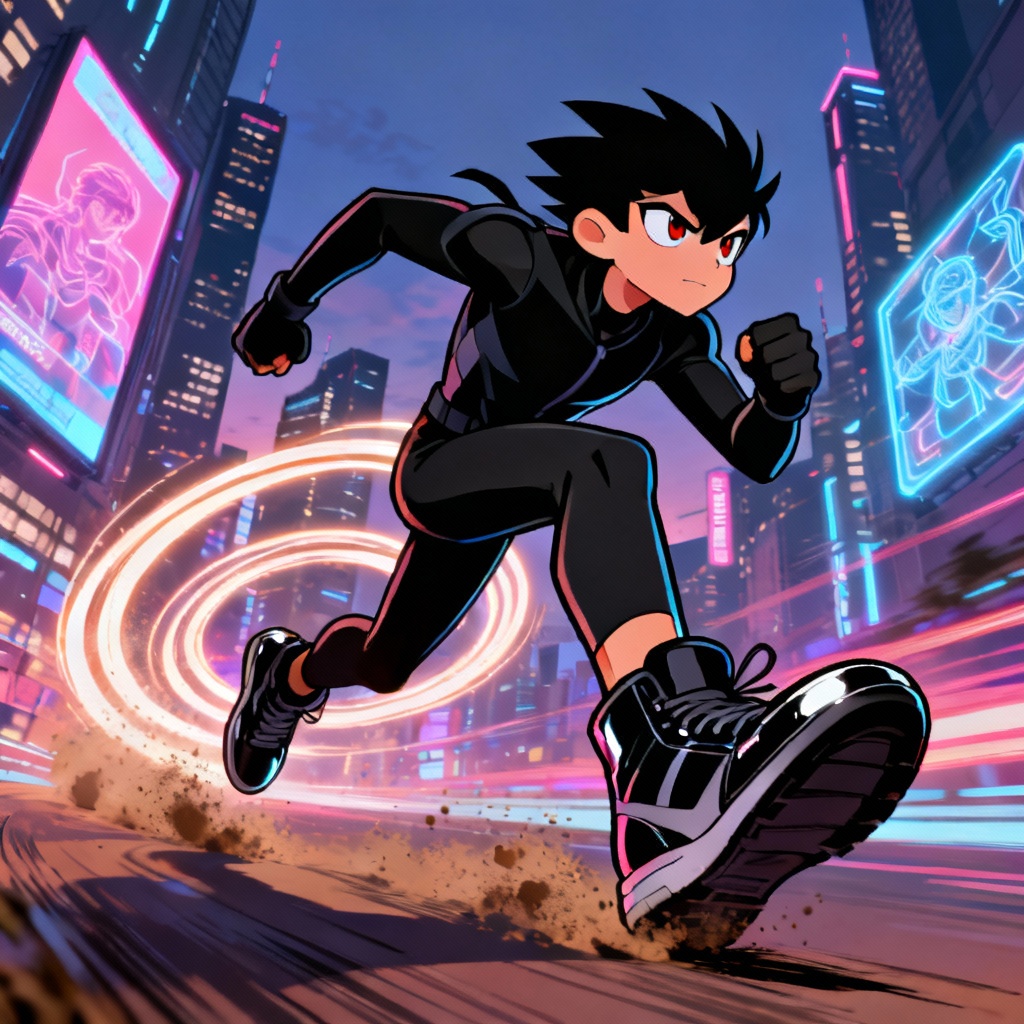

Myaiart’s free AI GTA filter instantly converts your photos into the iconic poster look with bold outlines, cel shading, and stylish typography. Upload a selfie or scene, choose the GTA art style, and download a crisp, high-resolution result. Make avatars, thumbnails, or posters in seconds with a clean, watermark-free GTA style conversion.
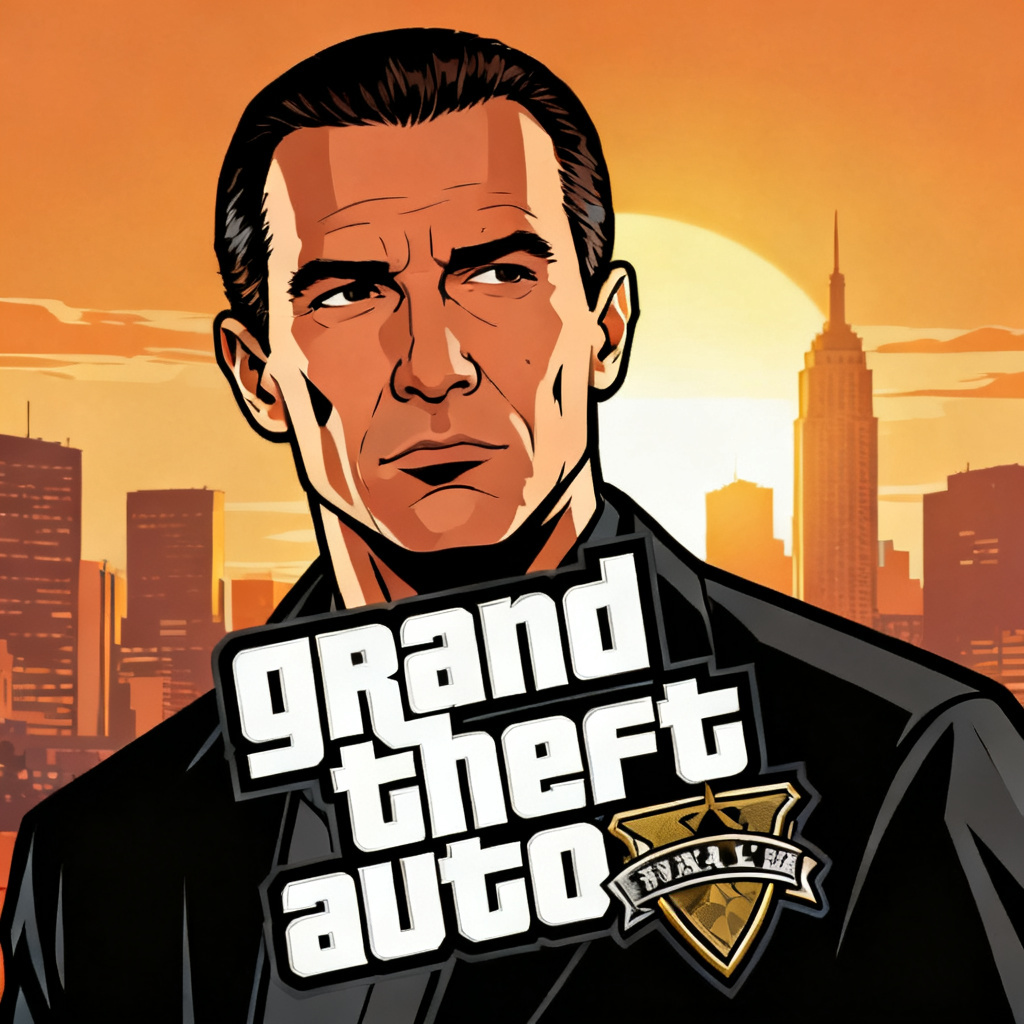
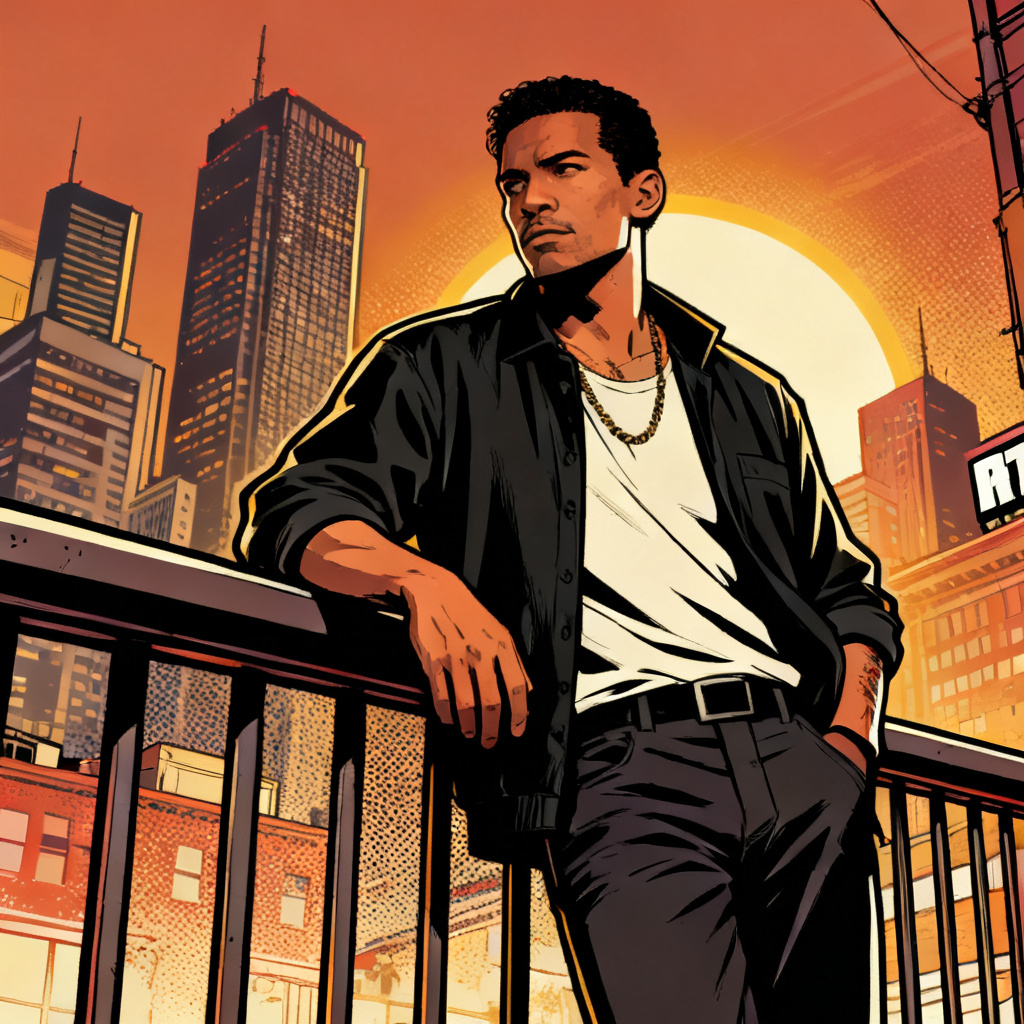
Choose a clear portrait or scene in JPG or PNG. For best results, use a well-lit image with visible edges and minimal heavy blur so the GTA poster outlines and cel shading are clean.
Select the AI GTA filter preset. Optionally add prompts like bold outline, mission title strip, neon night, wanted poster, or loading screen style to match your creative goal.
Click Generate to transform your image into GTA art style. Review the preview, tweak the prompt if needed, then download a high-resolution, watermark-free GTA-style image instantly.
Turn everyday photos into eye-catching GTA poster effects for creative and professional work. Use this GTA style generator for social avatars, gaming thumbnails, posters, channel art, event flyers, stream overlays, and short video intros. Generate GTA loading screen style, mission title cards, wanted posters, and map-inspired thumbnails with ease. Stand out on social media and content platforms in seconds.
Our AI preserves face structure, pose, and lighting while applying bold outlines, cel shading, and graphic shadows. Get a crisp GTA photo filter result with clean edges and vibrant, print-ready color.
Upload, pick the GTA style, and generate in seconds. Add prompts like neon night, mission card, or wanted poster to fine-tune the vibe. No design skills or complex edits required.
Download your GTA-style images without watermarks. We respect privacy, process images for transformation only, and offer high-resolution outputs suitable for sharing or printing.