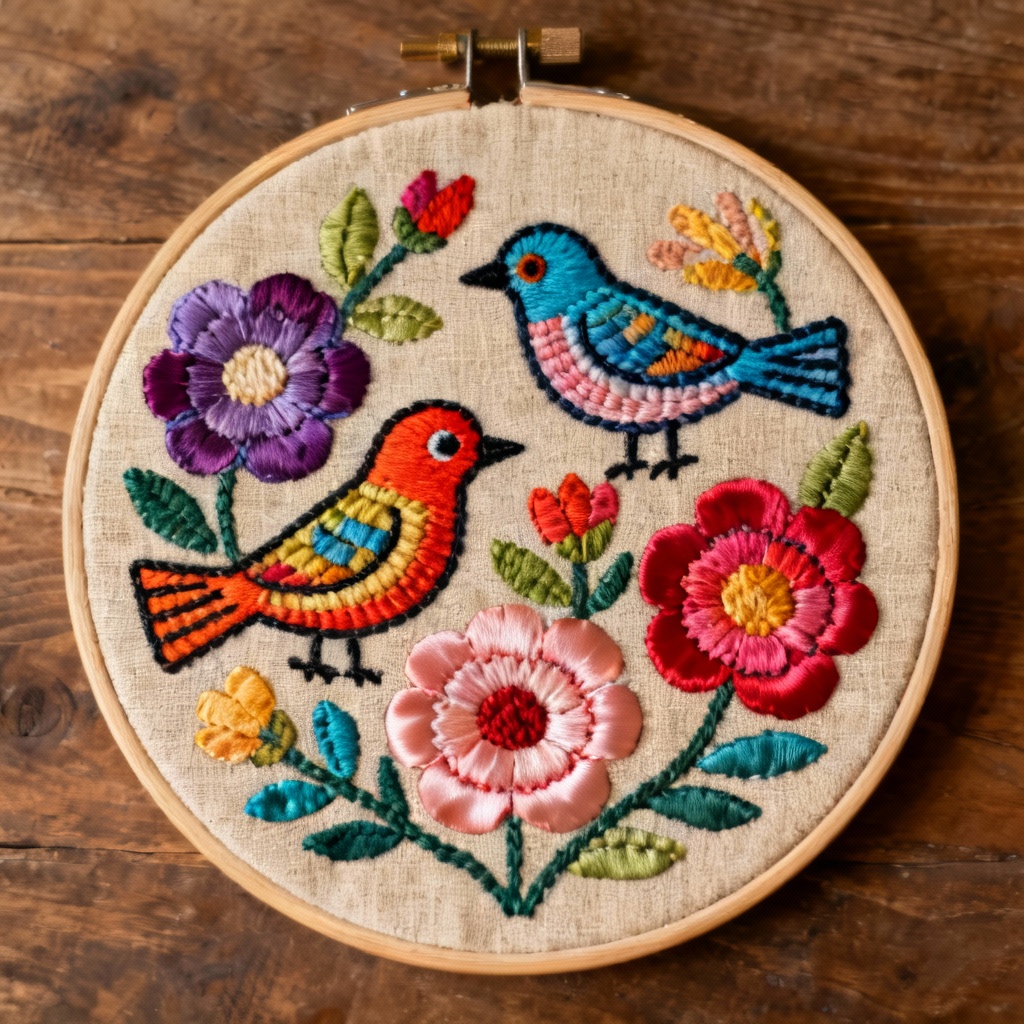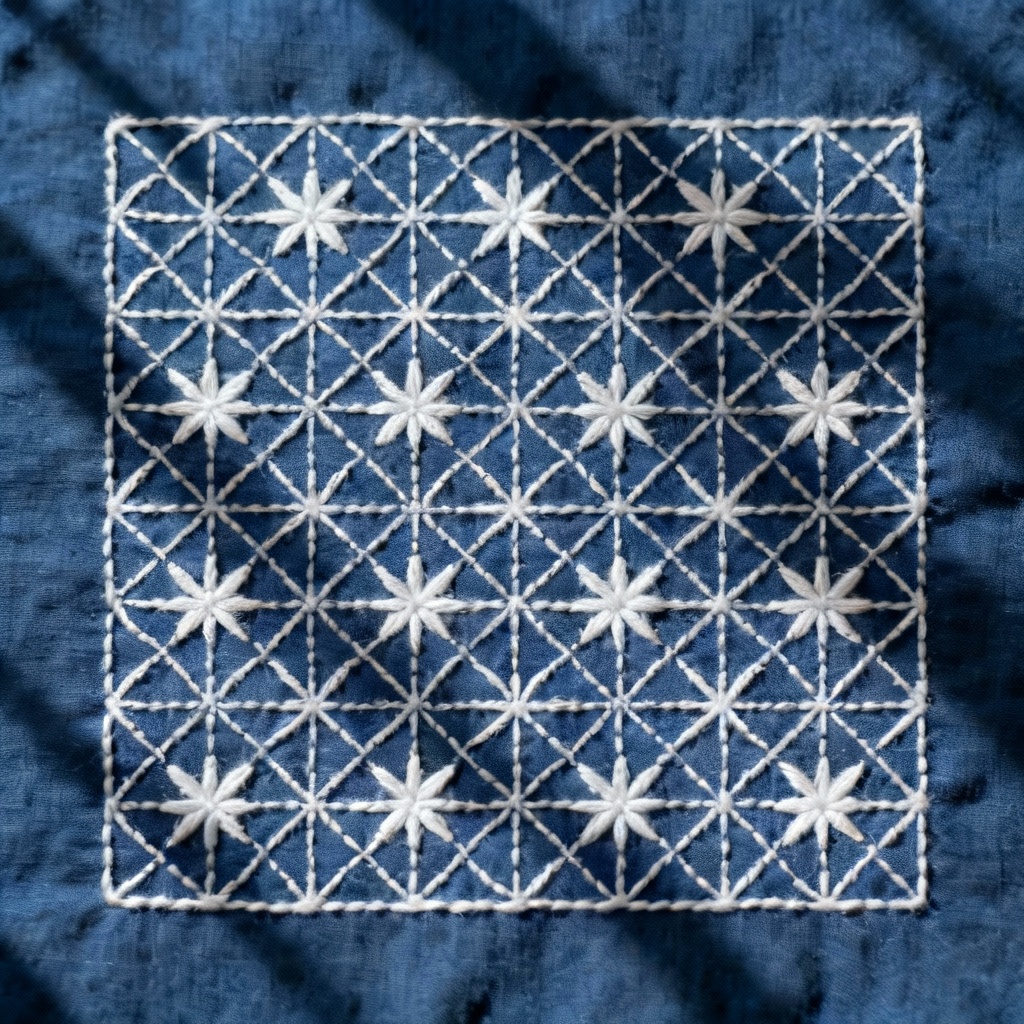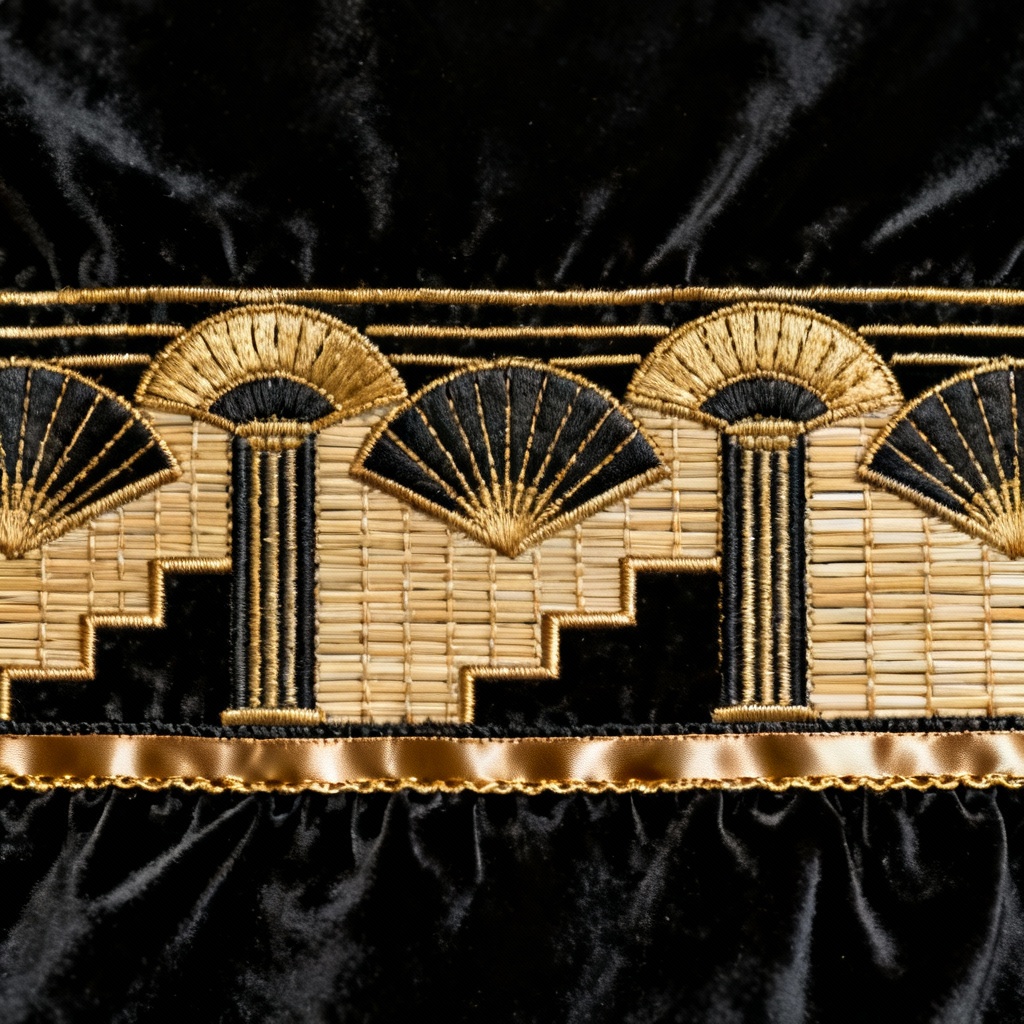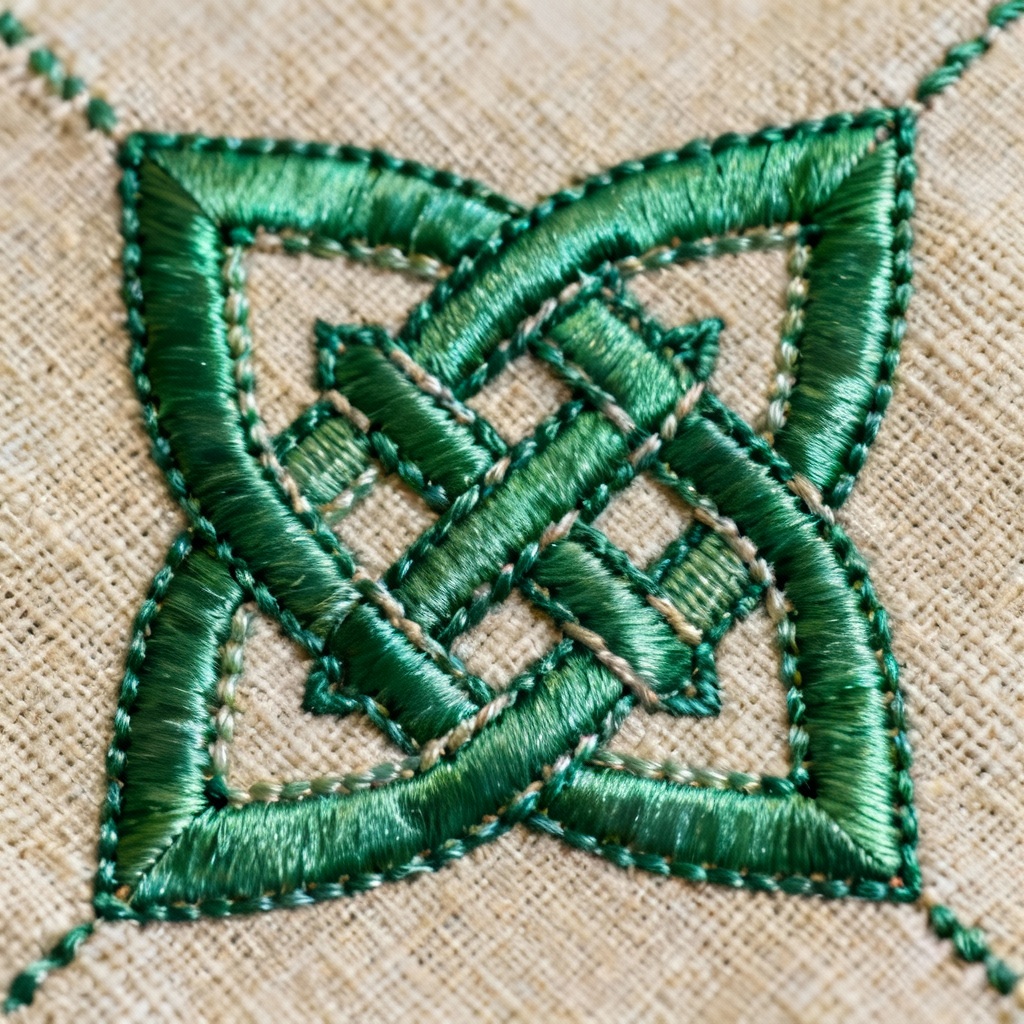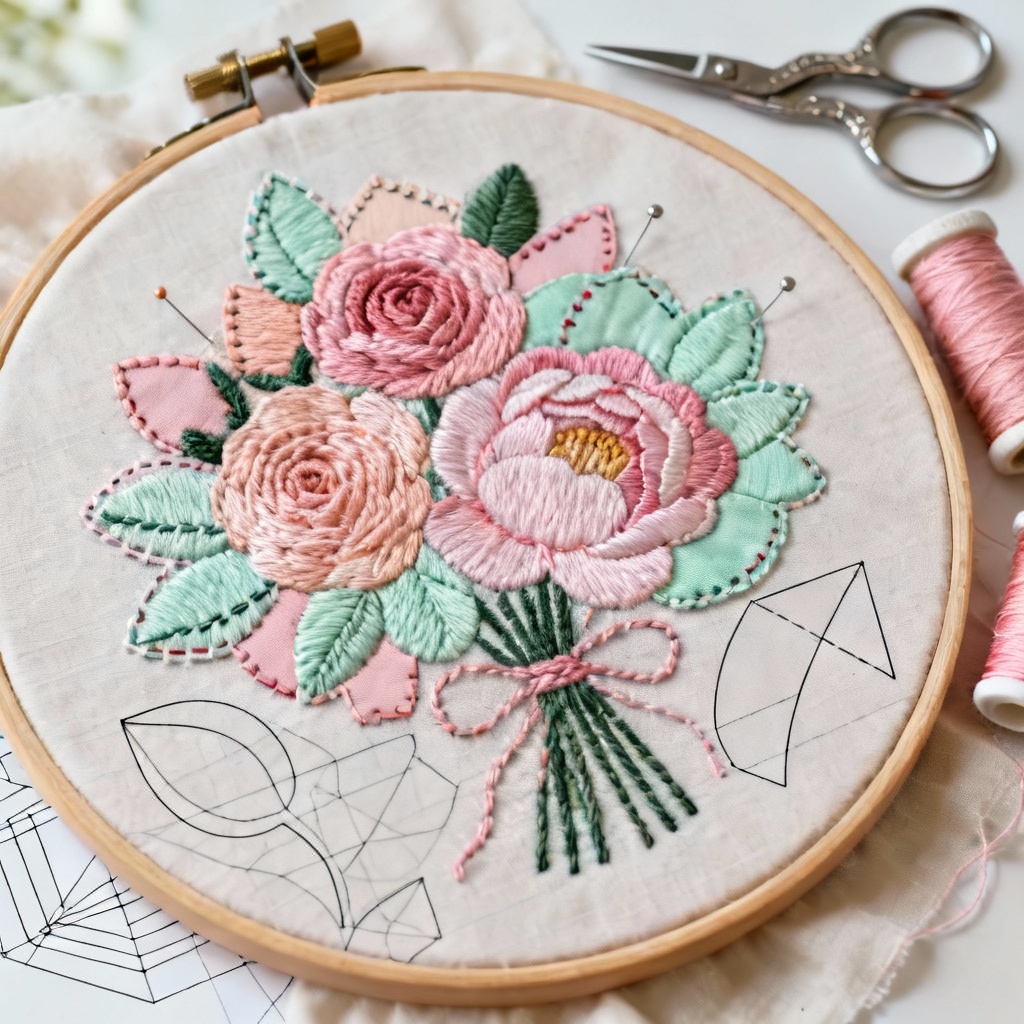

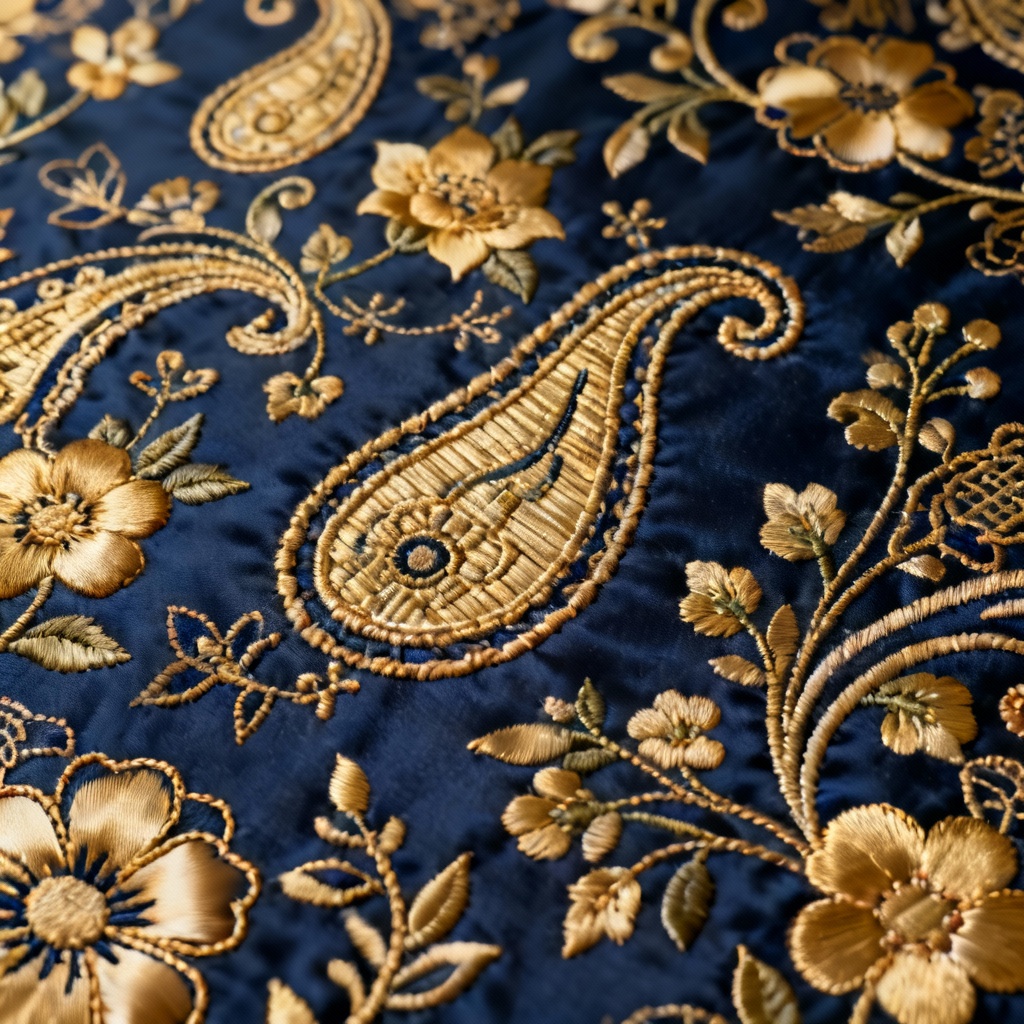
MyAIArt’s free AI intricate embroidery generator turns ideas into stitch-perfect, machine-ready designs. Type a prompt or upload art, choose stitch styles, hoop size, and density, then preview satin, tatami, and running stitches. Export embroidery files in popular formats and colorways for apparel, patches, quilting, and decor.
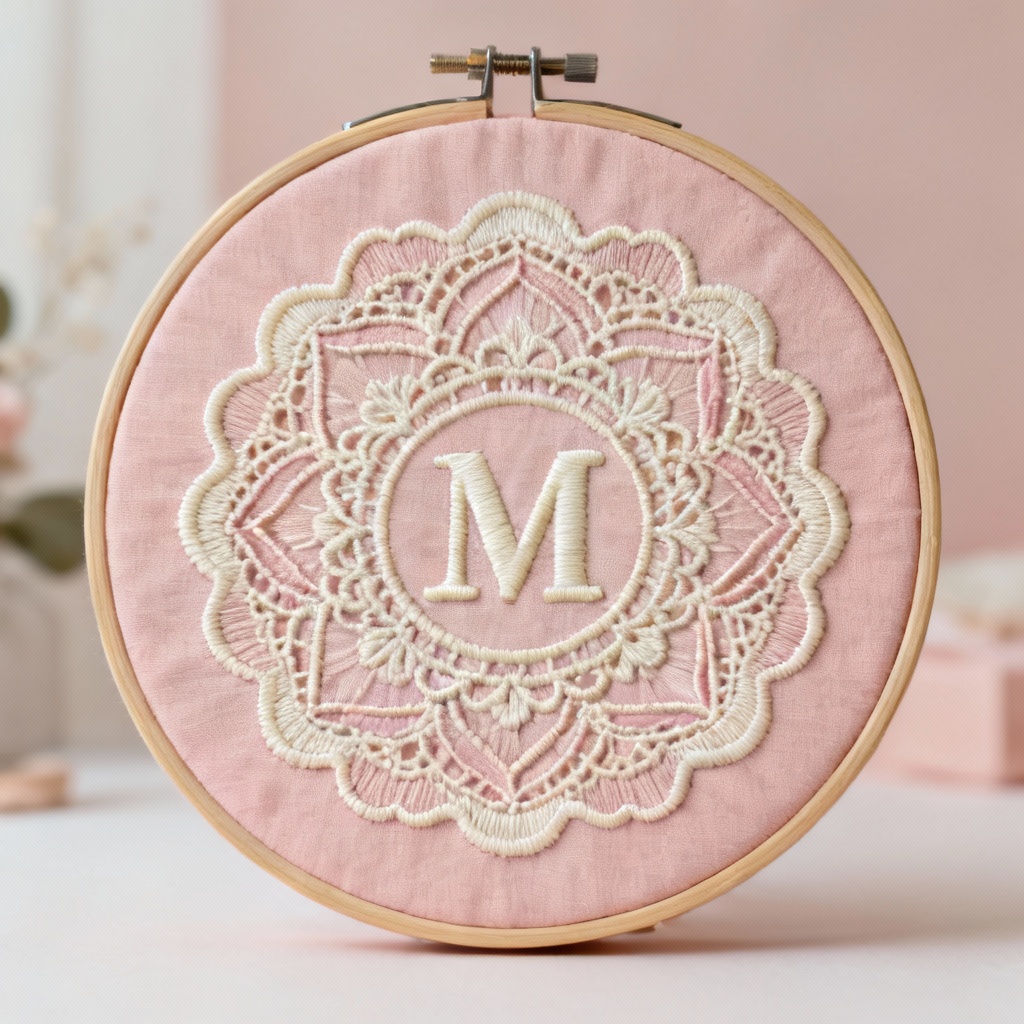
Enter a prompt describing style, motif, hoop size, and stitch preferences, or upload a sketch or logo. Choose presets like lace, monogram, sashiko, applique, or logo. Set hoop size, color palette, and target stitch count.
Click Generate to auto digitize. MyAIArt maps satin, tatami, and running stitches, creates underlay, and optimizes pathing. Preview thread sheen, stitch direction, density, trims, and jump stitches in a realistic stitch simulator.
Refine density, pull compensation, and stitch angles. Then export machine-ready files in DST, PES, EXP, JEF, and more, plus SVG and PNG previews. Download color charts and hoop templates for confident stitching.
Apply the AI intricate embroidery generator to apparel, branding, home decor, gifts, quilting, and cosplay. Create custom monograms, lace borders, applique templates, and folk embroidery motifs. Produce machine-ready stitch maps with precise density and direction, tailored to your hoop size, fabric type, and thread palette for clean, repeatable results.
Auto digitizing turns sketches and prompts into optimized stitch maps. The engine detects contours, assigns satin, tatami, and running stitches, adds underlay, and balances pull and push for clean outlines on knits or wovens.
Export machine-ready files in DST, PES, EXP, JEF, VP3, and more. Control stitch density, angle, trims, tie-ins, and tie-offs. Map colors to your thread palette and preview results before you hoop the fabric.
Generate ornate motifs in seconds. Iterate with variations, switch colorways, and resize to match hoop limits without distorting stitch density. Enjoy fast previews, crisp PNG mockups, and watermark-free downloads.