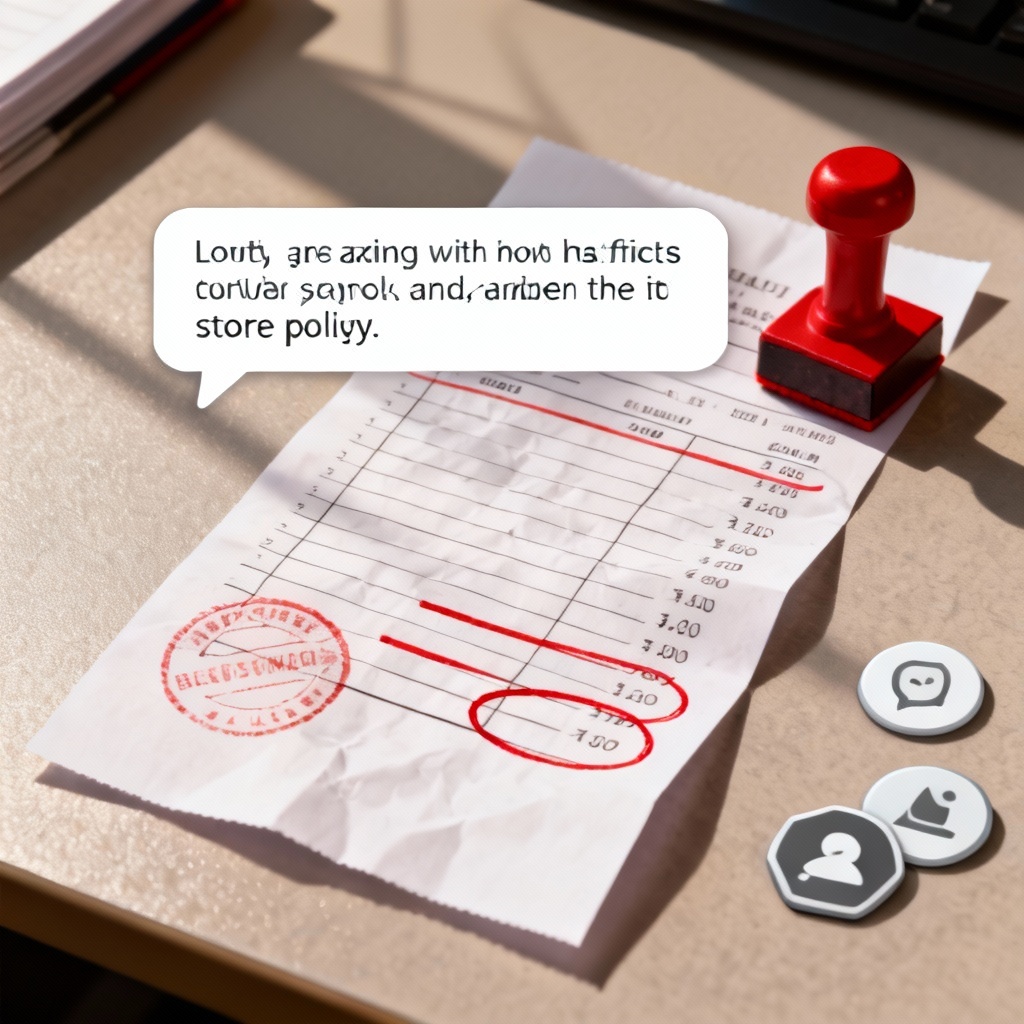

Turn ideas into viral-ready Karen screens with MyAIArt. The ai-karen-screen-generator creates funny complaint chats, customer service scenes, and video overlays from text or photos. Customize names, timestamps, tones, and layouts, then download in high quality. Start with a prompt or upload an image and let AI craft the perfect Karen moment in seconds.
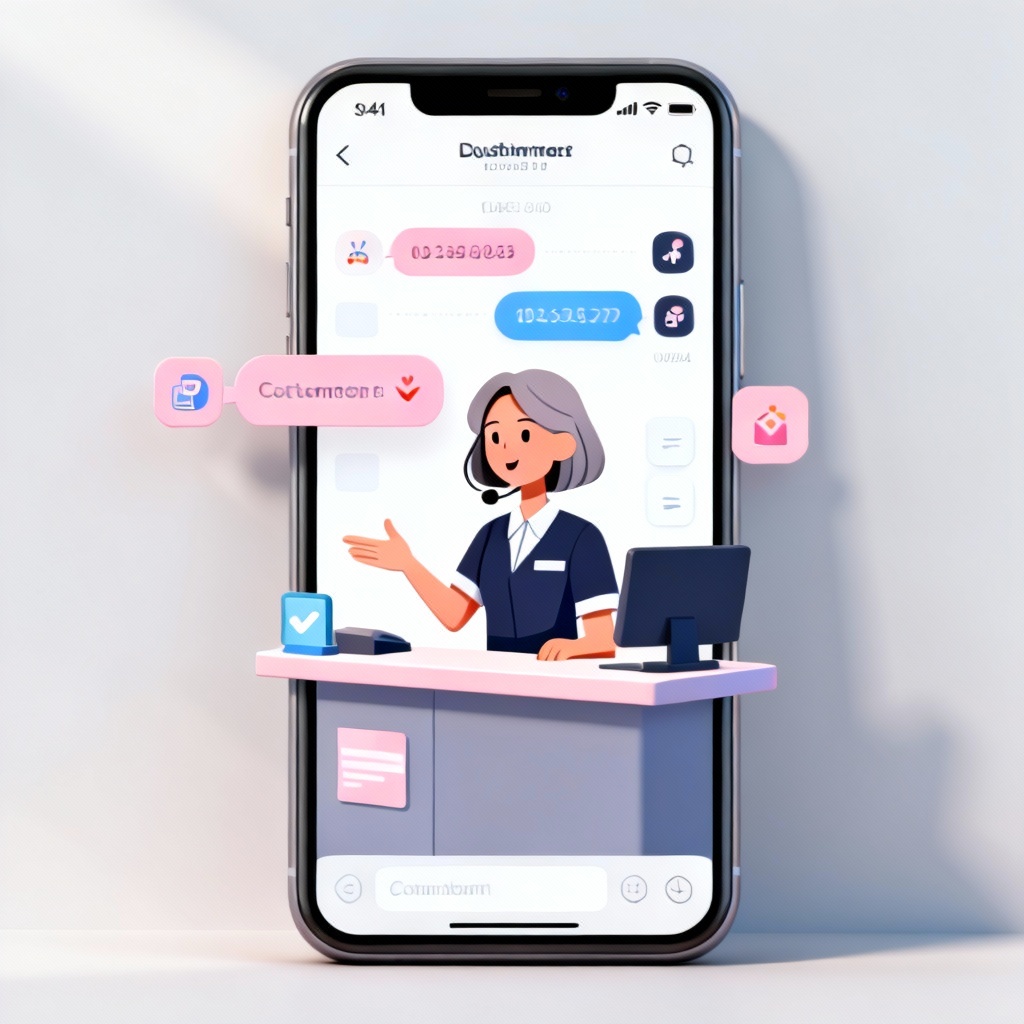
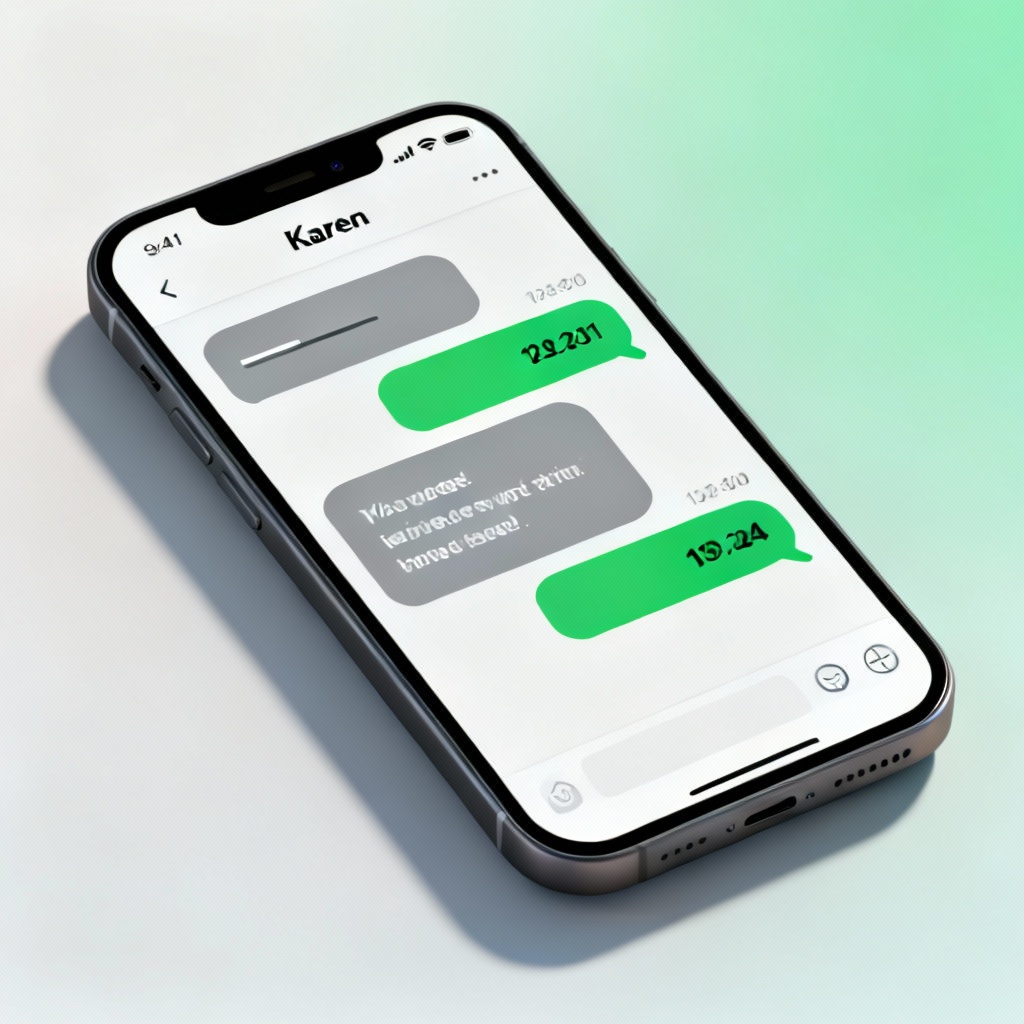
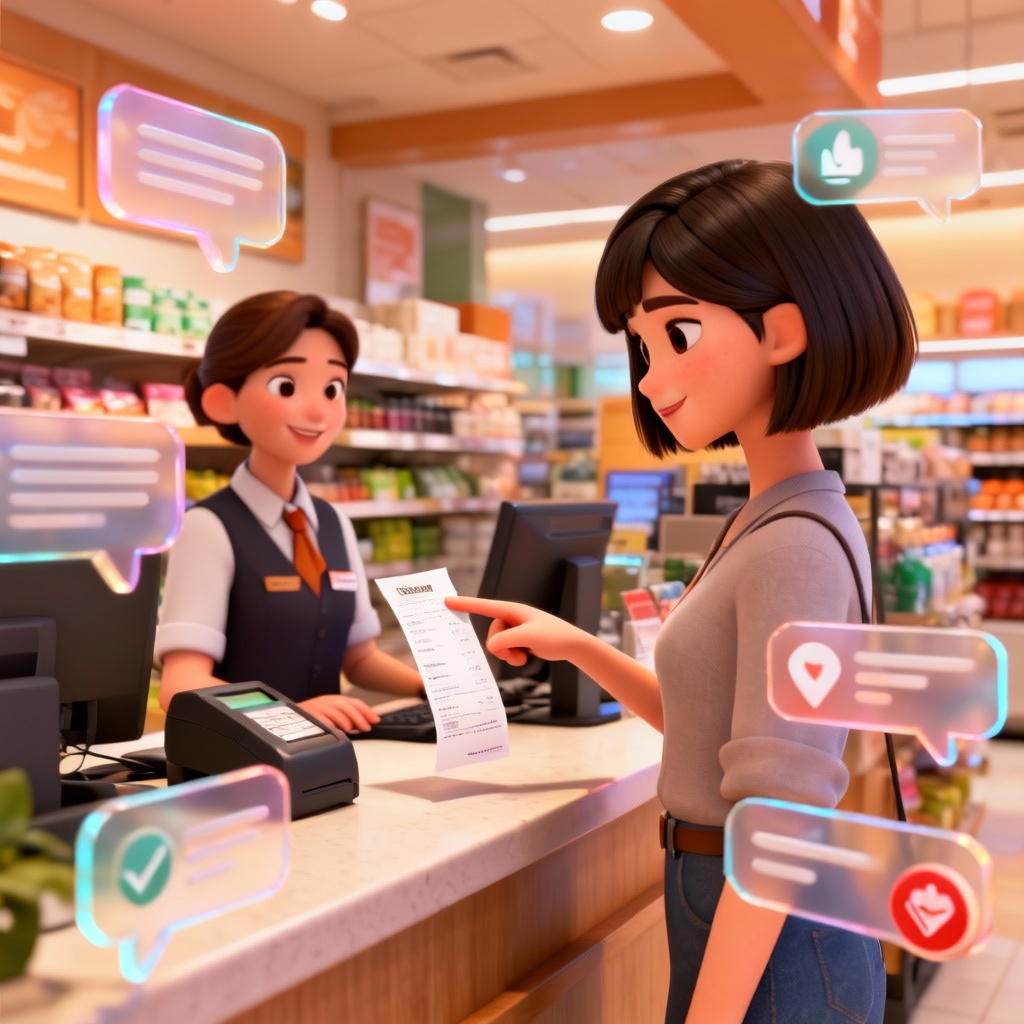
Upload a photo or start with a simple text prompt describing the Karen screen you want. Include details like chat UI style, character tone, timestamps, and setting such as store counter, parking lot, or email view.
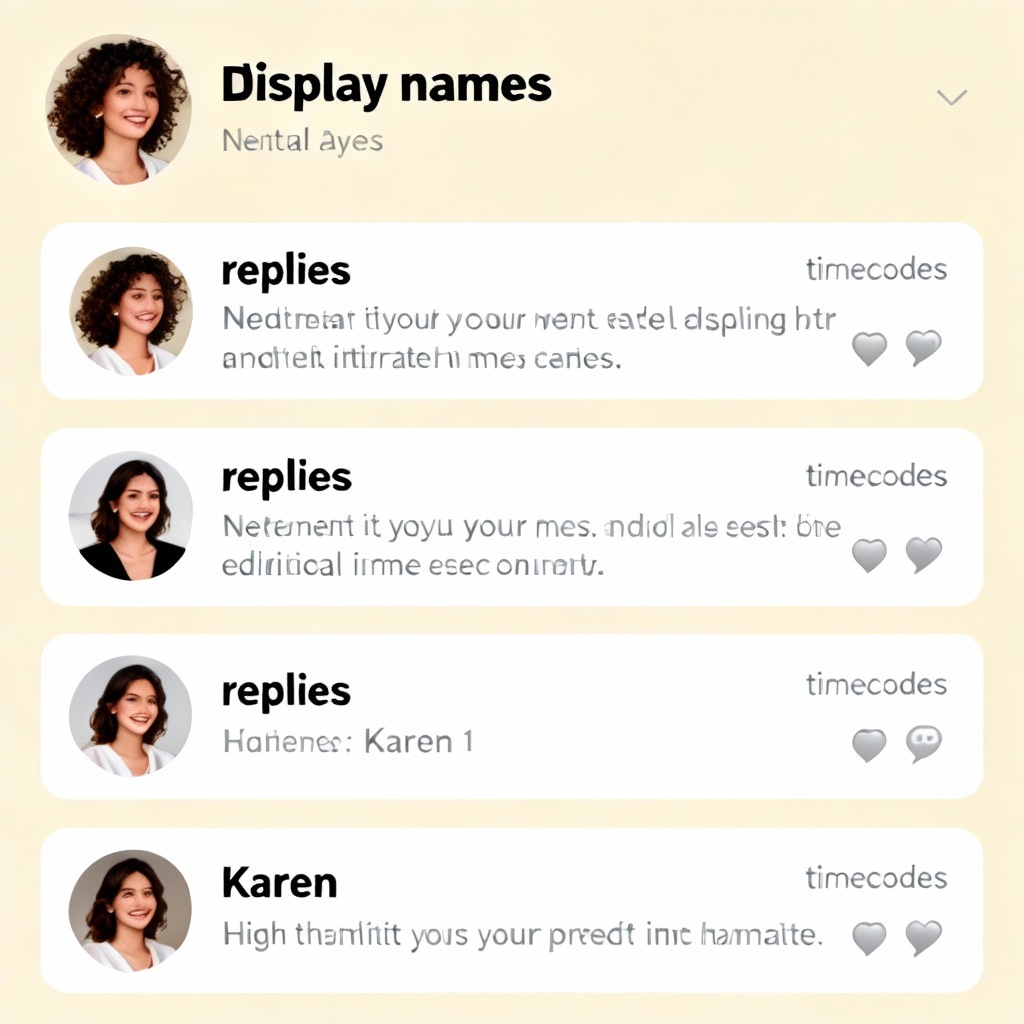
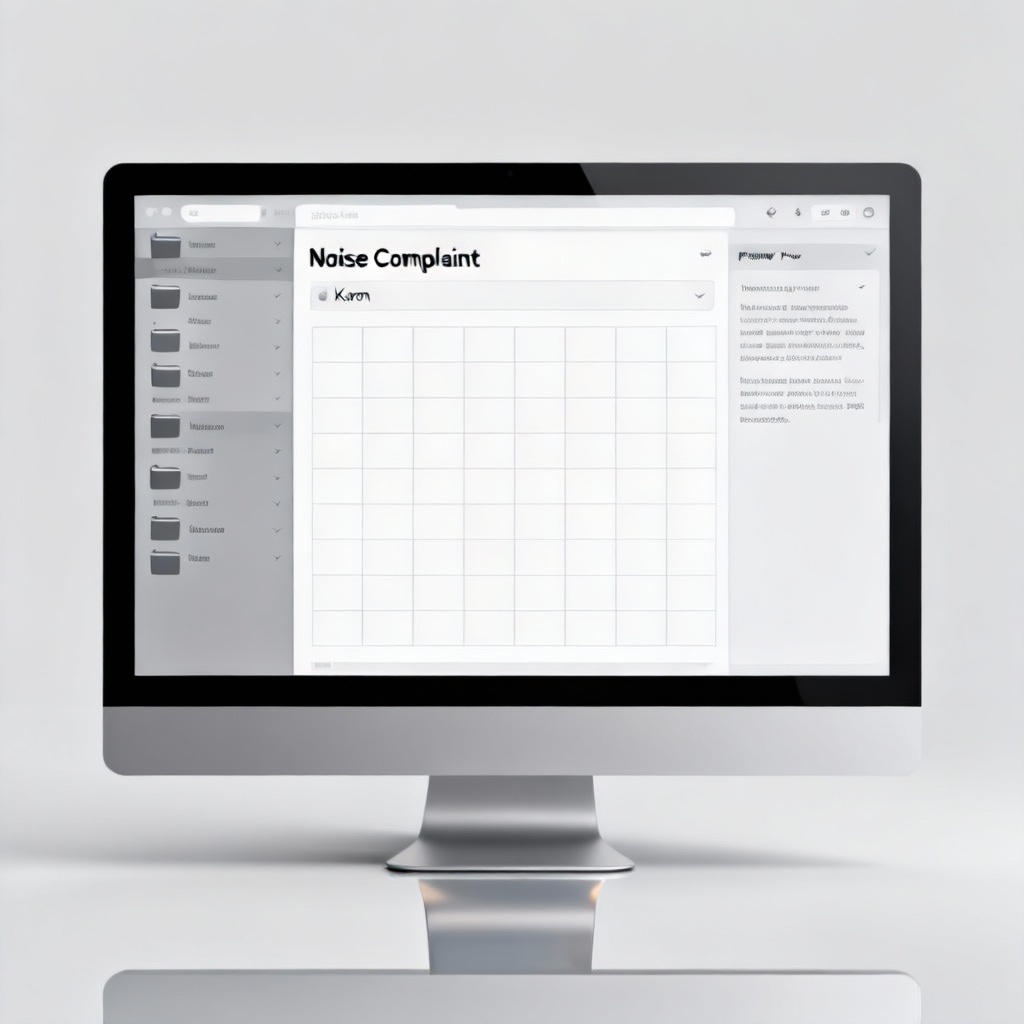
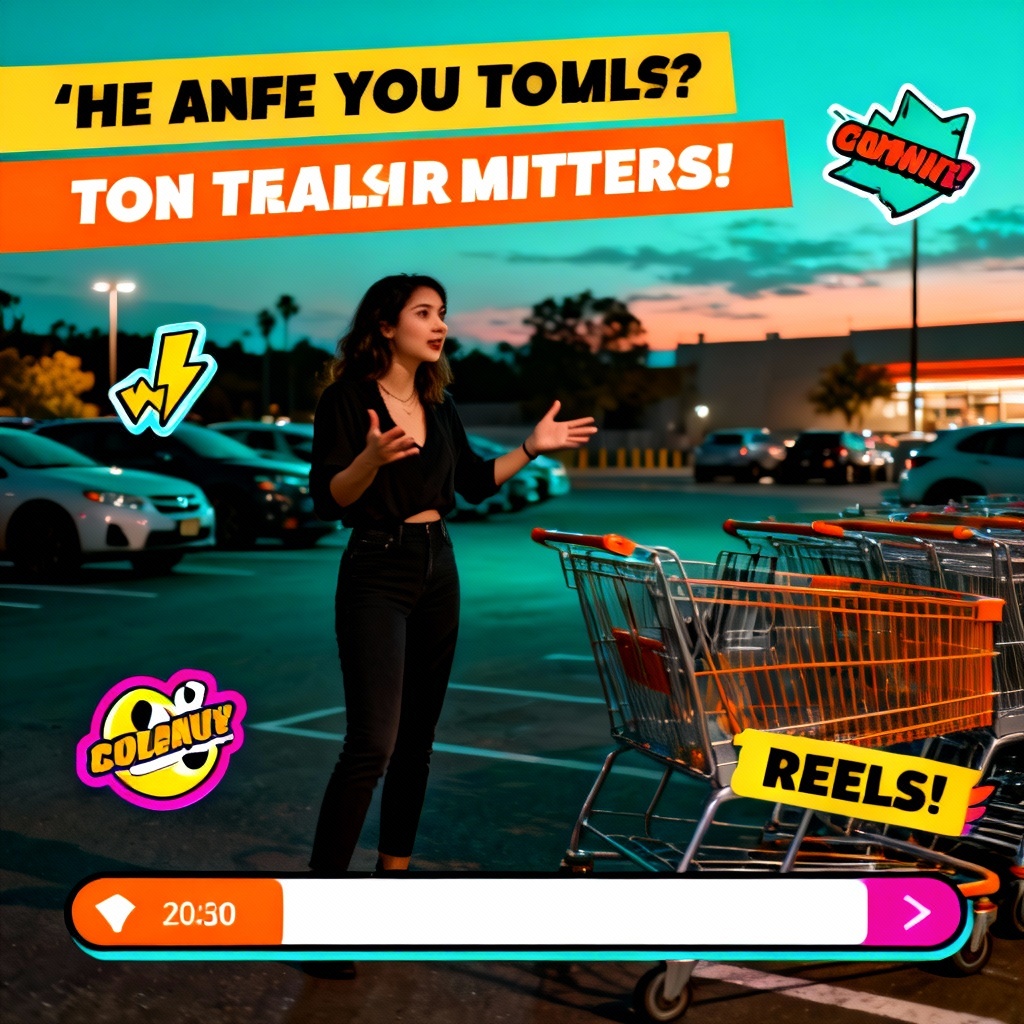
Select a layout: chat screenshot, comment thread, email screen, or video overlay. Adjust names, avatars, fonts, colors, and mood. Add extras like notification badges, stickers, and highlighted receipts for maximum meme clarity.
Click Generate to create your AI Karen screen. Preview multiple variations, tweak text or visuals, and download a high-resolution image or vertical video-ready frame without watermarks.
Build funny, timely Karen screens for content, marketing, and training. The ai-karen-screen-generator doubles as a Karen meme generator, Karen chat screenshot maker, and video overlay tool so you can ship viral ideas fast.
Generate polished chat screenshots, comment threads, email views, and video overlays with a single click. The tool auto-formats names, timestamps, and bubbles for meme-ready clarity.
Enjoy crisp, high-resolution outputs that preserve text legibility and layout integrity. Download clean results without watermarks for professional use.
Start from a prompt, enhance an existing photo, or create a vertical video frame. Mix UI elements, stickers, and highlights to match your creative direction.