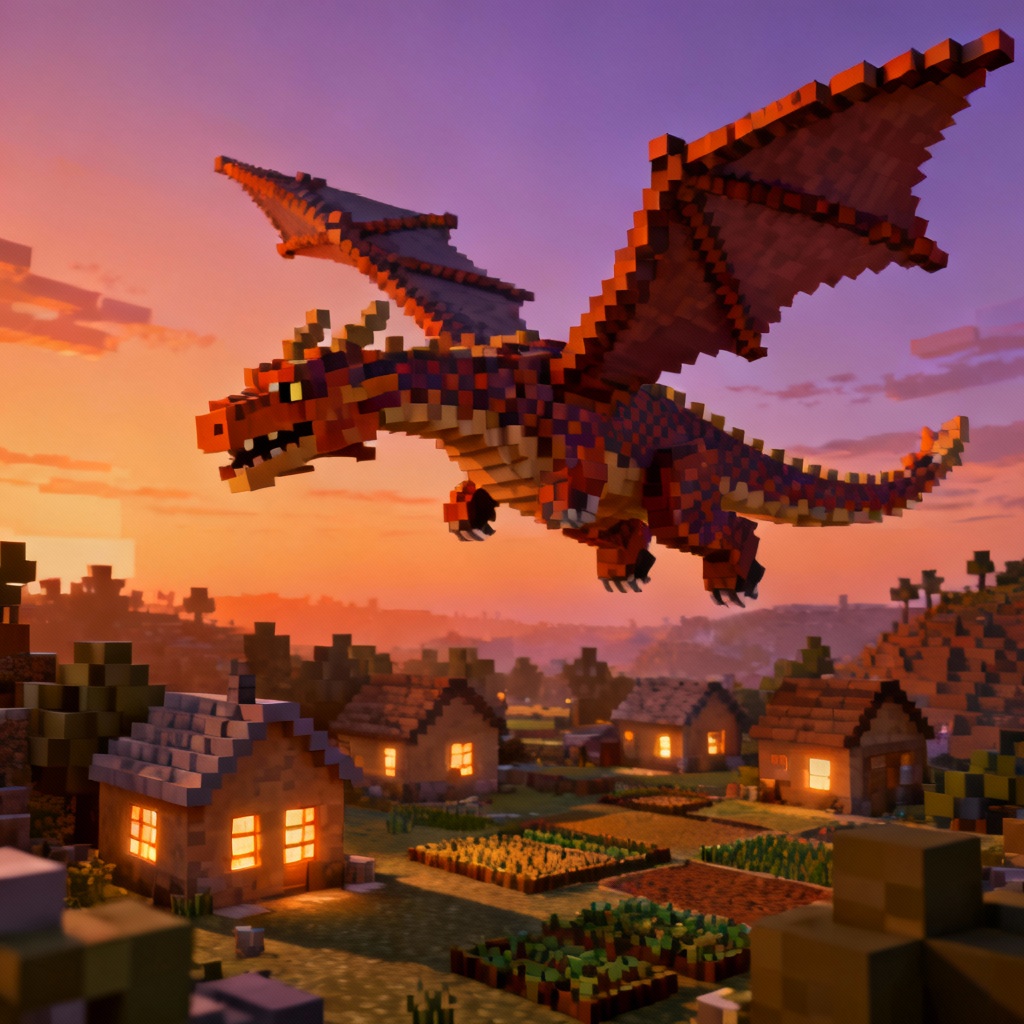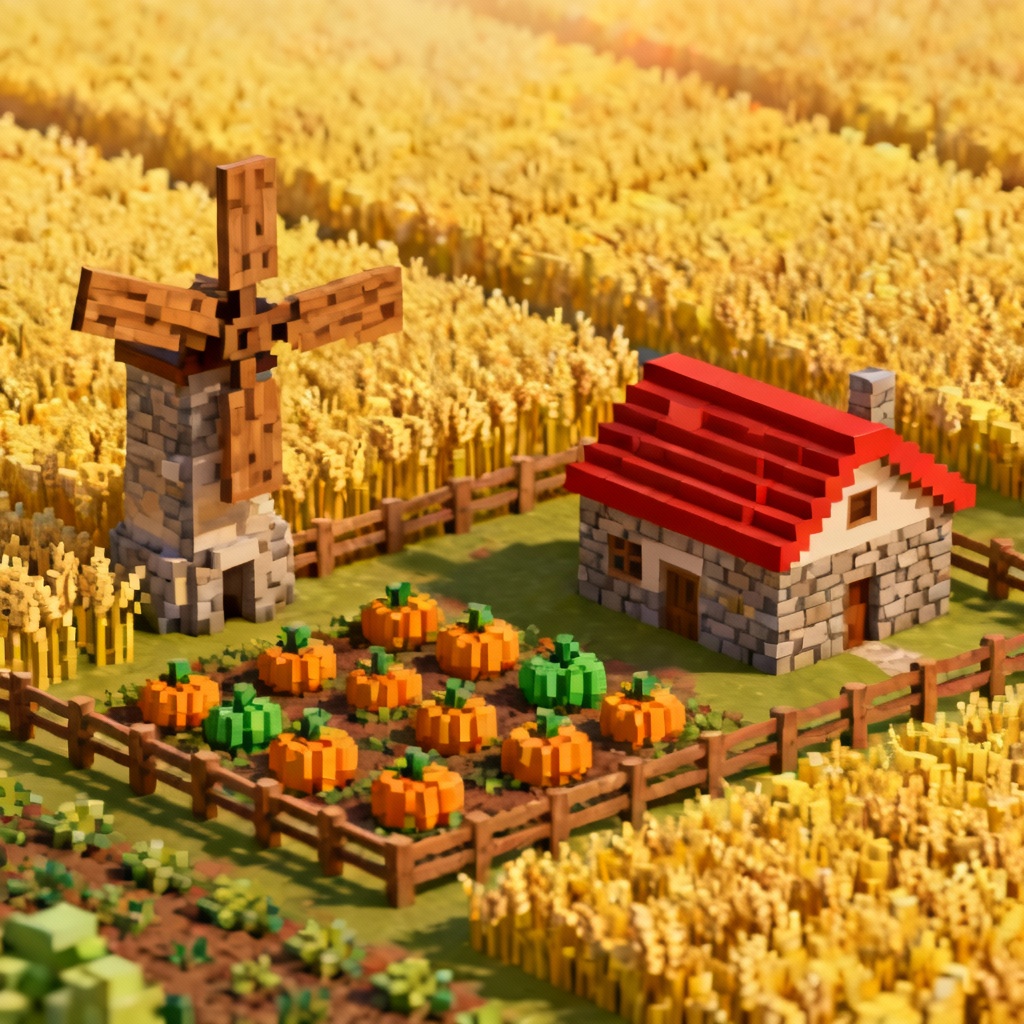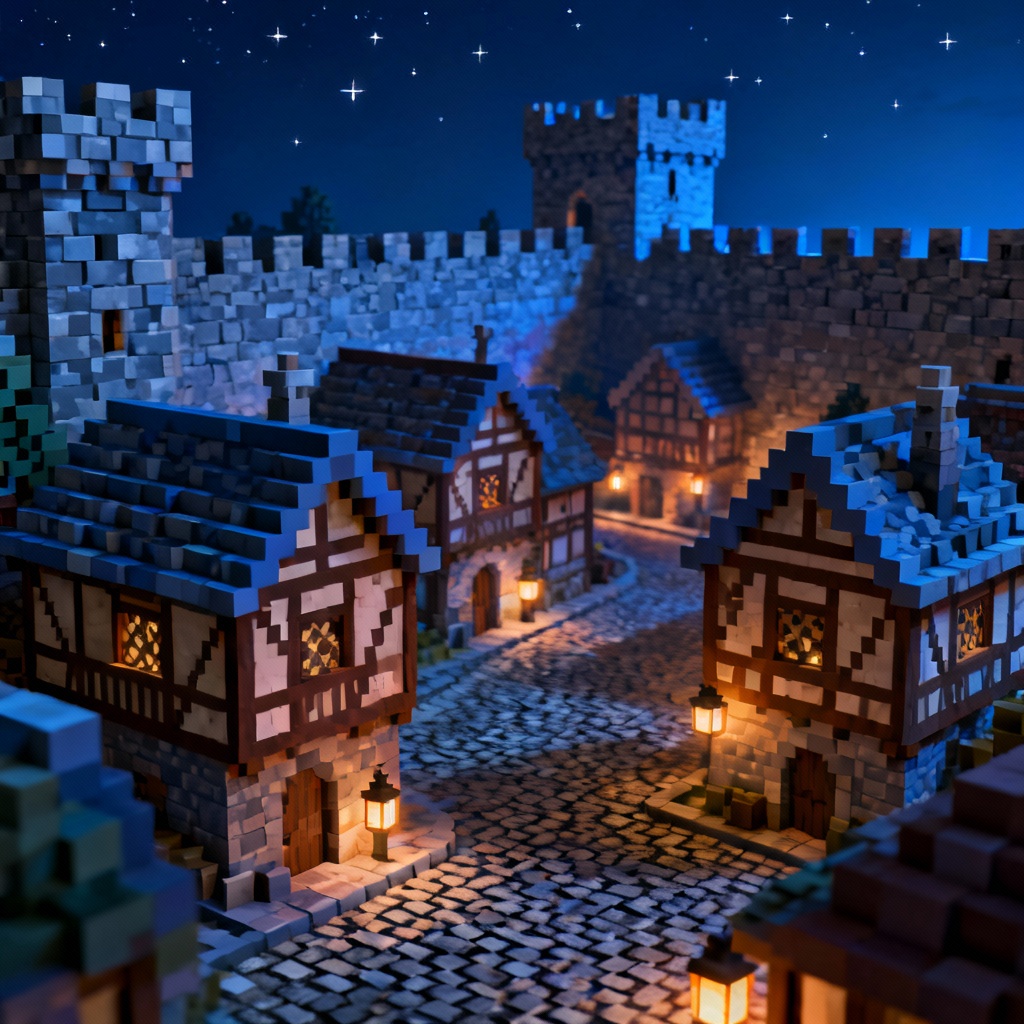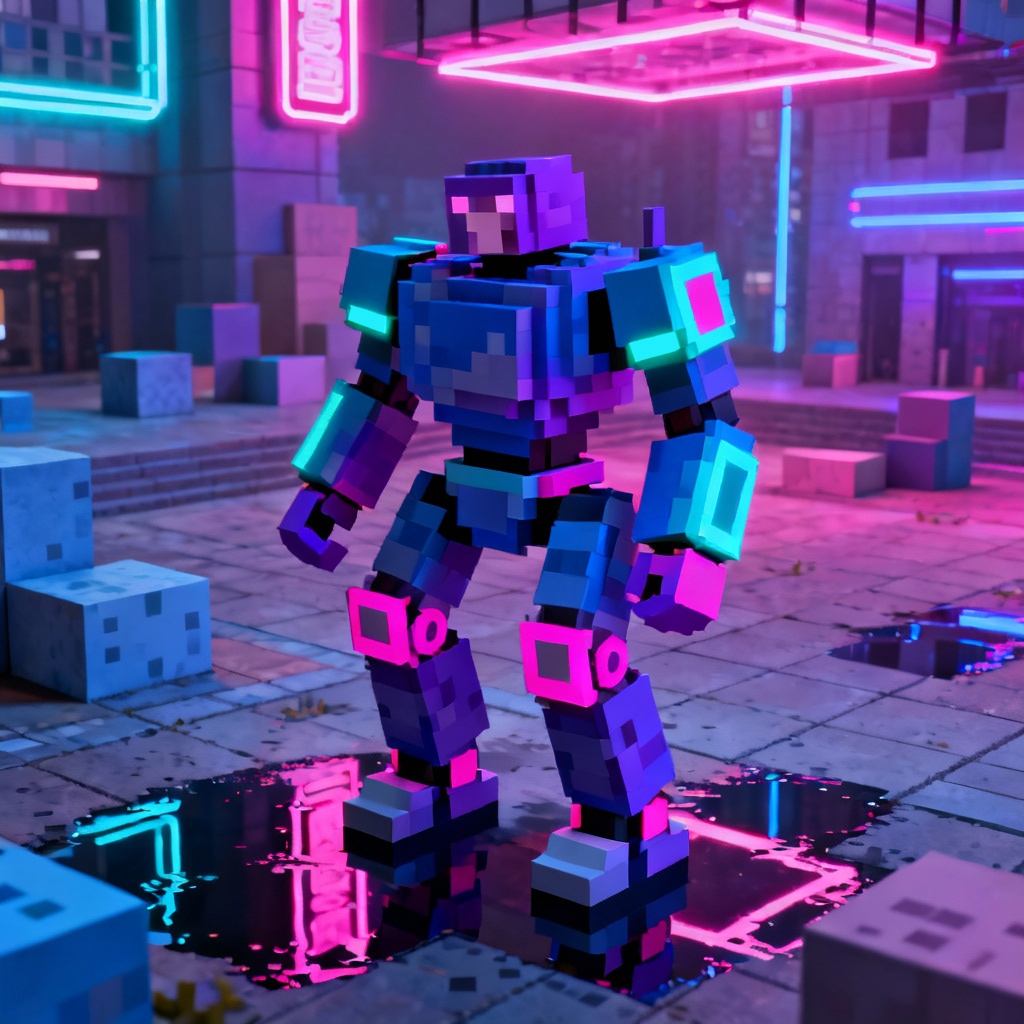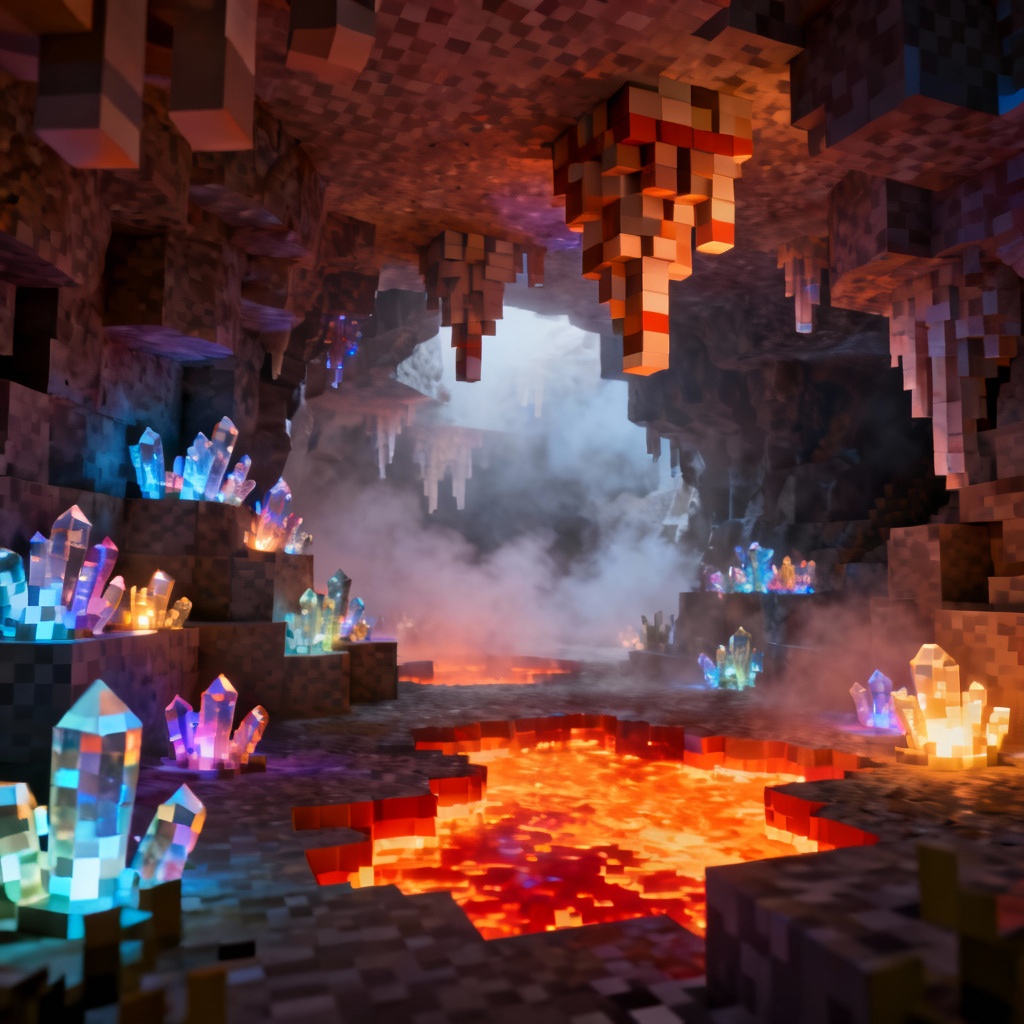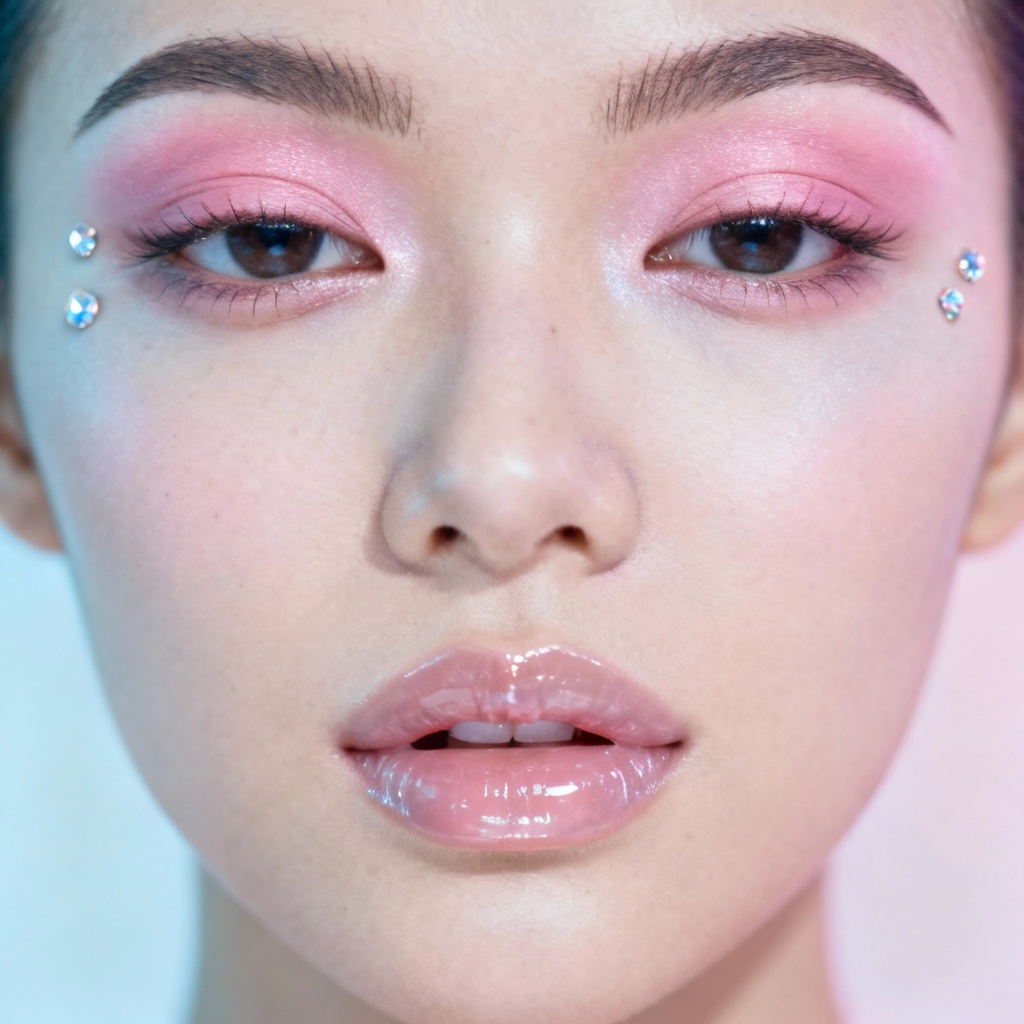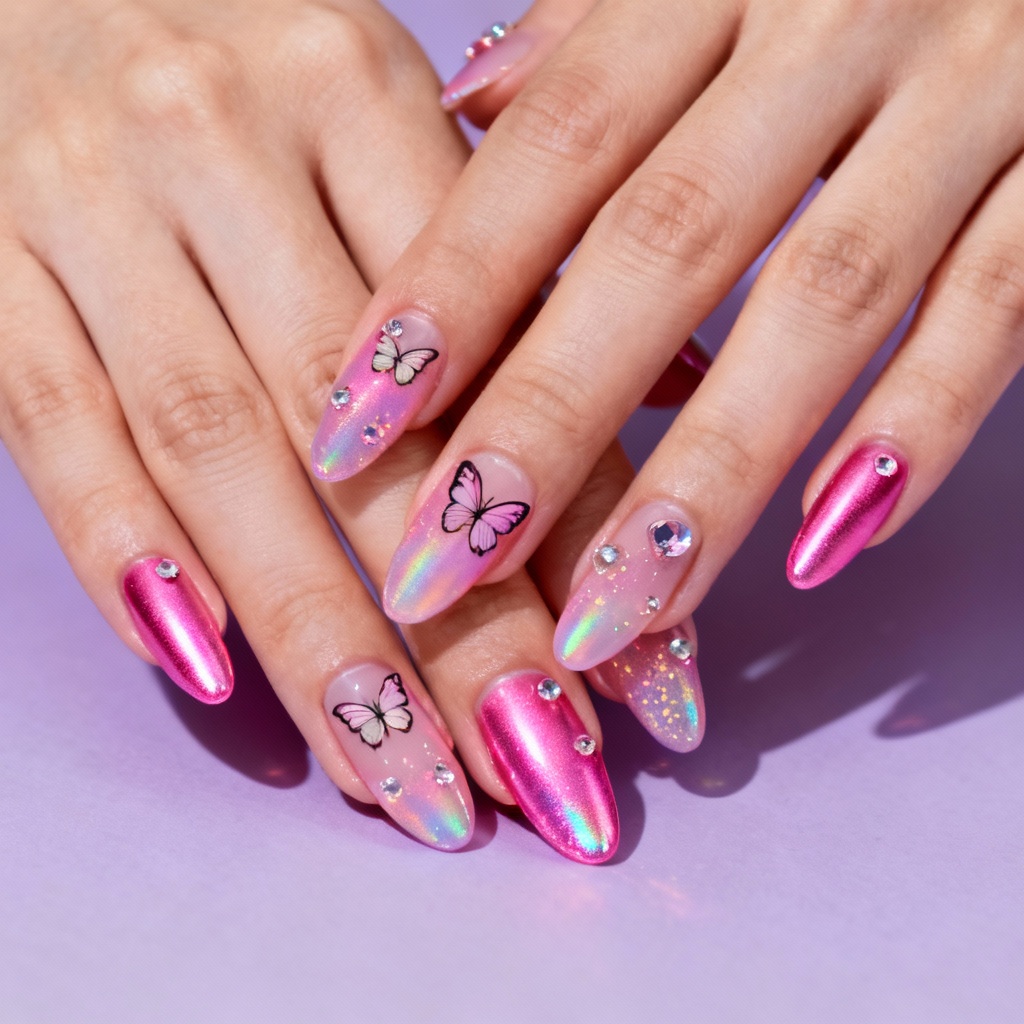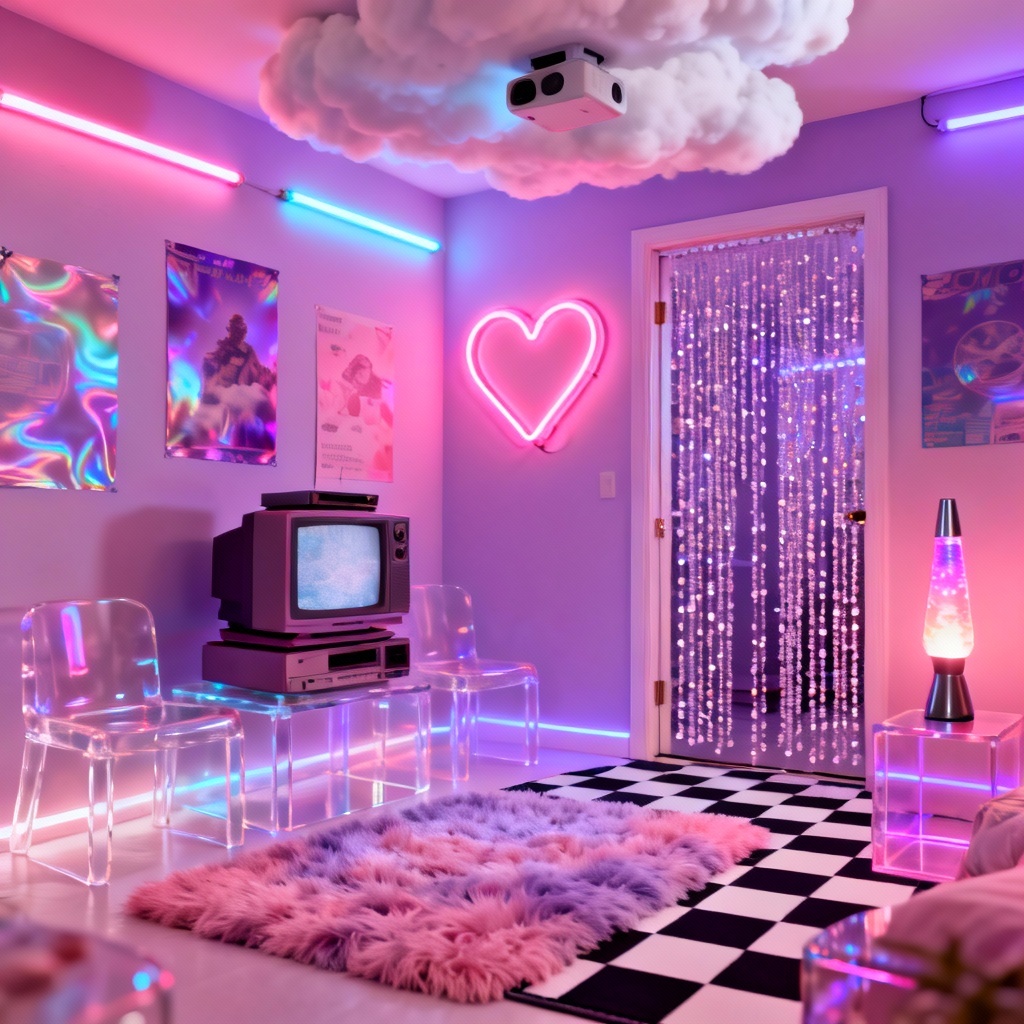

Myaiart’s AI Minecraft style generator lets you transform text prompts or photos into blocky voxel visuals online. Create characters, worlds, and scenes with crisp pixel textures, cube lighting, and isometric depth. Set block size, palette, and camera angle, then download high quality images for thumbnails, posters, and social media in seconds.
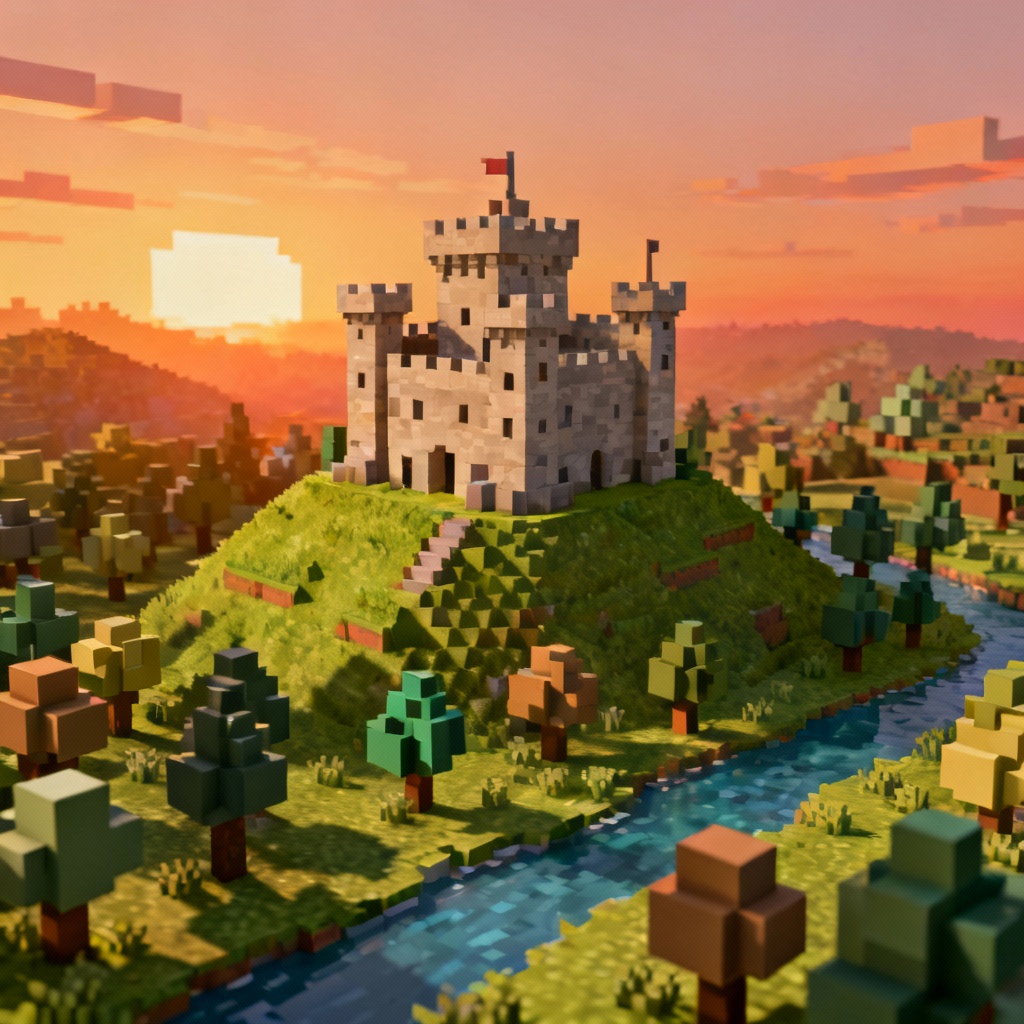
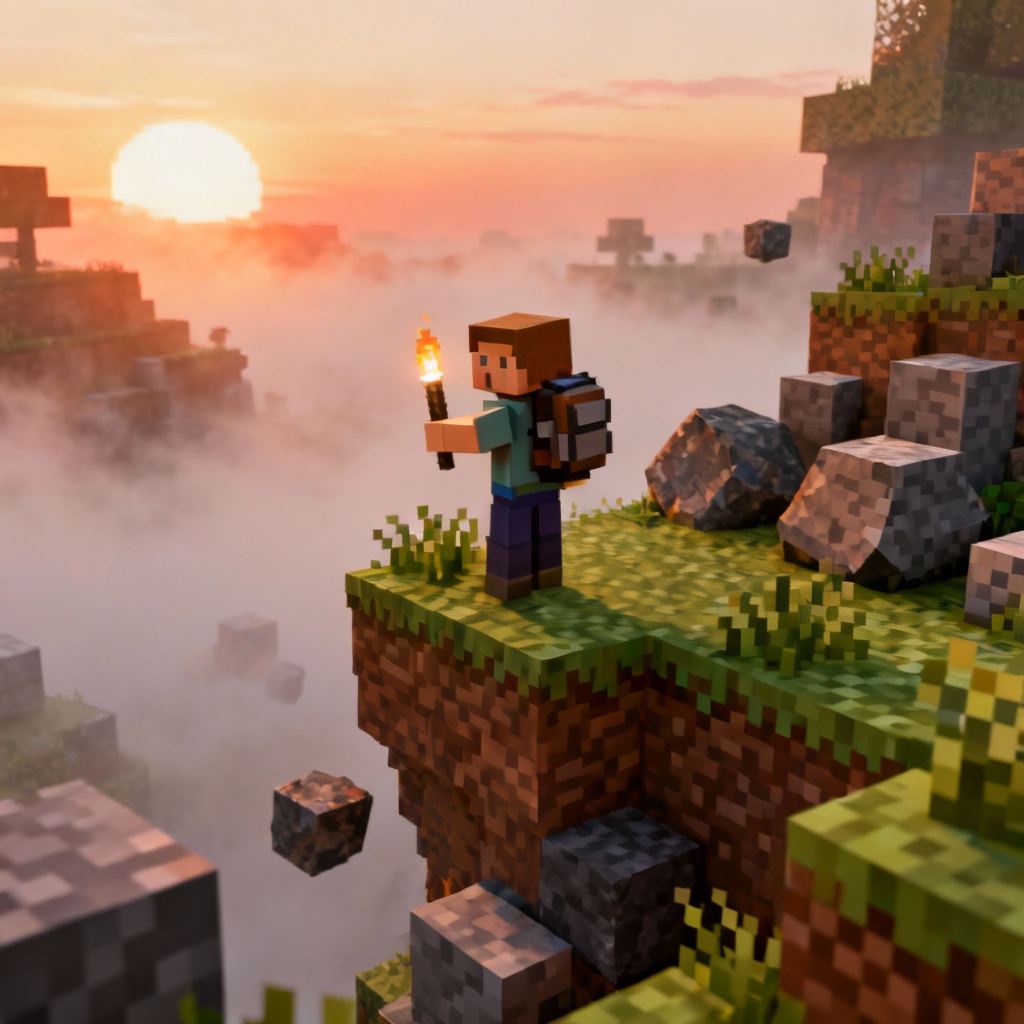
Start by entering a detailed text prompt or upload a photo you want to convert to a Minecraft-style image. Describe subject, setting, mood, camera angle, palette, and level of detail. Supported image formats include JPG and PNG.
Select the Minecraft-style preset, then adjust block size, pixel texture density, and isometric or top-down camera. Refine guidance strength when converting a photo to voxel art to preserve composition and important details.
Click Generate to create your blocky voxel scene in seconds. If needed, tweak the prompt or settings and regenerate. Save your high resolution result as PNG or JPG without a watermark for immediate use.
Apply the blocky voxel art maker to creative and professional workflows. Design, visualize, and share consistent Minecraft-style images with speed and control.
Get the look you expect from a voxel world. Myaiart reproduces cube geometry, crisp pixel textures, ambient occlusion shading, and soft light for an unmistakably blocky style with clean edges and strong isometric depth.
Upload a portrait, pet, product, or landscape and convert it into a Minecraft-style image while preserving composition, pose, and key features. Fine tune palette, block density, texture scale, and camera to match your vision.
Generate in seconds and export high resolution results for printing or content creation. Download clean images without watermark, control consistency with seeds, and batch produce multiple Minecraft-style variations easily.