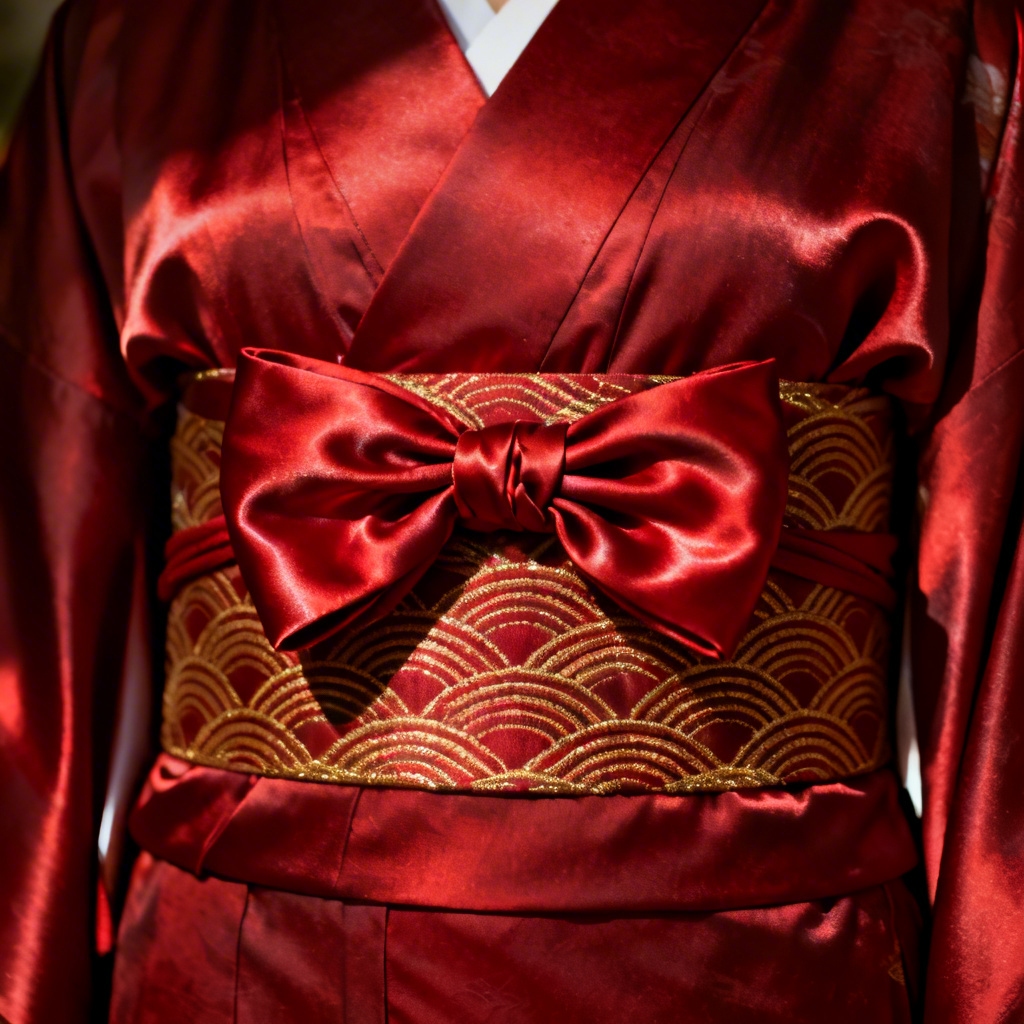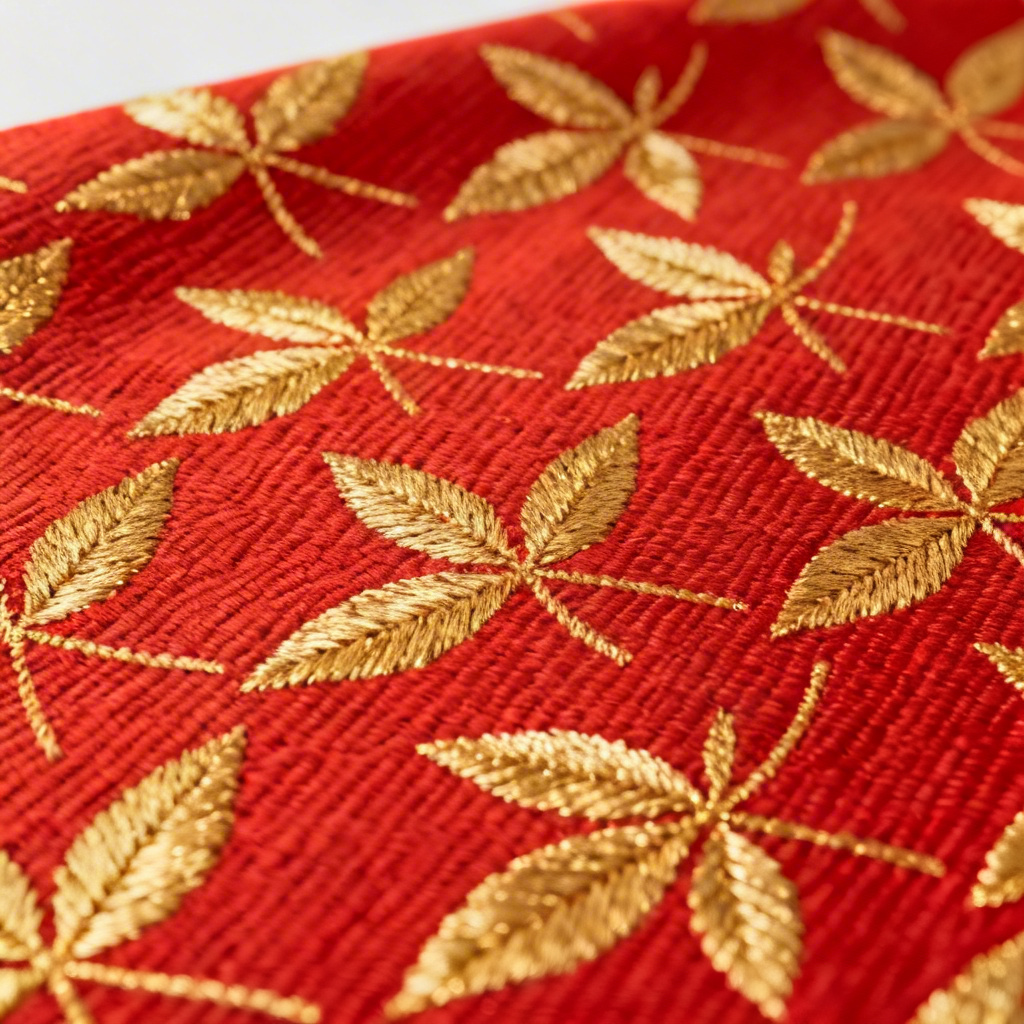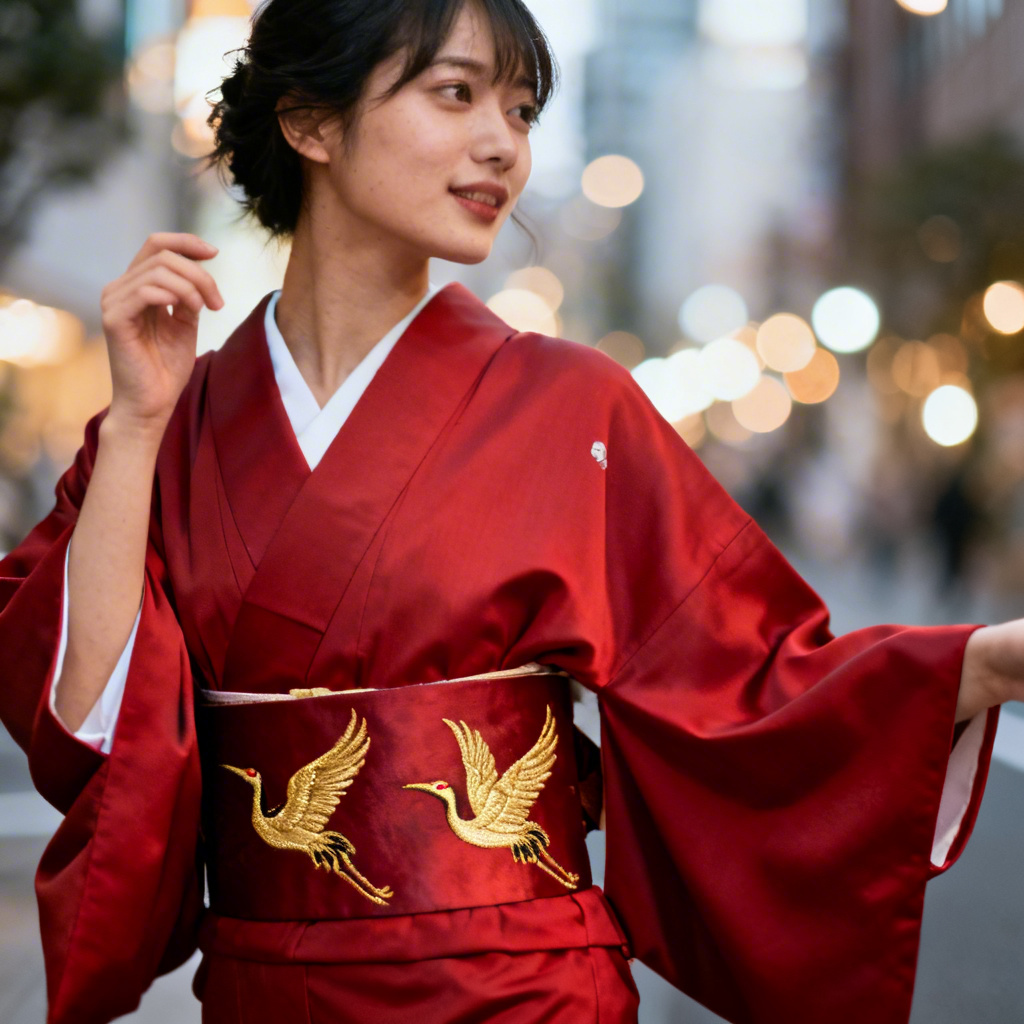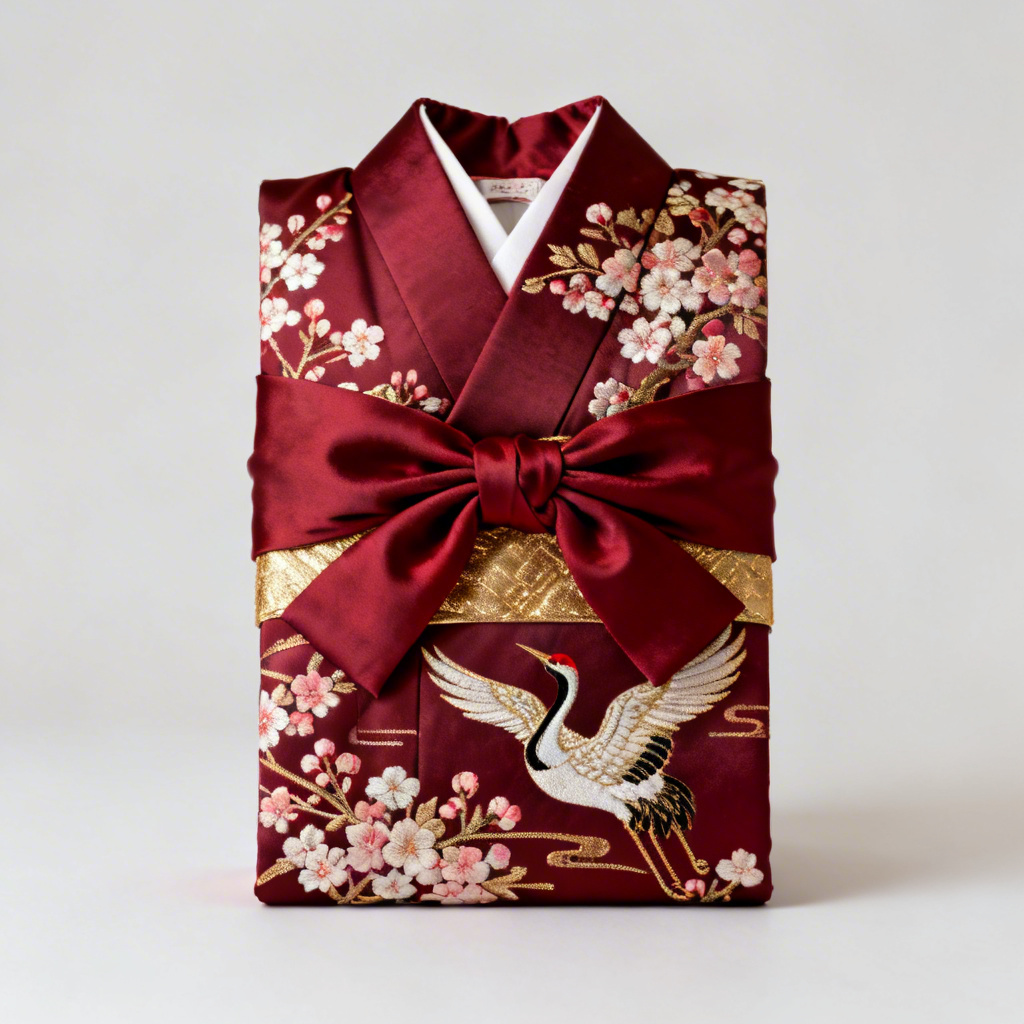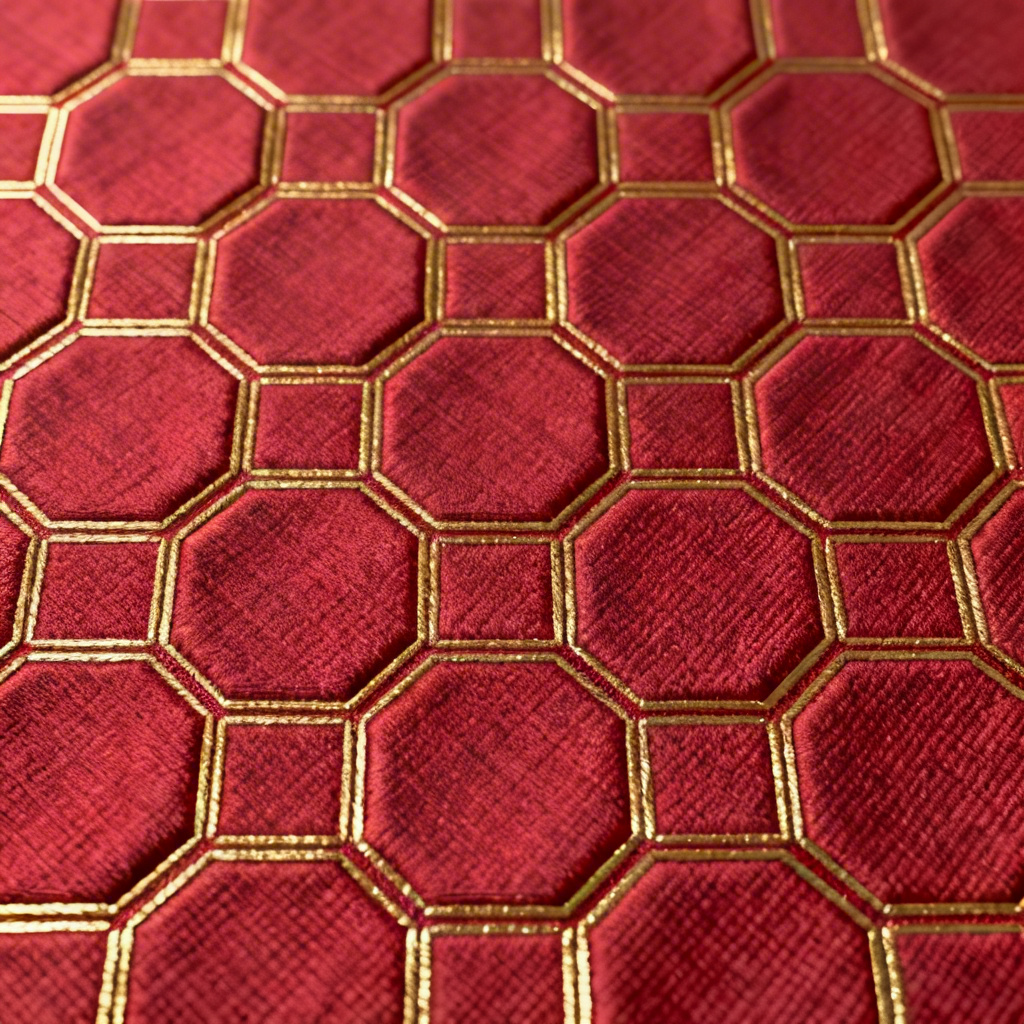

Myaiart’s AI red obi generator lets you design elegant red obi belts in seconds. Enter a prompt or upload a photo to create silk brocade textures, embroidered motifs, and realistic sash mockups. Preview taiko or bunko tying styles, adjust fabric sheen, and download high-resolution visuals for kimono styling, cosplay, weddings, or product design.
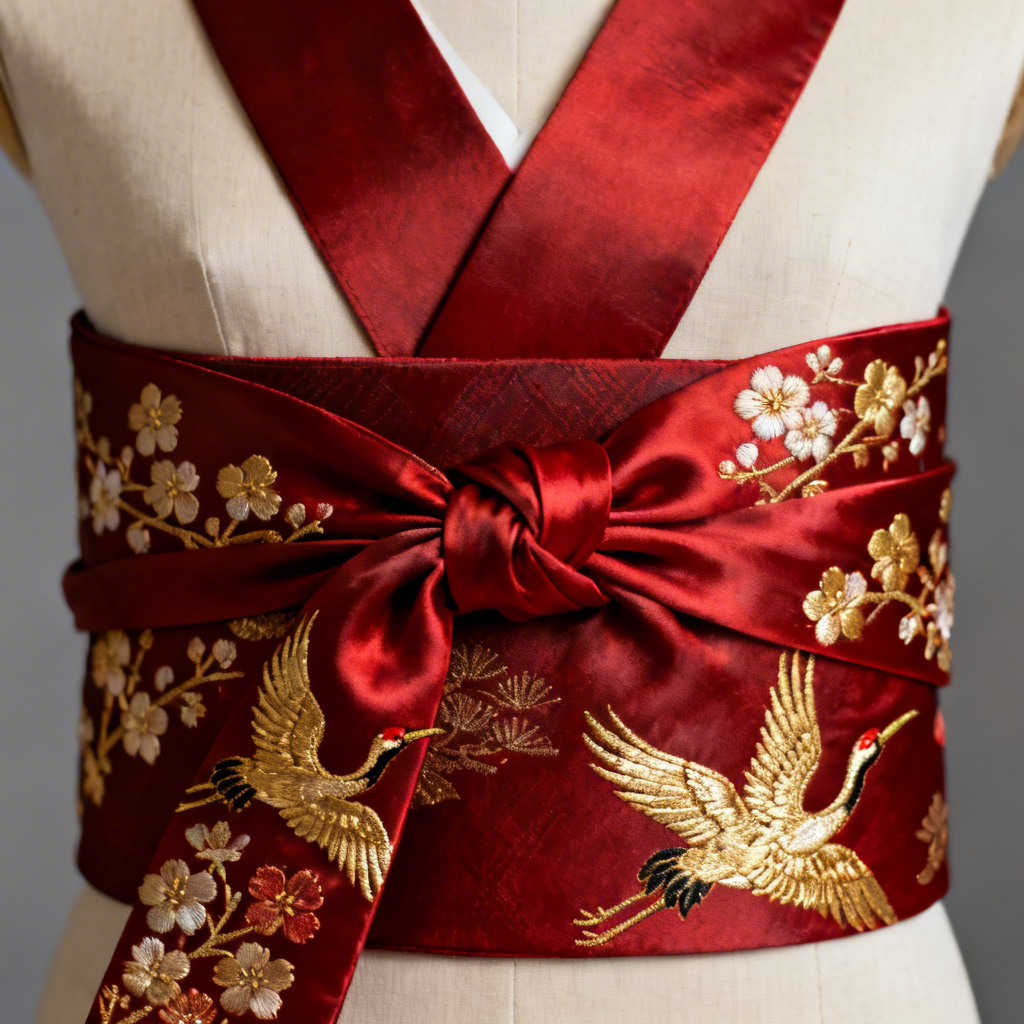
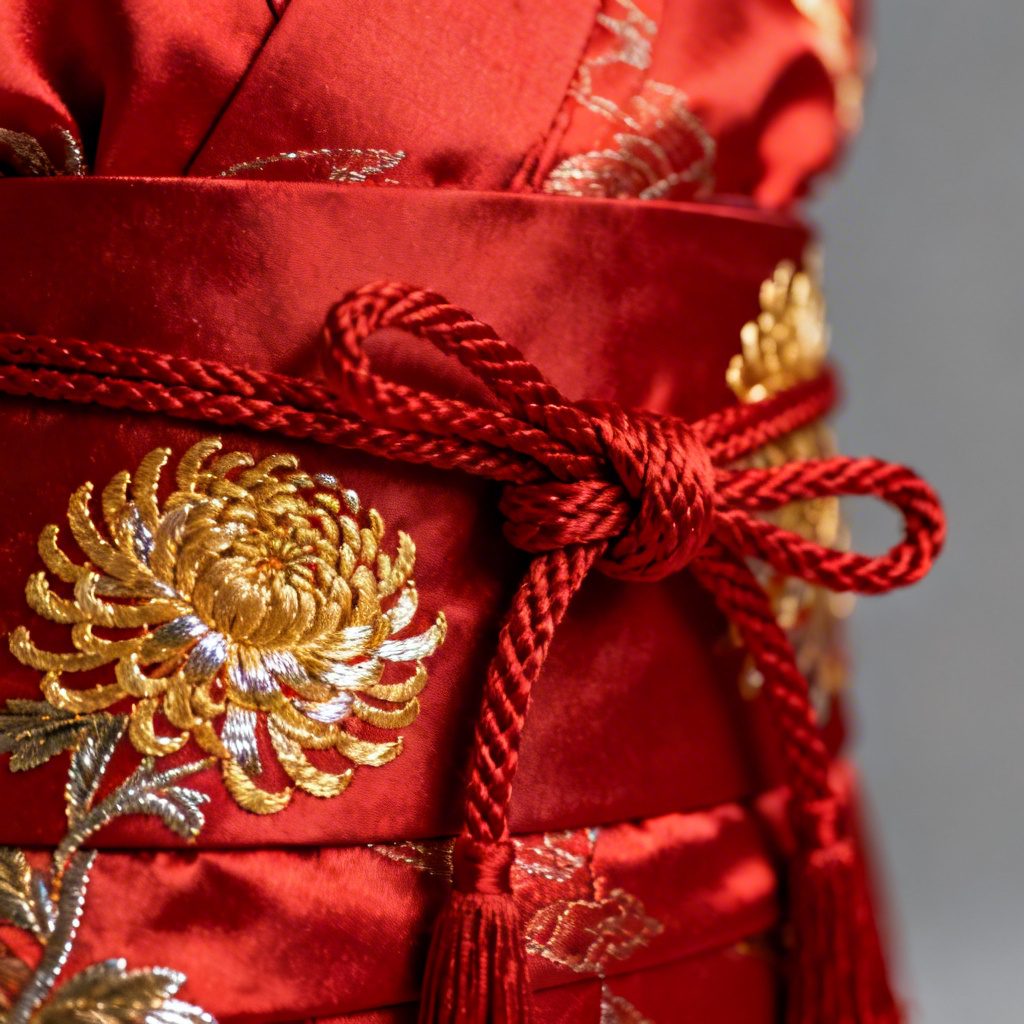
Enter a detailed prompt describing fabric type such as silk, satin, or brocade, color tone like scarlet or garnet, motifs such as sakura, crane, seigaiha, asanoha, or kikkō, and tying style like taiko or bunko musubi. Or upload a kimono photo to guide the design with image-to-image generation.
Click Generate and let Myaiart analyze your input. Our AI red obi generator creates realistic sash patterns, textures, and mockups while preserving body pose, lighting, and perspective for natural results.
Adjust silk sheen, weave density, embroidery detail, color saturation, and knot shape. Regenerate variations, compare options, then download high-resolution images for styling boards, e-commerce, cosplay, or print.
From traditional kimono coordination to modern fashion concepts, craft red obi visuals tailored to your needs with text-to-image or photo-to-obi workflows.
Generate motifs and ties inspired by authentic obi styles including taiko, bunko, nagoya, and fukuro while keeping designs respectful, editable, and tailored to your creative brief.
Accurate silk sheen, weave structure, brocade relief, and embroidery depth for photoreal mockups, closeups, and print-ready assets that preserve lighting and perspective.
Text-to-image and image-to-image creation with instant variations, fine control over texture and color, high-resolution downloads, and no watermark for a smooth design process.