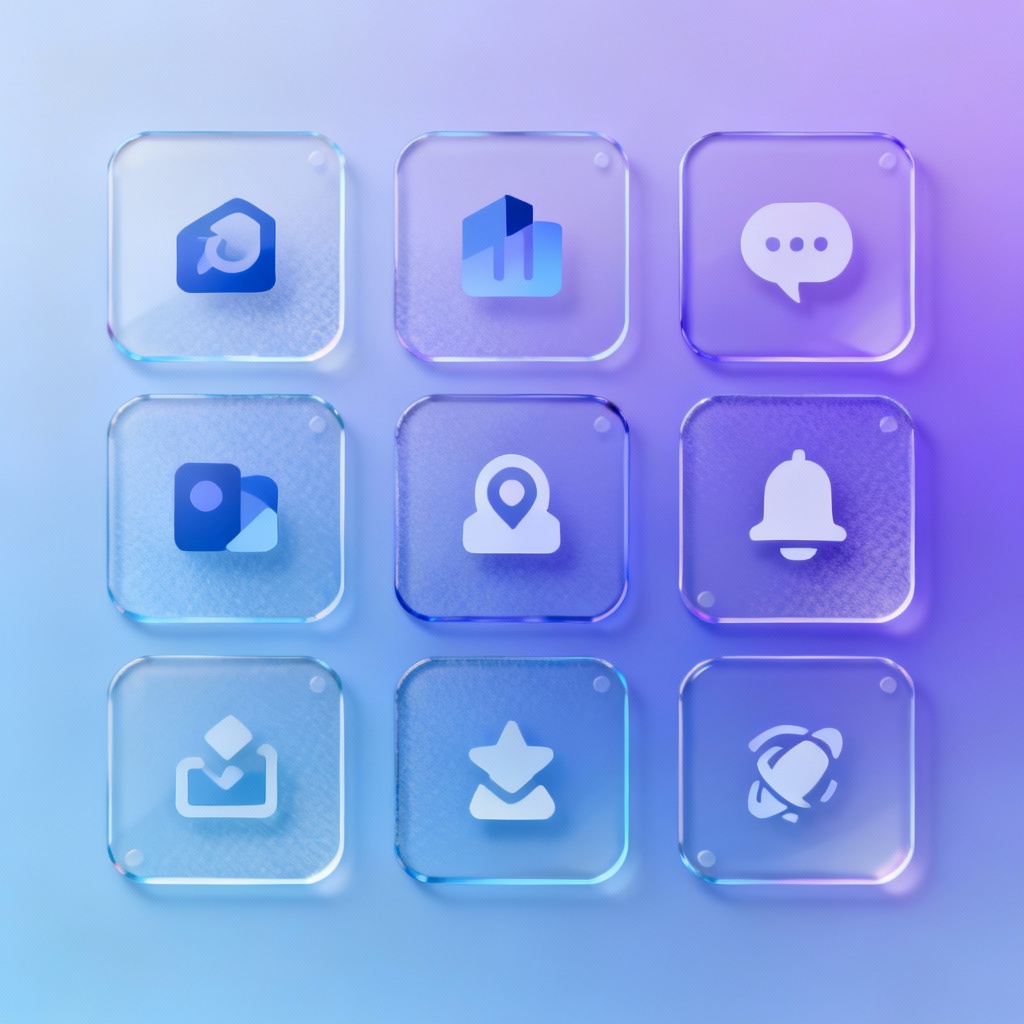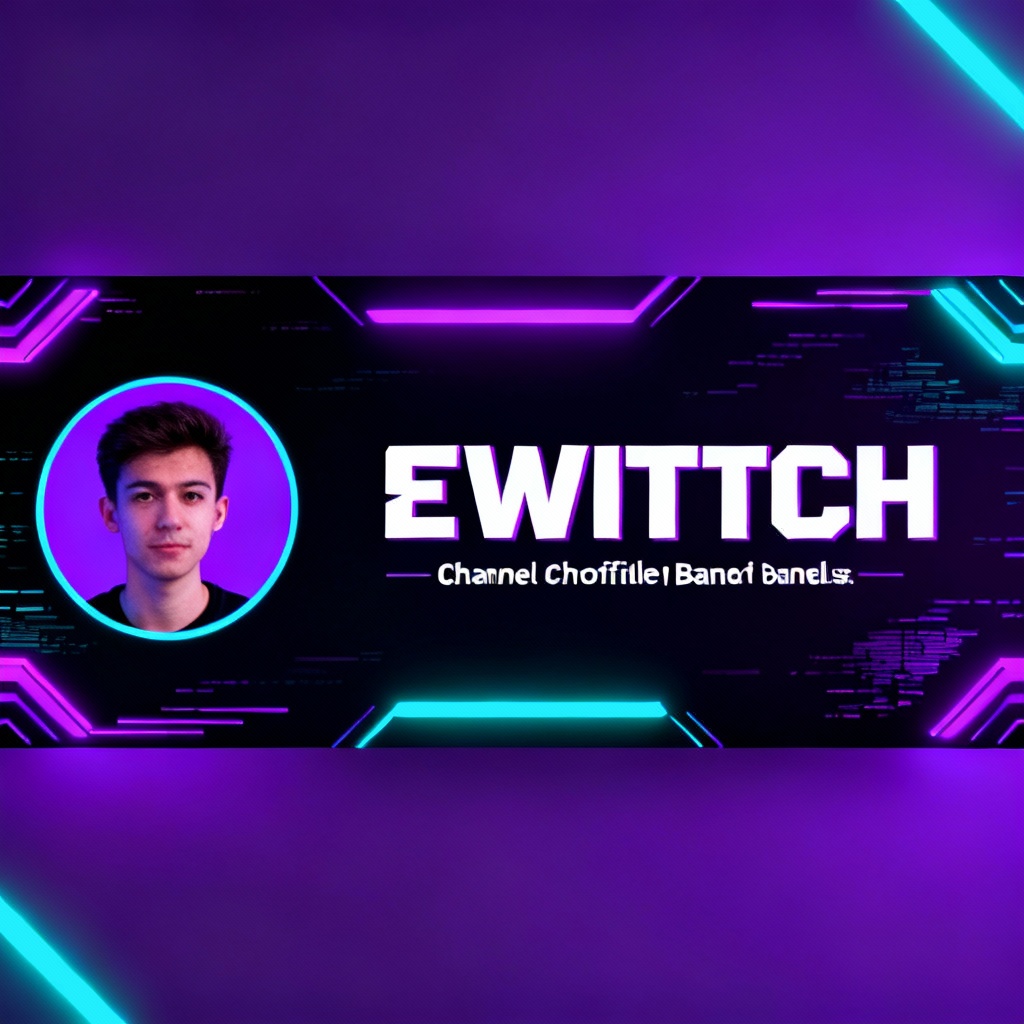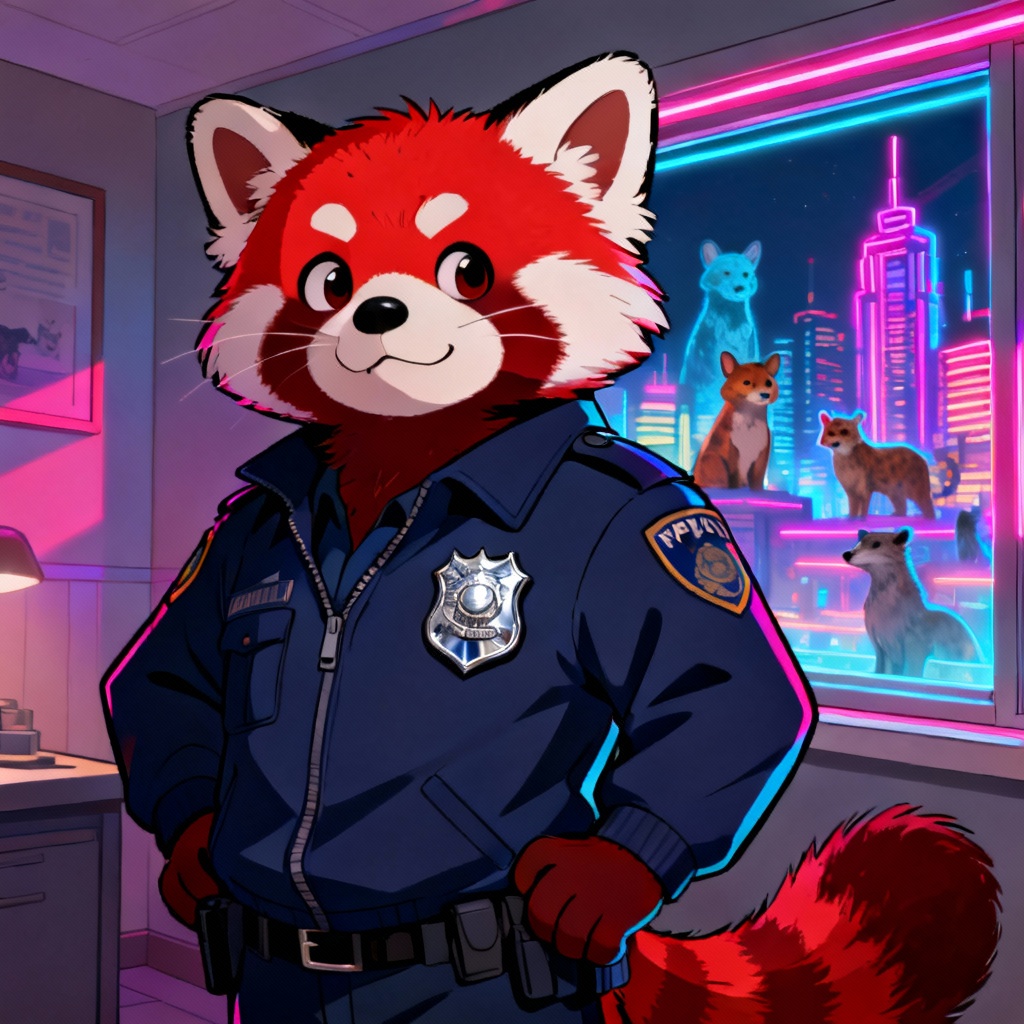

Myaiart’s free AI stream generator lets you design complete live stream packages in seconds. Generate overlays, starting soon screens, animated alerts, thumbnails, banners, and scene backgrounds from a prompt or photo. Customize colors, layout, typography placeholders, and aspect ratio, then download high‑resolution, watermark‑free assets ready for any streaming platform.
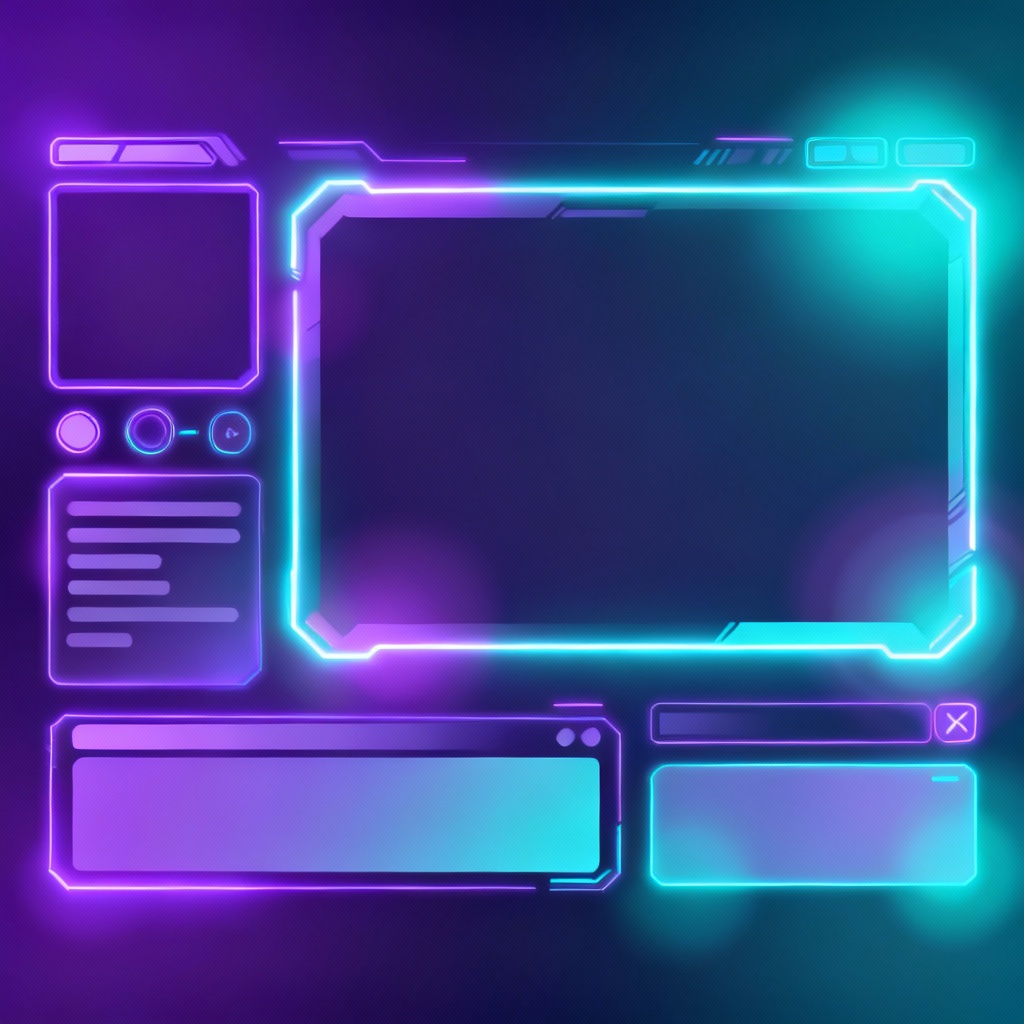
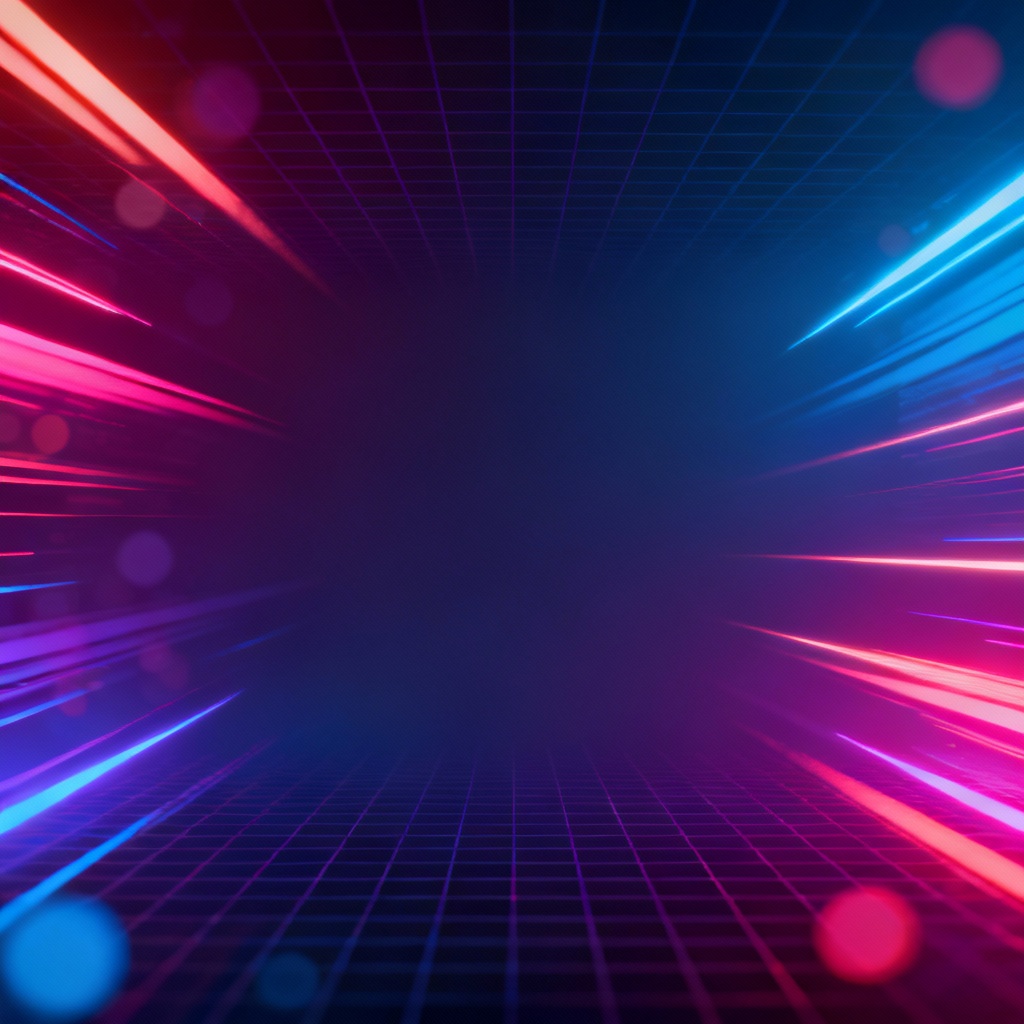
Start by uploading a photo for reference or type a detailed prompt describing your stream overlay, starting soon screen, alerts, or thumbnail. Specify style, colors, aspect ratio, and elements like facecam frame or chat box.
Pick a preset such as neon, minimal, retro, or glass and select asset type. Click Generate. The AI stream overlay generator creates cohesive visuals that match your scene, including panels, borders, and backgrounds.
Adjust layout density, corner radius, glow strength, and background texture. When satisfied, export high‑resolution PNG or WEBM assets with transparent backgrounds where needed, ready to import into your streaming setup.
Create a full, consistent live stream package from one place. Use long-tail presets like AI stream overlay generator, AI starting soon screen maker, and AI live stream thumbnail generator to speed up production.
Generate polished overlays, scenes, alerts, and thumbnails with cinematic lighting, precise spacing, and consistent visual systems designed for readability on stream.
Fine-tune glow, corner radius, shadows, and typography placeholders. Choose aspect ratios, export transparency, and iterate quickly for cohesive stream branding.
Create stream assets in seconds with free generation. Export high-resolution files without watermarks and scale with advanced options when you need more.