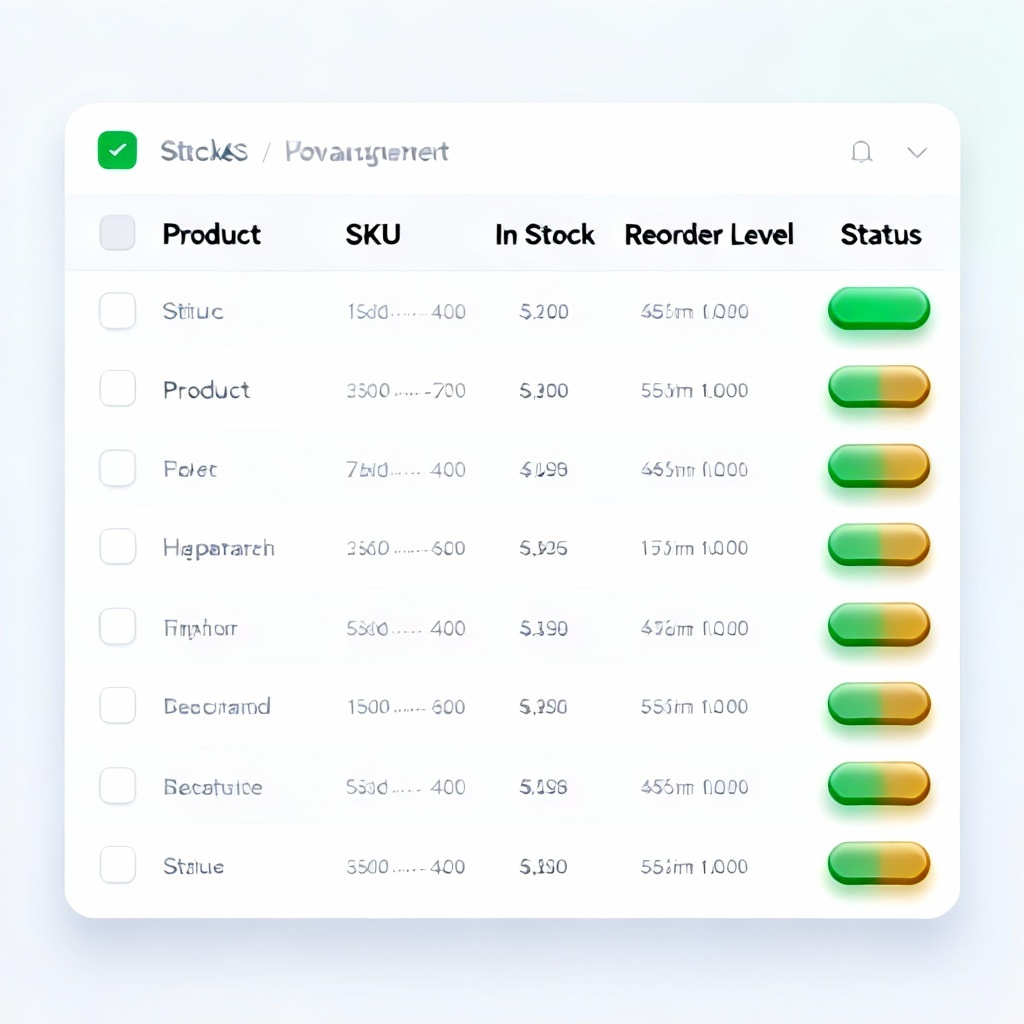
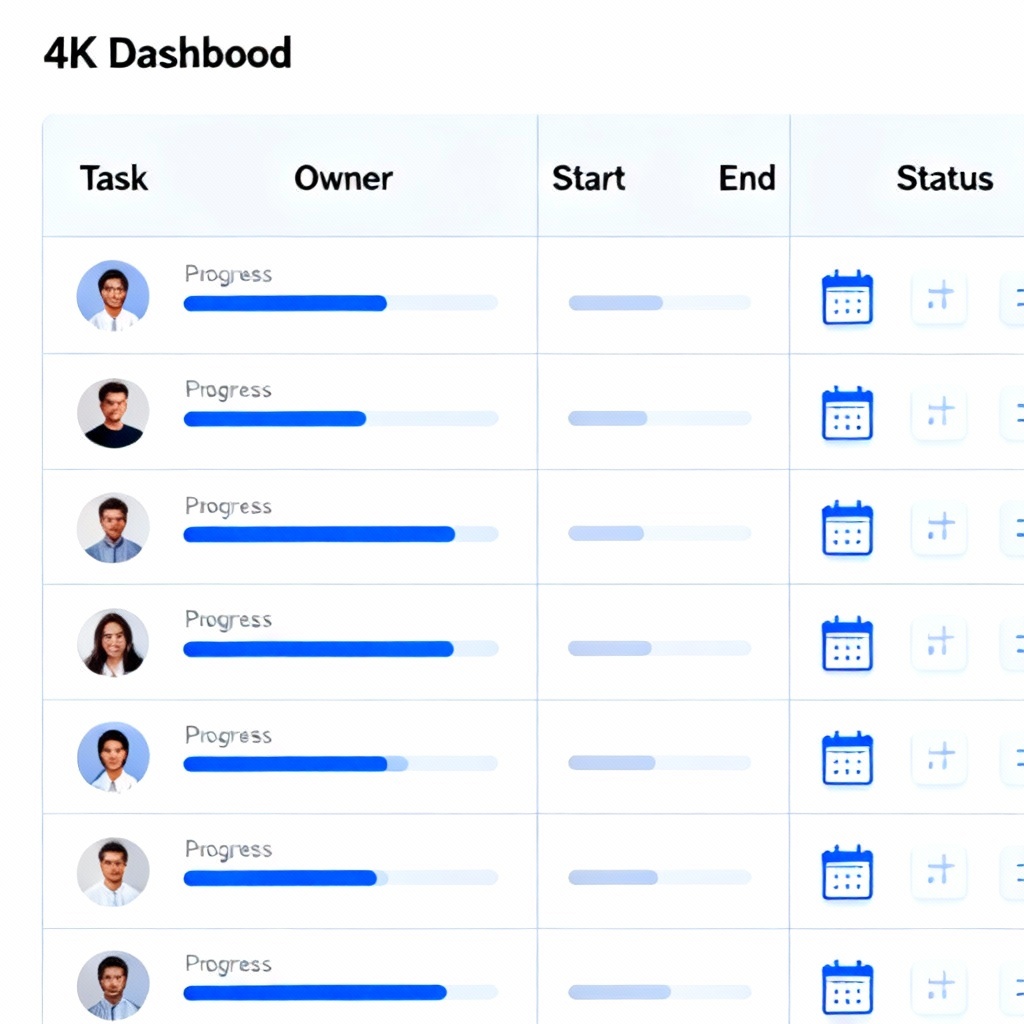
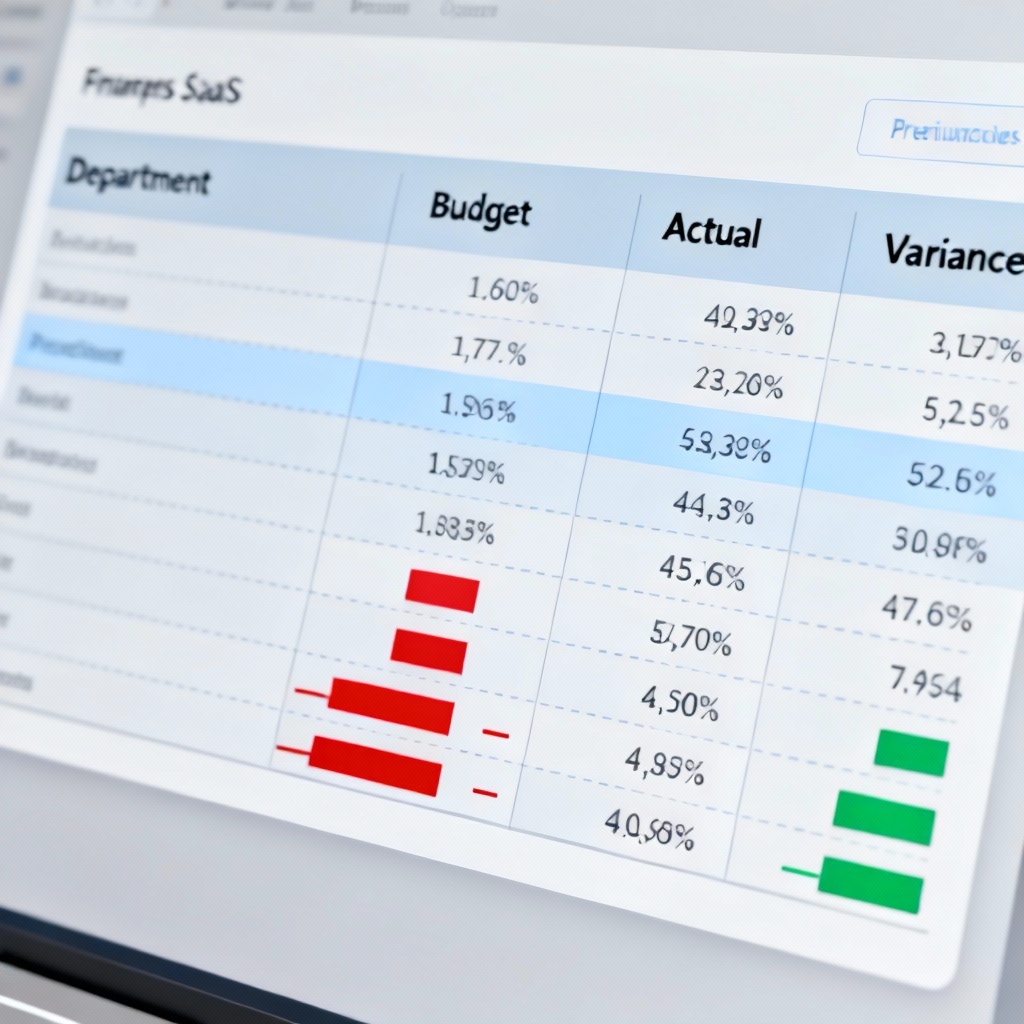
Turn plain text, CSV, or JSON into clean, editable tables instantly. MyAIArt’s AI table generator formats headers, aligns columns, applies data types, and exports to CSV, Excel, Markdown, or HTML. Create text to table, CSV to table, and markdown table outputs online for reports, docs, and dashboards in seconds.

Enter raw text, CSV, TSV, or JSON, or write a prompt like “Create a table of monthly sales with columns Month, Units, Revenue.” You can also paste data copied from a PDF or spreadsheet.
Select headers, column order, separators, alignment, data types, and formatting for currency, dates, or percentages. Pick a template for markdown table, HTML table, or spreadsheet-ready layout.
Click Generate to create a clean, structured table. Edit cells inline, then export to CSV, Excel, Markdown, or HTML, or copy the table to your clipboard for instant use.
Use the AI table generator for text to table online, CSV to table, JSON to table, and markdown table generator tasks. Auto-format data, fix alignment, normalize headers, and export clean tables for documents, dashboards, and websites without manual cleanup.
Automatically detects headers, separators, and multi-line cells. Converts lists, bullet points, and key-value pairs into clean columns with the right data types.
Generate markdown table, HTML table, CSV, or Excel-ready output. Align numbers, apply currency and date formats, and copy or download without watermark.
Process large snippets quickly with high accuracy. Your data stays secure, used only for table generation and deleted after processing for privacy.