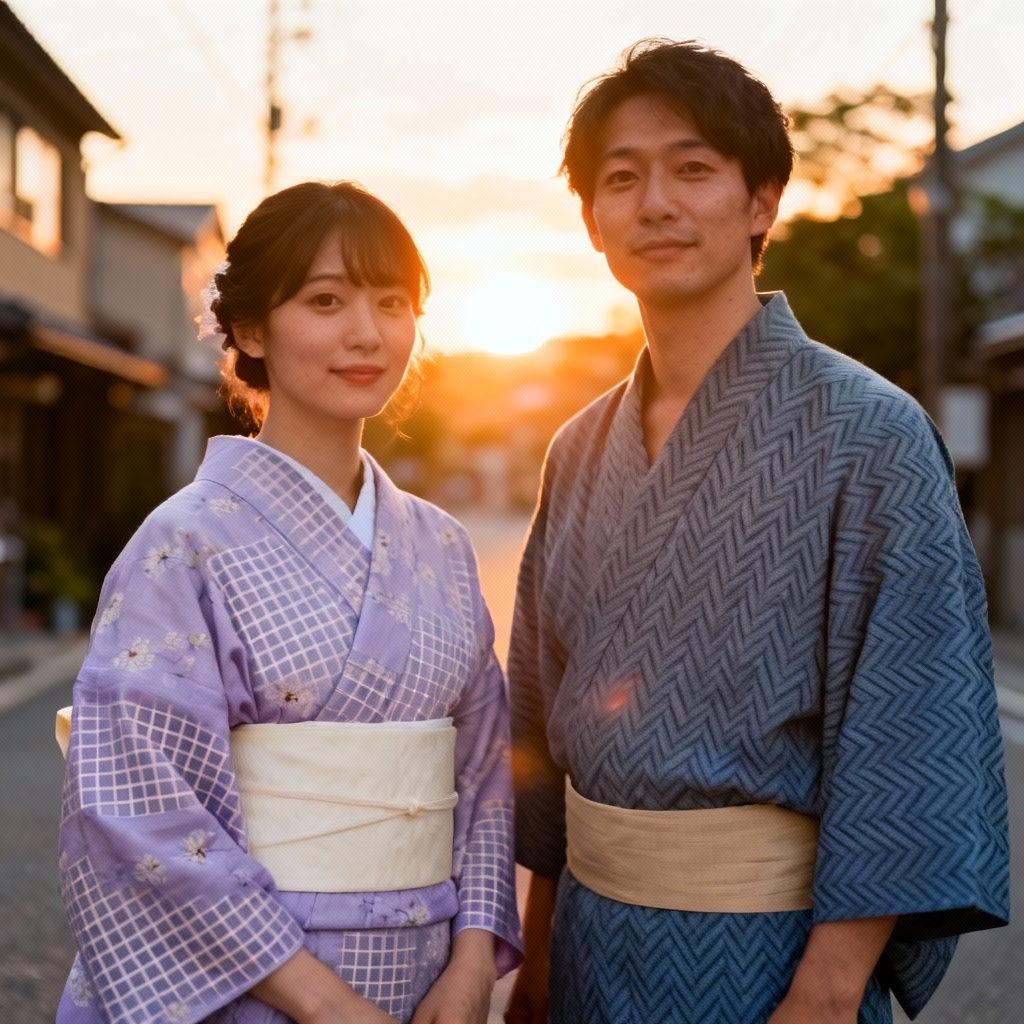
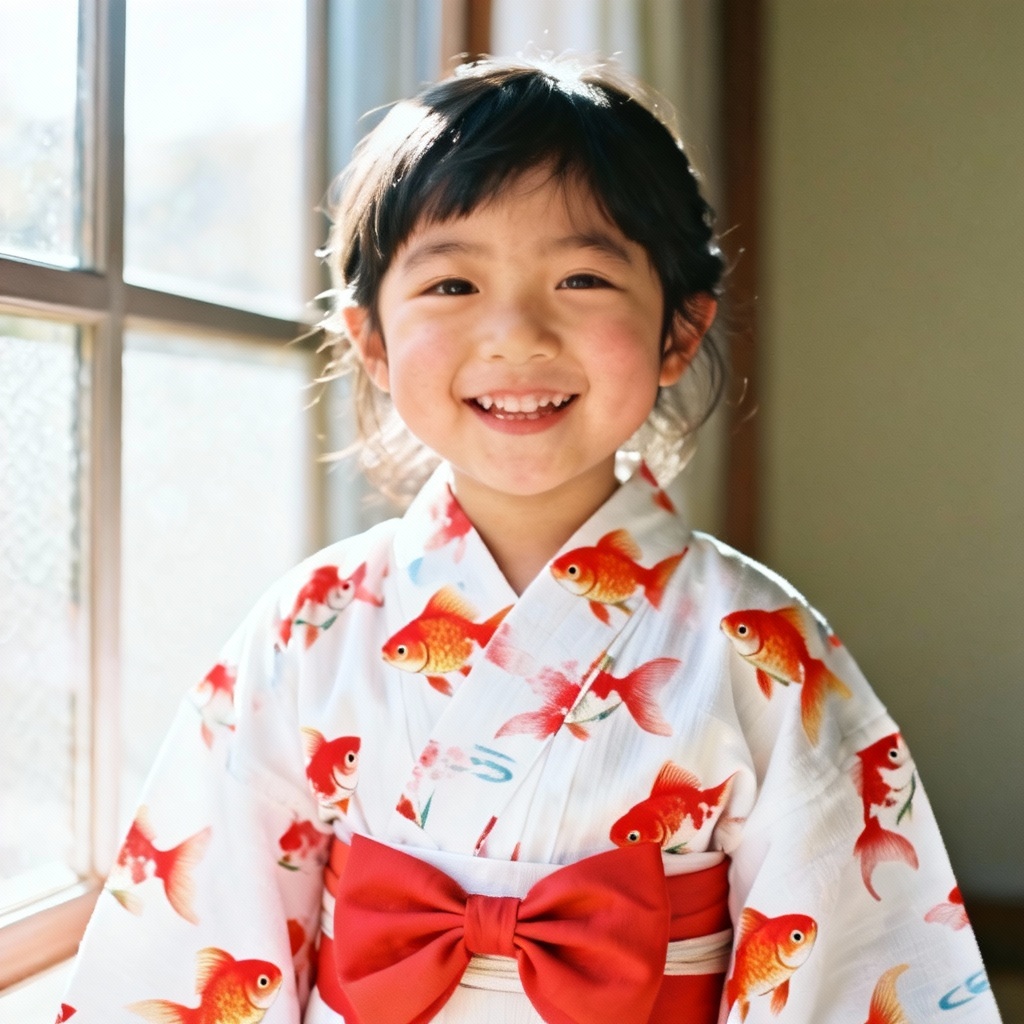
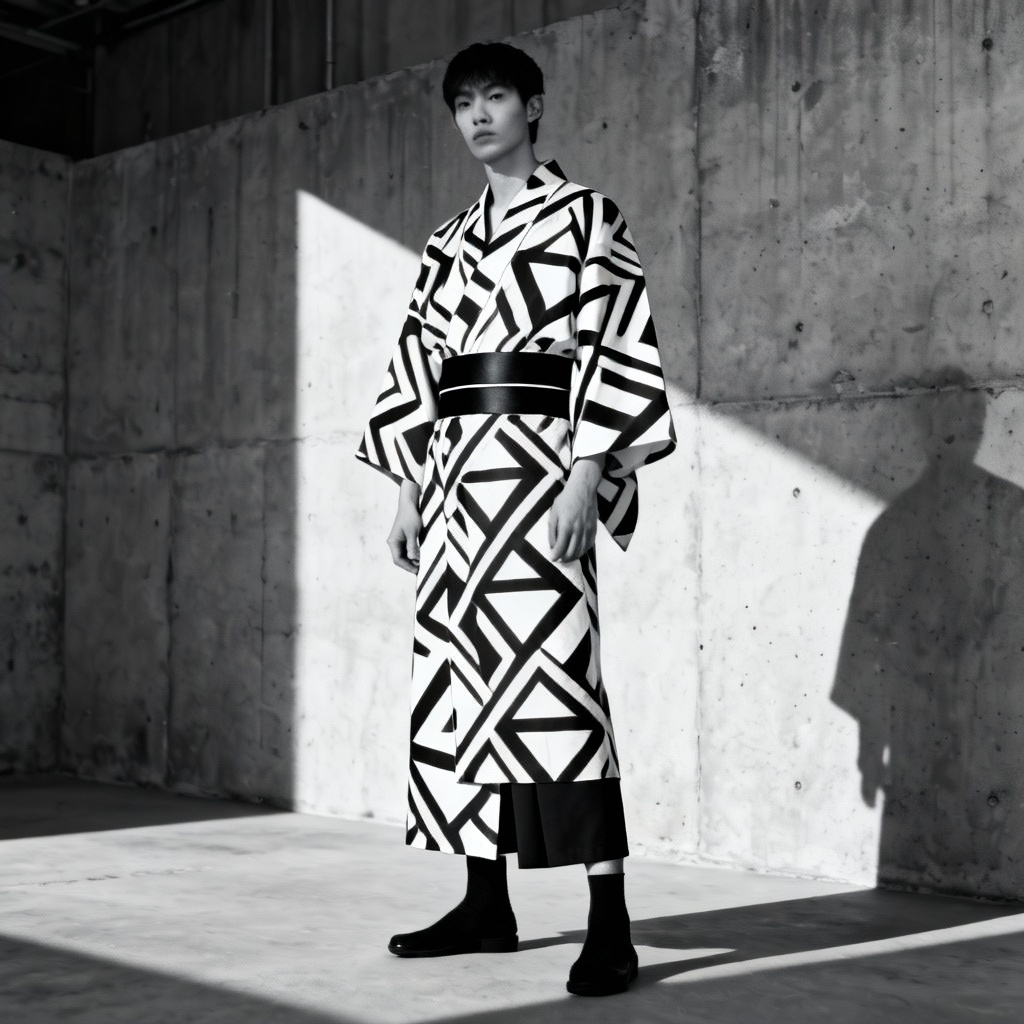
MyAIArt’s ai yukata try on lets you preview a summer kimono on your photo in seconds. Upload a portrait, choose patterns, colors, and obi styles, then generate realistic fits with natural fabric drape. Explore festival-ready looks, street-style yukata, and anime-inspired outputs. Download high-quality results for styling, shopping, or social content instantly.
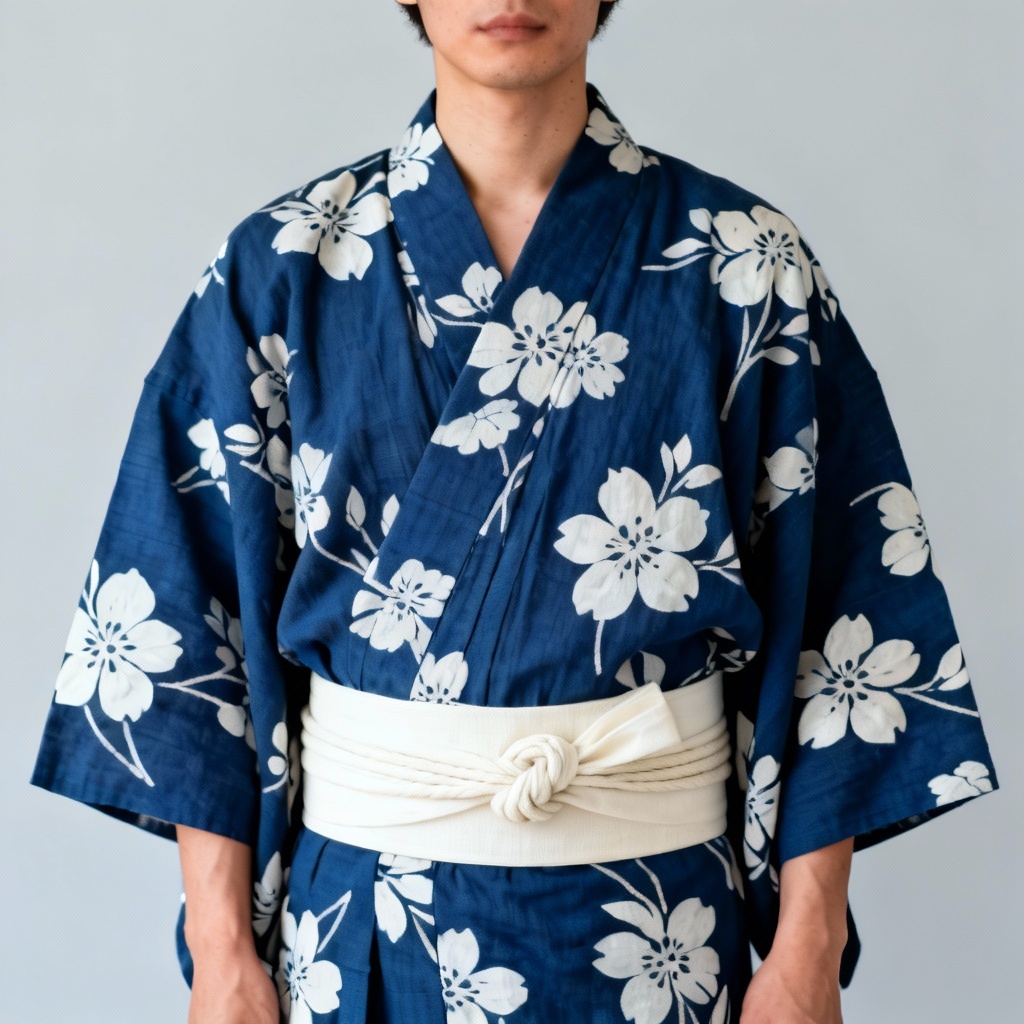
Upload a clear front-facing portrait with good lighting. Include your shoulders and upper torso for better garment alignment. JPG or PNG works best at 1024 px or higher.
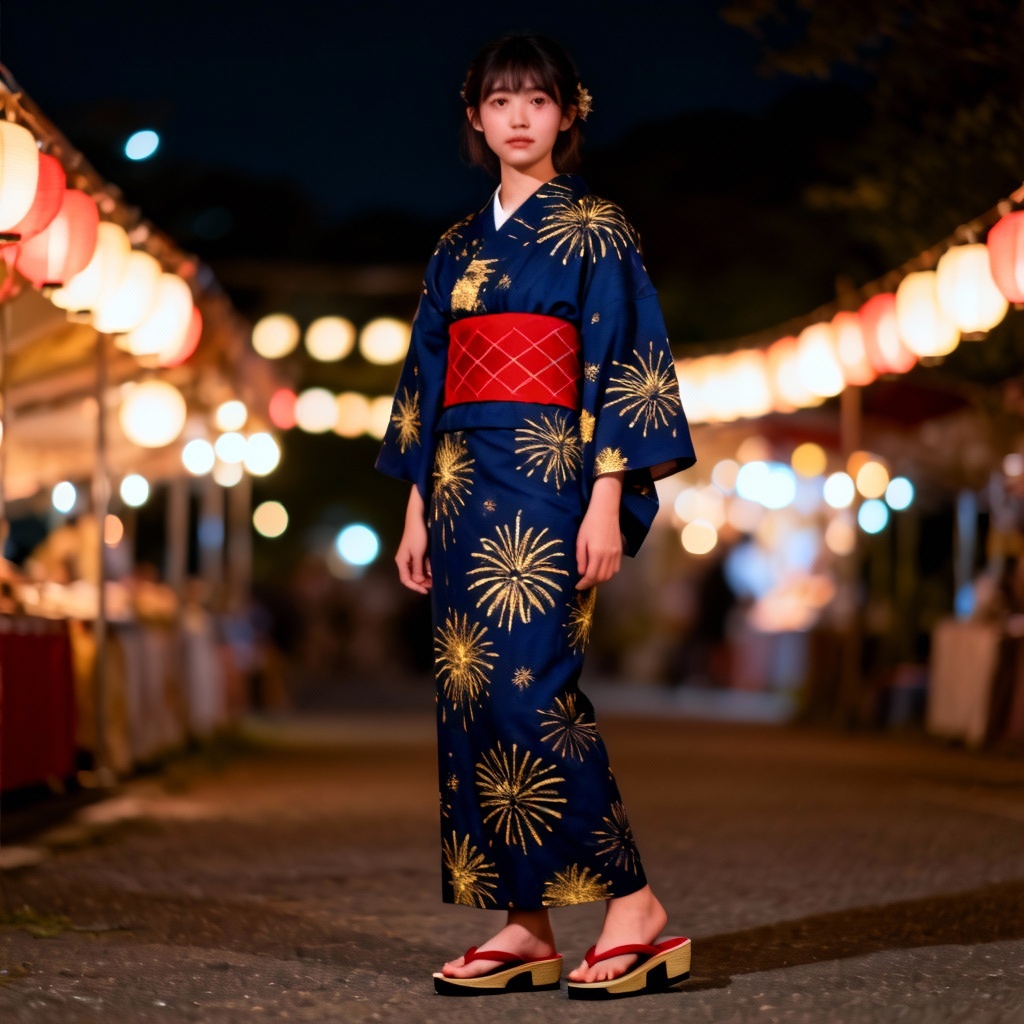
Pick yukata patterns, color palettes, and obi types or type a prompt like “navy fireworks yukata, red obi, night festival.” Select realistic or anime output and keep your face and hair preserved.
Click Generate to preview the fit. Try different prints, sleeve lengths, and obi knots, then download high-resolution images or share a link to your lookbook.
From planning festival outfits to previewing color combinations, MyAIArt helps you visualize yukata styles quickly. Experiment with obi tying, matching accessories, and pattern scales before you buy or post.
Advanced AI preserves your pose, proportions, and facial details while simulating natural cloth drape, sleeve flow, and obi structure. Get realistic results that look tailor-made for your body.
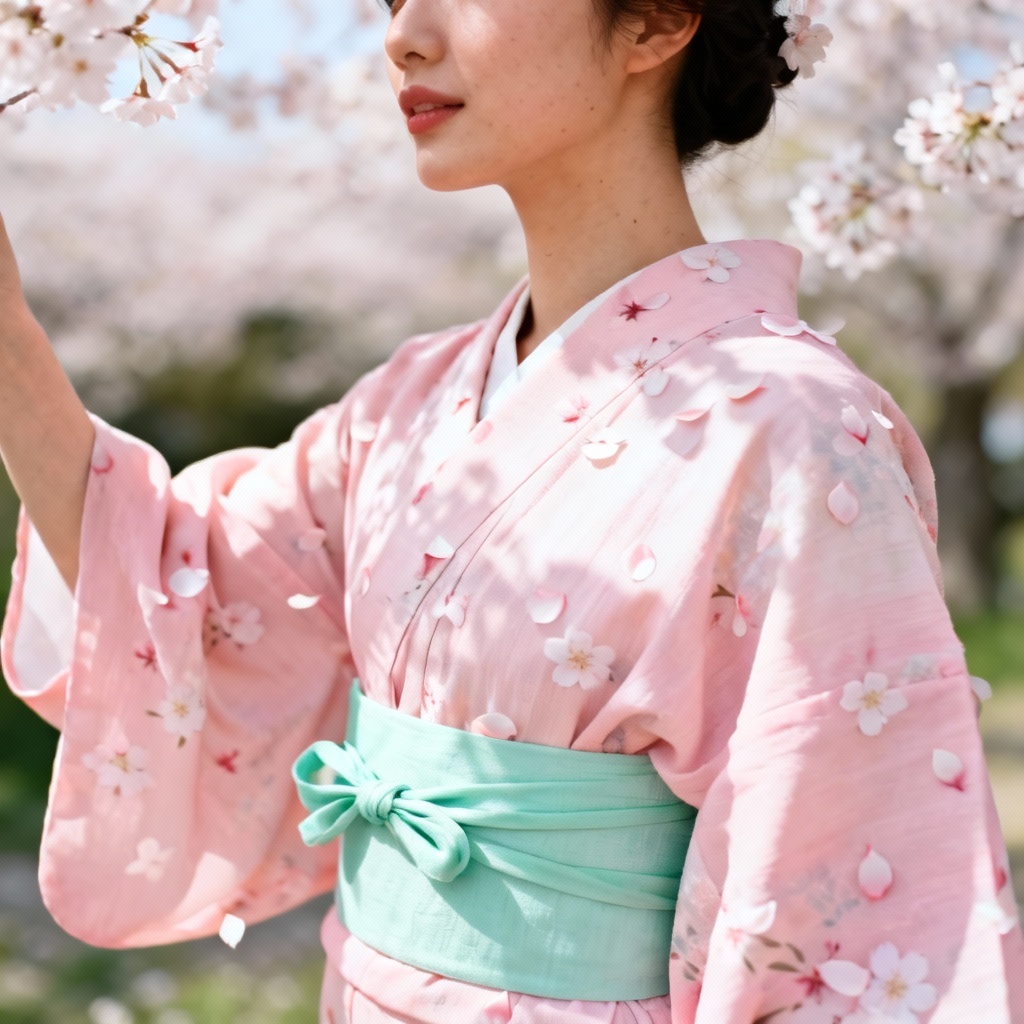
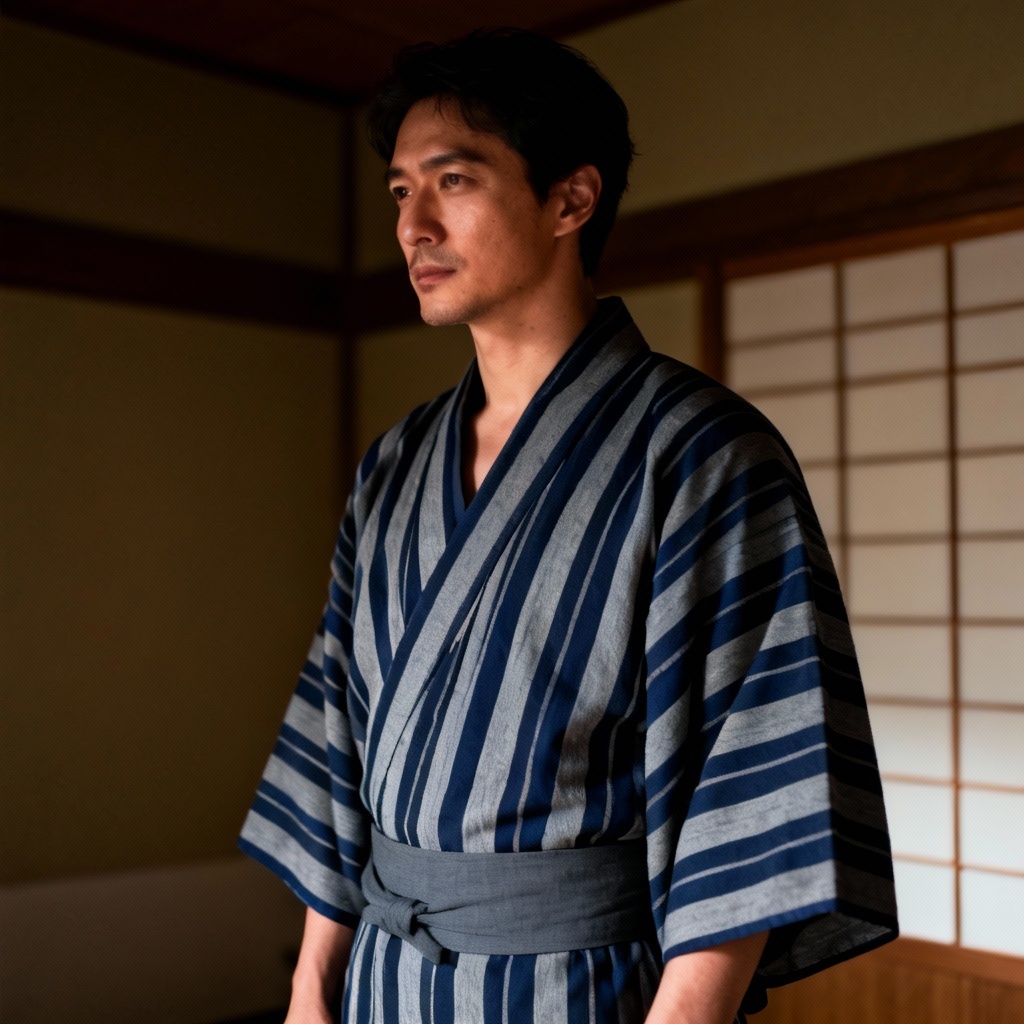
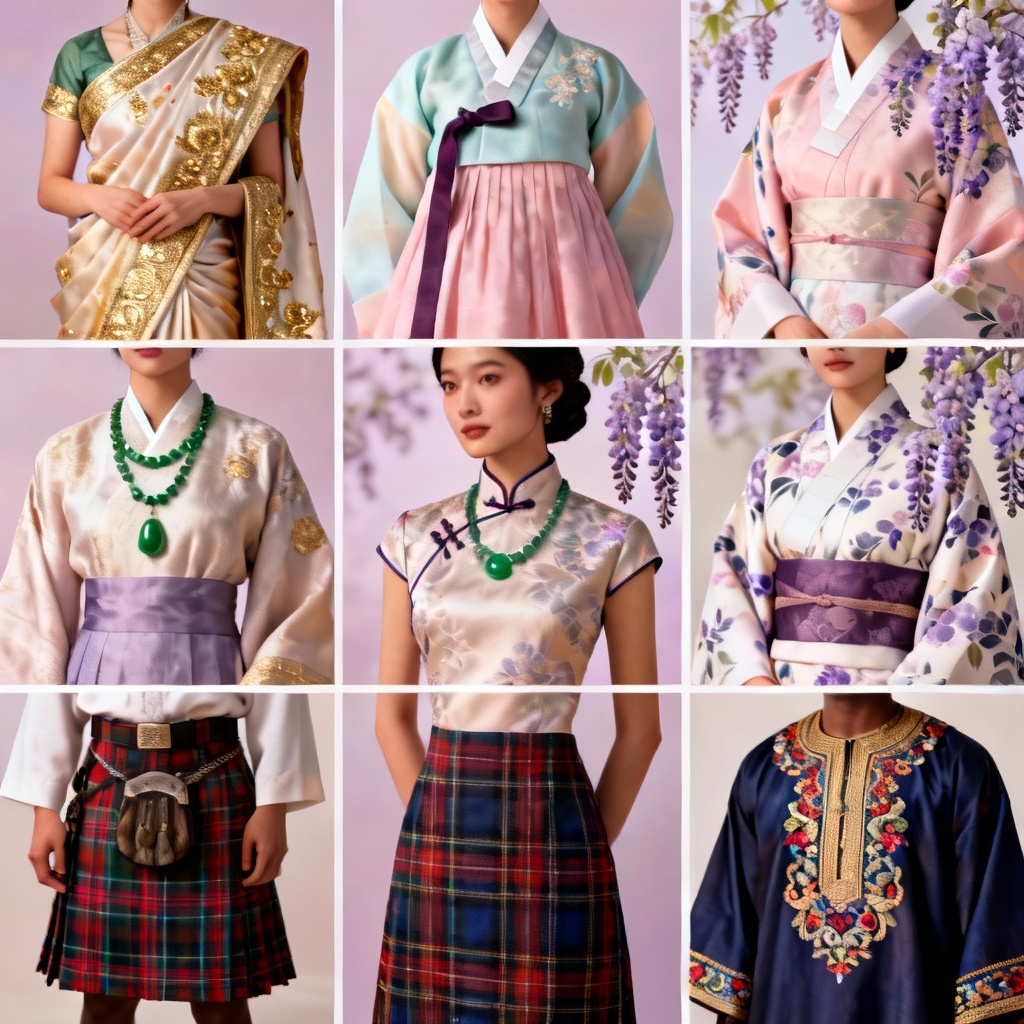
Explore classic indigo florals, modern monochrome, stripes, sakura prints, and fireworks motifs. Mix and match obi colors, knots, and accessories to find your perfect summer kimono style.
Generate looks in seconds, download in high quality, and enjoy a clean, watermark-free result. Your photos are processed securely and automatically deleted after conversion.