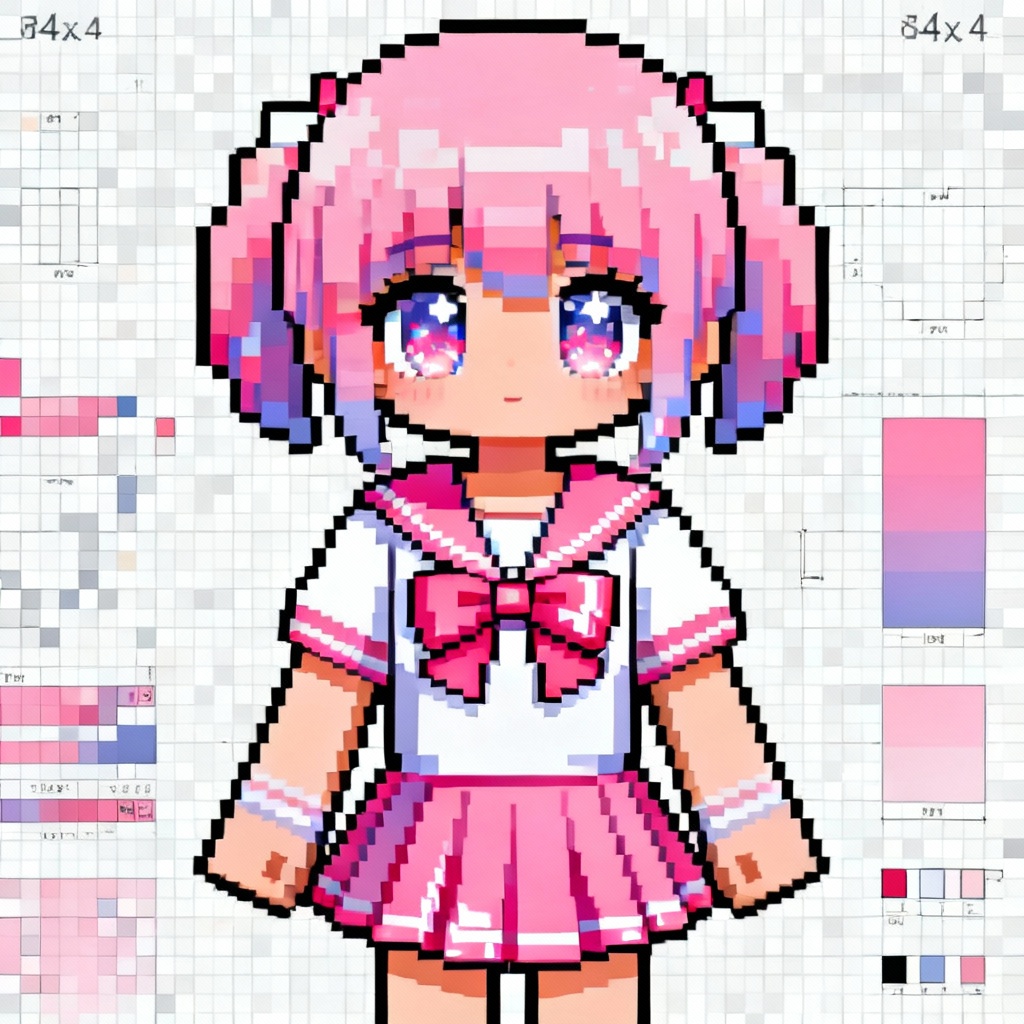
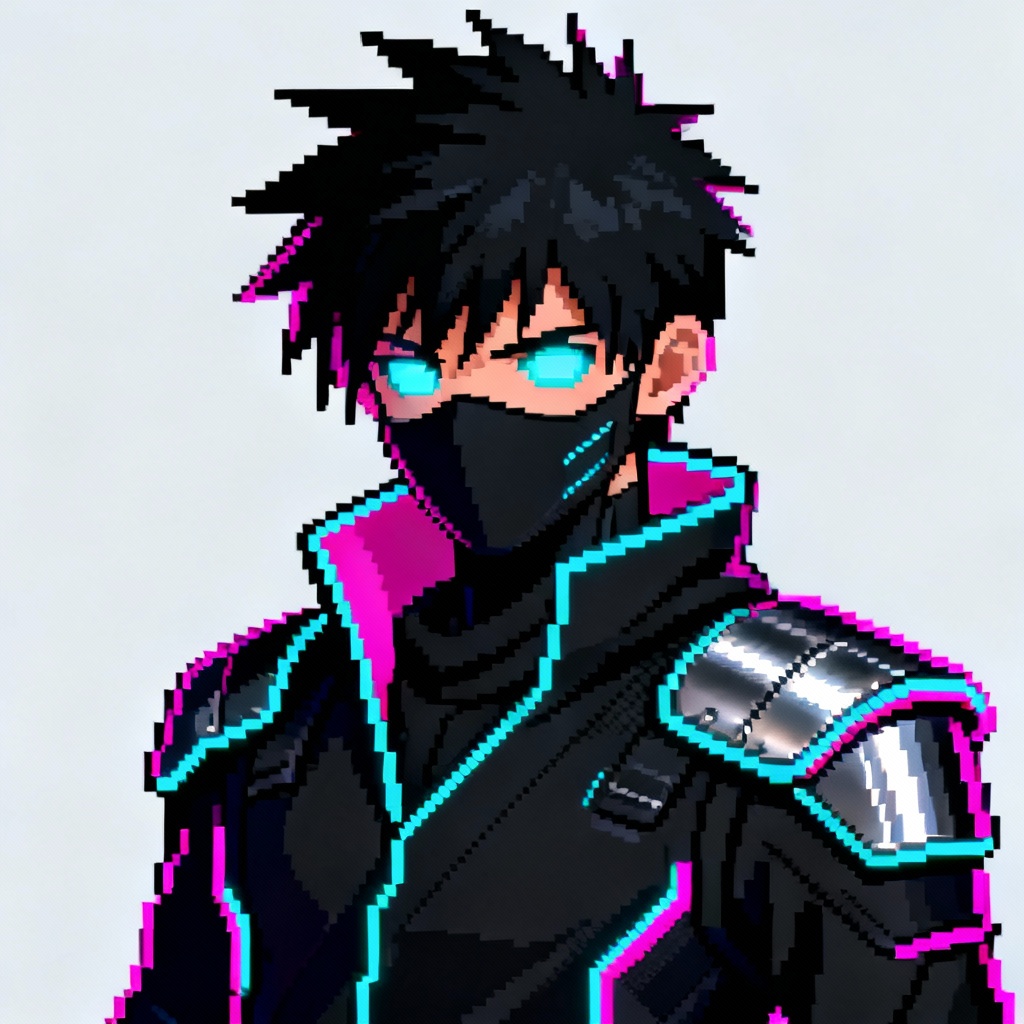
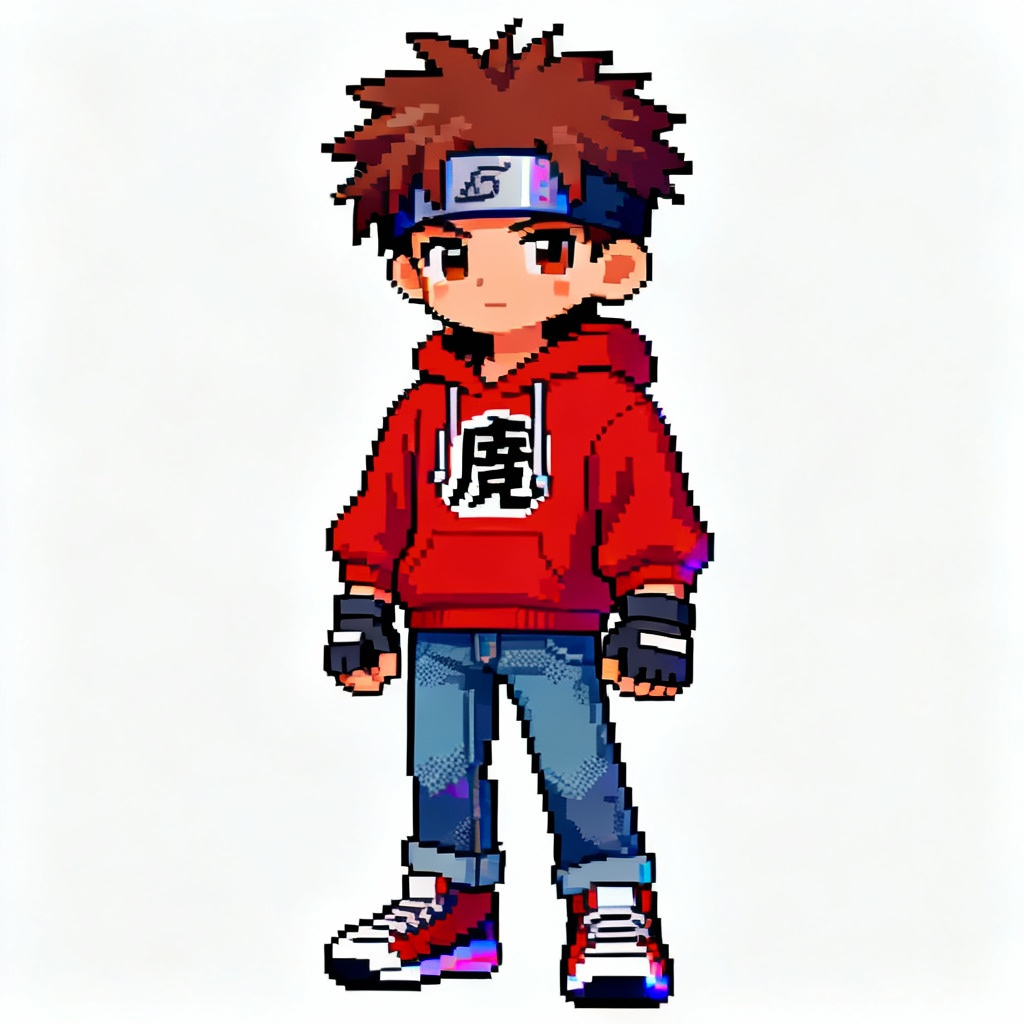
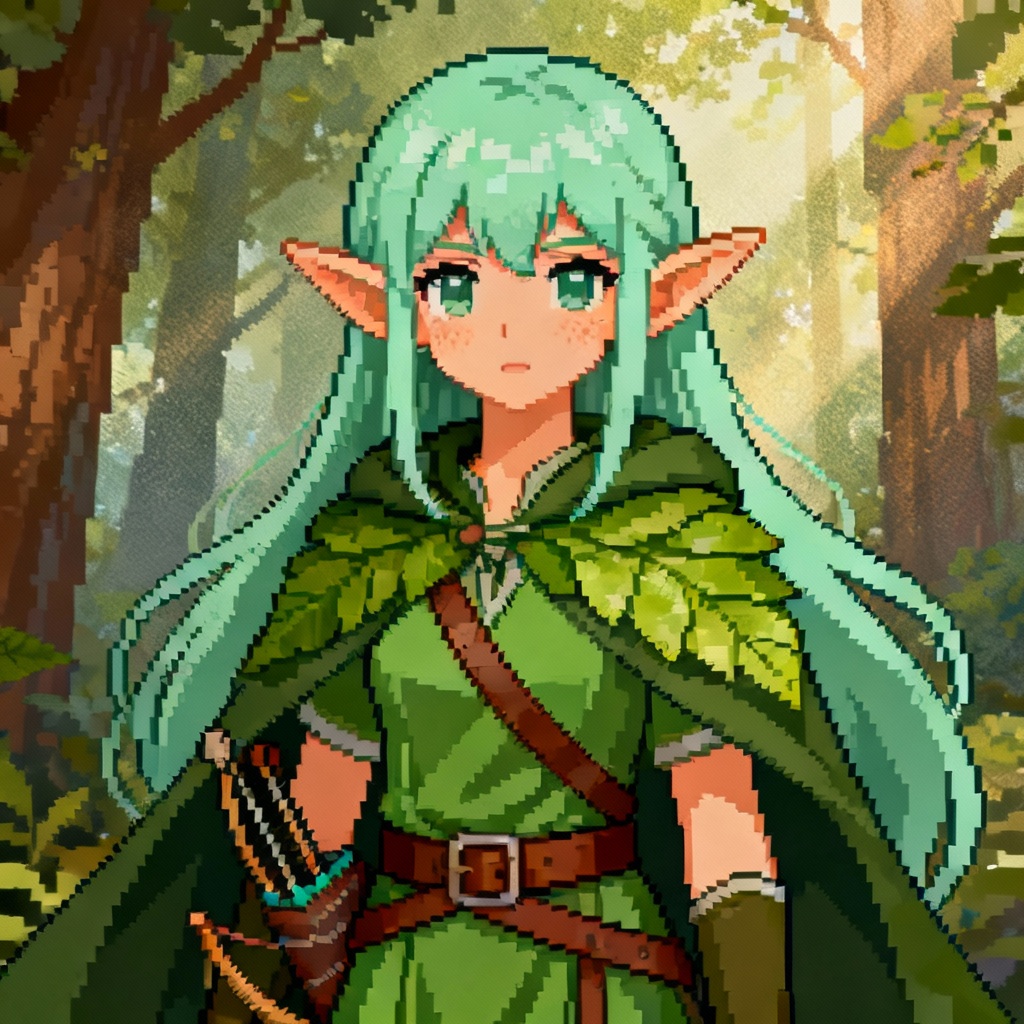
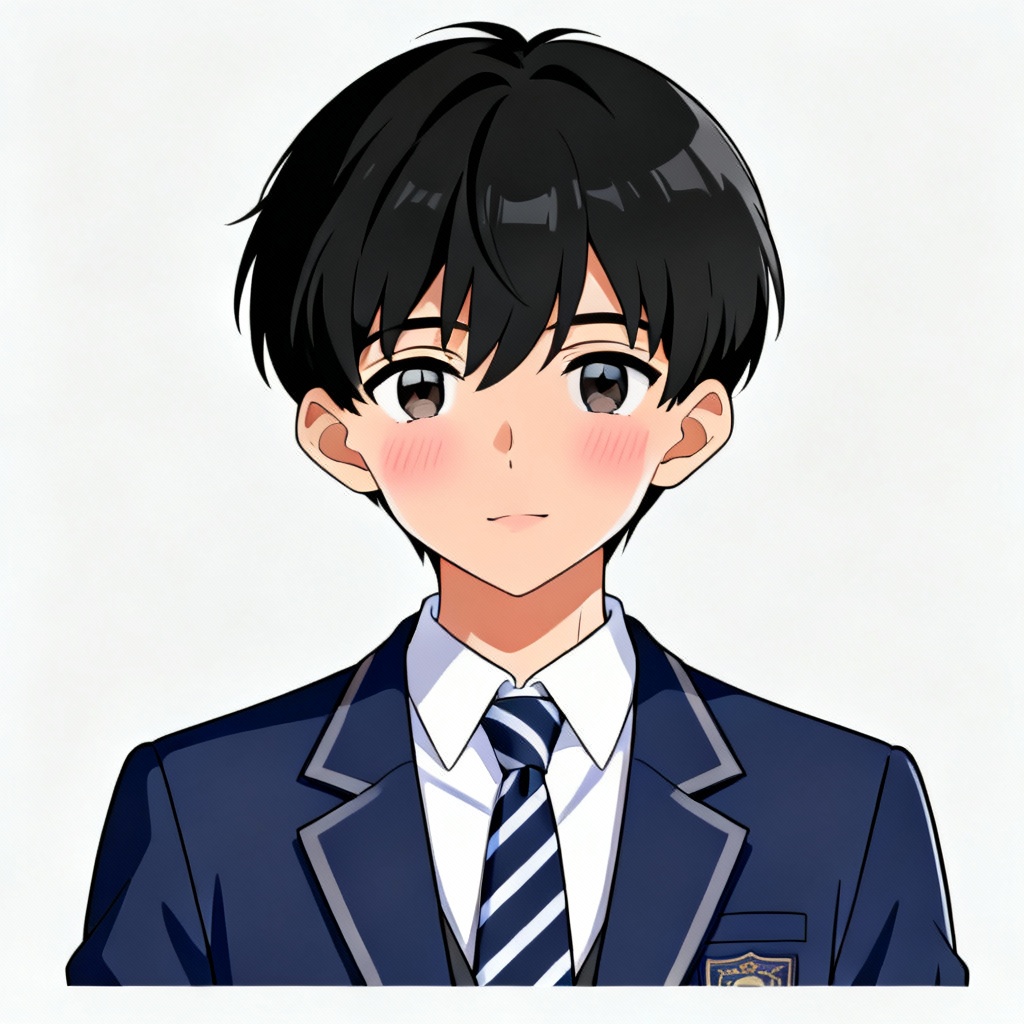
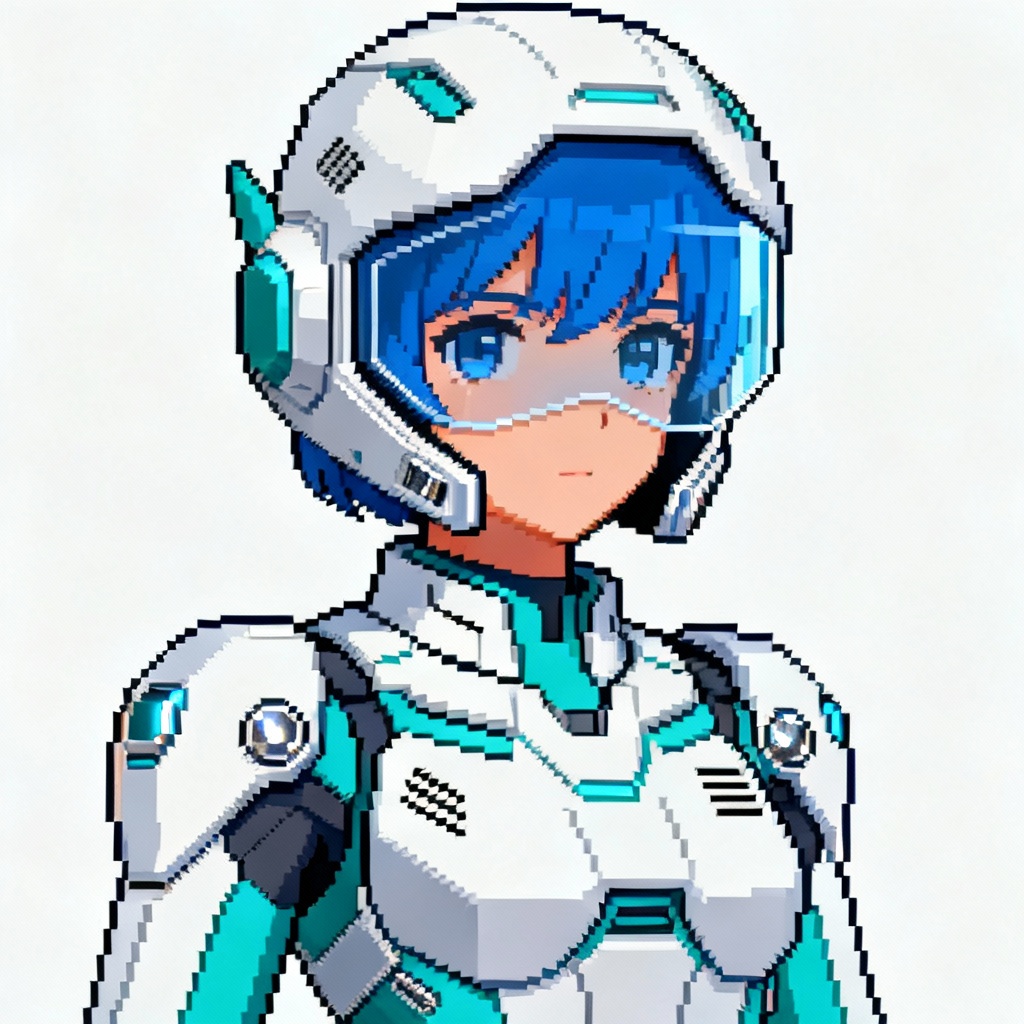
Myaiart’s anime Minecraft skin generator lets you turn prompts or photos into high-quality anime skins in seconds. Choose Steve or Alex, set colors, hair, outfit, and shading, preview in 3D, and export a clean PNG for Java or Bedrock. No watermark, fast, and beginner friendly.
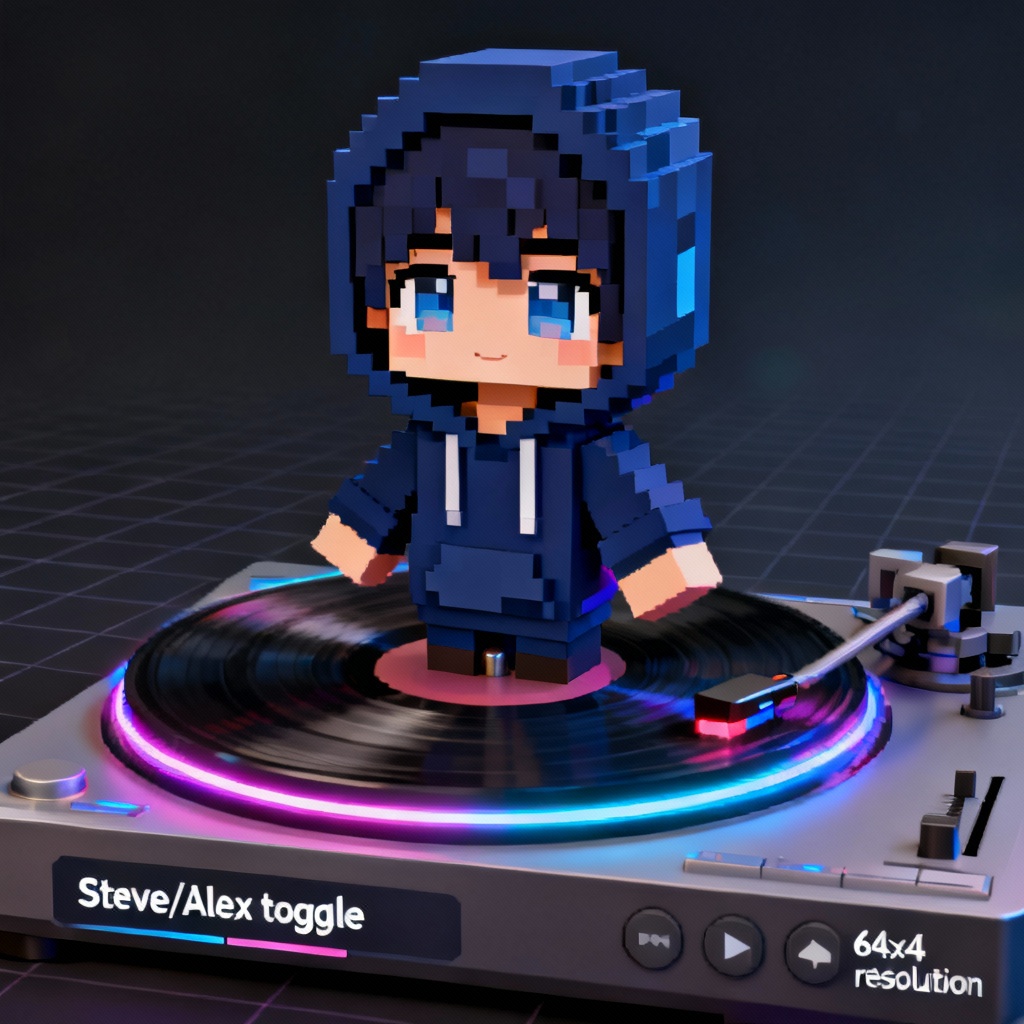
Enter a detailed prompt describing hair, eyes, outfit, theme, and colors, or upload a reference photo. Choose Steve or Alex, pick 64x64 or 128x128 HD, and select styles like shonen, shojo, chibi, ninja, or cyberpunk.
Click Generate to create your anime Minecraft skin. Adjust palette, saturation, outlines, and cel-shading. Use the 3D viewer to rotate and zoom. Optionally edit pixels on the UV layout and add overlay details like hoods, capes, or accessories.
Export a clean PNG with correct UV mapping for Java or Bedrock. Save the file, then import it in your game profile. Create a skin pack or keep it as your custom anime avatar with no watermark.
Create unique anime-style skins for every scenario. From roleplay to content creation, turn prompts into polished pixel skins with fast downloads and HD options.
Get clean cel-shading, tasteful dithering, and crisp linework that reads well in-game. The AI preserves silhouettes, folds, and facial features for a professional finish.
Automatic fit for Steve or Alex models with correct UV layout. Outer layer support adds depth for hoods, hair, capes, and armor without misalignment.
Generate anime skins online in seconds. Preview in 3D, tweak details, and download watermark-free PNGs for Java and Bedrock, ready to upload.