Myaiart’s circle generator lets you create pixel-perfect circles, arcs, and rings in seconds. Design solid, outline, dashed, or dotted circles with custom radius, diameter, stroke, fill, and gradients. Snap to grid, preview at 1x and 2x, then export clean SVG or transparent PNG for UI, logos, badges, charts, stickers, and prints. Free to use, no watermark.
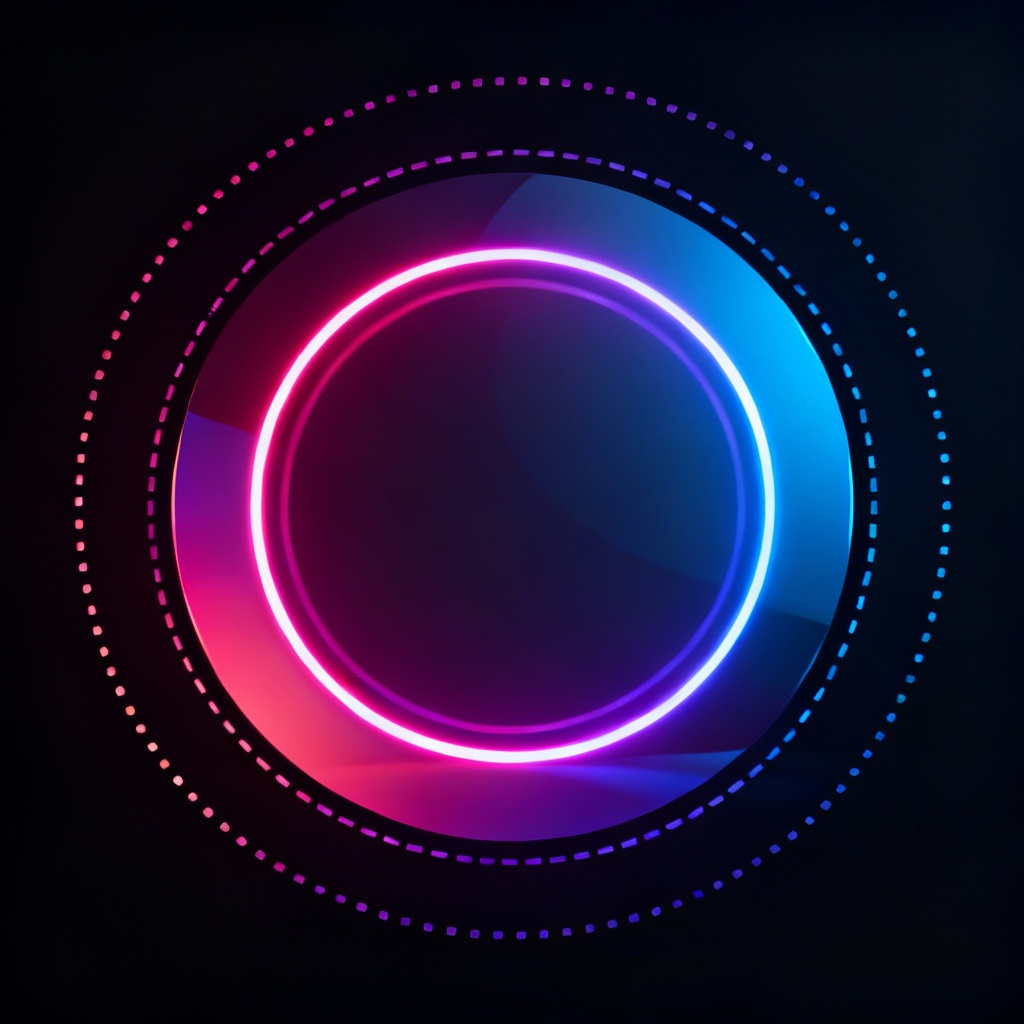
Open the online circle generator and pick a canvas. Enter exact radius or diameter in px or mm, or type a style prompt like neon concentric ring. Choose units, resolution, and background transparency.
Set fill, stroke, thickness, dash or dotted patterns, gradients, and blur. Add multiple rings with the concentric circle generator, enable grid and snap for pixel-perfect alignment, and preview at different scales.
Export as clean SVG for design tools or transparent PNG for web and print. Copy CSS, save templates, or generate variations with AI for badges, logos, charts, and patterns using the circle SVG generator.
Build precise circular graphics for every project. The online circle generator and circle SVG generator help you create crisp shapes, dotted borders, and concentric rings for design, web, print, and data visuals.
Define exact radius or diameter, stroke width, dashed or dotted patterns, and corner joins. Use snapping, guides, and a circle grid generator to align elements perfectly. Achieve consistent geometry every time.
Download crisp SVG for infinite scalability or high-resolution transparent PNG. Preserve gradients, strokes, and effects with no watermark. Files are optimized for web, print, and motion graphics workflows.
Generate stylish rings, halos, and circular patterns from simple prompts. Apply one-click themes like neon, metallic, monochrome, or pastel. Instantly create concentric rings, dotted borders, and logo-ready circles.