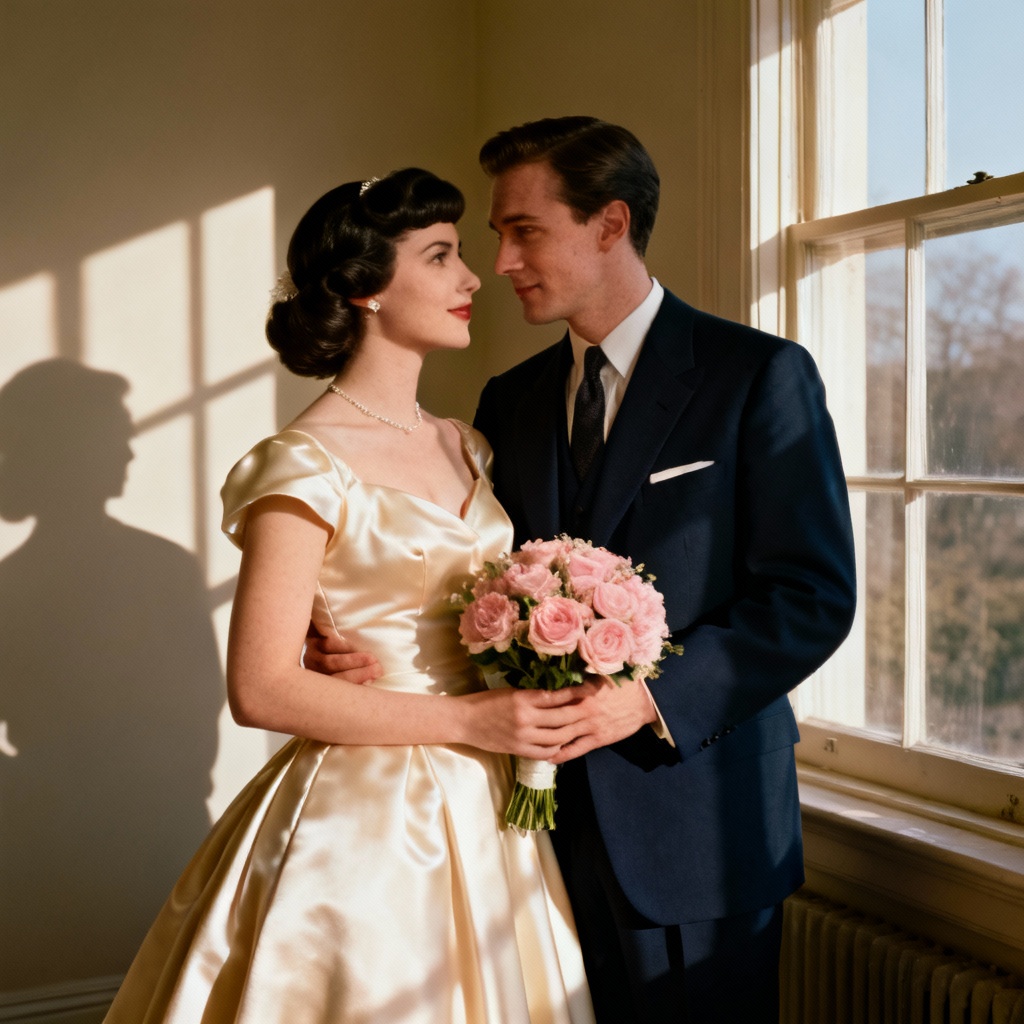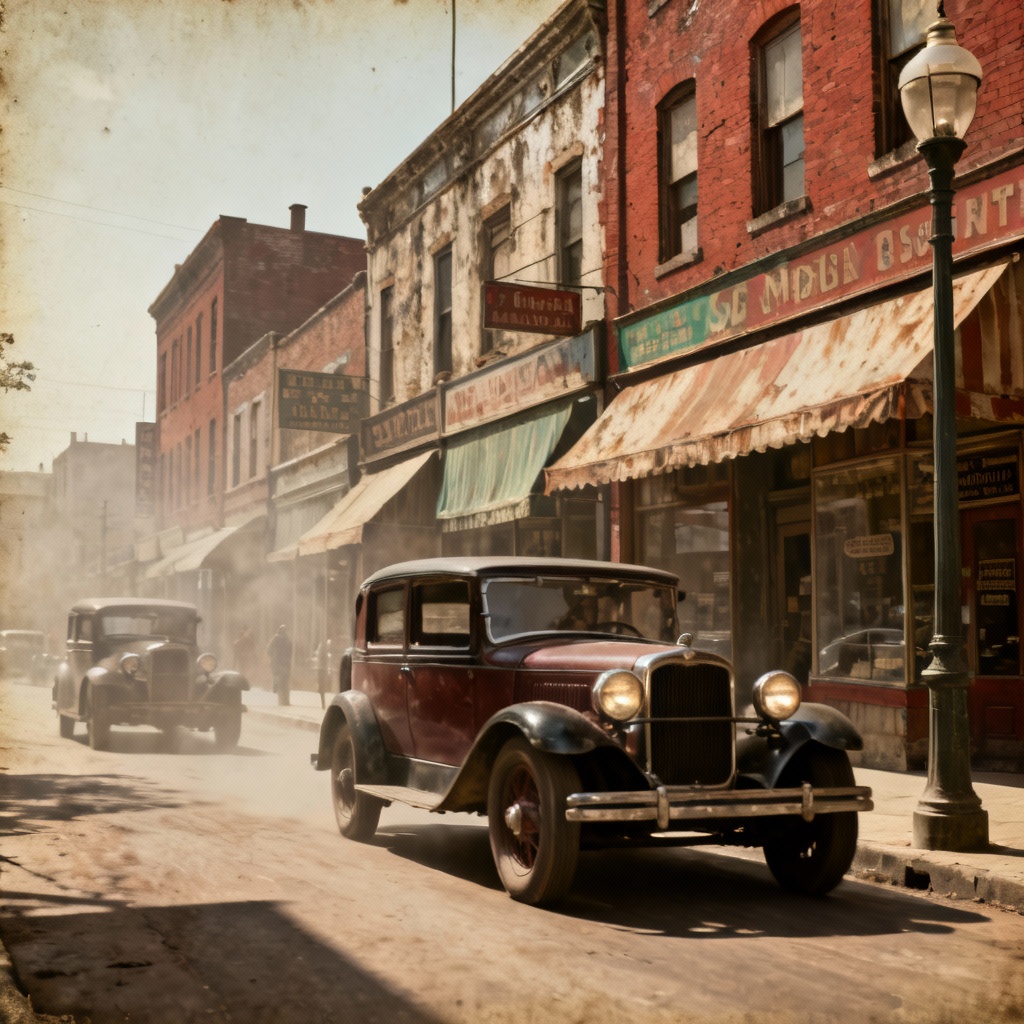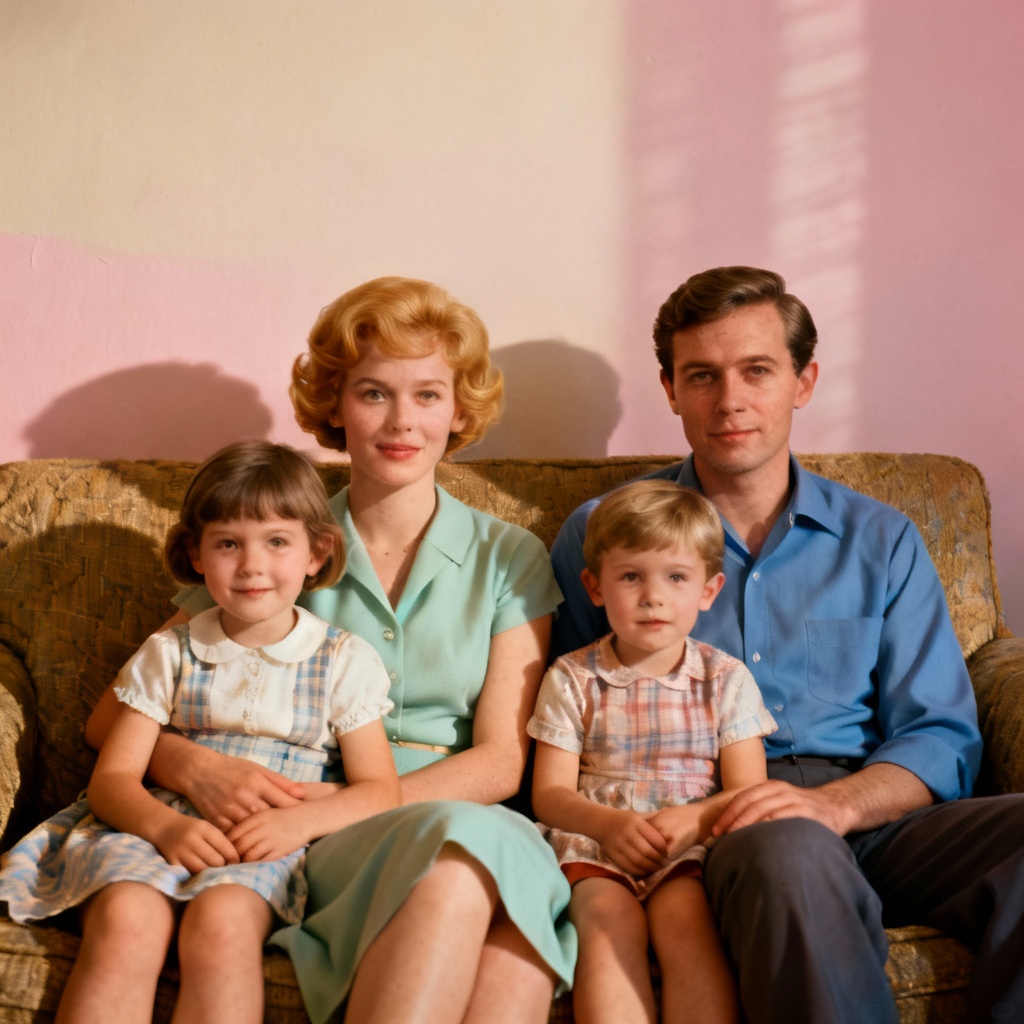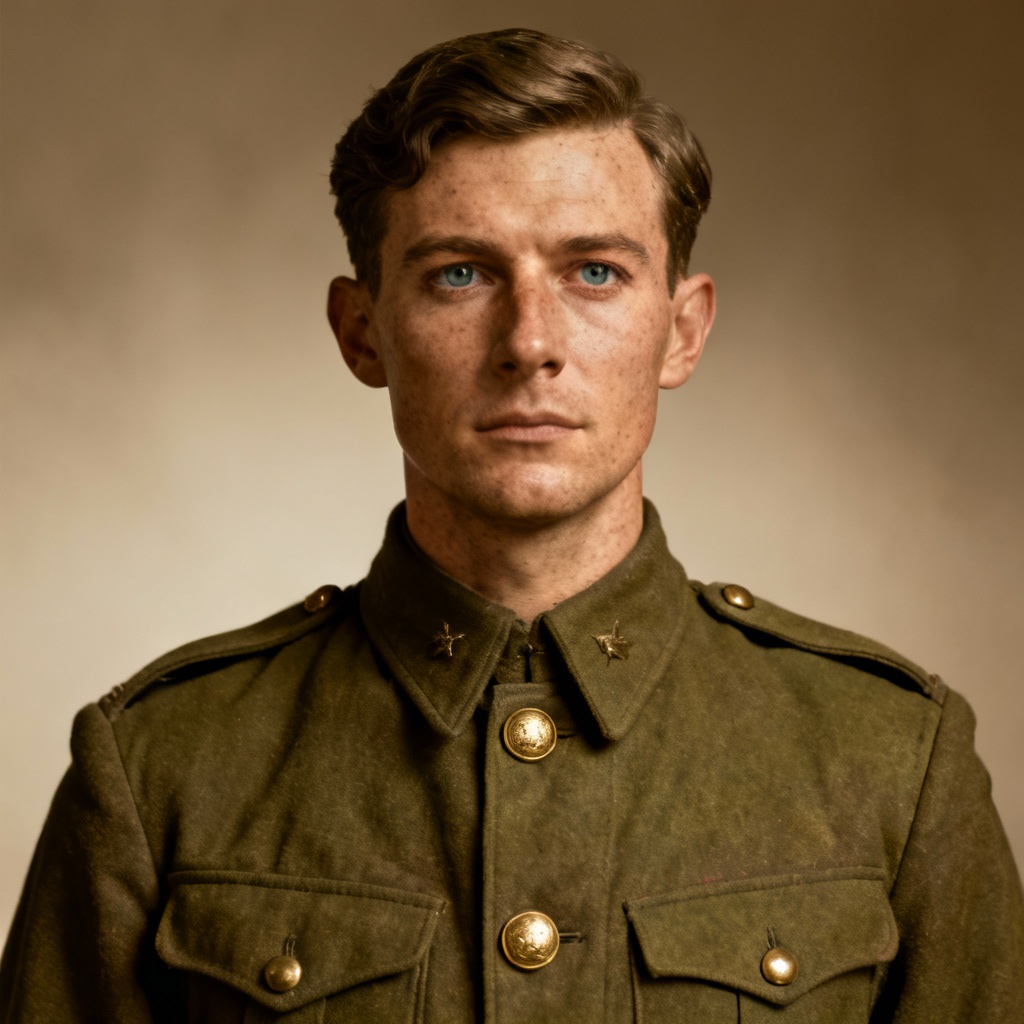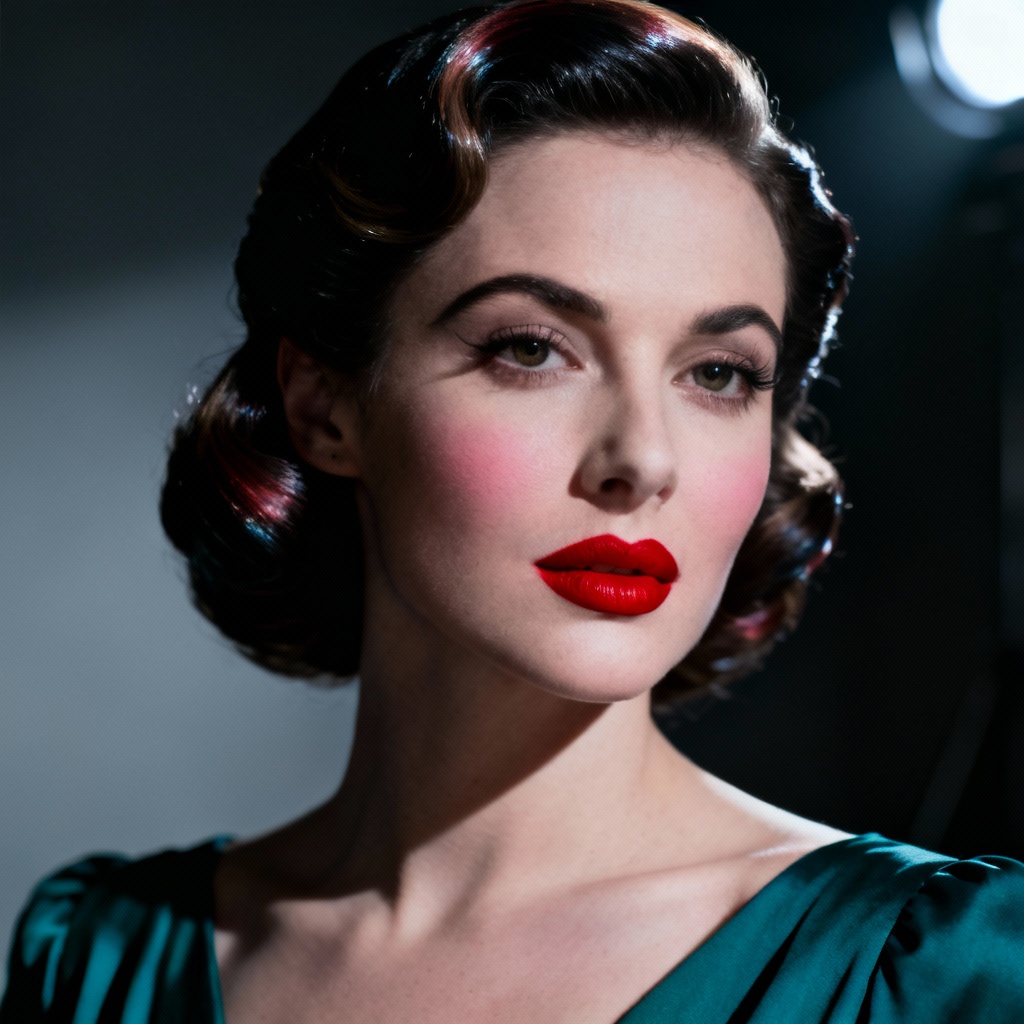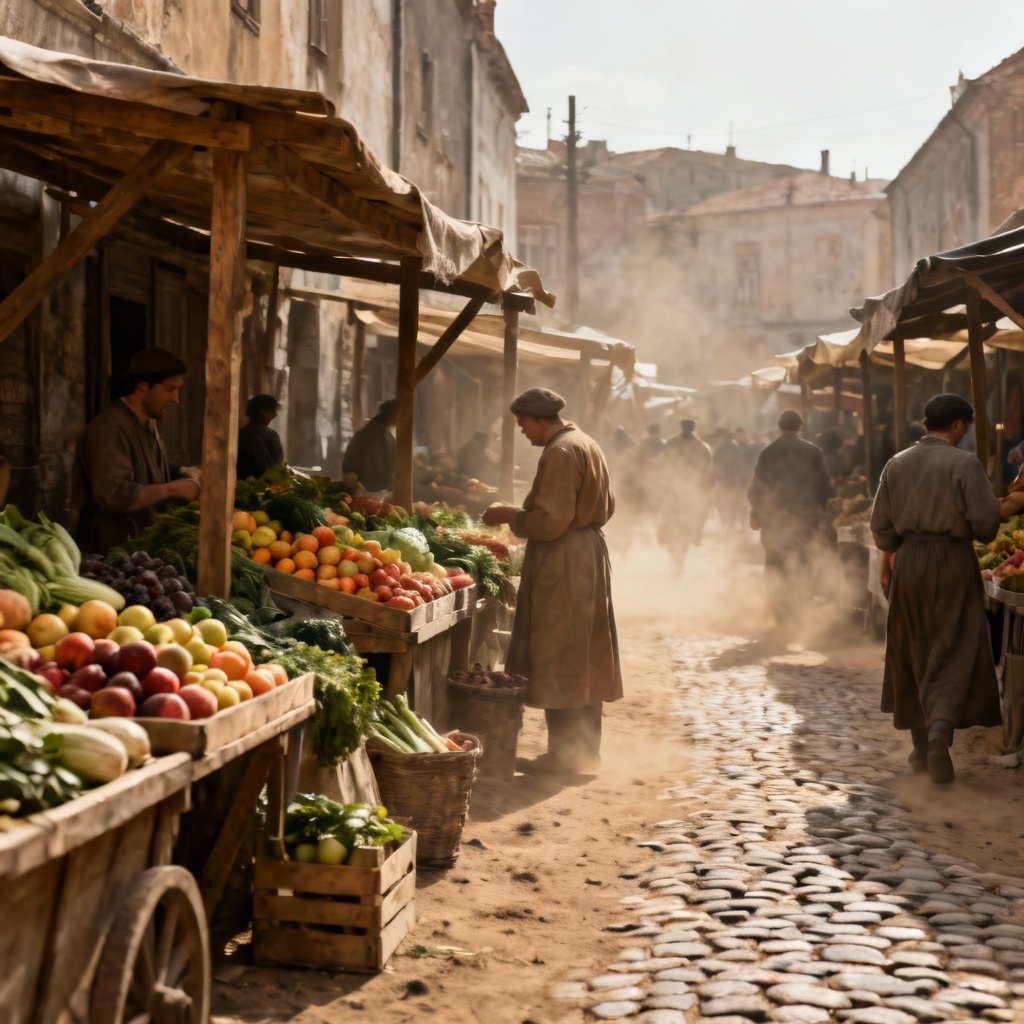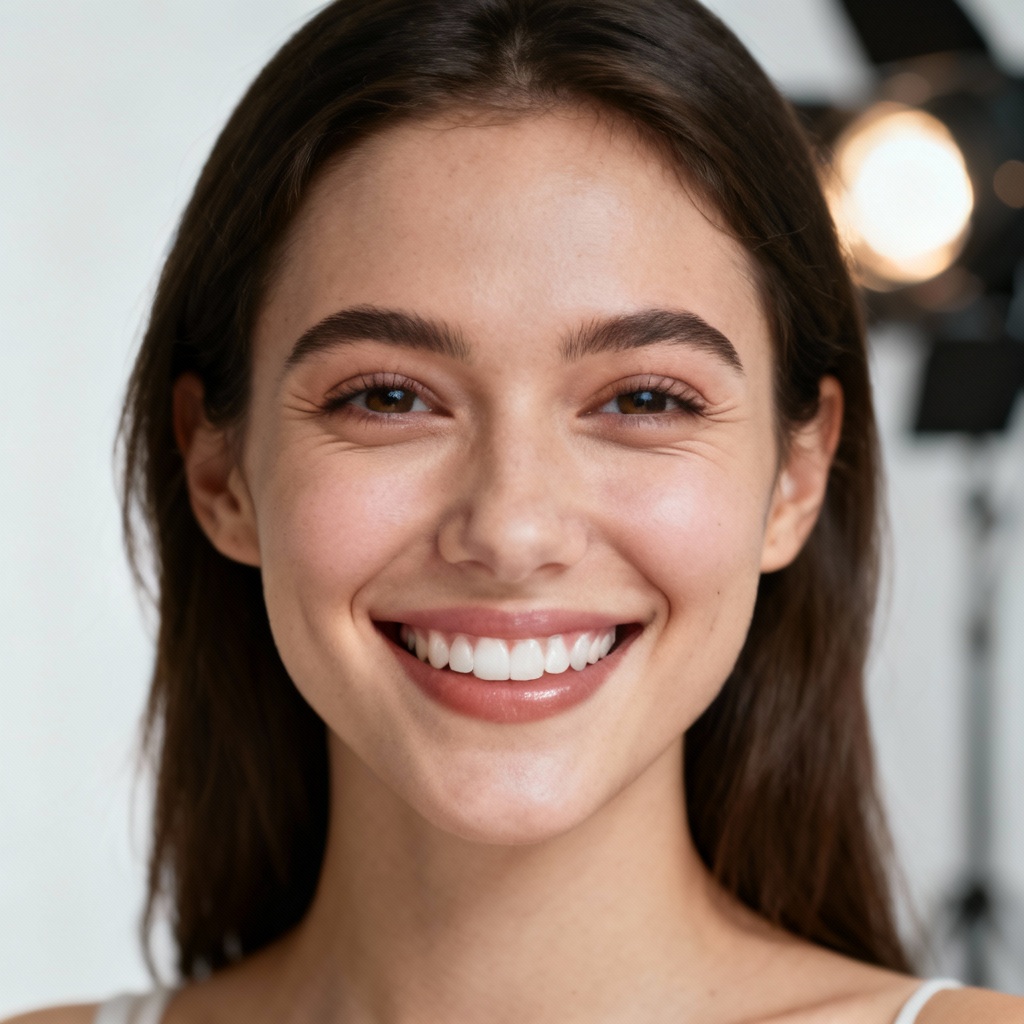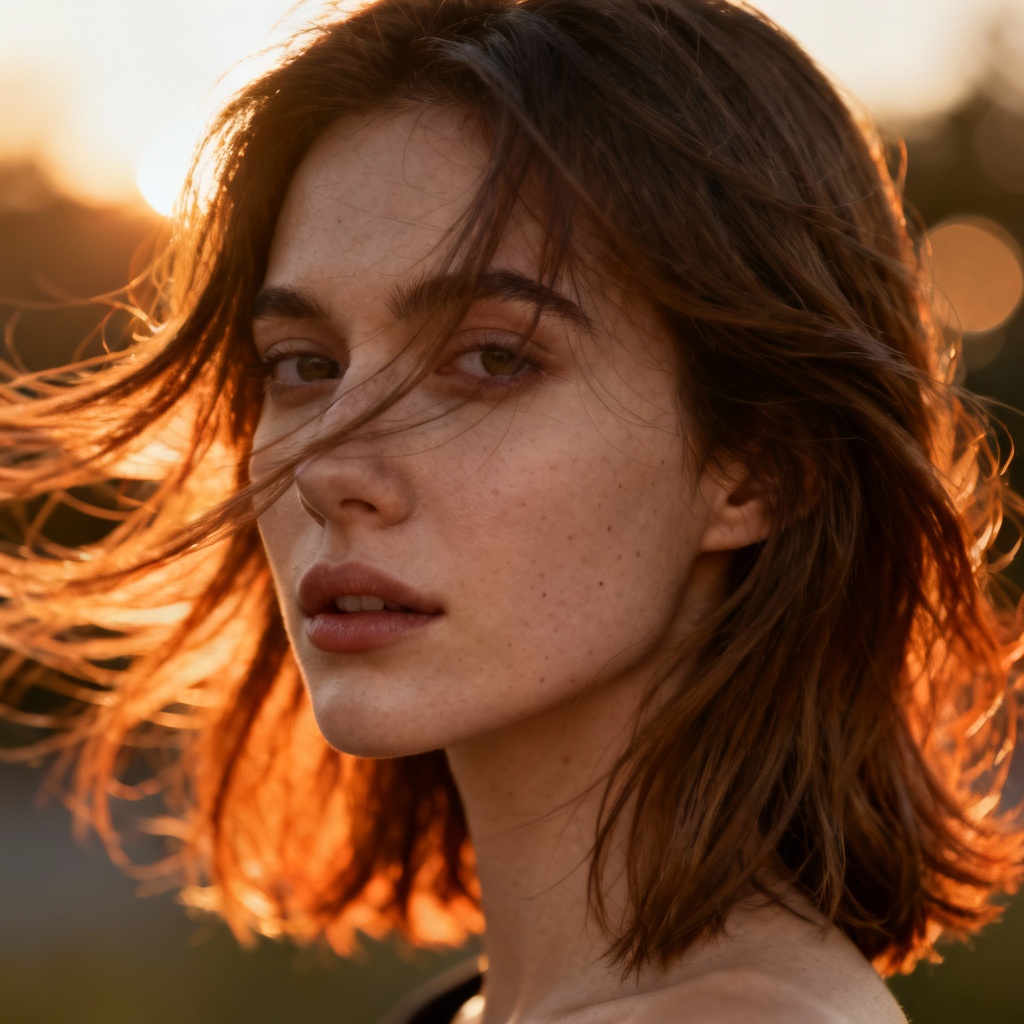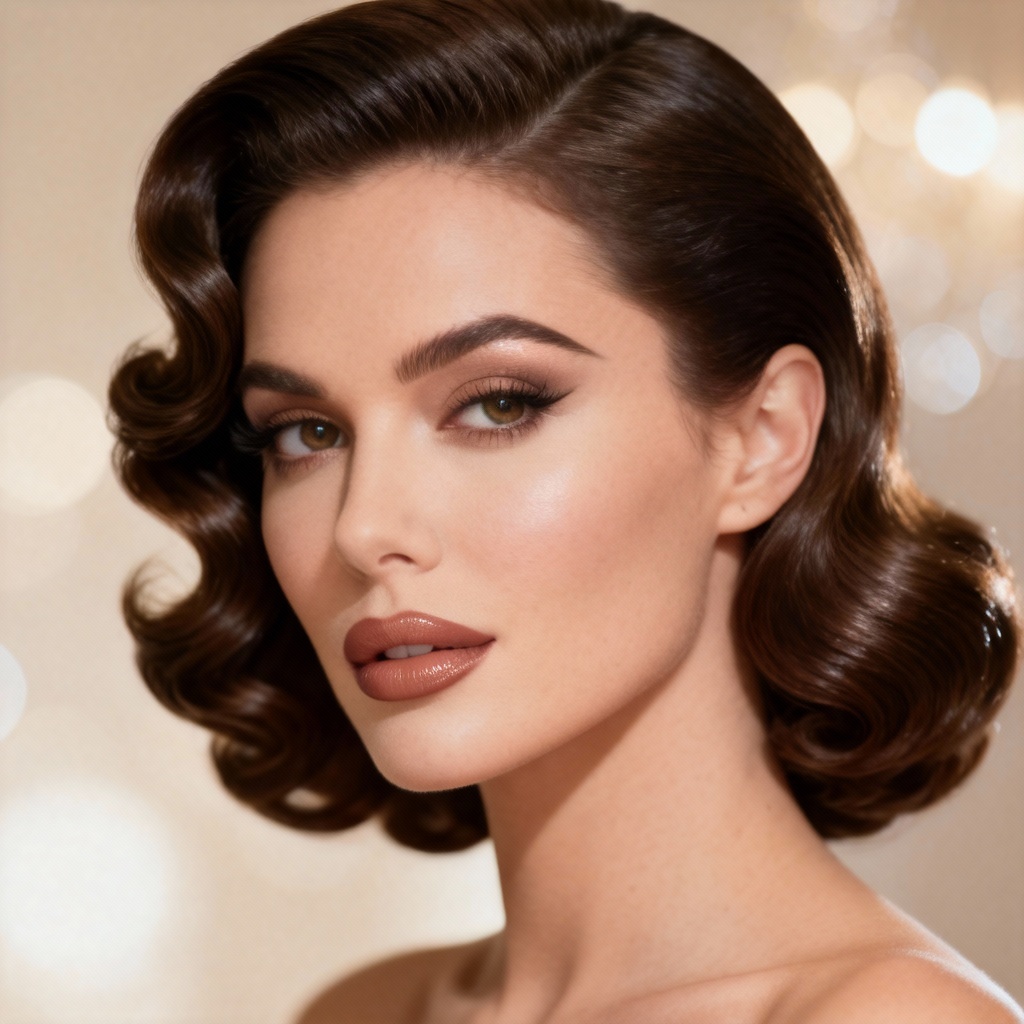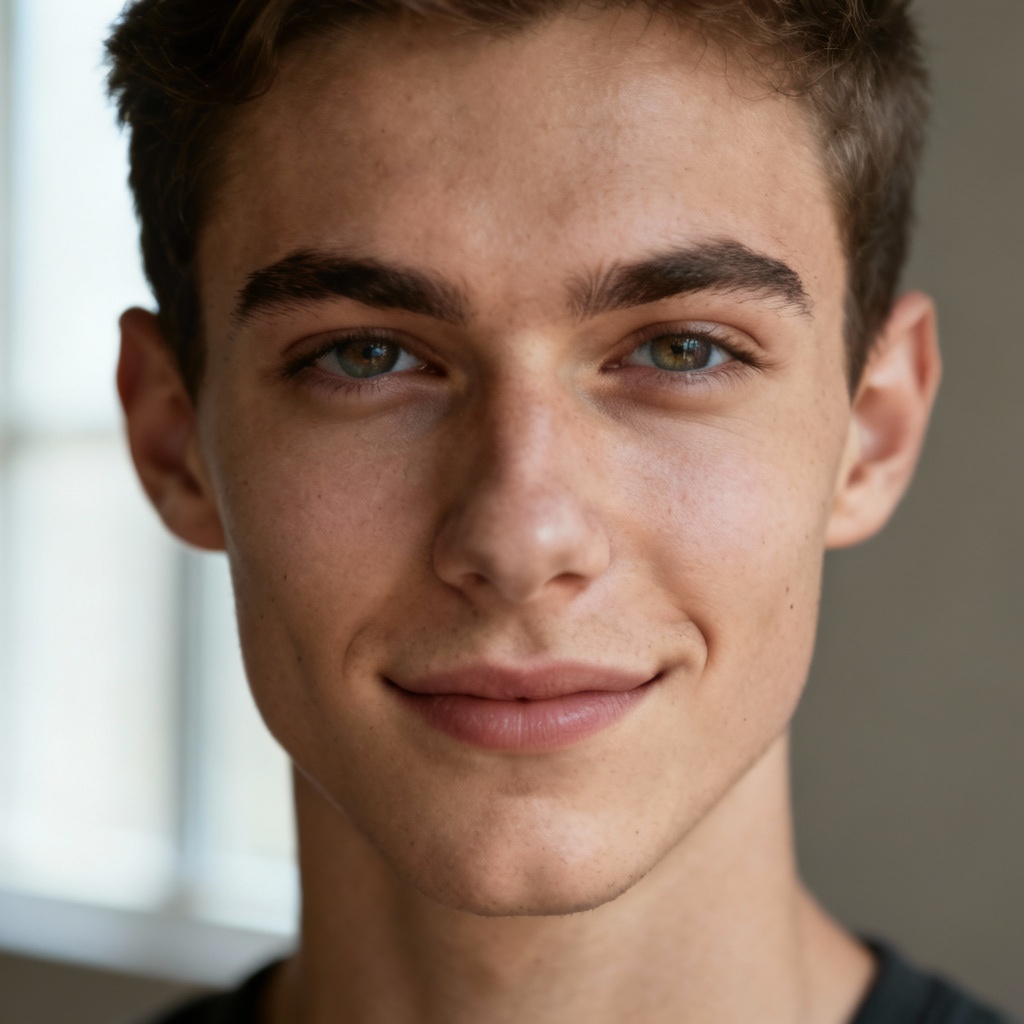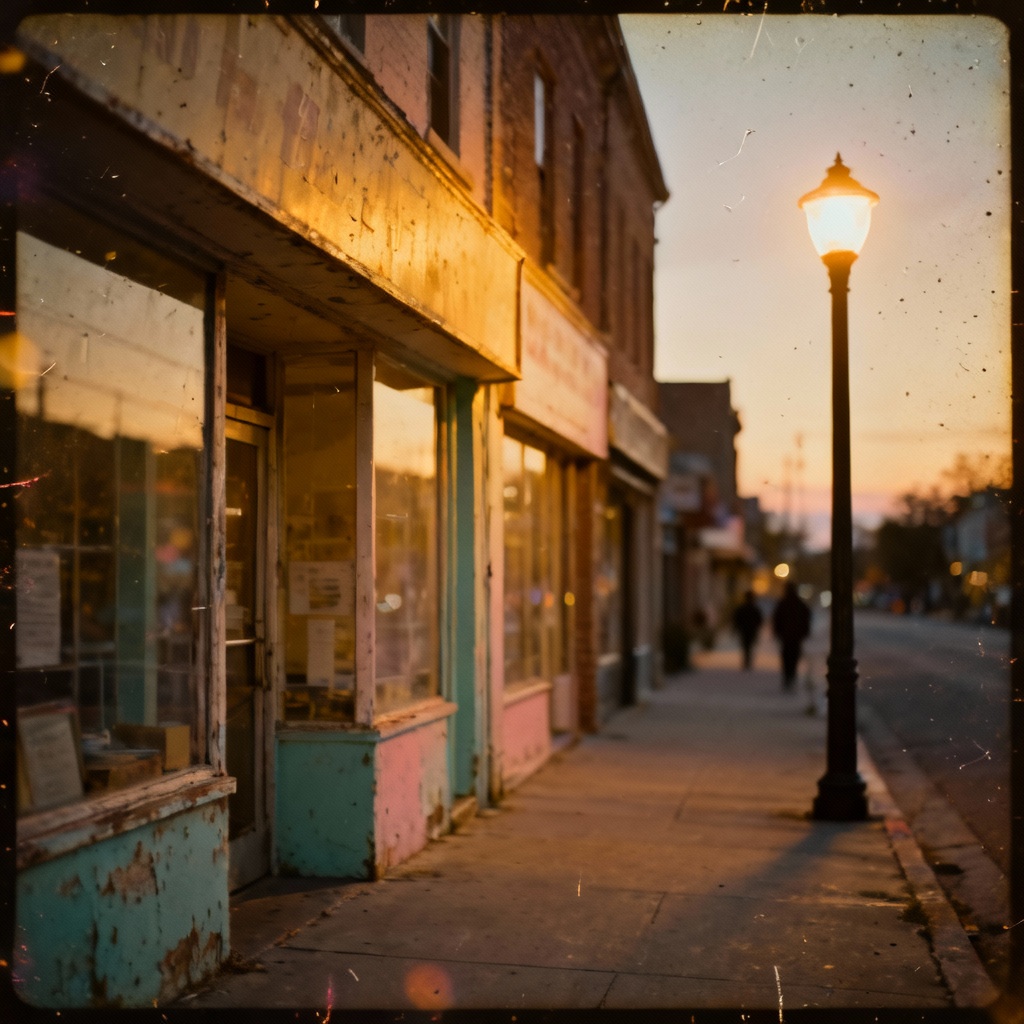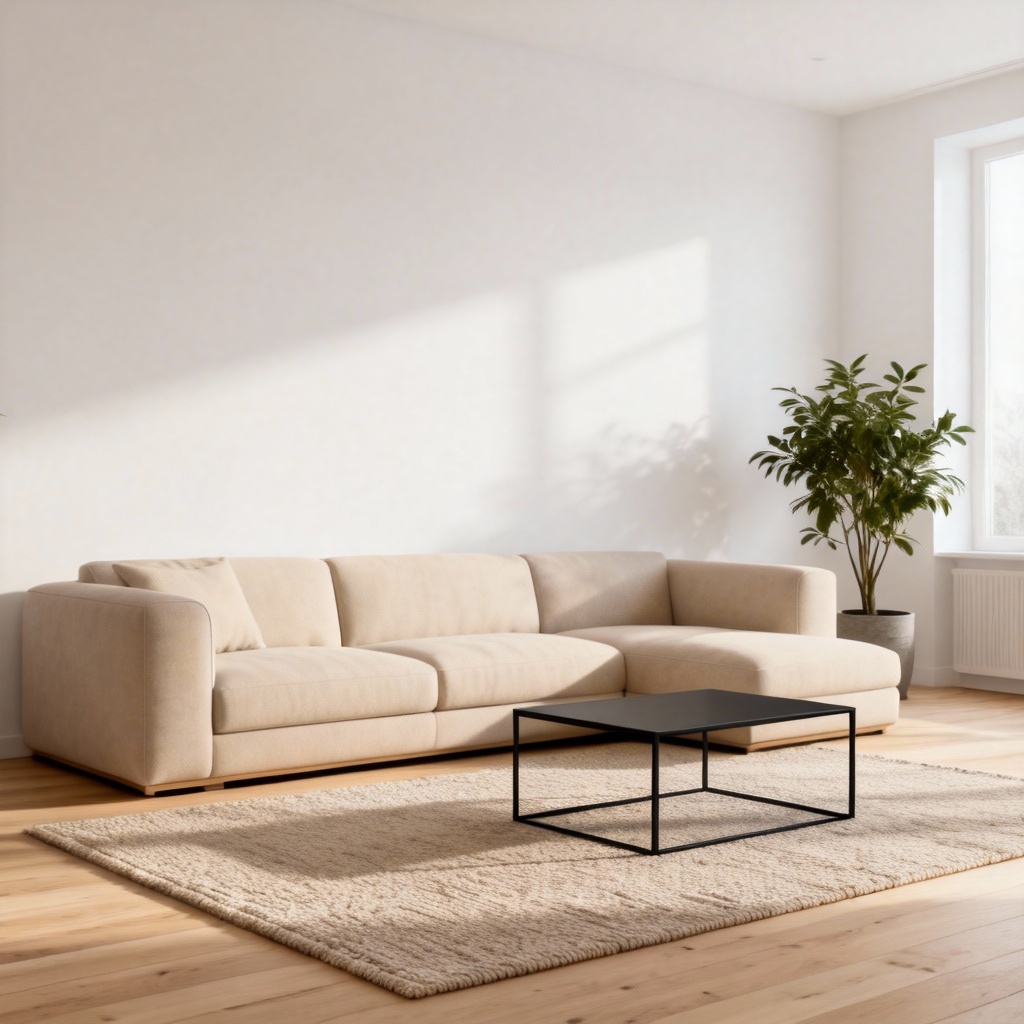

Myaiart’s AI colorizer lets you colorize black and white photos, restore vintage family portraits, and add natural color to scanned images in one click. Upload, choose settings, and watch lifelike hues appear while details stay sharp. Fast, accurate, and free to try for web, print, and social sharing. Preserve film grain, enhance faces, and keep authentic tones with smart, automatic photo colorization.
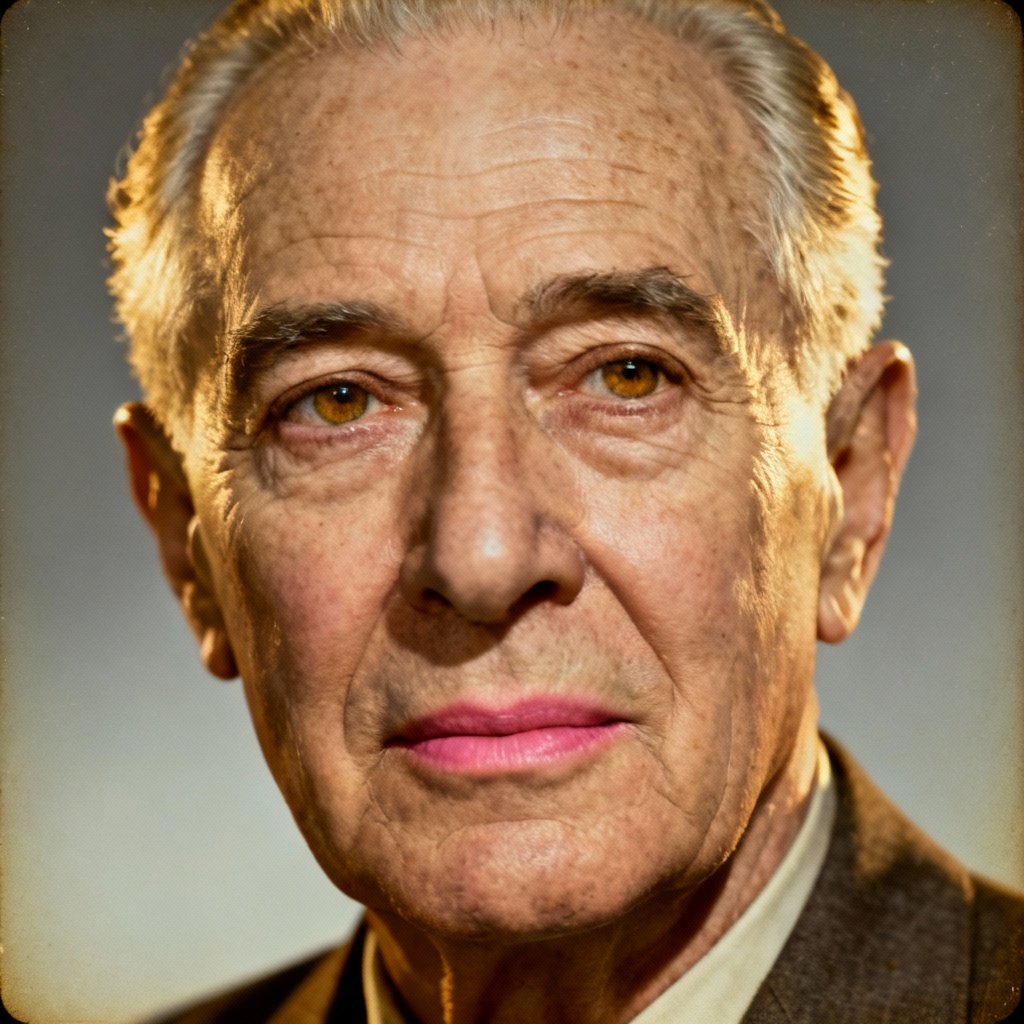
Upload any black and white or faded color photo in JPG, PNG, or WebP. Drag and drop from your desktop, paste an image link, or import scans from your phone. Higher resolution inputs produce sharper colorized results.
Select Auto Colorization for instant results or fine tune. Adjust color intensity, warmth, film look, and grain preserve. Enable Face Enhance, Scratch Removal, and DeNoise for old photo restoration while keeping a natural, authentic look.
Click Generate to colorize your picture in seconds. Compare before and after, refine tones if needed, and export in HD or 4K. Download watermark free results for albums, prints, and social sharing.
Turn grayscale memories into vivid visuals with AI photo colorization for creative, commercial, and archival use. Restore, recolor, and share instantly.
Advanced AI maps realistic hues to skin, hair, textiles, foliage, sky, and metals. It respects edges and preserves texture and film grain for a faithful, natural colorization that looks true to life.
Go beyond colorizing. Repair scratches, reduce noise, balance contrast, and enhance faces while retaining the original character of your photo. Perfect for vintage photo restoration and archival work.
Generate results in seconds with cloud acceleration. Your uploads remain private and are automatically deleted after processing. Download HD or 4K outputs with clean, watermark free files.