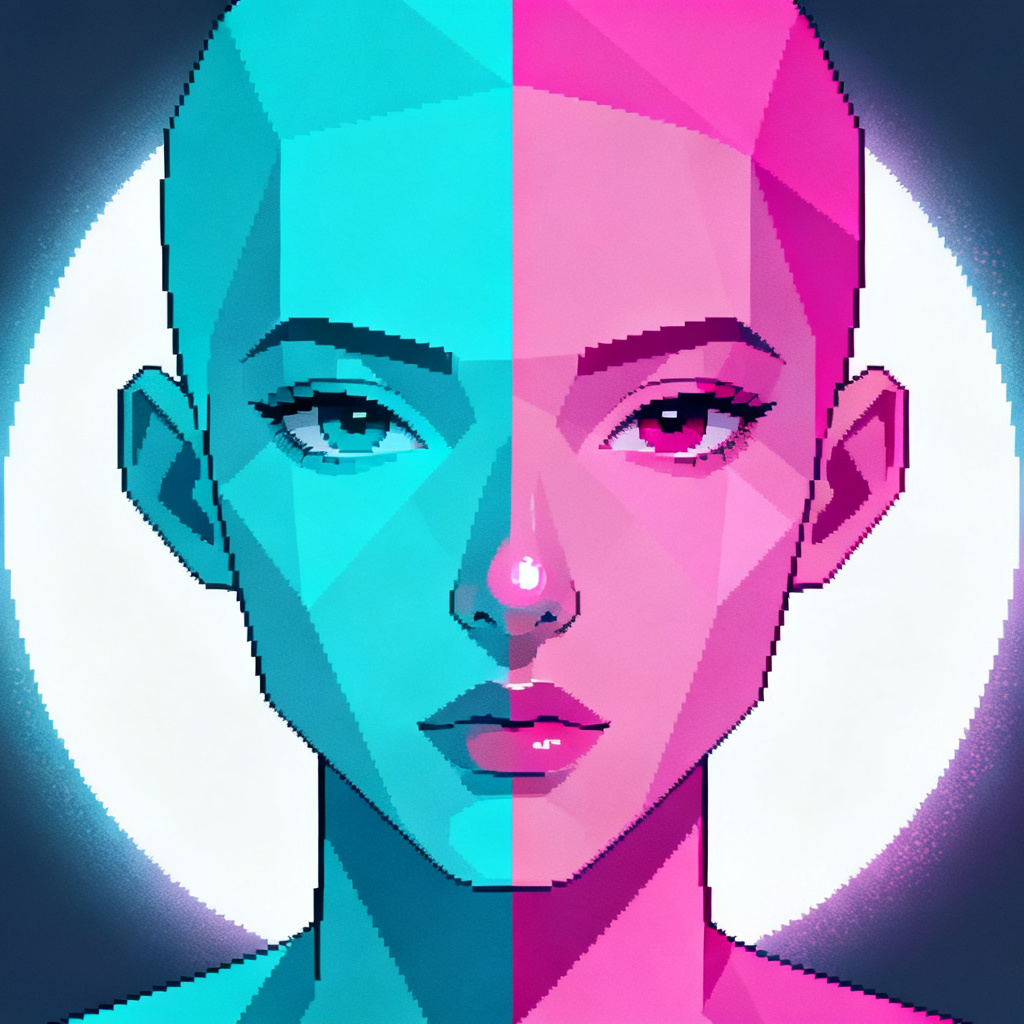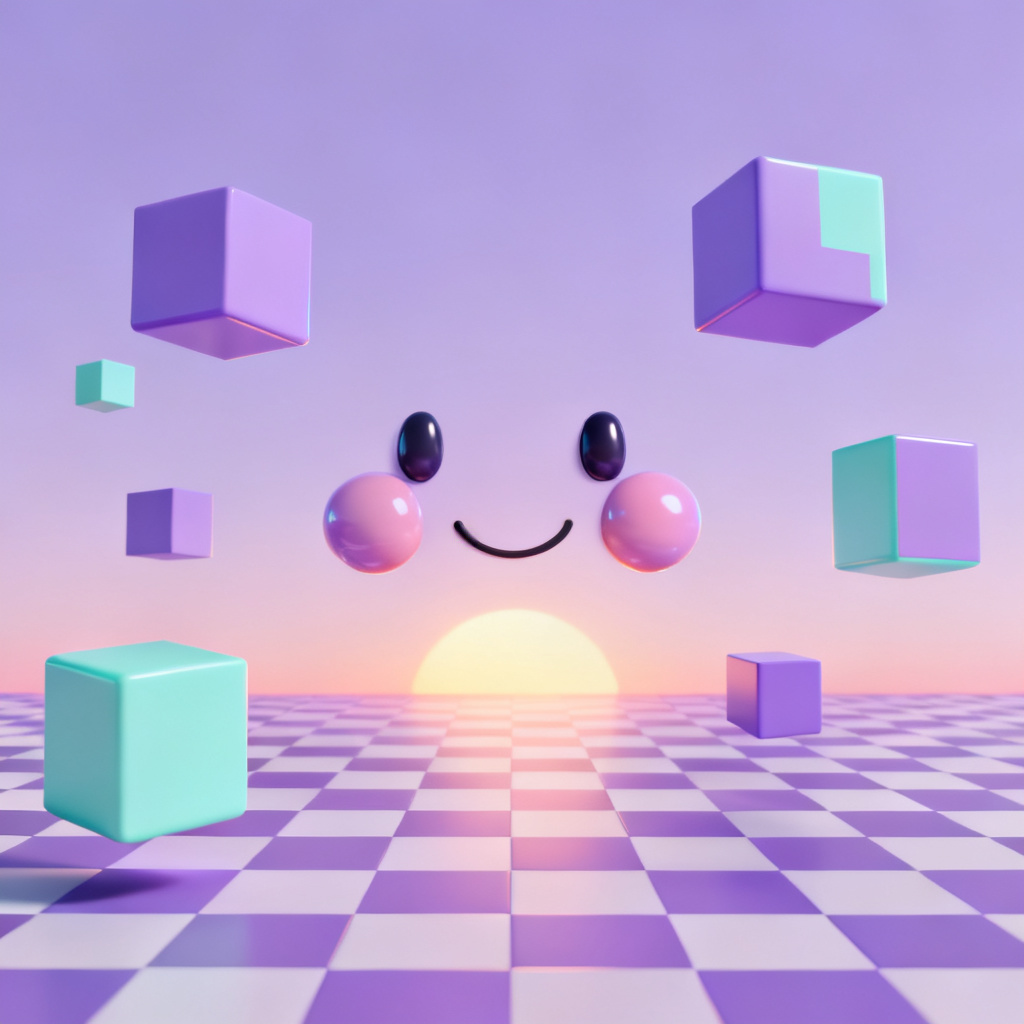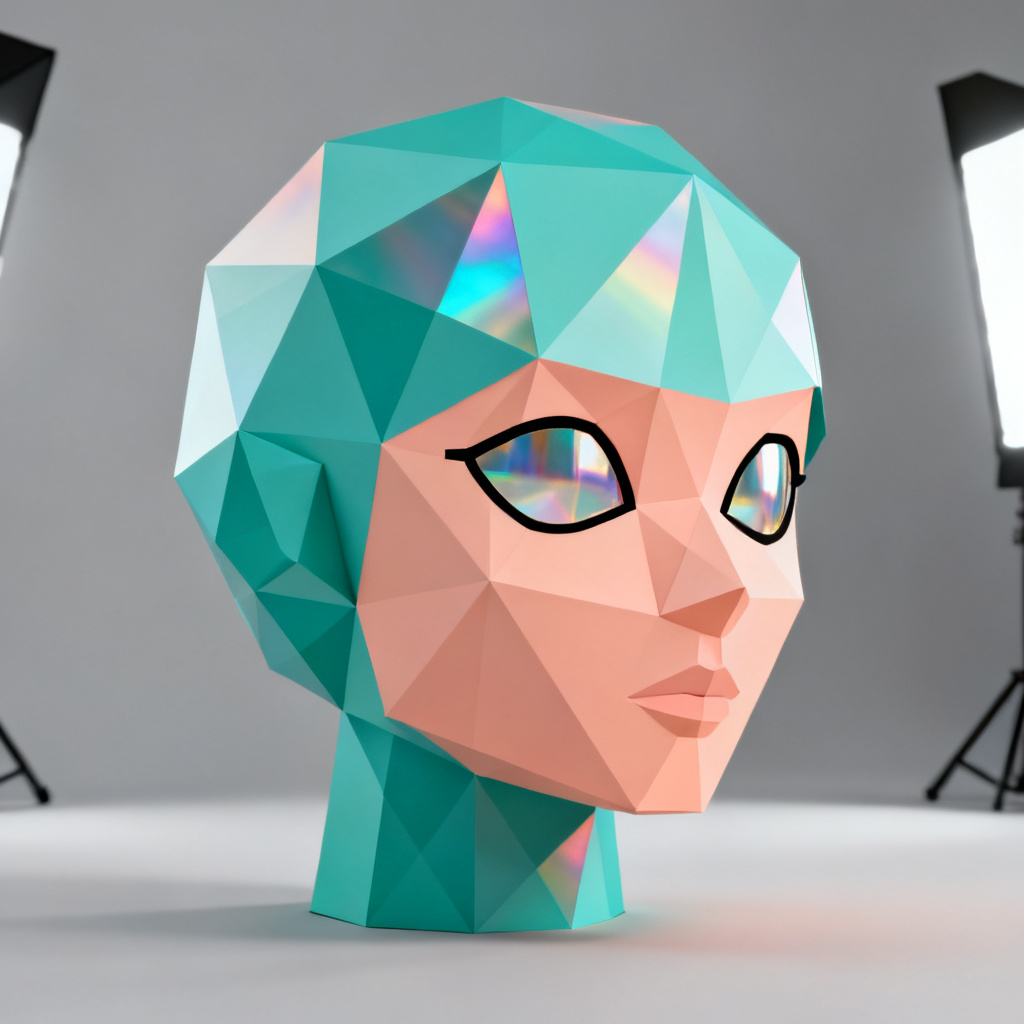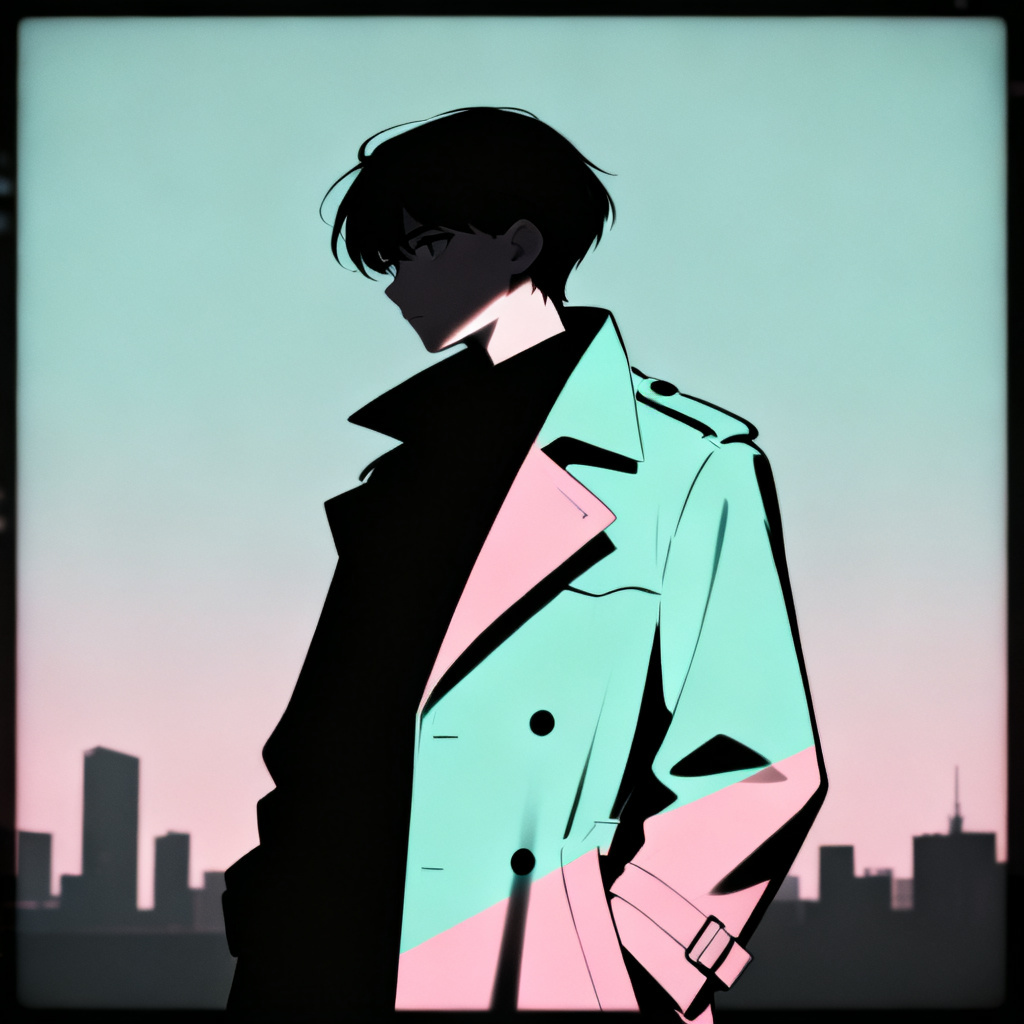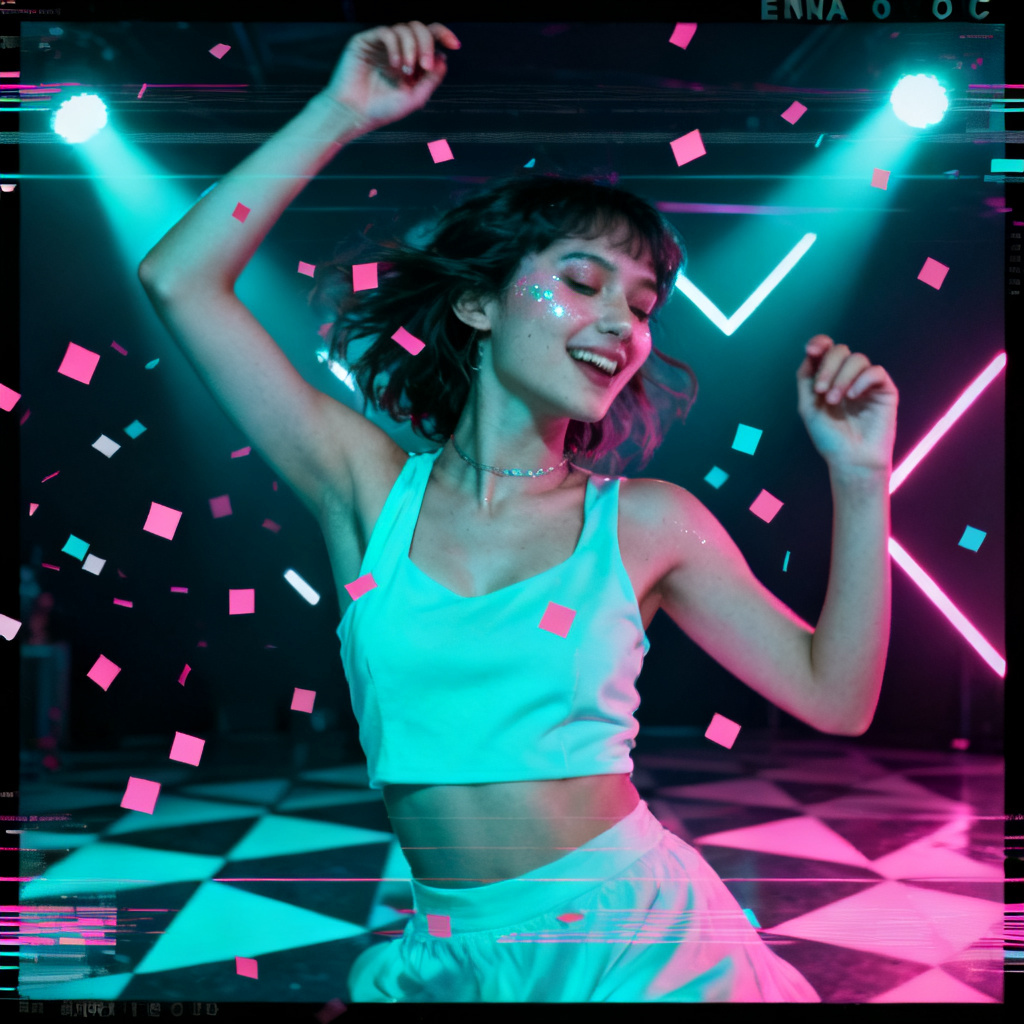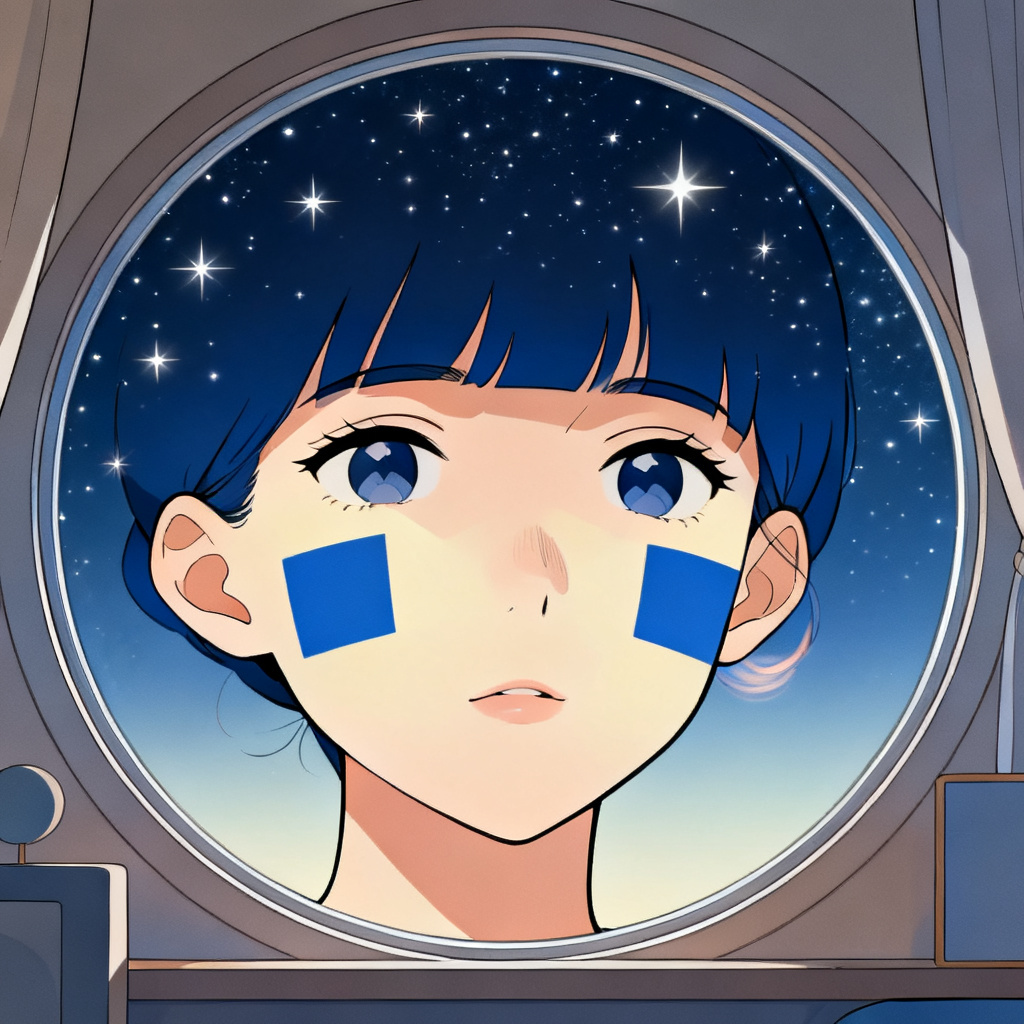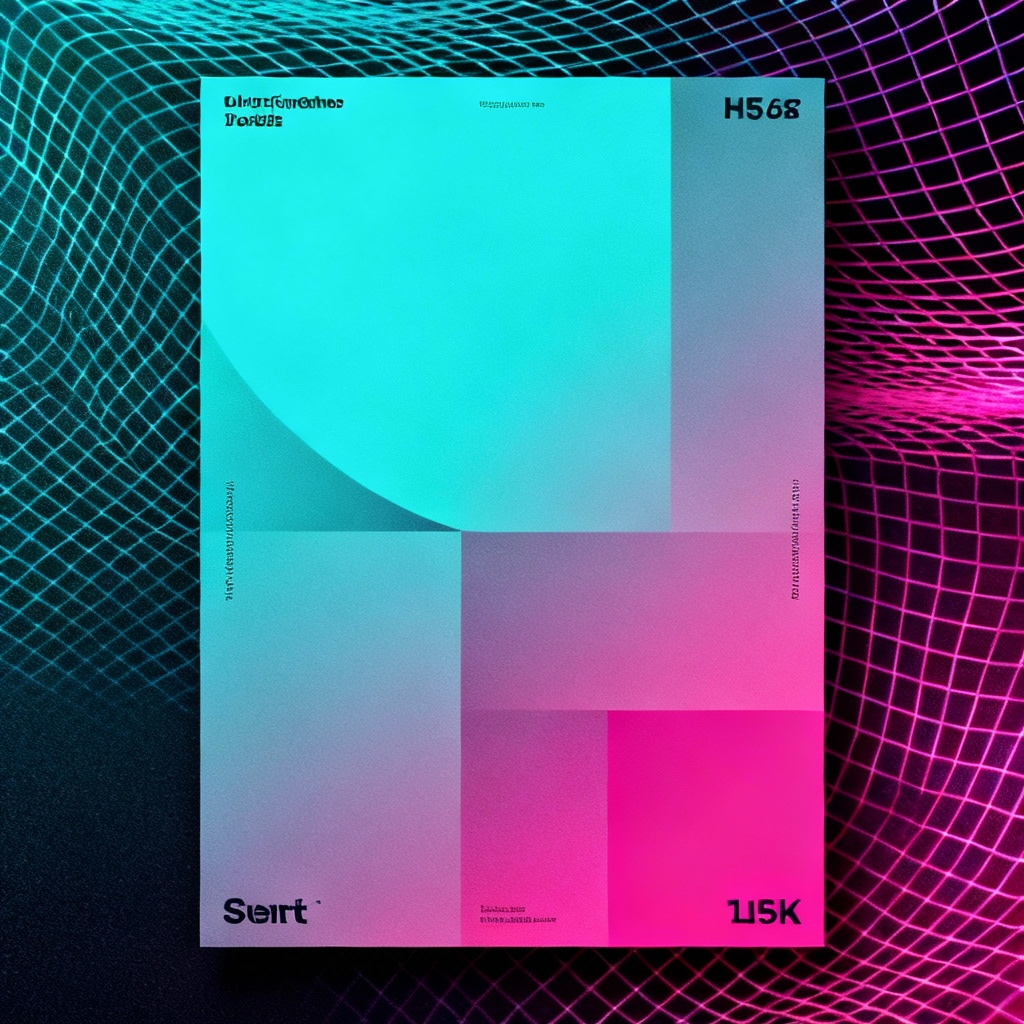

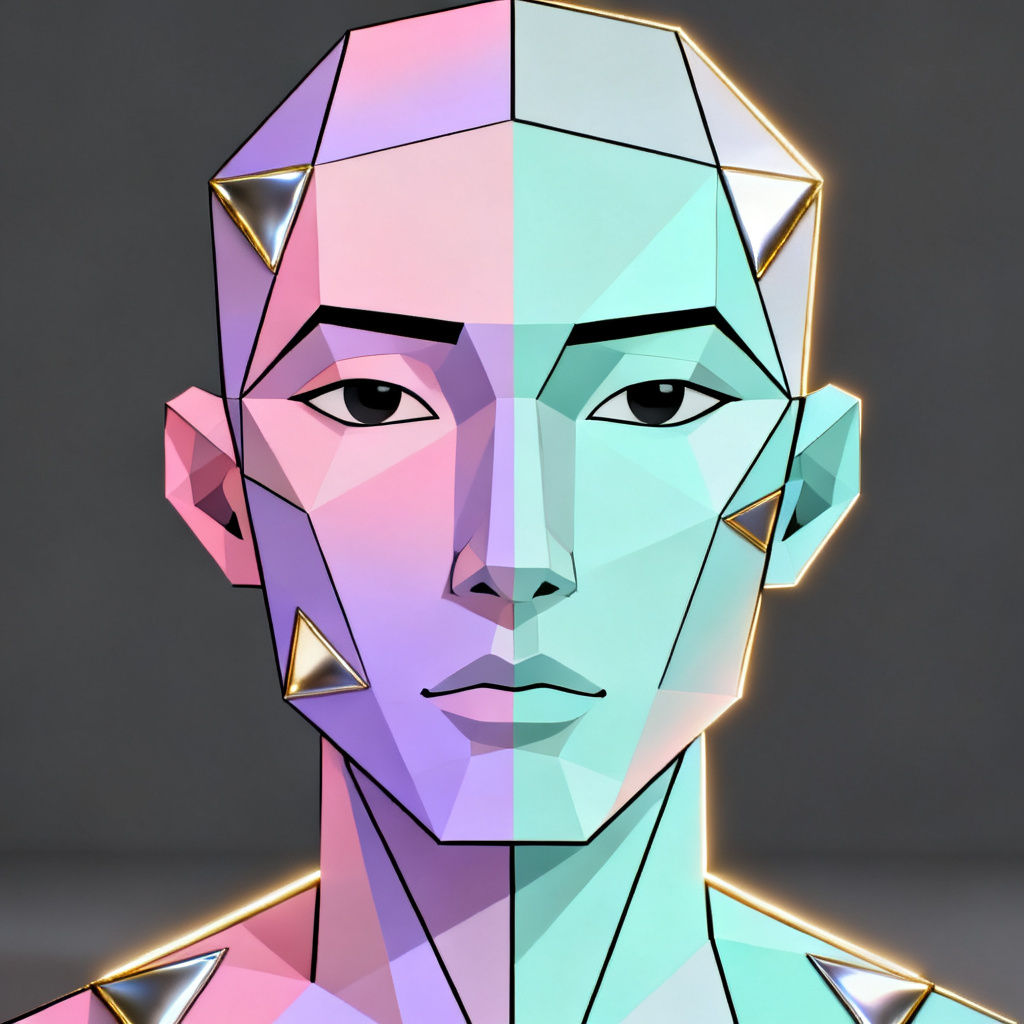
Myaiart’s free ENA OC maker lets you design surreal, geometric original characters in seconds. Upload a photo or describe your idea, and our AI turns faces, poses, and scenes into an ENA-inspired style with crisp color blocks, soft gradients, and bold shapes. Generate avatars, posters, and full scenes with high-resolution downloads and no watermark.
Upload a photo in JPG, PNG, or WEBP to transform, or type a detailed ENA OC prompt. Mention color palette, split-face panels, mood, pose, outfit, and background geometry. Add camera angle, lighting, and style intensity for best results. Try short prompt drafts or paste full ENA OC prompt ideas.
Pick the ENA-style model, adjust style strength, guidance, and negative terms to avoid unwanted details. Enable face-preserve for portraits or switch to full-scene mode. Click Generate and watch the ENA OC creator render your character in seconds with consistent shapes, clean lines, and balanced color blocks.
Preview variations, fine-tune prompts, and upscale if needed. Export square avatars, posters, or transparent PNGs without watermark. Download high-resolution images ready for social profiles, stickers, prints, and portfolios. Save your ENA OC design and share your surreal creation instantly.
Turn ideas into surreal, geometric ENA-style visuals for personal and professional work. Use the ENA character creator for avatars, posters, reference sheets, merch, story panels, and concept art. Start from text or photo, then refine with color blocks, low-poly accents, and soft gradients to match your brand, vibe, or narrative.
Advanced AI analyzes subject, geometry, and lighting to convert your photos or prompts into a cohesive ENA-inspired style. It preserves pose and expression while applying crisp panels, soft gradients, and sleek outline accents for a polished OC look.
Generate detailed ENA OCs in seconds with clean lines, balanced color, and high-resolution downloads. Enjoy watermark-free exports, fast previews, and optional upscaling so your avatars, posters, and stickers look sharp on any screen or print.
Start from a prompt or transform an existing image. Control style strength, palette, and composition. Use face-preserve for portraits or switch to scene mode for environments. Iterate quickly with variations until your ENA OC matches your vision.