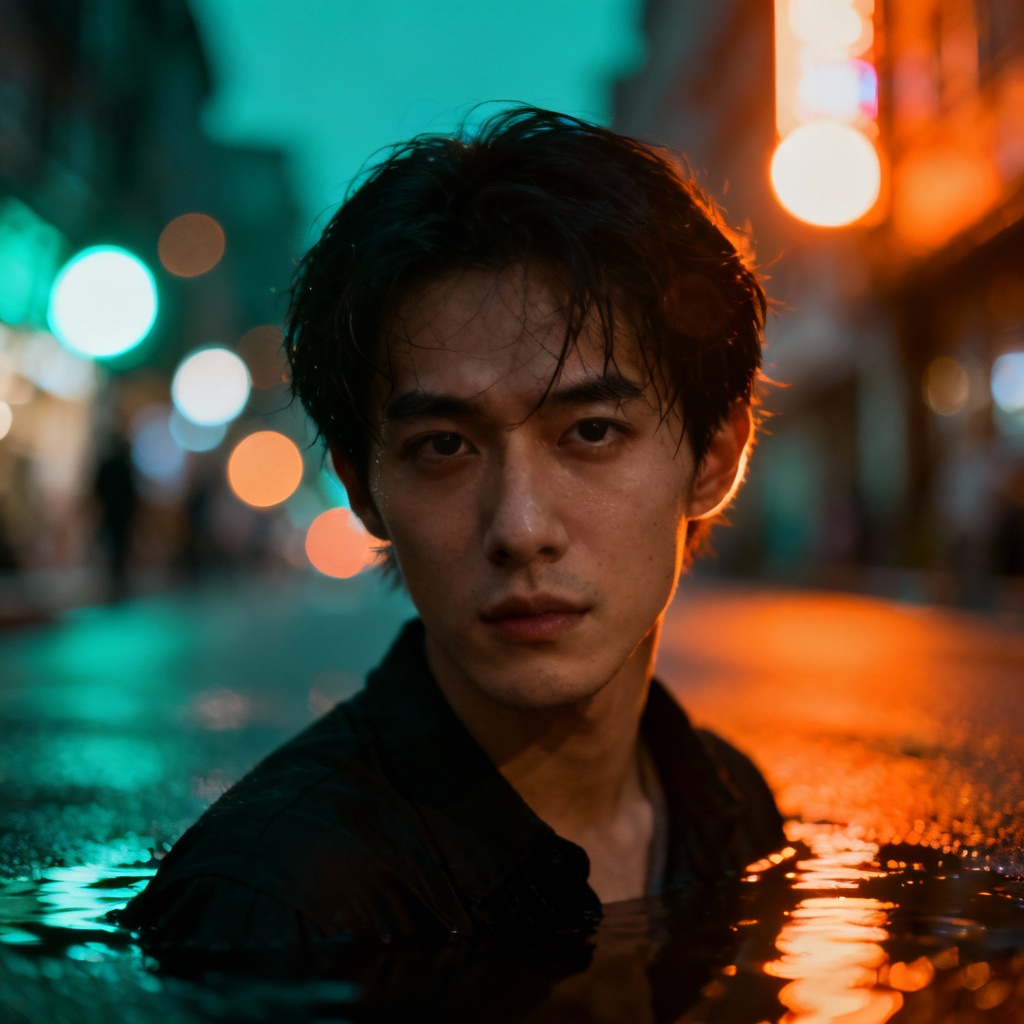
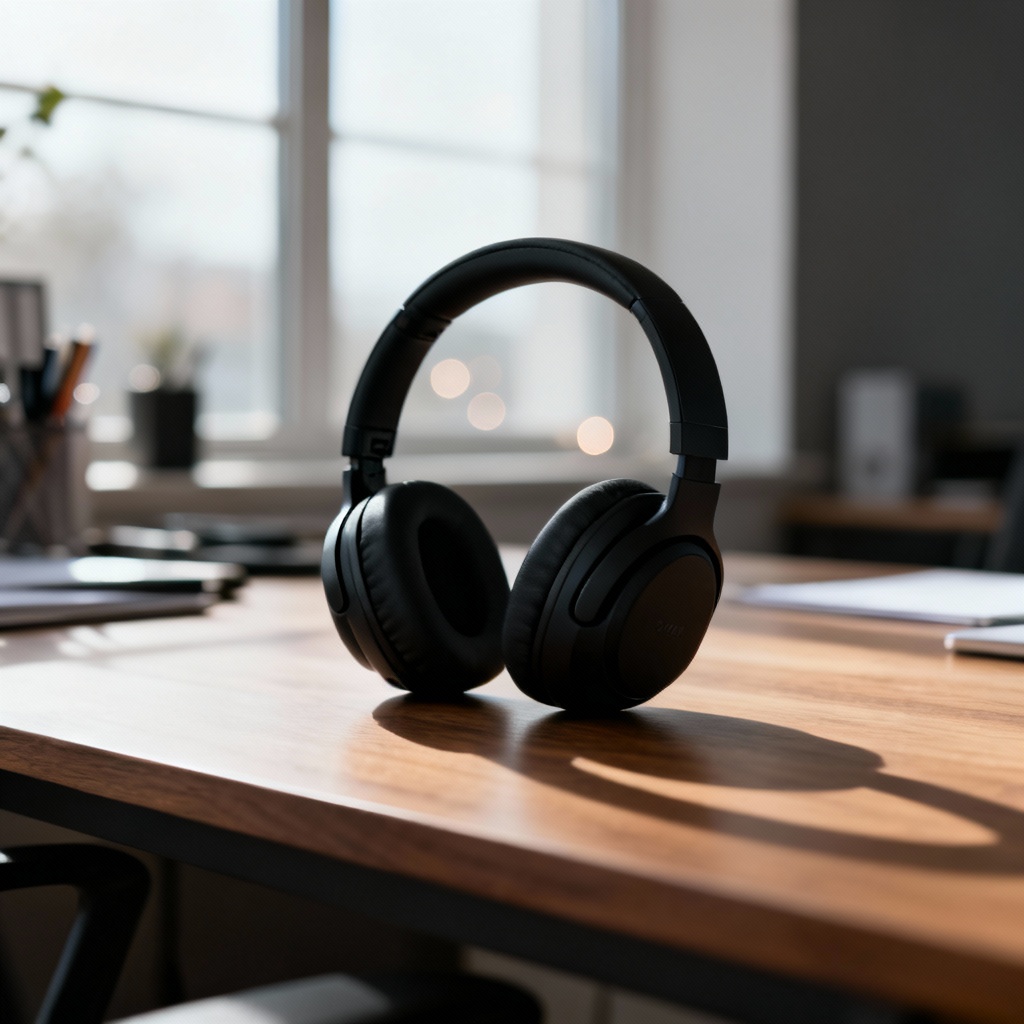
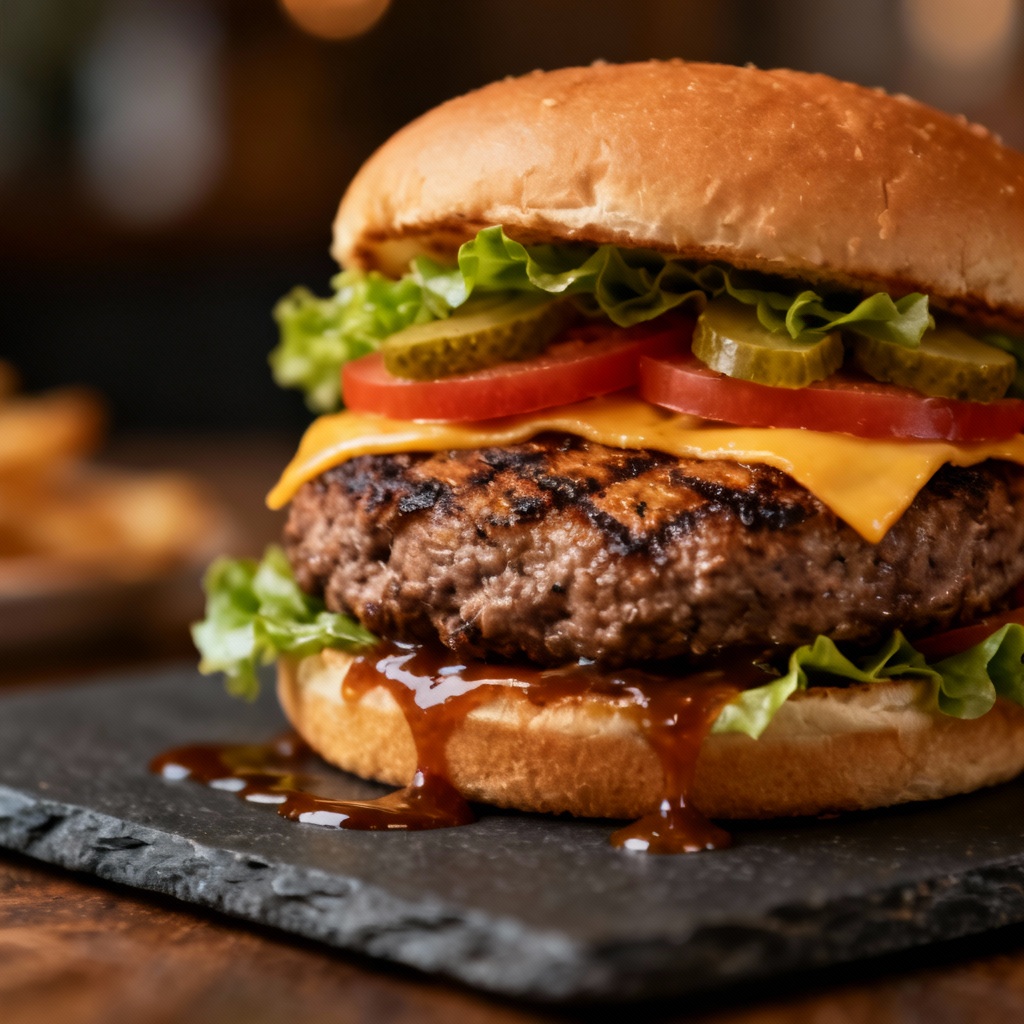
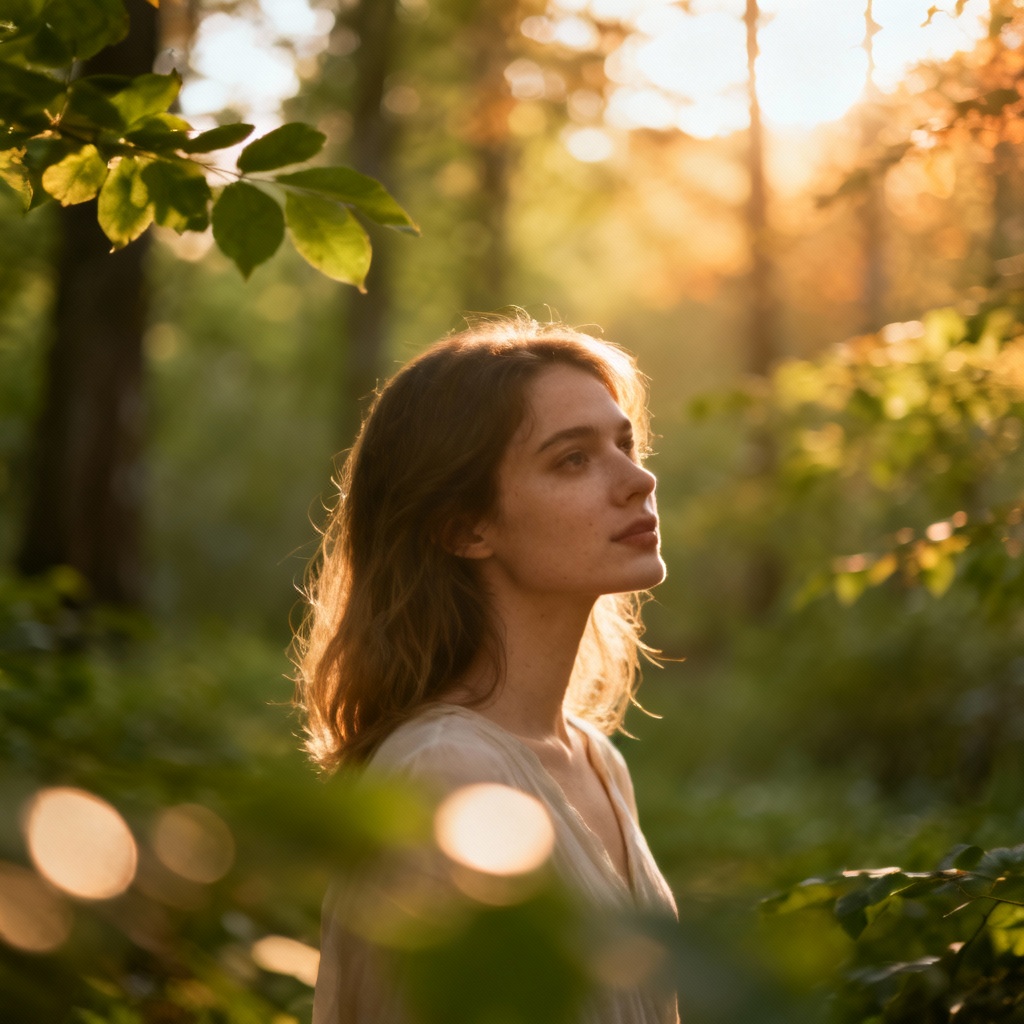
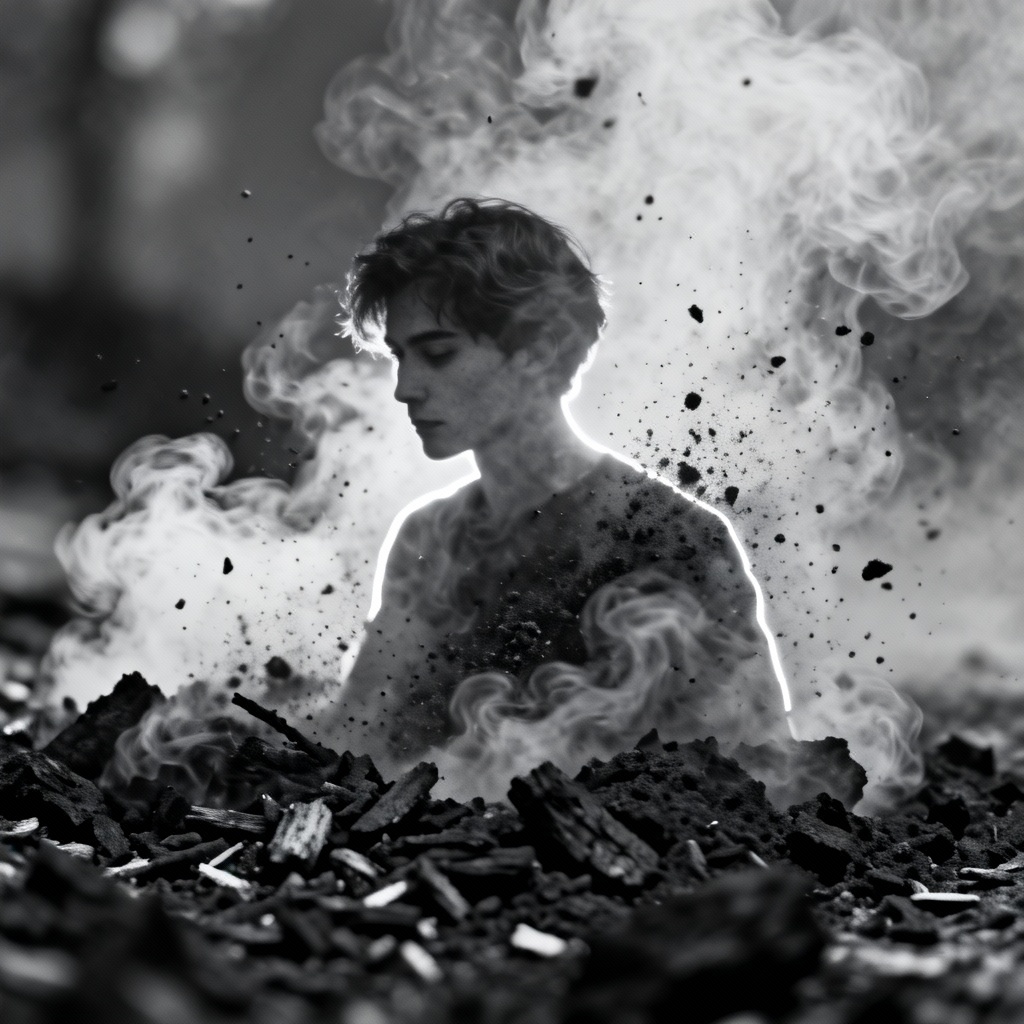
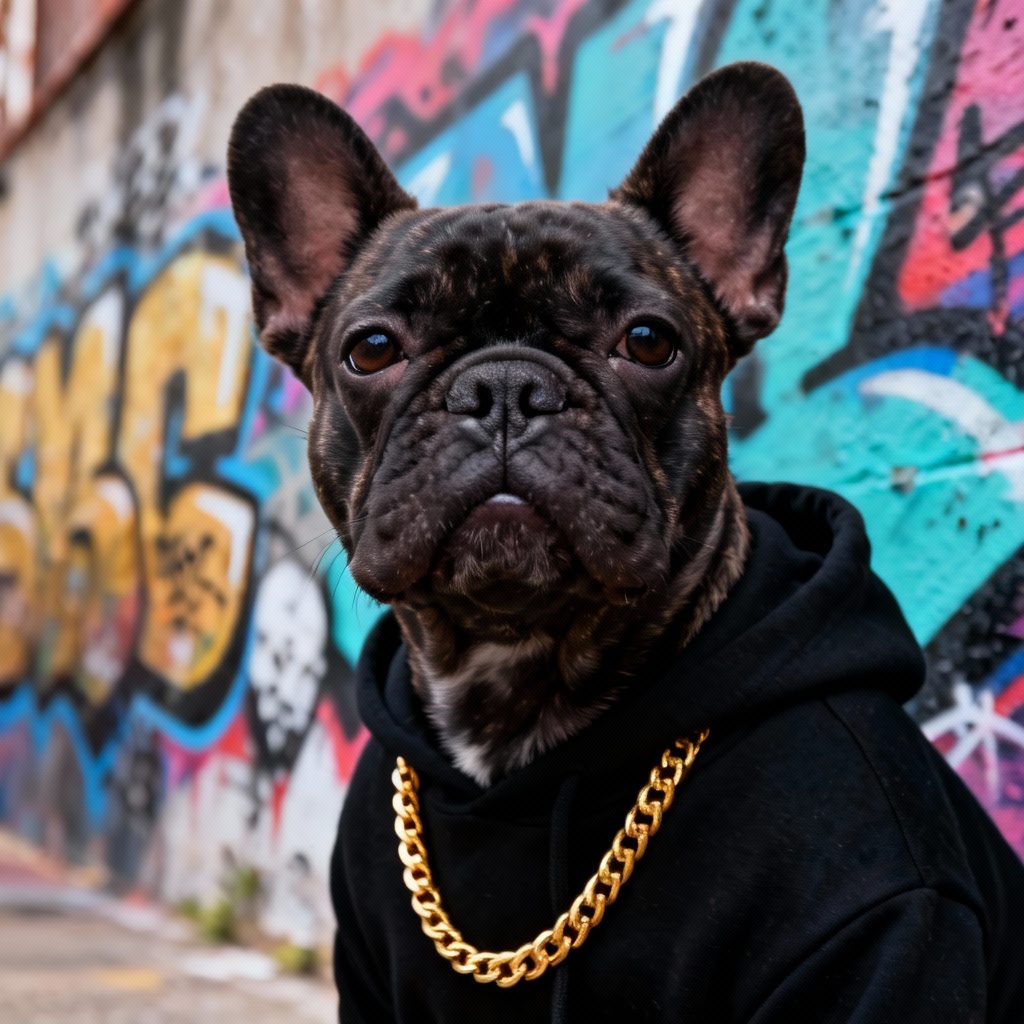
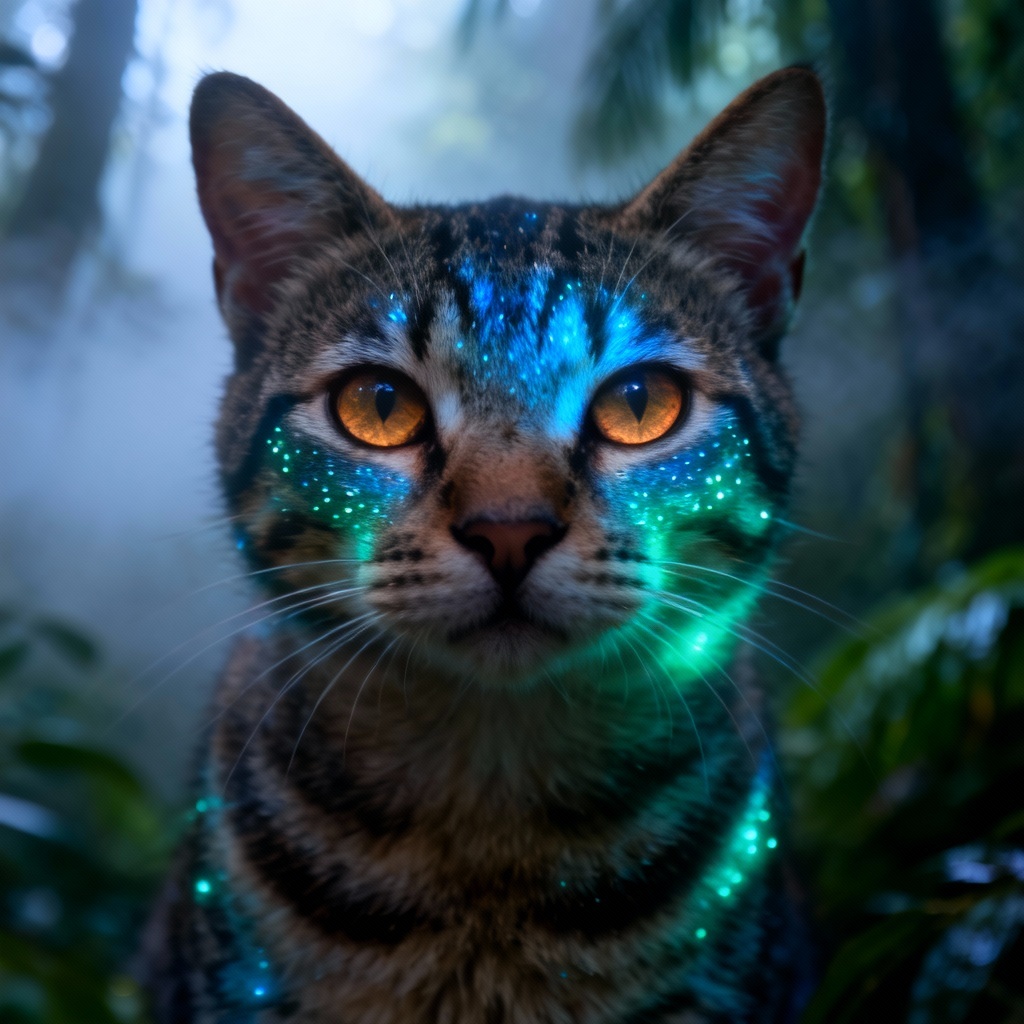
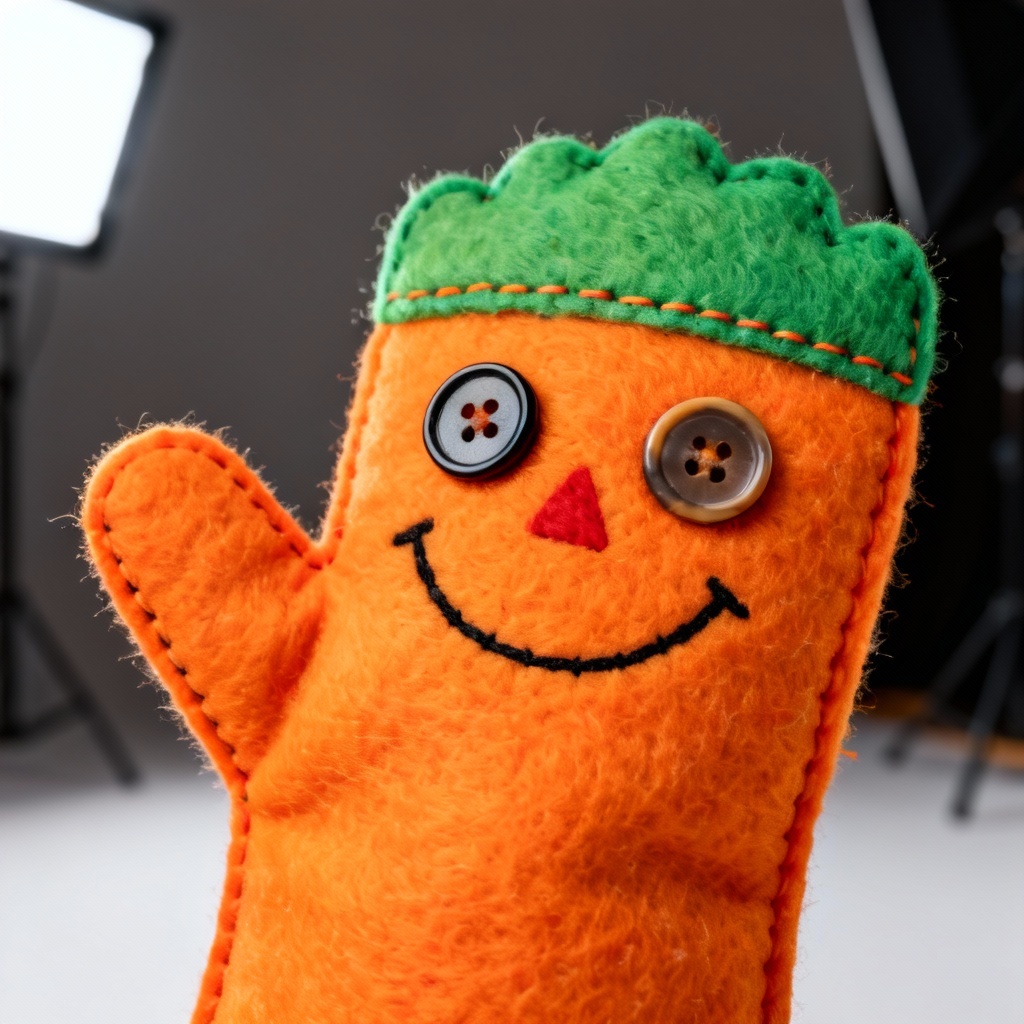
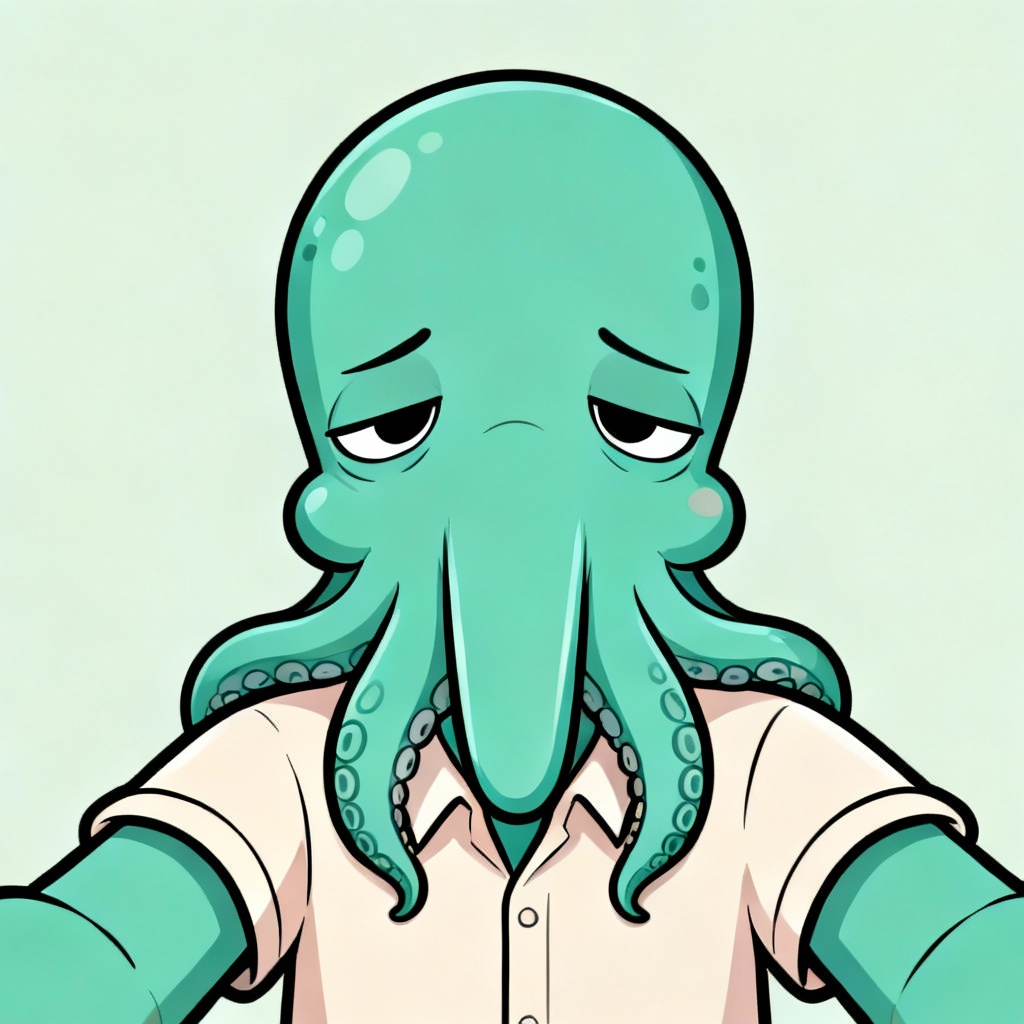
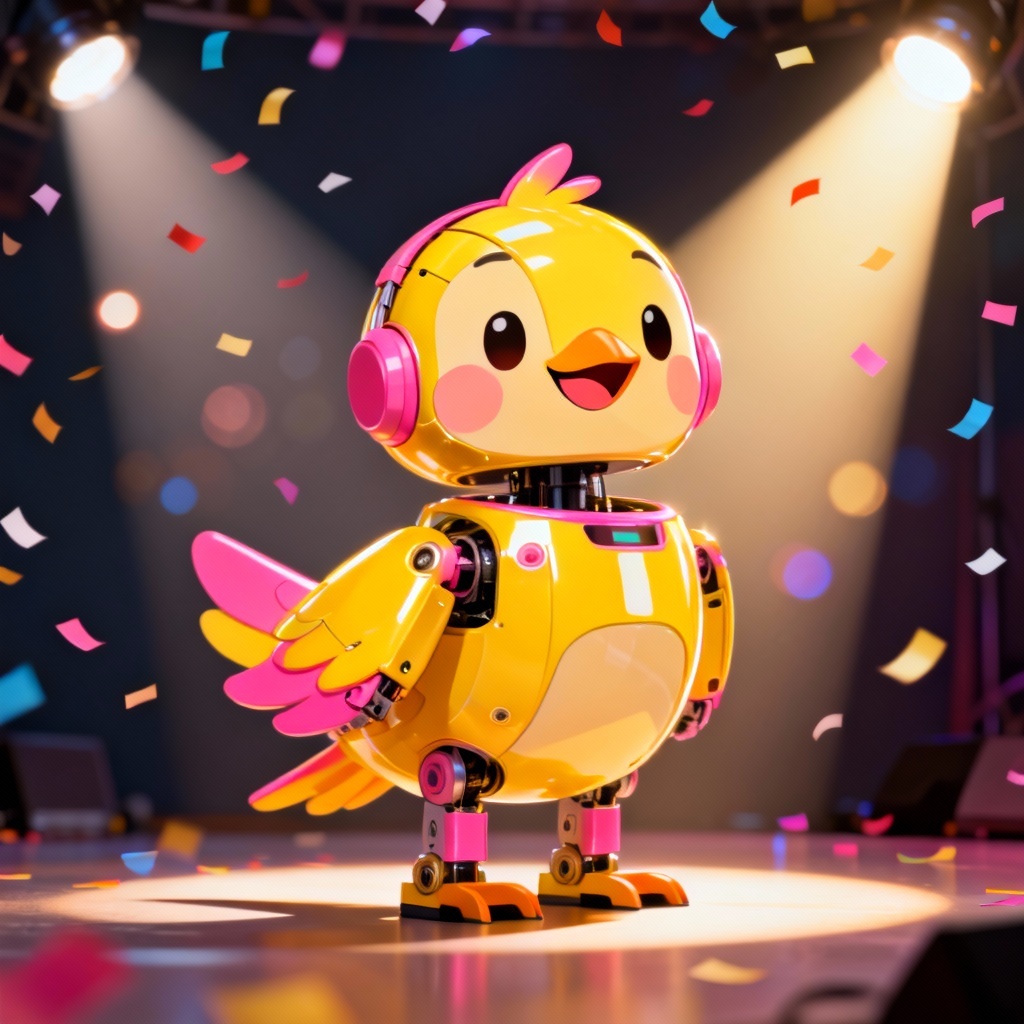
Instantly blur photo backgrounds online with Myaiart. Our AI detects the subject, applies cinematic bokeh, and keeps key details crisp. Create portrait mode, tilt-shift, or selective blur effects for headshots, products, and social posts in seconds. No watermark, high-resolution downloads.
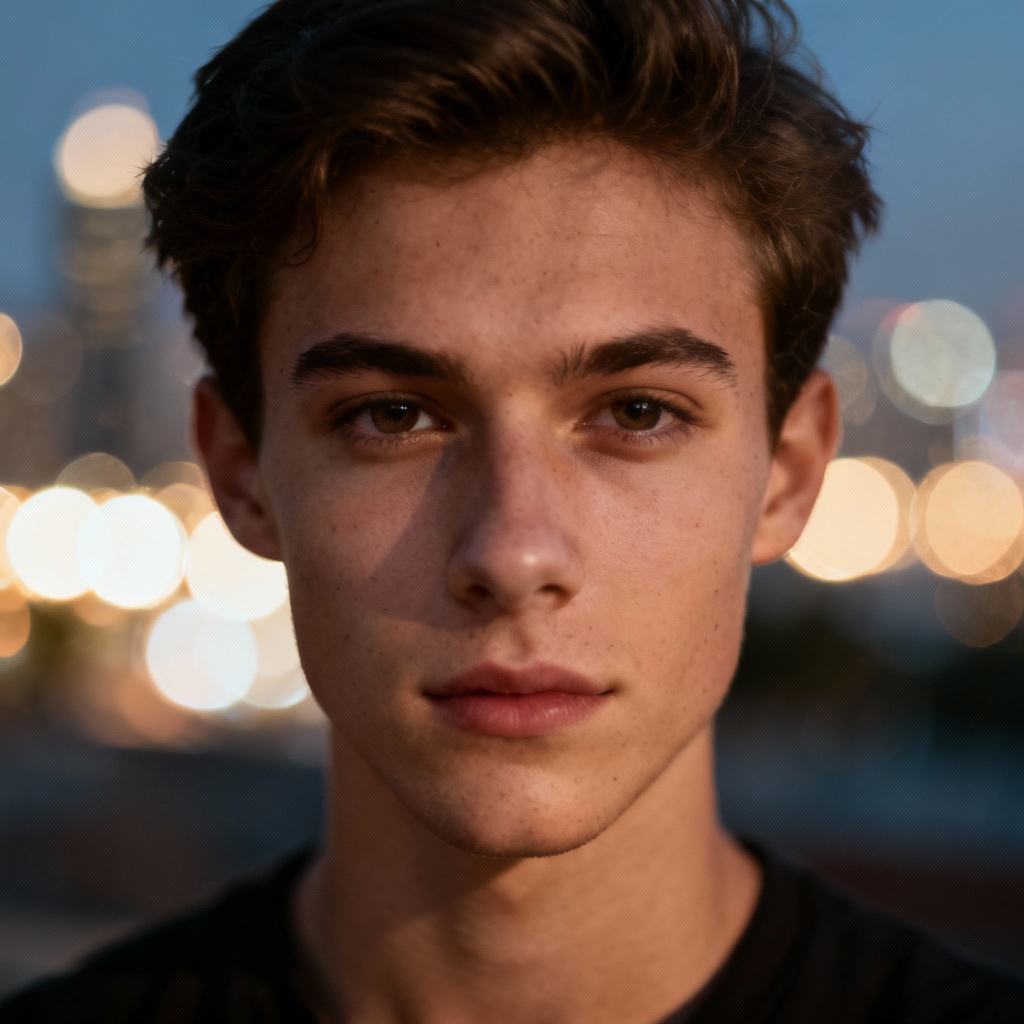
Drag and drop or upload any JPG, PNG, or WebP. For the best results, use images with a clear subject like a portrait, product, or object in the foreground.
Select Auto Blur for instant subject detection or use Brush, Radial, or Tilt Shift for selective blur. Adjust intensity, bokeh size, edge softness, and keep faces sharp with face-aware protection.
Click Generate to apply professional background blur. Preview the result, fine tune if needed, then download high-resolution, watermark free JPG or PNG.
Use Myaiart to create studio quality background blur for any project. Achieve portrait mode effects, Gaussian blur, and selective depth of field with one click.
AI accurately detects people, products, and pets to keep edges crisp while blurring the background. Refine masks with brush and edge aware controls.
Get portrait mode quality with adjustable Gaussian blur, bokeh size, tilt shift, and radial focus for natural looking depth and separation.
Generate high resolution background blur online in seconds. Download clean images with no watermark and use them for personal or commercial projects.