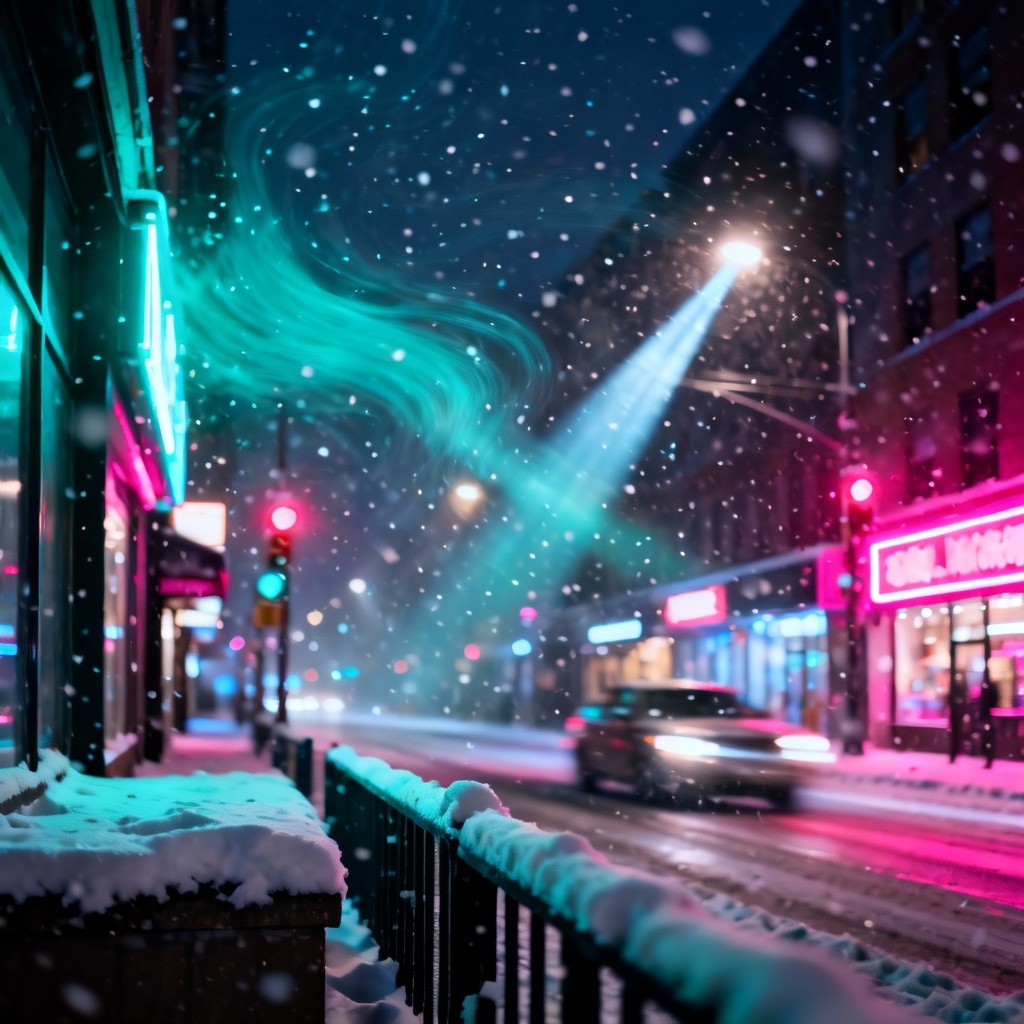
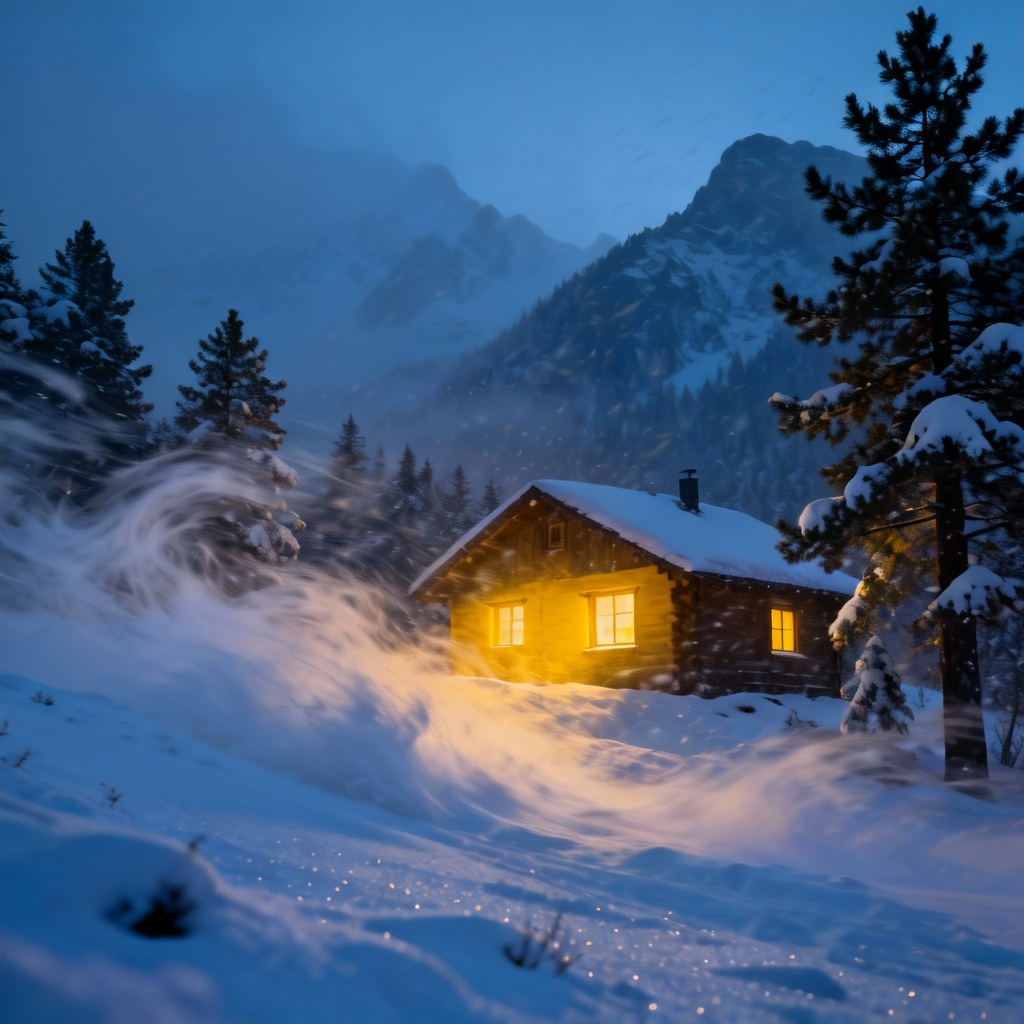
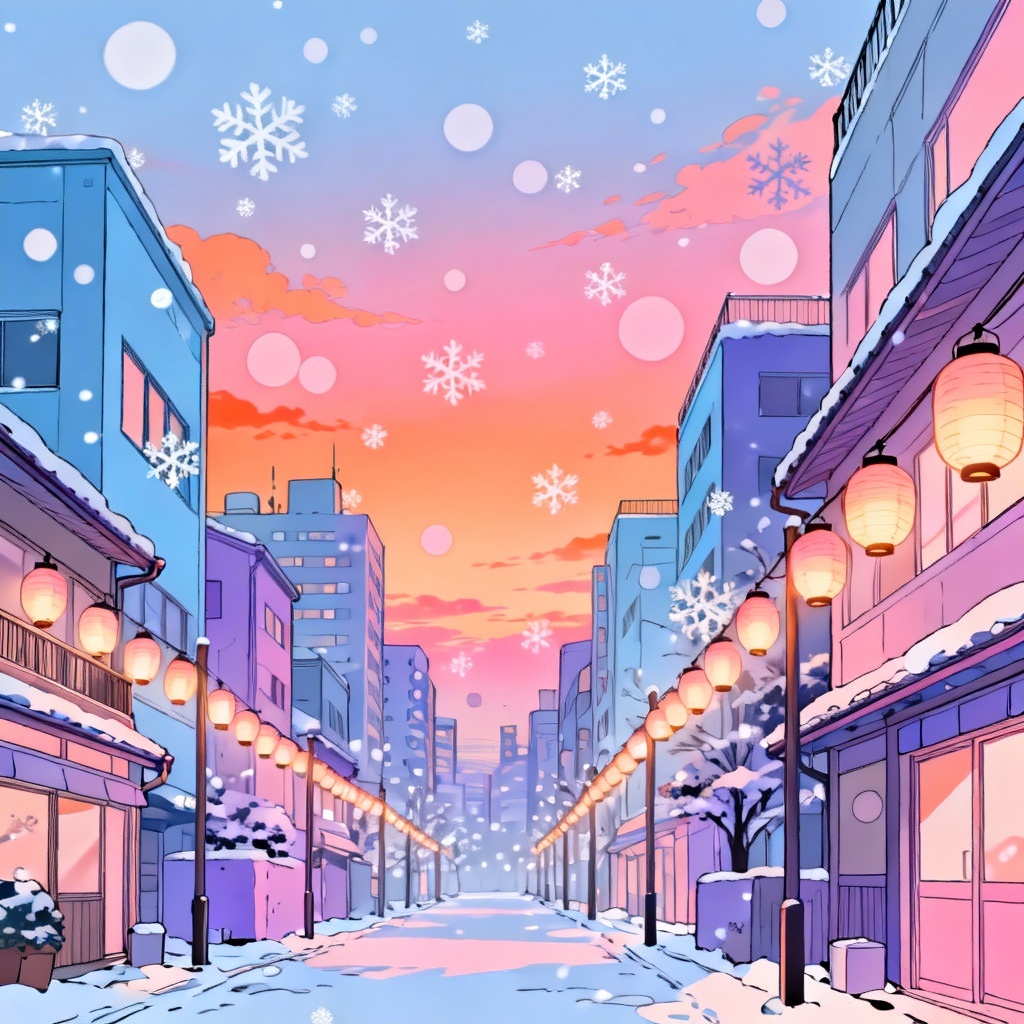
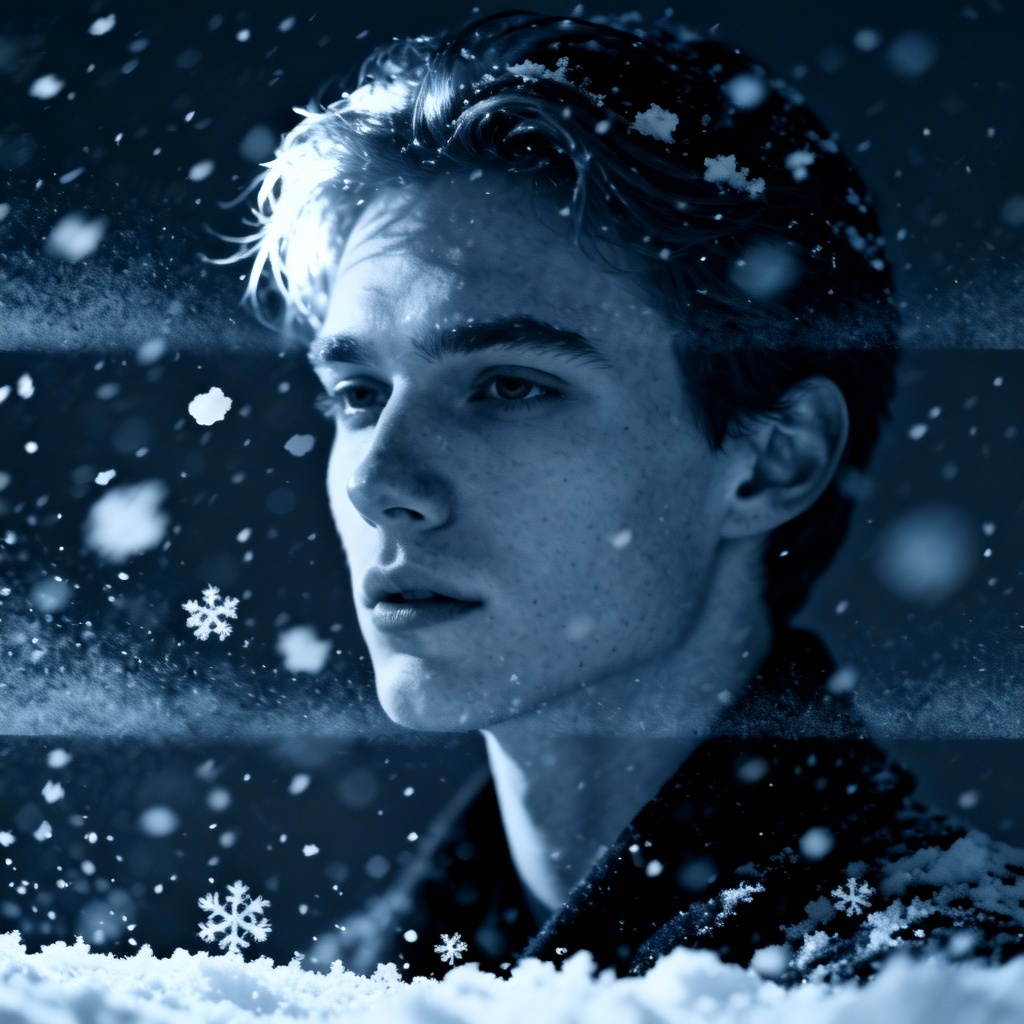
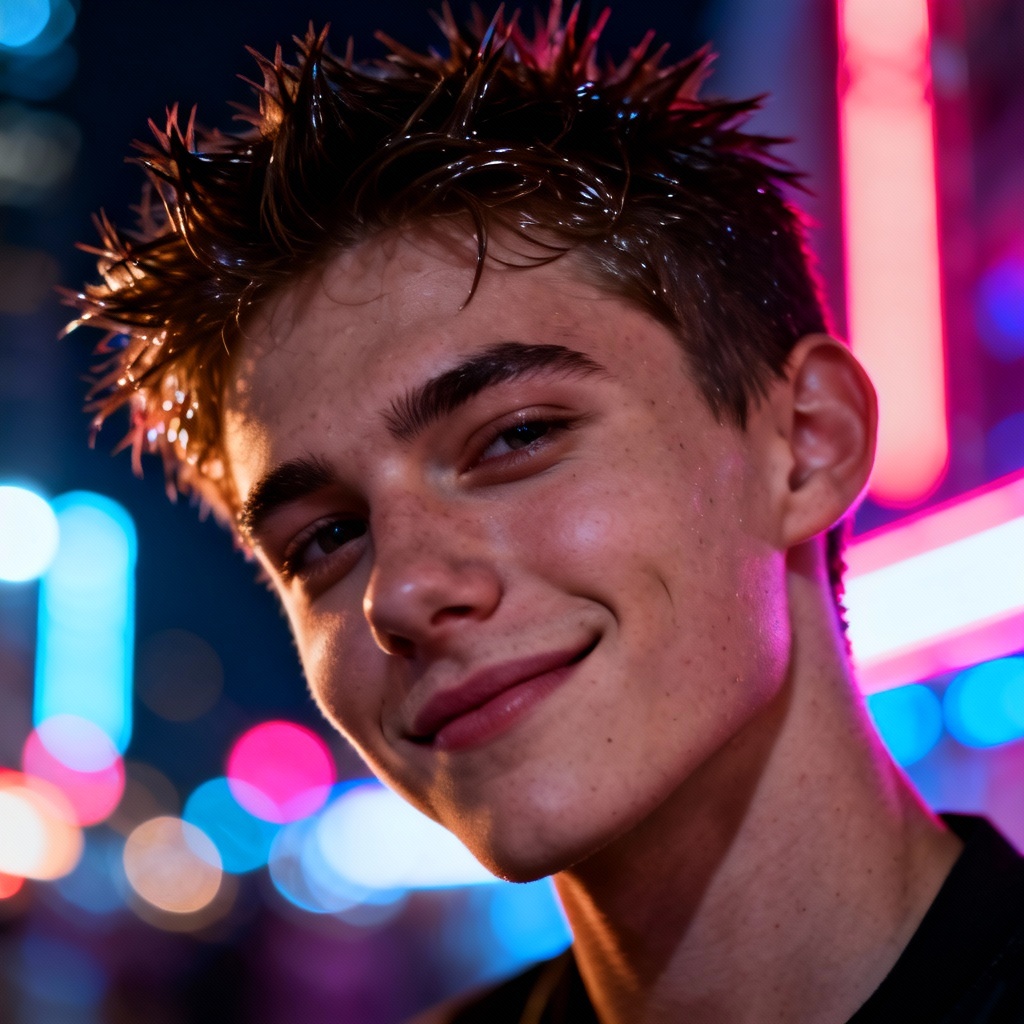
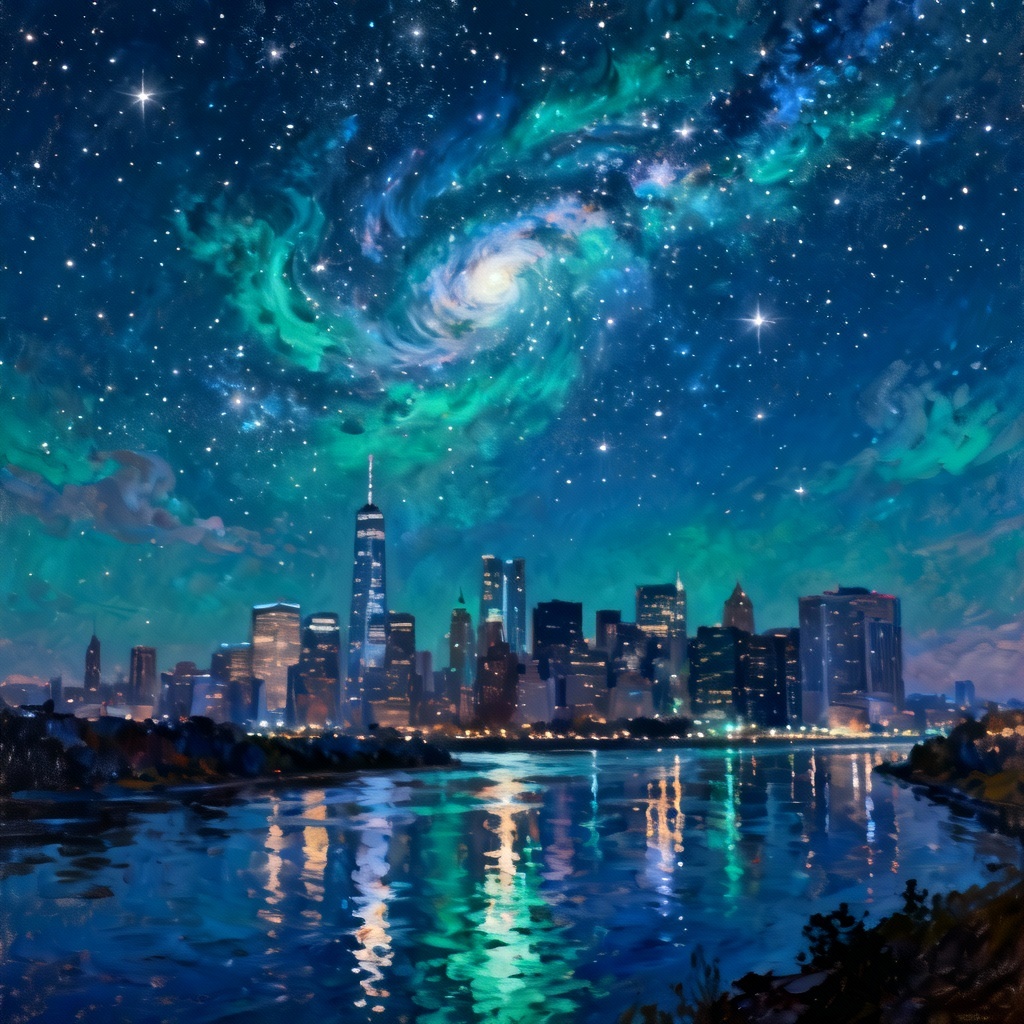
MyAIArt’s AI falling snow generator instantly adds realistic snowfall to photos, videos, and GIFs. Choose gentle flurries or a cinematic blizzard, control density, speed, size, and wind, and keep every detail of your original scene. Export transparent snow overlays or complete snow animations in high quality. Create winter vibes for social posts, ads, films, and designs with one click.

Upload a photo or video, or enter a descriptive prompt. Select the Snow effect preset to begin. MyAIArt analyzes your scene and prepares depth-aware snowfall layers automatically.
Choose Gentle, Flurry, or Blizzard. Adjust density, flake size, speed, wind direction, brightness, and blur. Toggle depth occlusion so flakes appear in front of and behind subjects.
Click Generate to preview the result. Export a transparent PNG overlay, a high-quality MP4, or a looping GIF. Save in the resolution you need with no watermark.
Bring a winter aesthetic to any project with realistic, controllable snowfall. Add gentle flakes for cozy vibes or a stormy whiteout for dramatic scenes in seconds.
Our AI simulates snow layers with occlusion, scale variance, motion blur, and wind direction. Flakes pass naturally in front of and behind subjects for a cinematic snow effect.
Pick a preset, then fine-tune density, speed, size, spread, and brightness. Preview changes instantly and generate winter visuals without complex timelines or plugins.
Export transparent snow overlays as PNG, loop-safe GIFs, or MP4 video. Preserve details, colors, and resolution for social media, web banners, and professional editing.