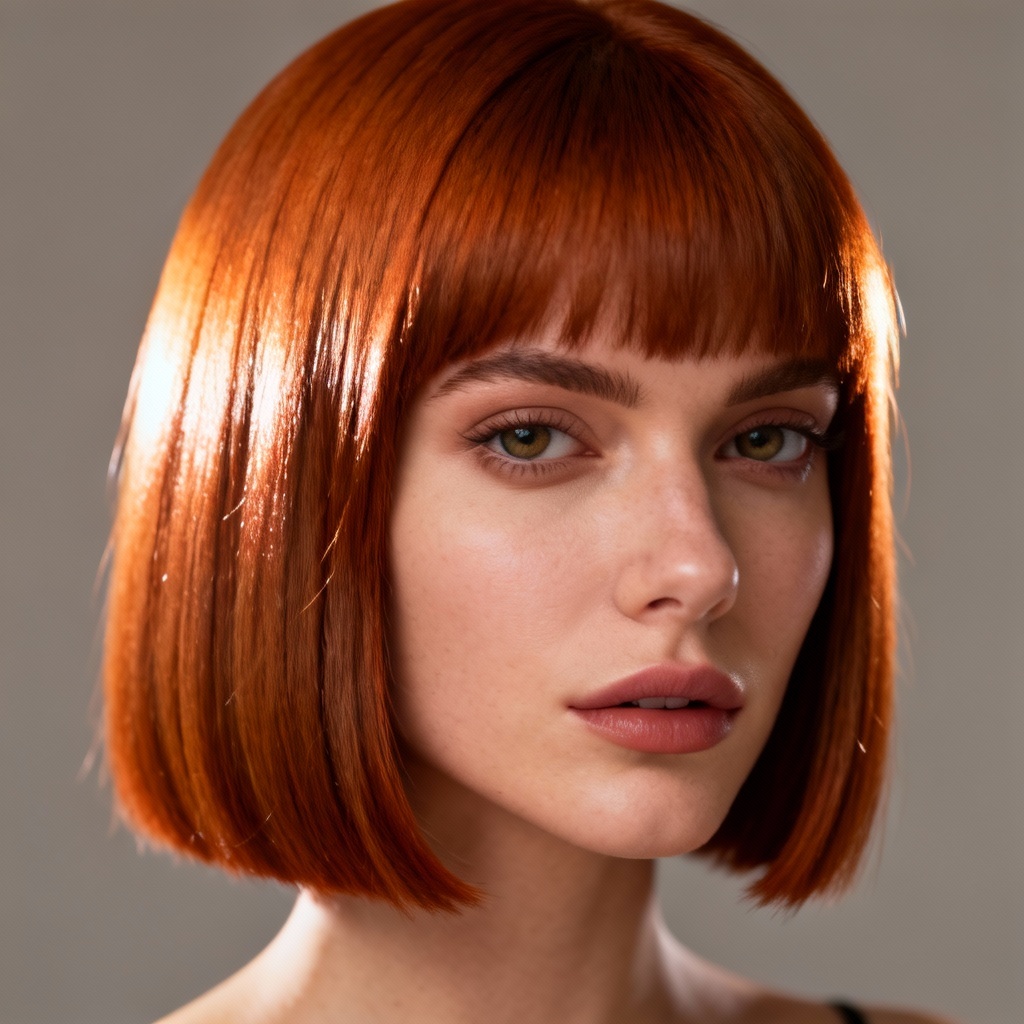
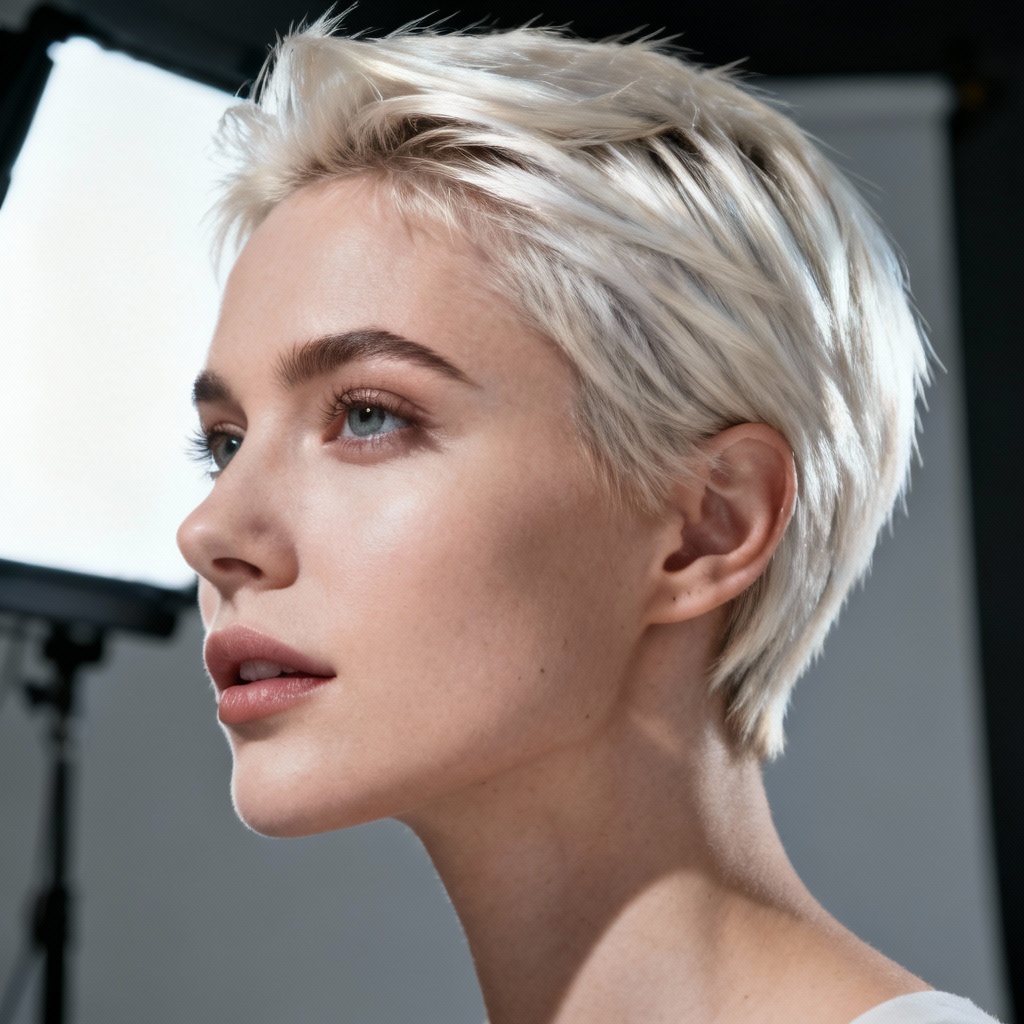
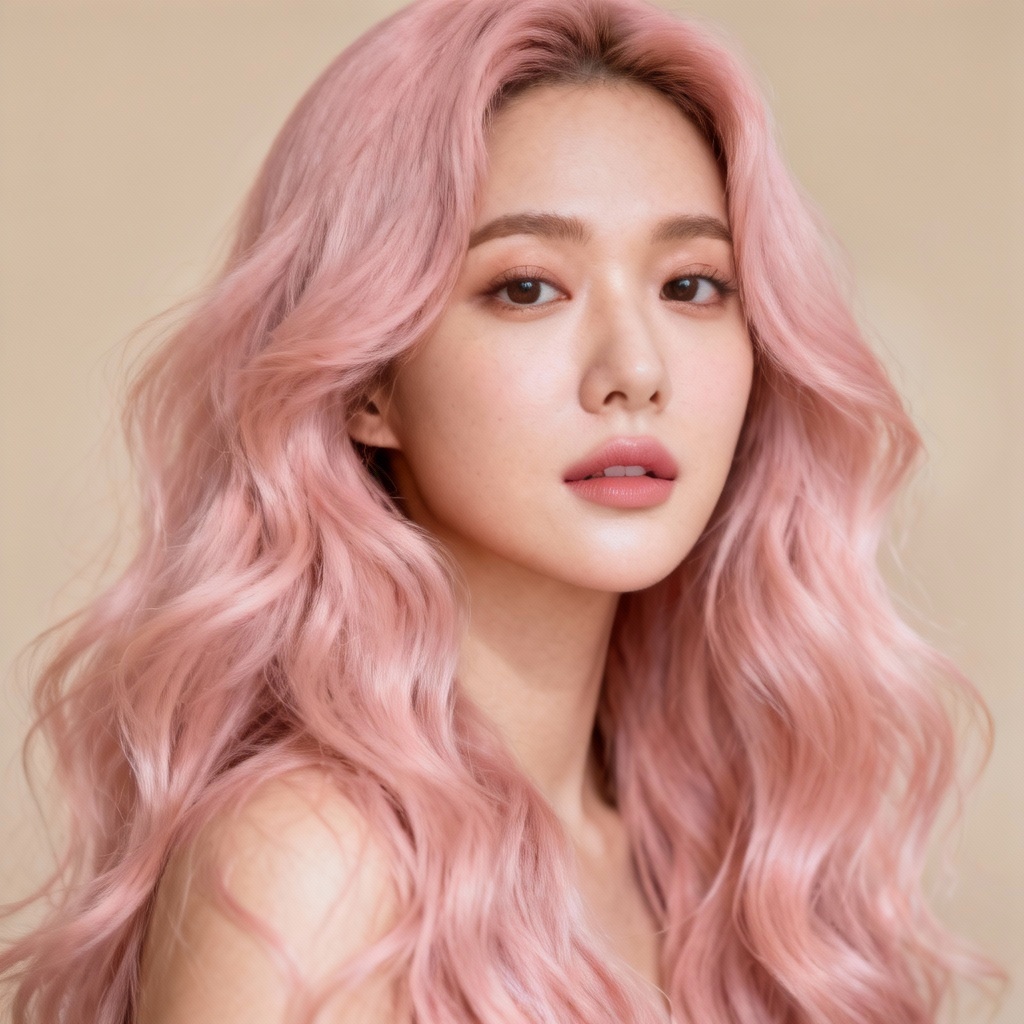
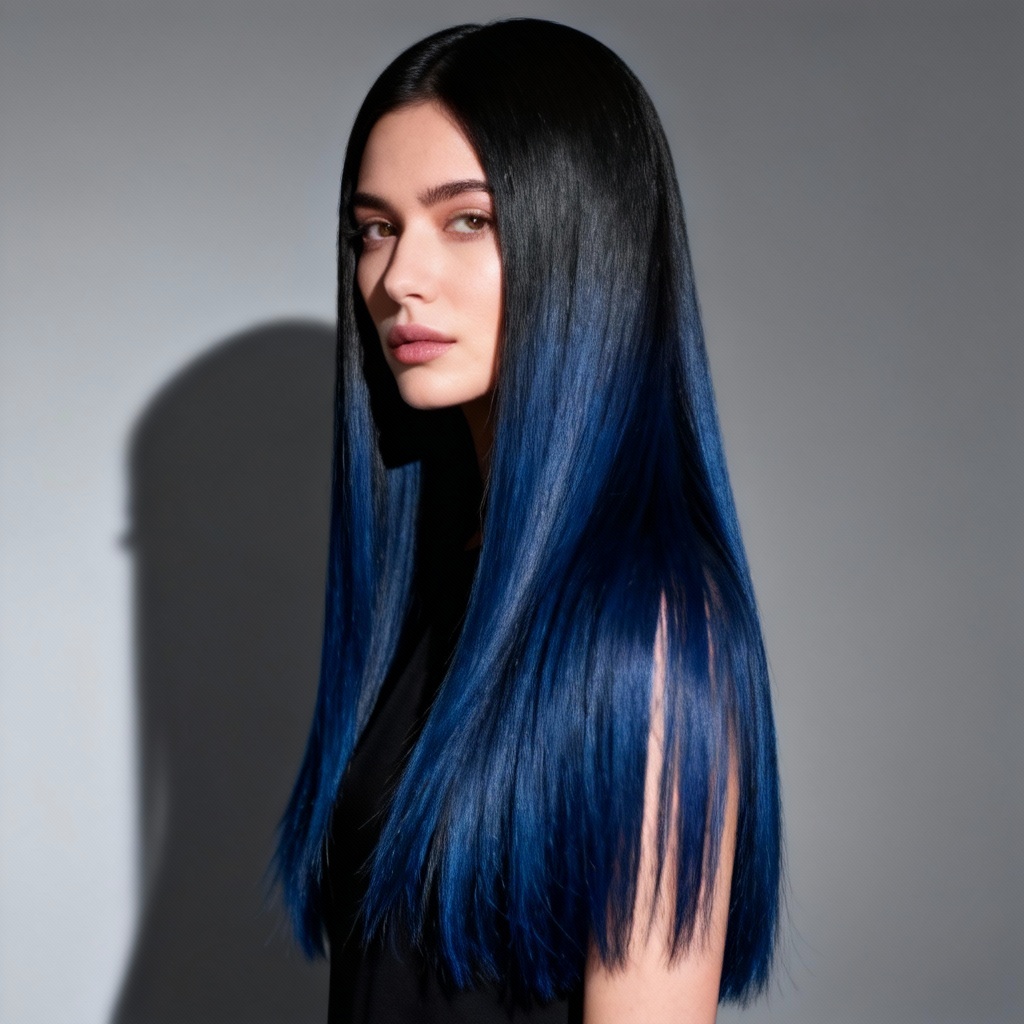
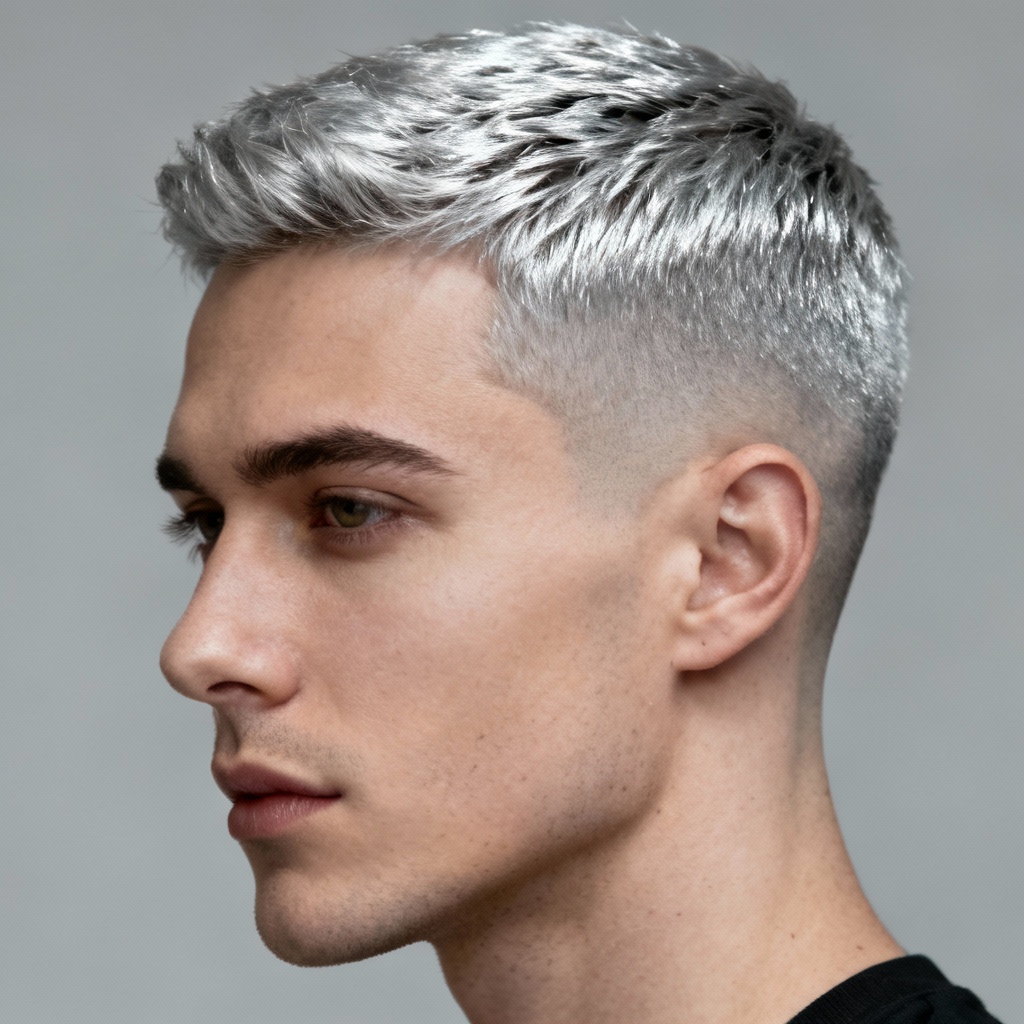
Change hair color in photos instantly with Myaiart’s AI hair color editor. Upload a selfie, pick shades like blonde, copper, pastel pink, or ash brown, and preview realistic results with highlights, ombre, or balayage. No app required. Download watermark-free images in high quality for social, salons, and creative projects.
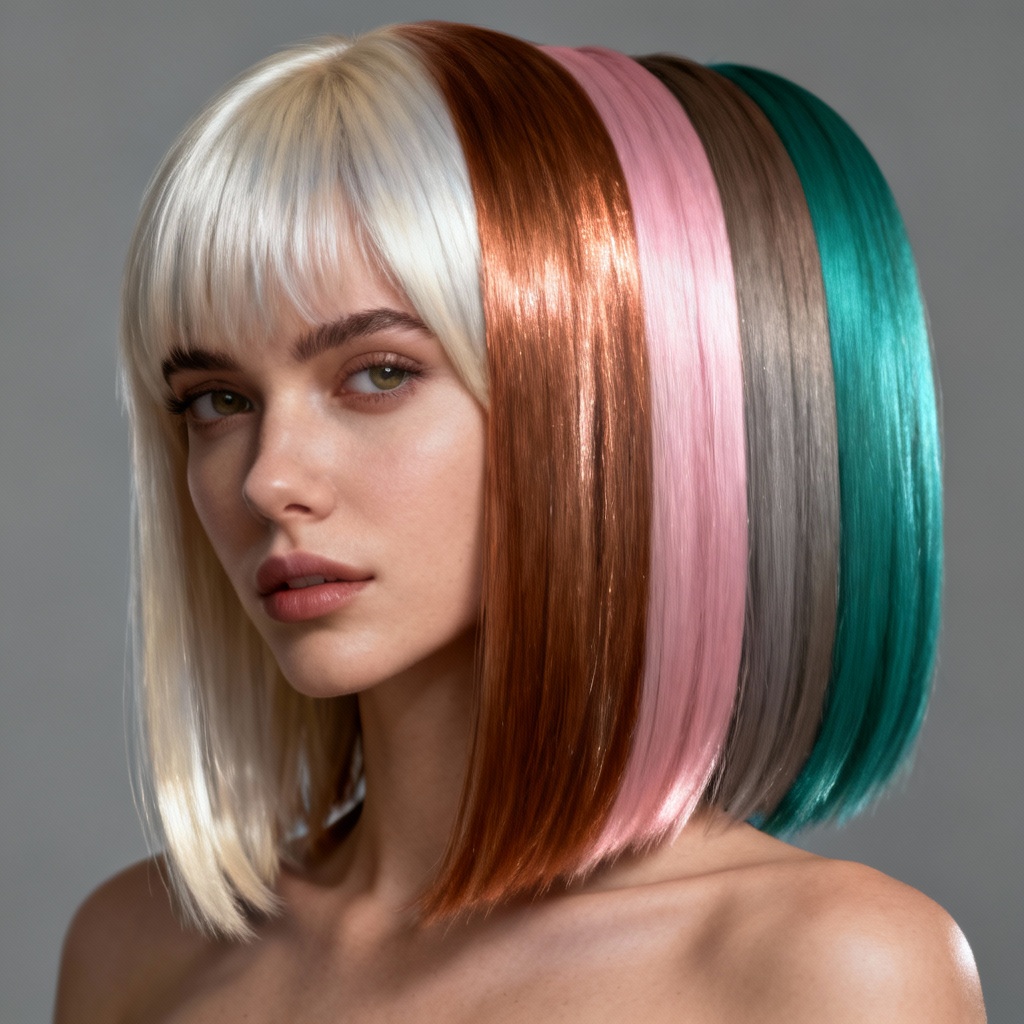
Upload a clear front-facing portrait in JPG, JPEG, or PNG. Good lighting helps the AI detect hair boundaries and individual strands for an accurate color change.
Select a preset shade like blonde, copper, pink, or silver, or enter a custom prompt such as pastel pink with face-framing highlights. Choose solid, highlights, ombre, or balayage for your virtual hair color try on.
Click Generate to preview multiple looks. Adjust intensity, saturation, and tone until it matches your style and skin tone. Save your favorite and download a high-resolution, watermark-free image.
Whether you are planning a salon visit or just exploring creative looks, the AI hair color changer helps you preview realistic shades before dyeing. Use it for social content, product mockups, portfolio visuals, or character design with precise color control and natural results.
Advanced AI maps hair boundaries and individual strands to preserve texture, shine, and natural shadows. The result is a photorealistic color shift that keeps curl patterns, flyaways, and fine details intact across straight, wavy, curly, and coily hair.
Explore solid shades, face-framing highlights, ombre fades, and hand-painted balayage. Try trendy tones like copper, strawberry blonde, silver gray, pastel pink, teal, and plum or enter custom prompts for unique creative looks.
Get results in seconds with high-resolution downloads and no watermark. Your uploads are processed securely and automatically deleted after conversion, so your virtual hair color edits stay private.