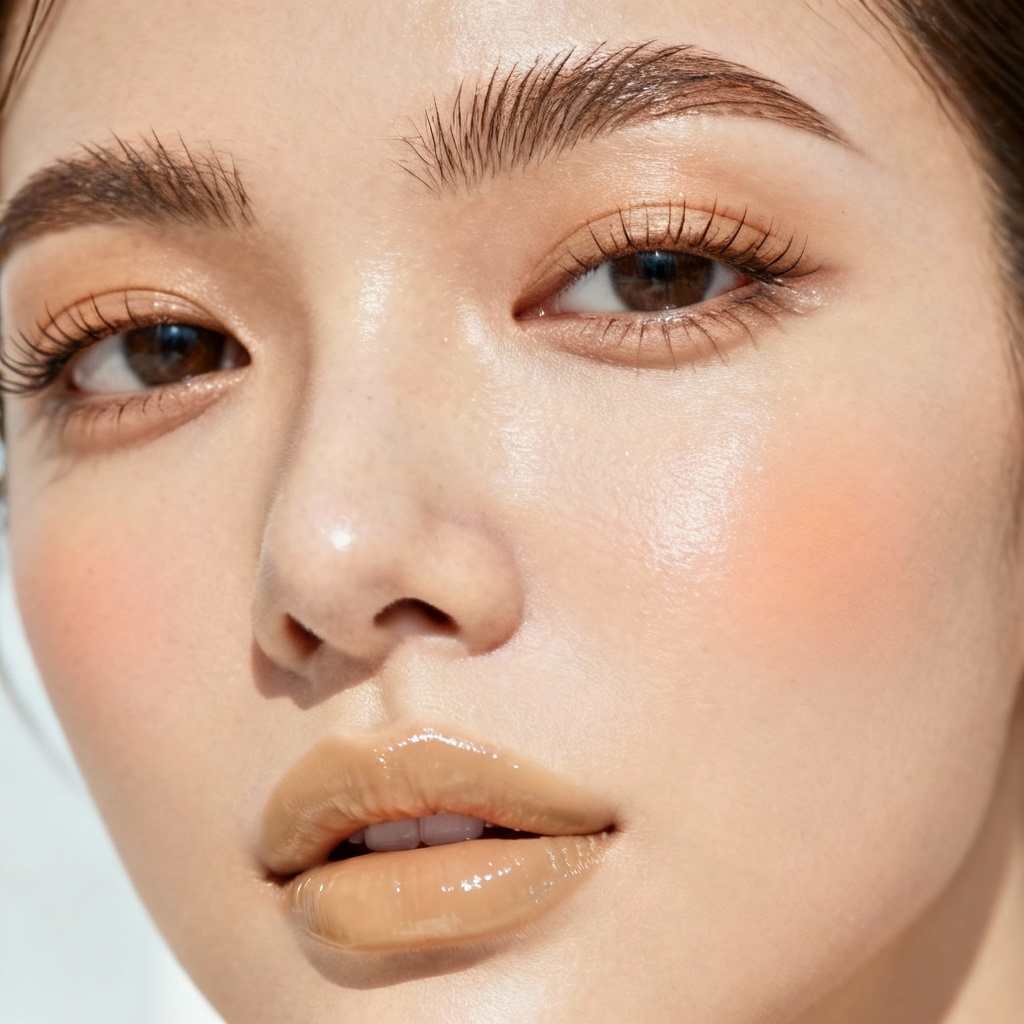
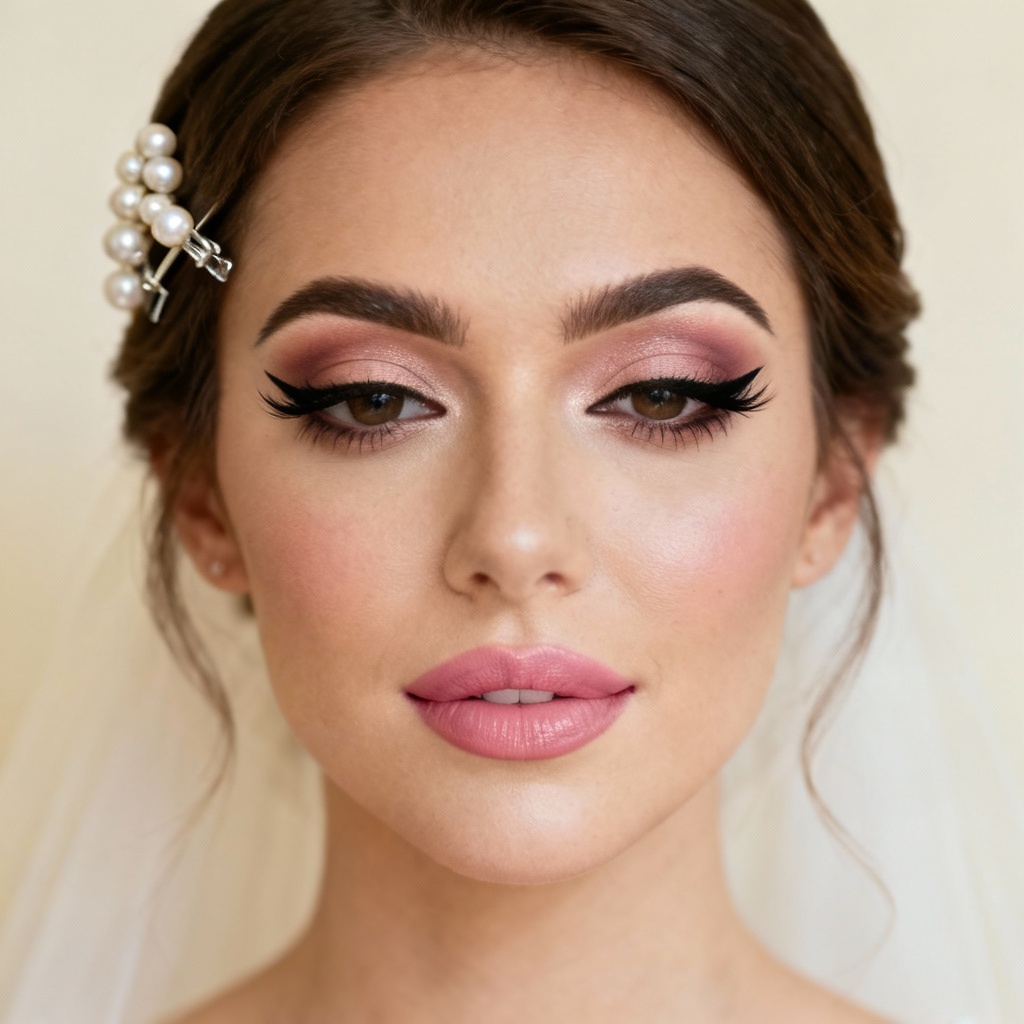
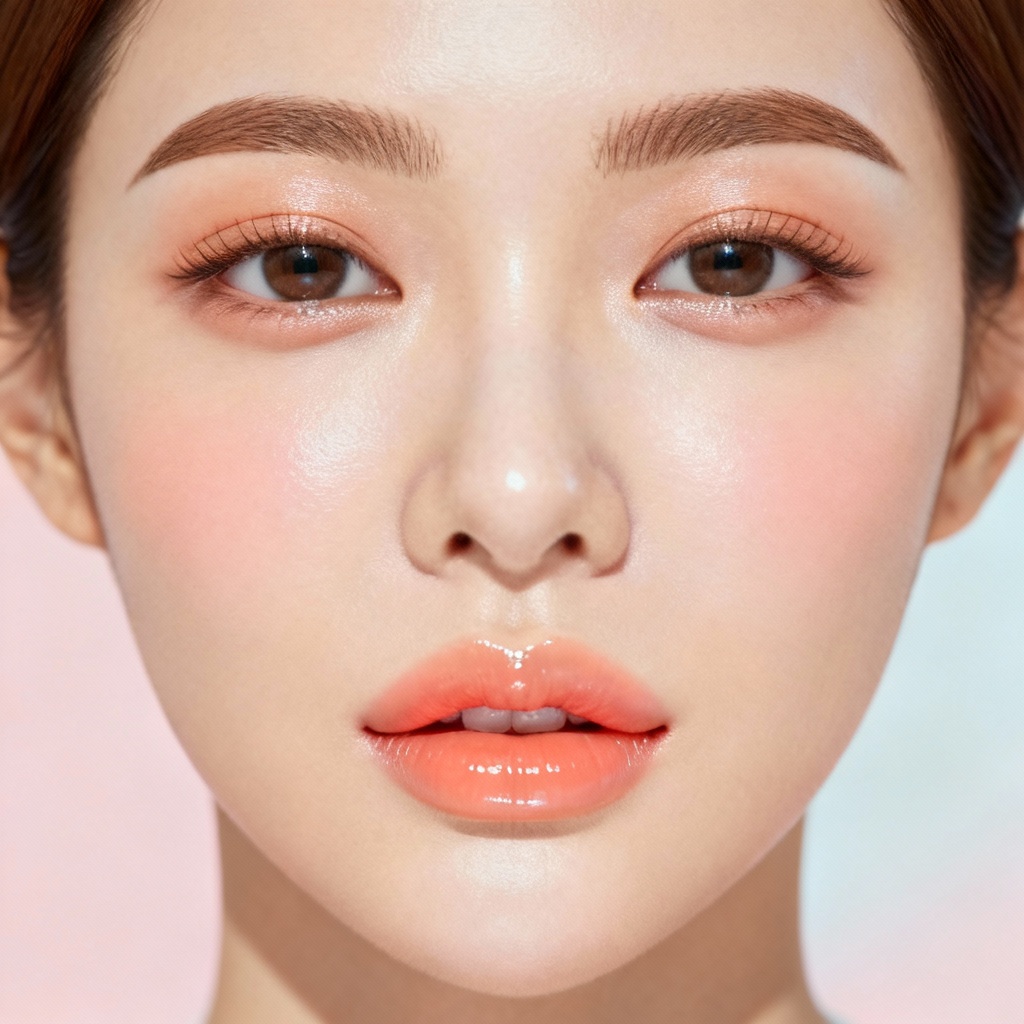
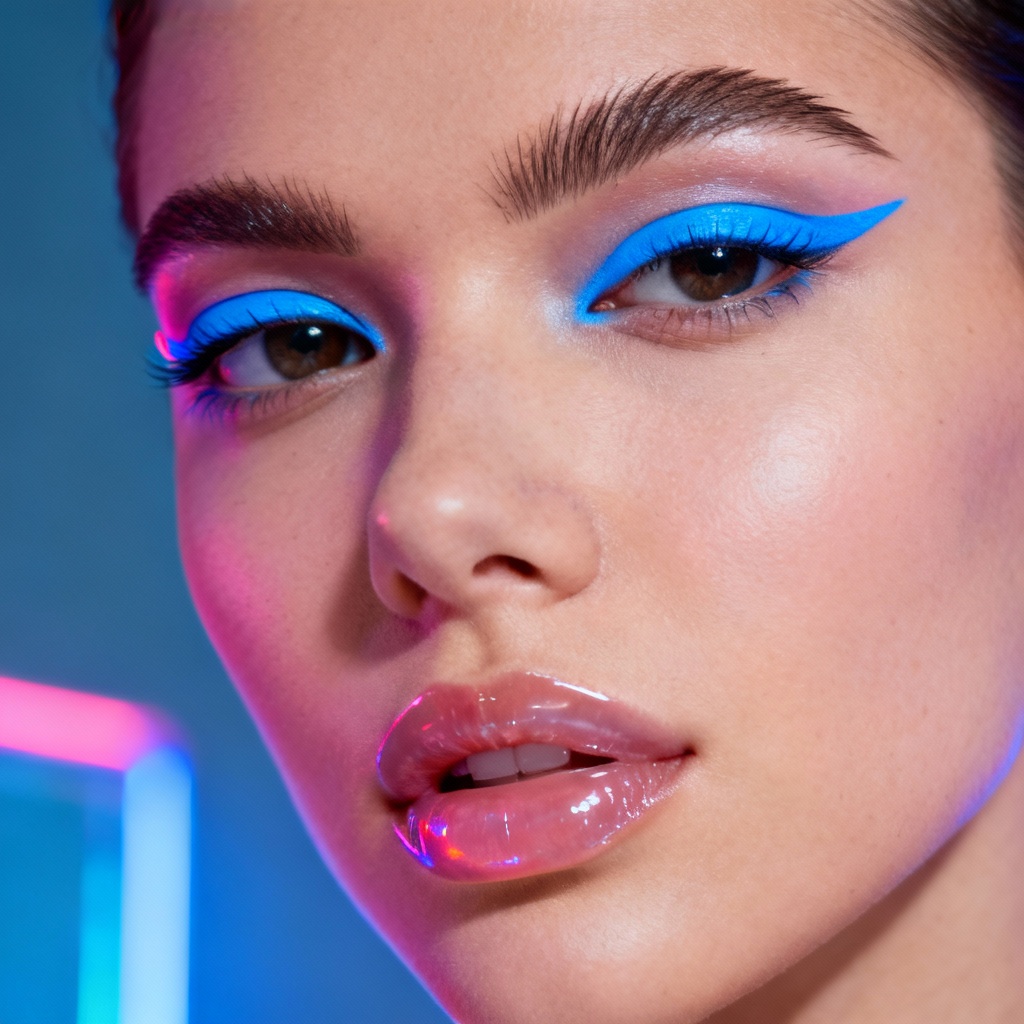
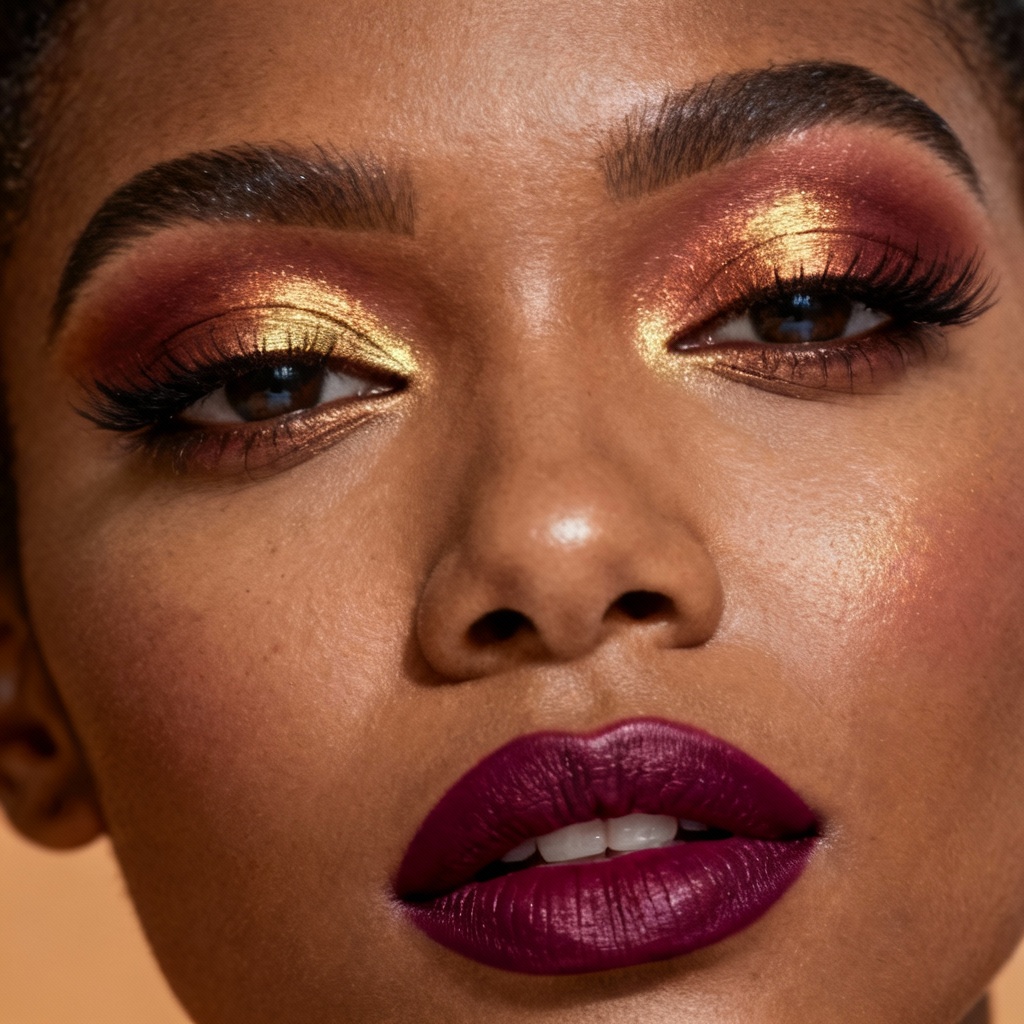
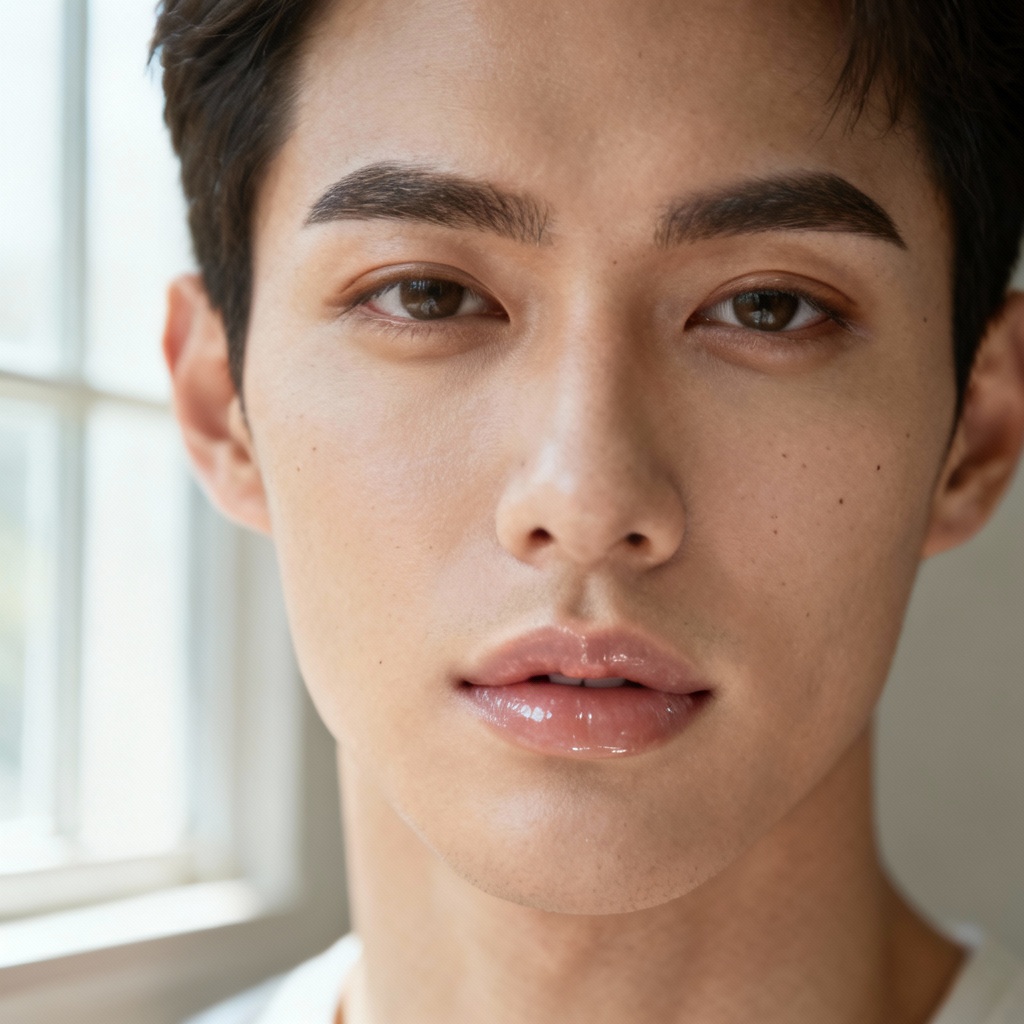
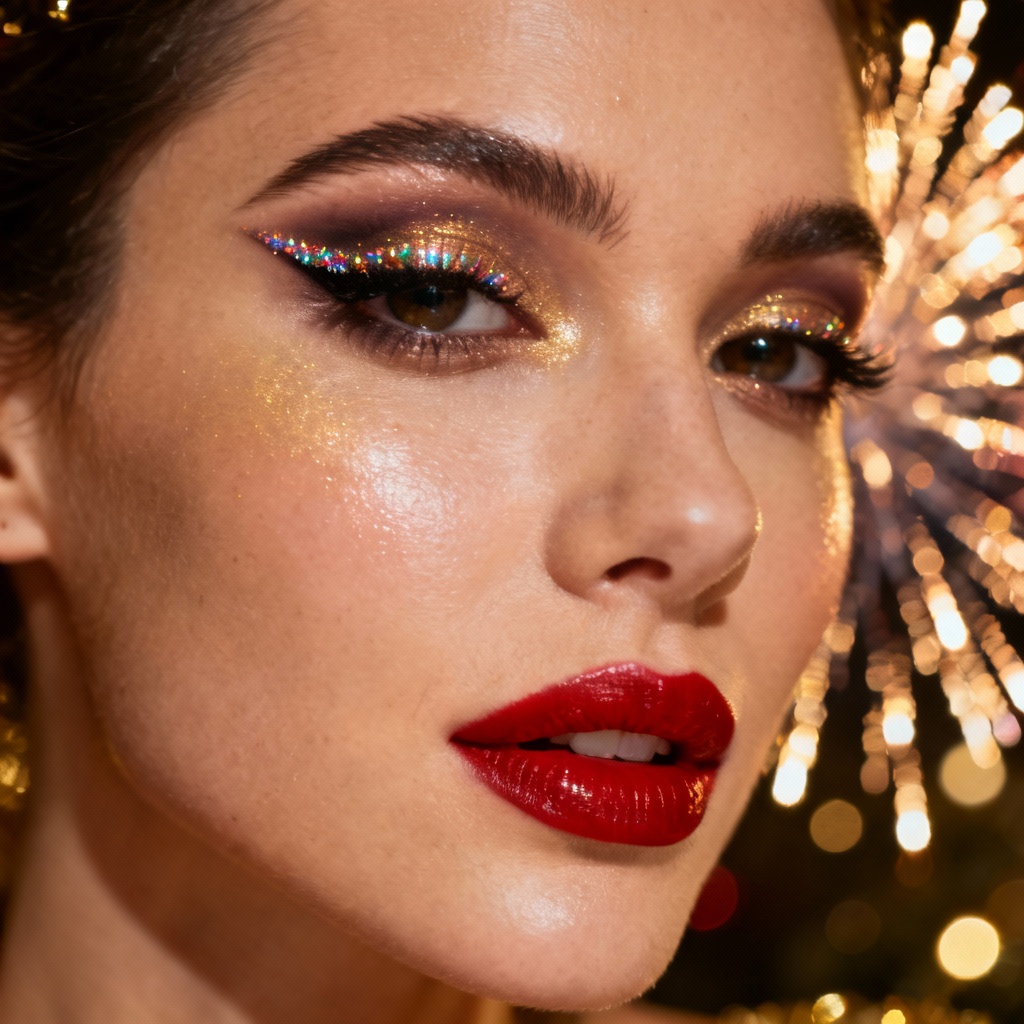
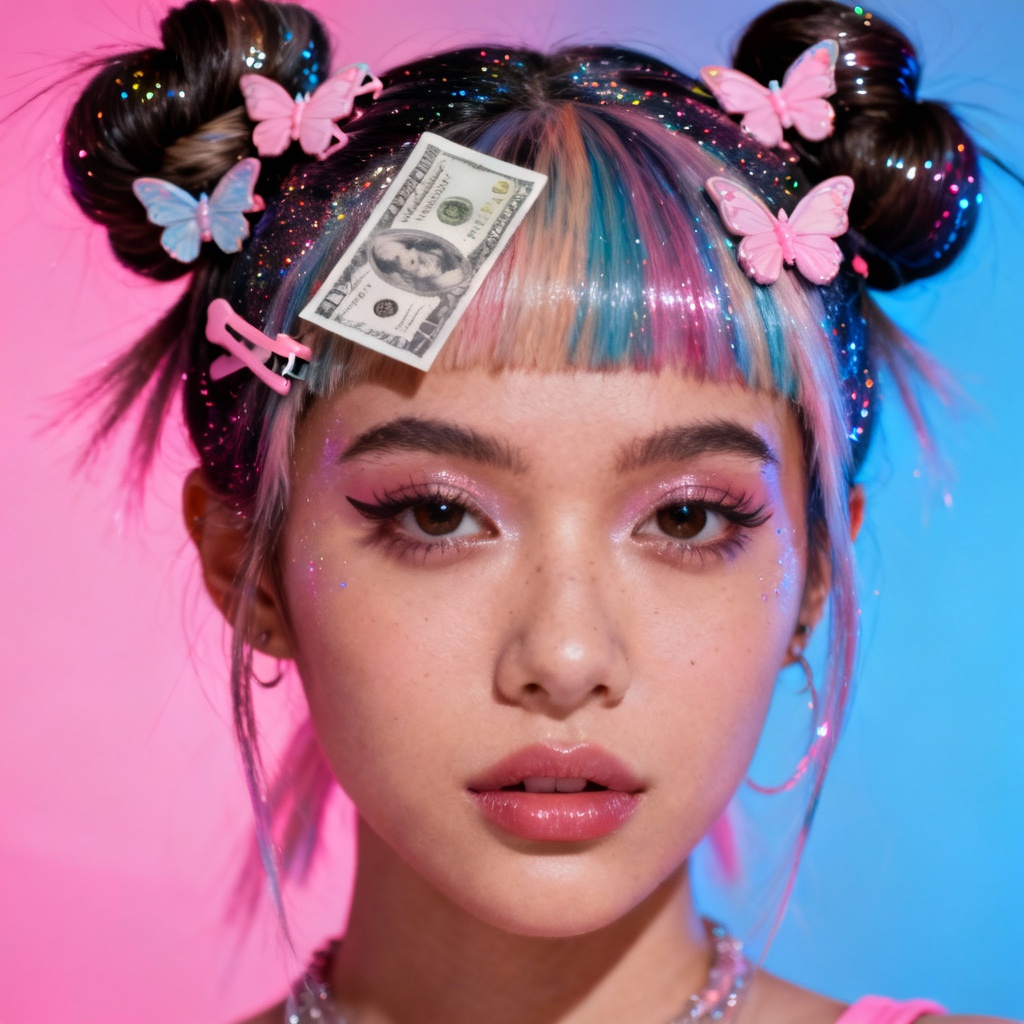
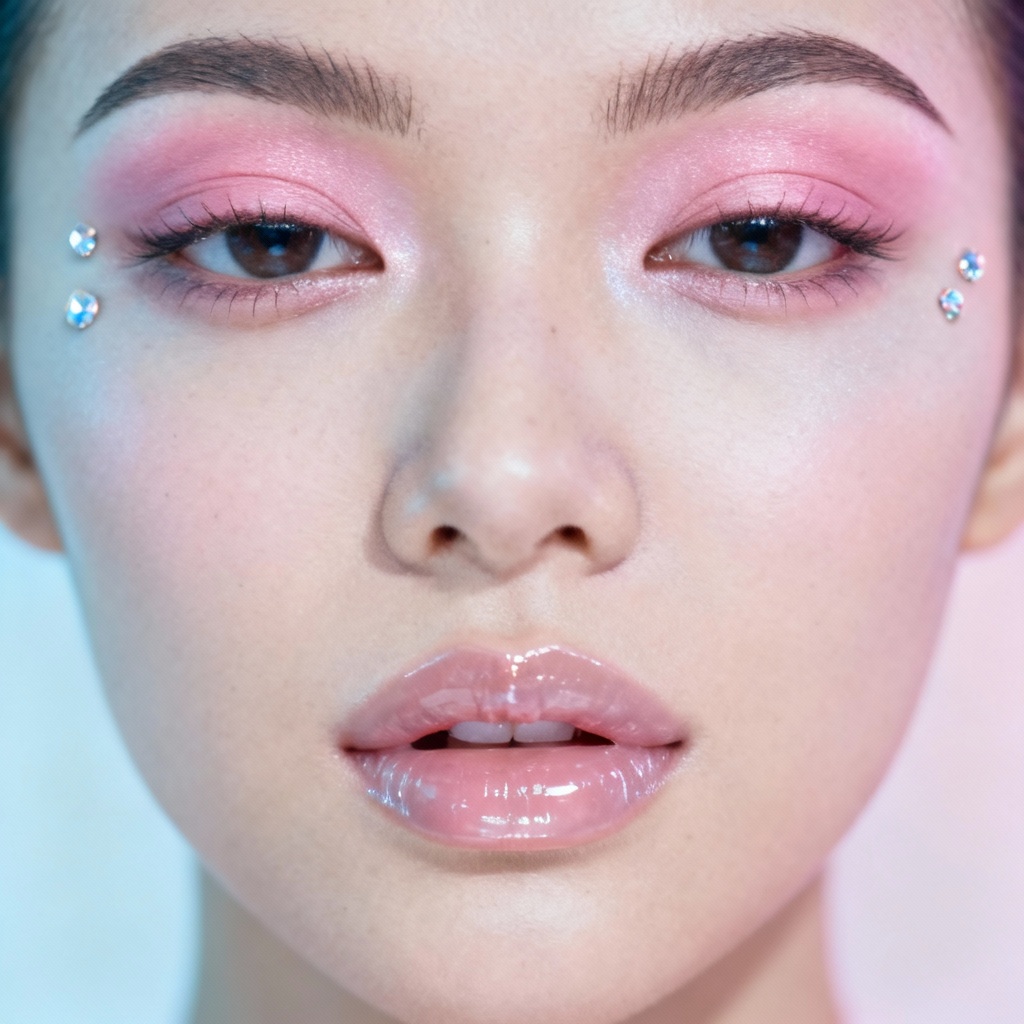
MyAIArt’s free AI makeup generator lets you try virtual makeup on any face in seconds. Upload a photo or type a prompt to create natural, glam, bridal, or editorial looks with accurate skin tone matching and realistic textures. Preview before and after, refine colors, and download high-resolution results for social media, portfolios, and marketing.
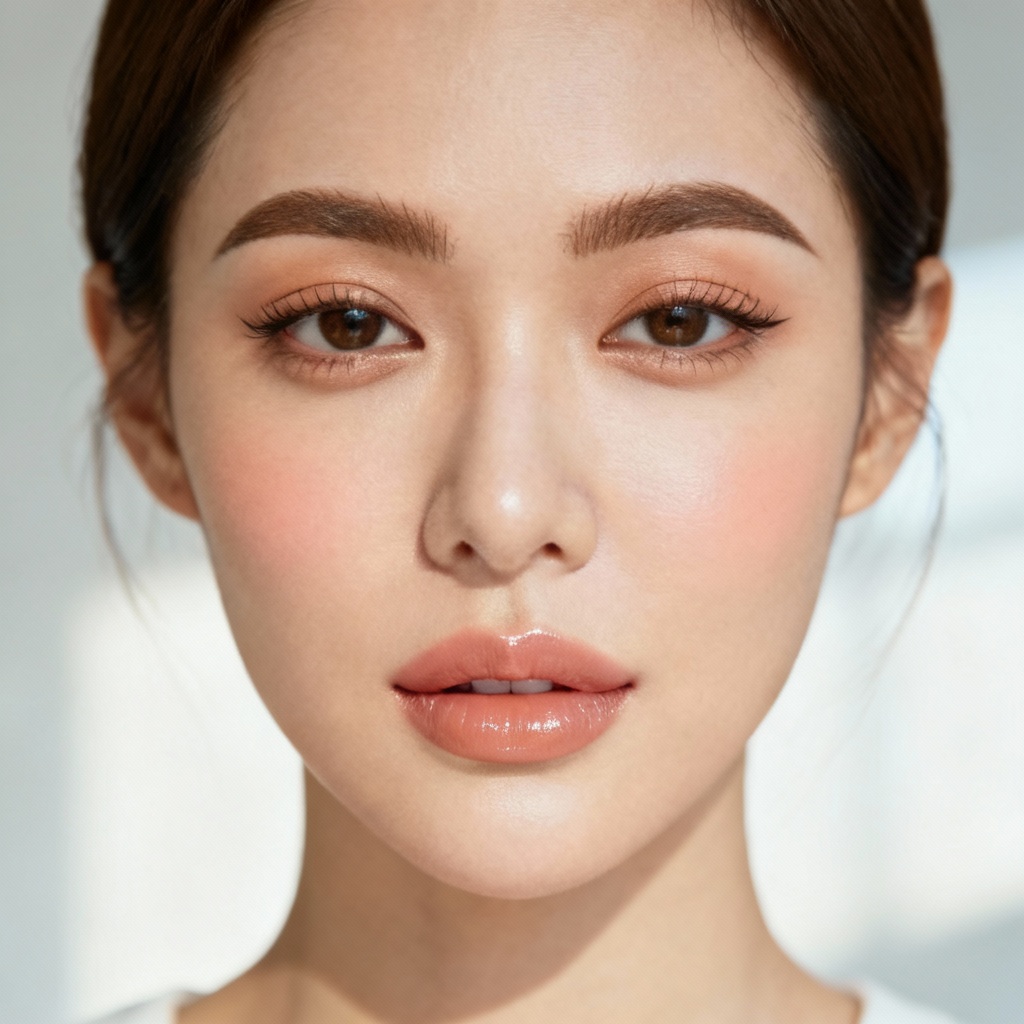
Upload a clear face photo or start from text. For best results, use a front-facing image in good lighting. Describe the desired look, such as natural makeup look, smokey eye, or red lip.
Select presets like virtual makeup try-on, bridal glam, Korean glass skin, or bold liner. Adjust lipstick, eyeshadow, blush, contour, and finish. Use skin tone matching and makeup color matcher for accuracy.
Click Generate to preview your AI makeover. Compare before and after, tweak shades or intensity, and export high-resolution images without watermark for social media, portfolios, and ads.
Use virtual makeup try-on to plan looks, market products, or perfect content. Generate realistic lipstick try-on, eyeshadow simulator views, eyeliner styles, blush tones, and contour ideas for any skin tone.
Our AI beauty filter analyzes undertones to match base, blush, and lipstick. Get believable results on every complexion and face shape with precise color harmony.
Generate crisp, print-ready images and download without watermark. Preserve fine details like pores, lashes, and hairlines for photorealistic before and after visuals.
Choose presets or type prompts for no-makeup makeup, glam makeup, smokey eyes, red lip, or editorial looks. Refine intensity, finish, and tone in seconds.