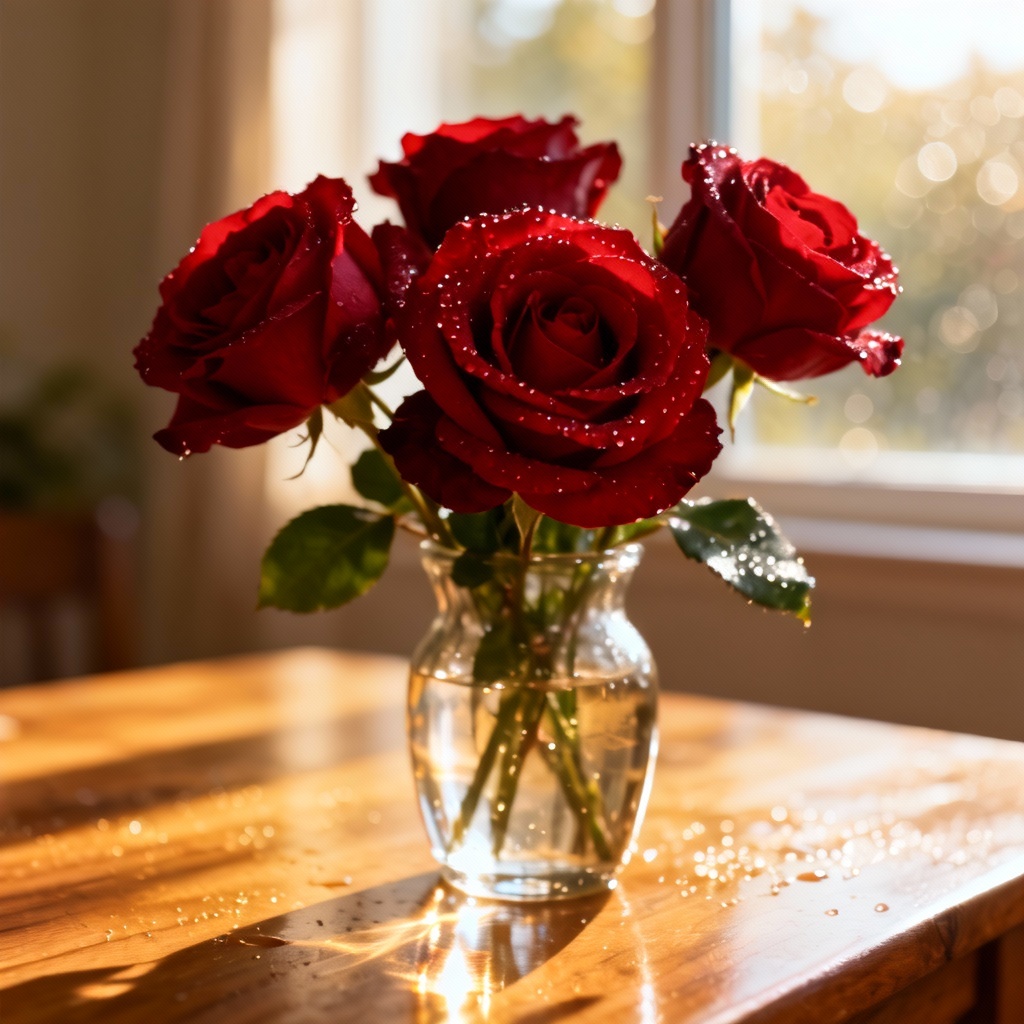
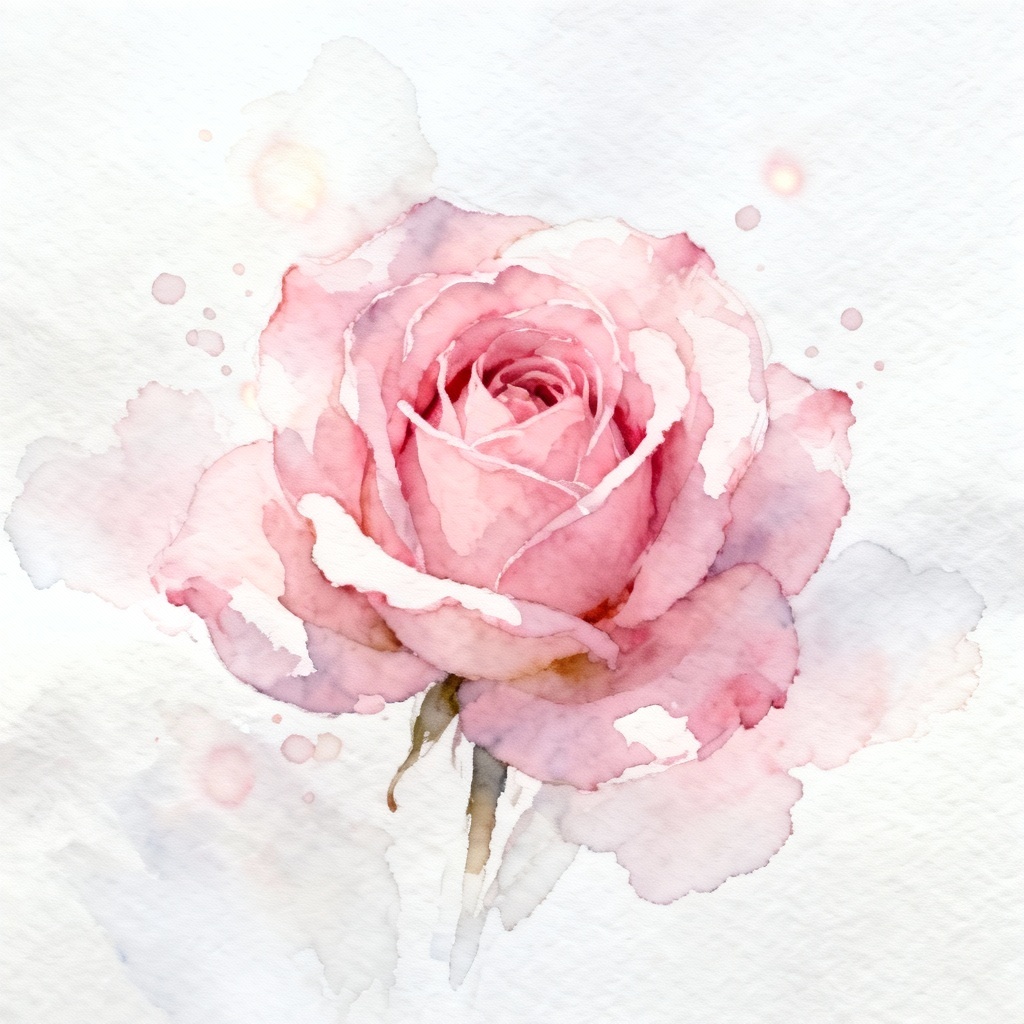
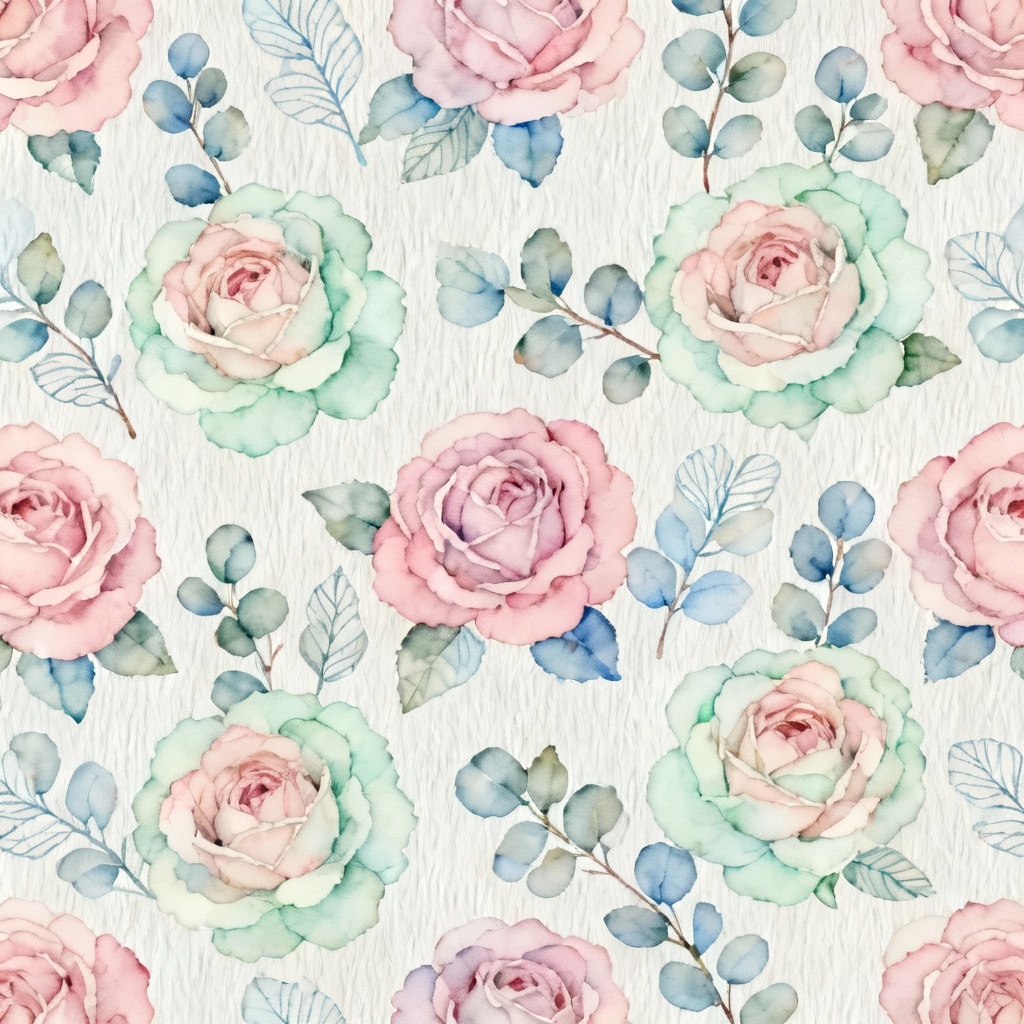
Myaiart’s AI rose generator instantly creates beautiful roses in any style, from realistic bouquets to watercolor rose art and seamless floral patterns. Type a prompt or upload a photo, then refine color, angle, lighting, and background. Generate high-resolution rose images free for designs, social posts, invitations, packaging, and prints in seconds.

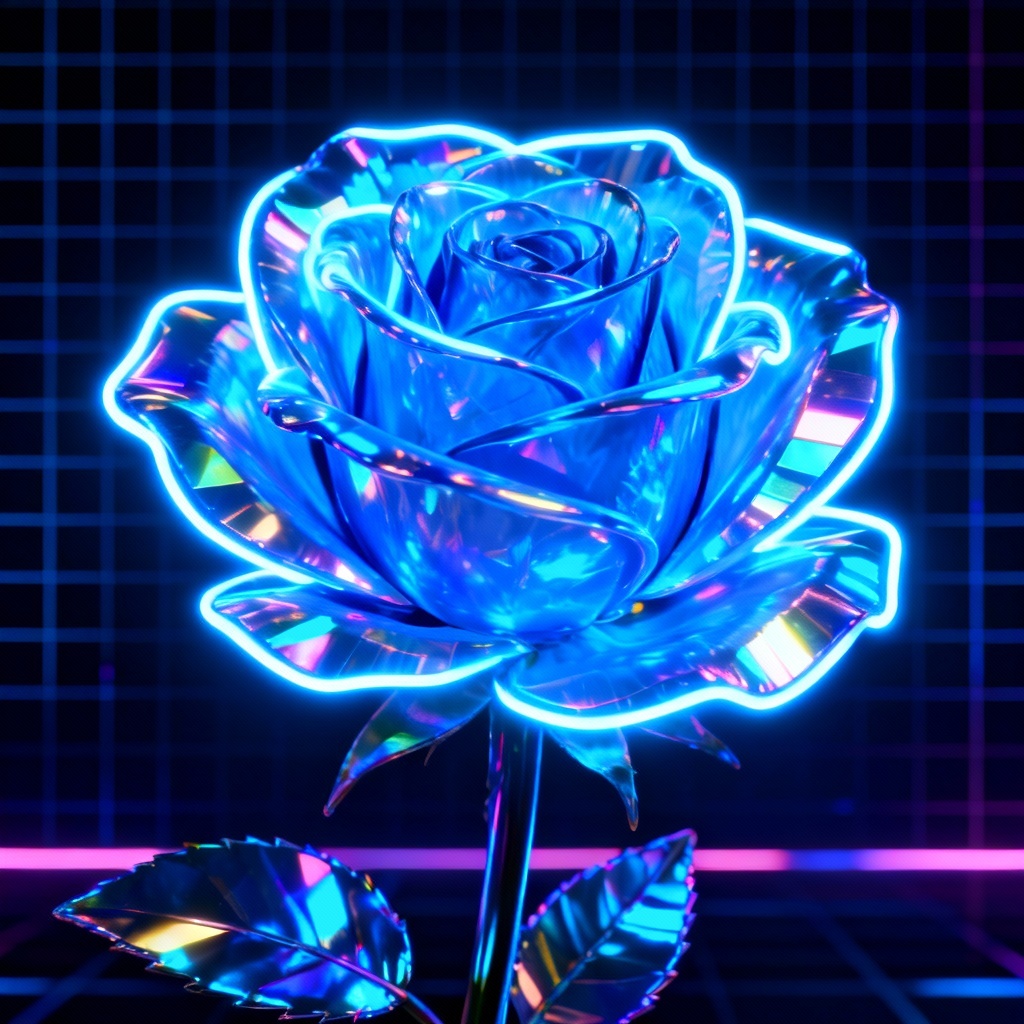
Upload a photo or enter a detailed prompt for your AI rose. Specify color (red, white, black, blue), style (realistic, watercolor, vector, 3D), angle (macro, top-view, side), lighting (sunrise, soft studio), and background (plain, marble, garden). Add extras like dew drops, bokeh, or seamless pattern.
Click Generate to create your rose. Explore style presets, adjust prompt strength, aspect ratio, and seed for variations. Use inpainting to refine petals and leaves, fix artifacts, or change colors. Turn on background removal for transparent PNGs or enable tiling for floral wallpaper patterns.
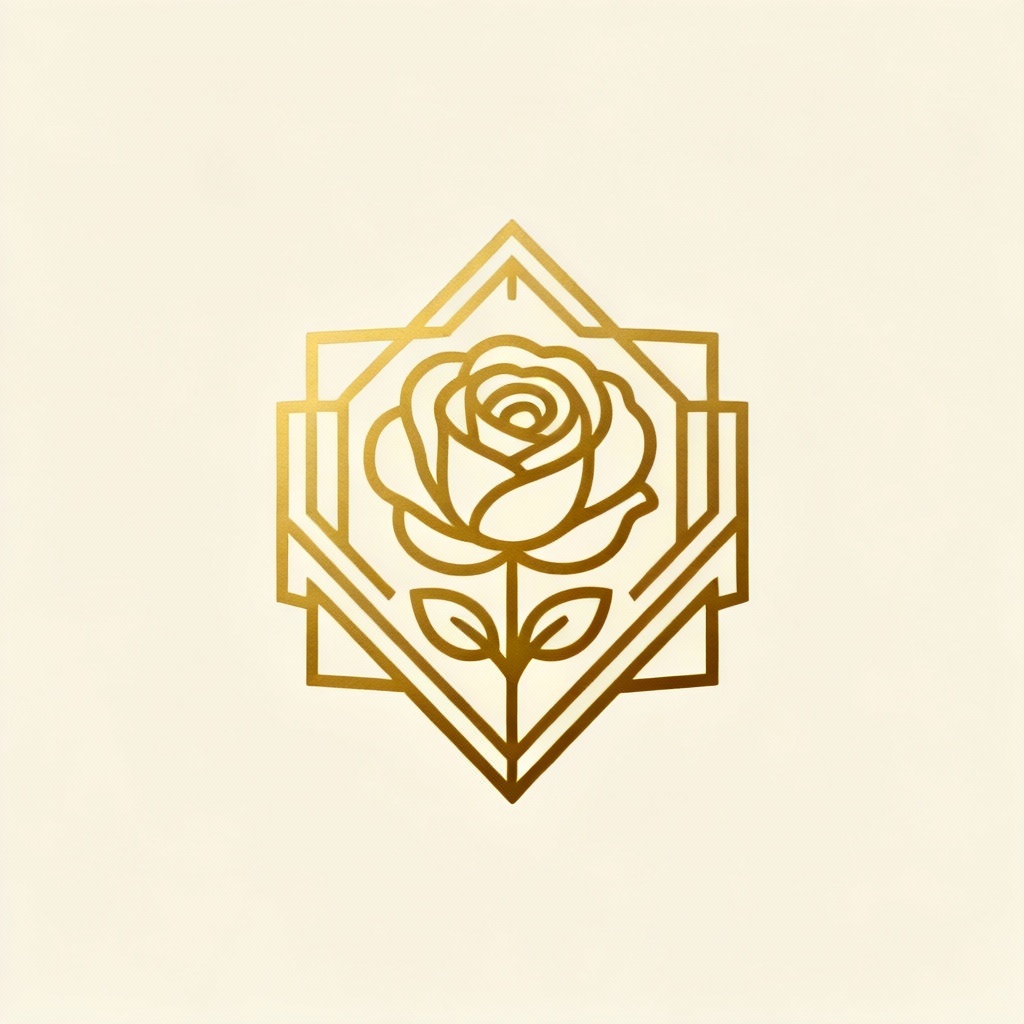
Preview the result, then download high-resolution PNG or JPG. Save as transparent logo art, print-ready 4K poster, or tileable repeat for fabric. Instantly use your AI-generated roses for invitations, branding, packaging, social posts, and more.
Create roses for any project with flexible controls. From realistic bouquets to watercolor rose art, logos, tattoos, and seamless floral wallpapers, the AI flower generator helps you design fast.
Advanced AI understands color, style, and composition to transform prompts or photos into rose art automatically. Use inpainting for petal fixes, background removal for clean cutouts, and tiling for surface patterns with one click.
Get photorealistic petals, natural bokeh, and rich gradients for prints. Export high-resolution PNG or JPG, produce seamless wallpapers, and maintain detail in macro closeups and bouquet scenes.
Create roses free online with no watermark on downloads. Your uploads are processed securely and auto-deleted after generation, keeping your floral designs private and safe.