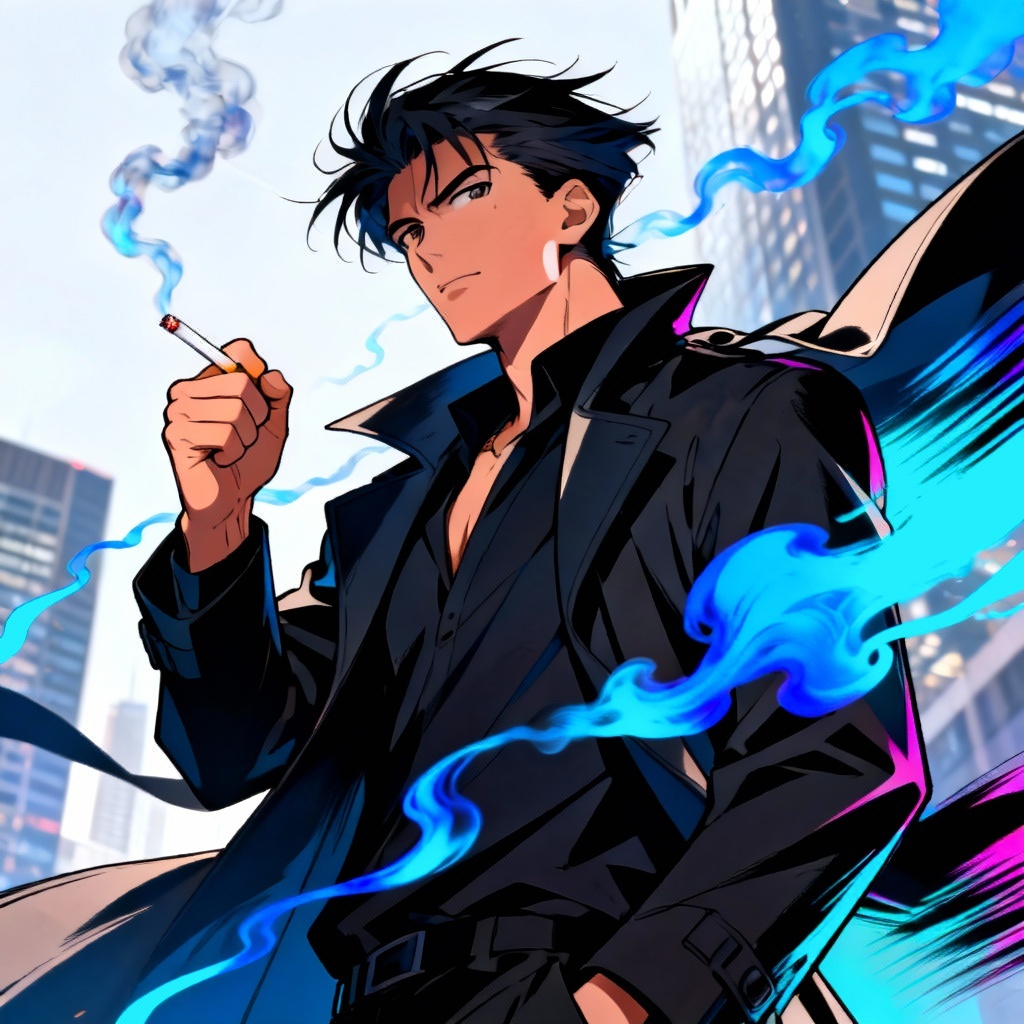
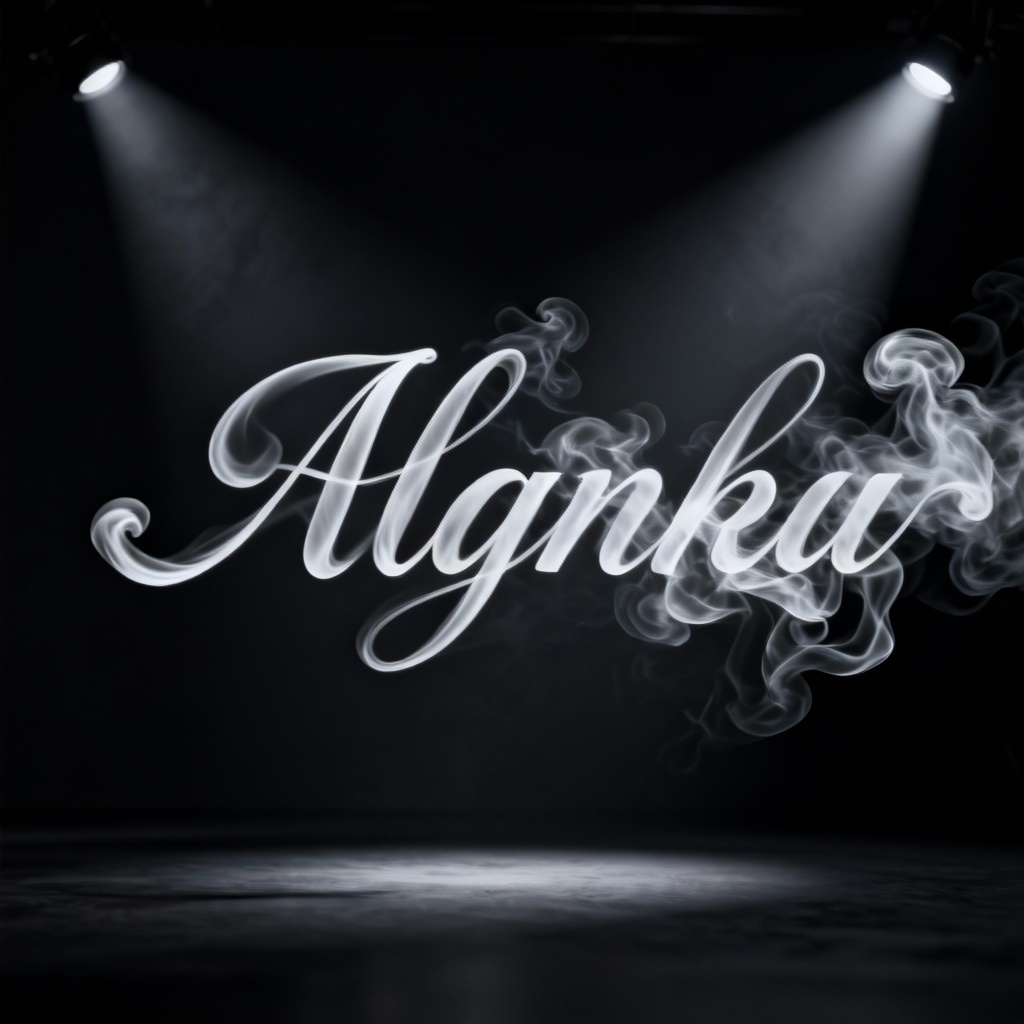
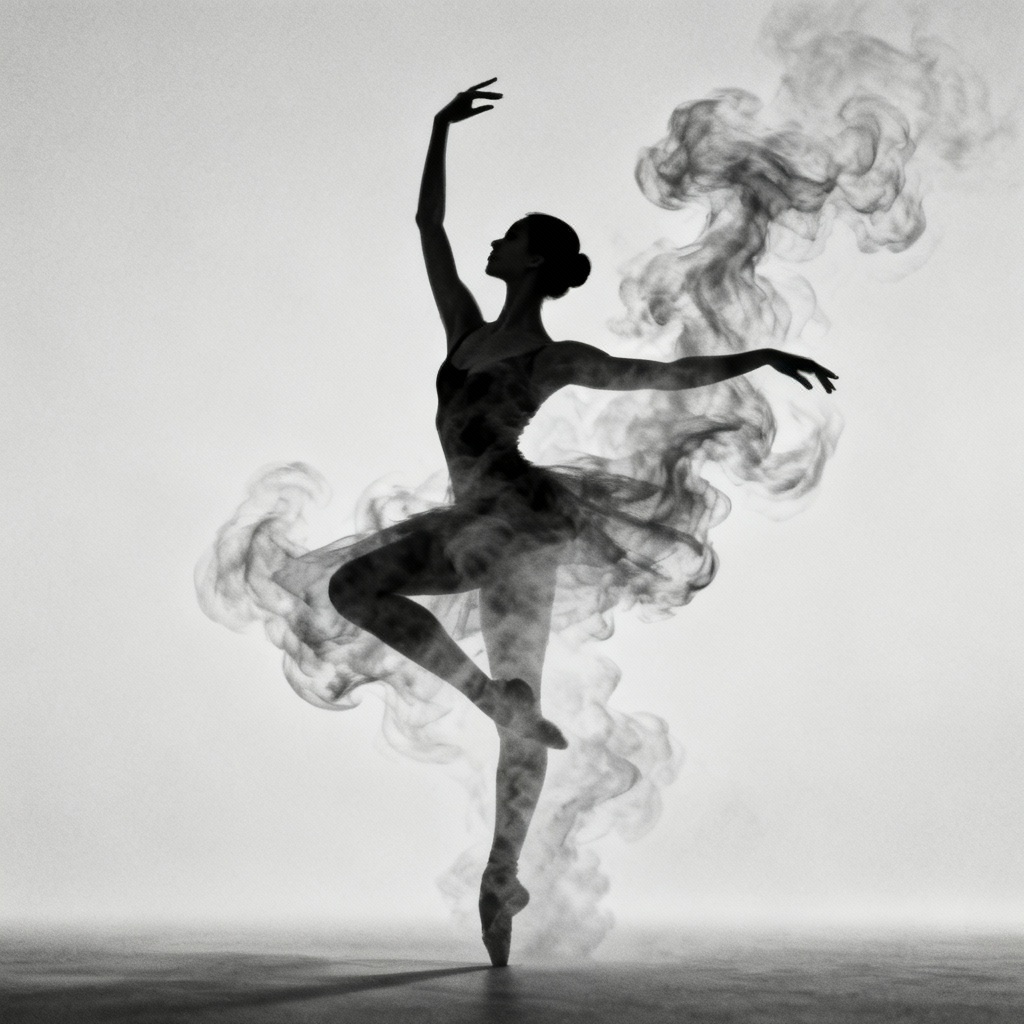
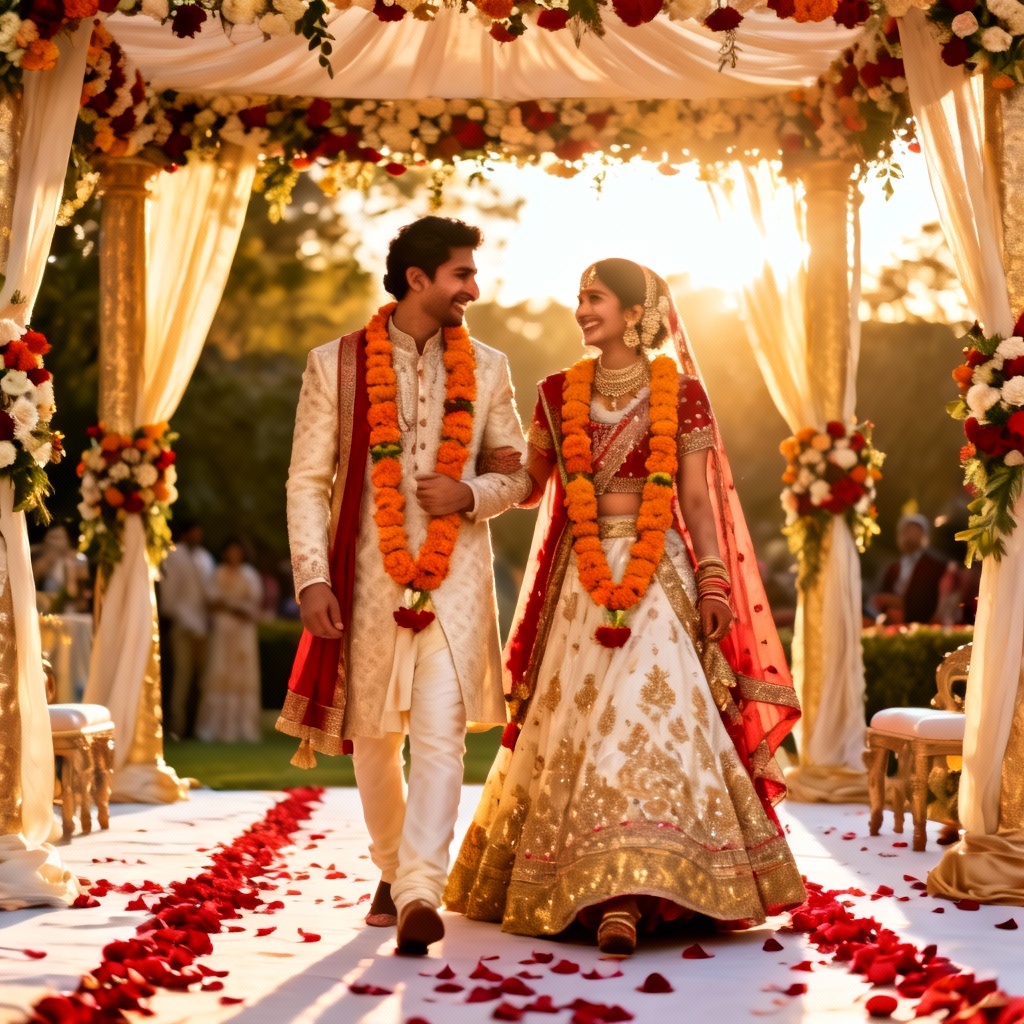
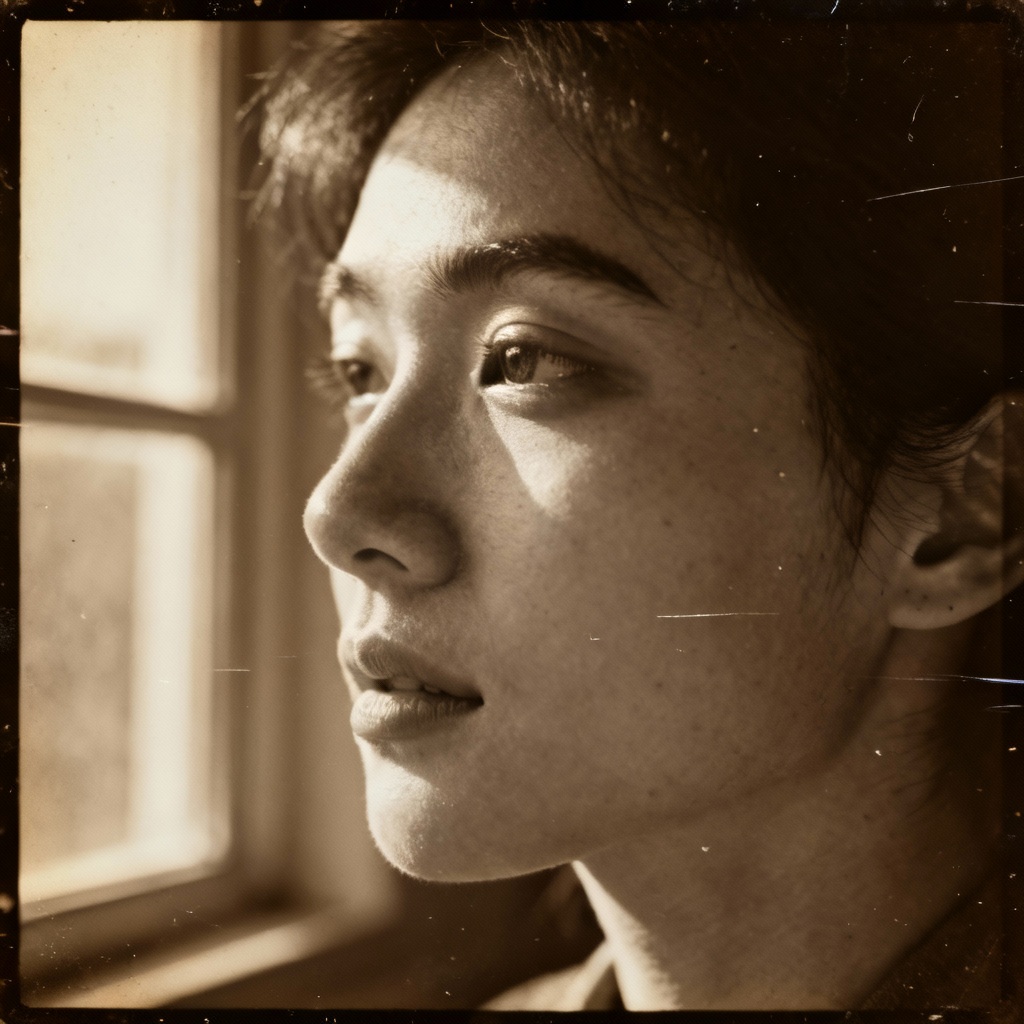
Myaiart’s AI smoking generator lets you create realistic smoke effects in seconds. Generate cigarette smoke, cigar haze, vape clouds, or hookah ambiance with natural light and depth. Type a prompt or upload a photo, then customize color, density, and direction for perfect results. Download transparent smoke overlays or full scenes in high resolution.
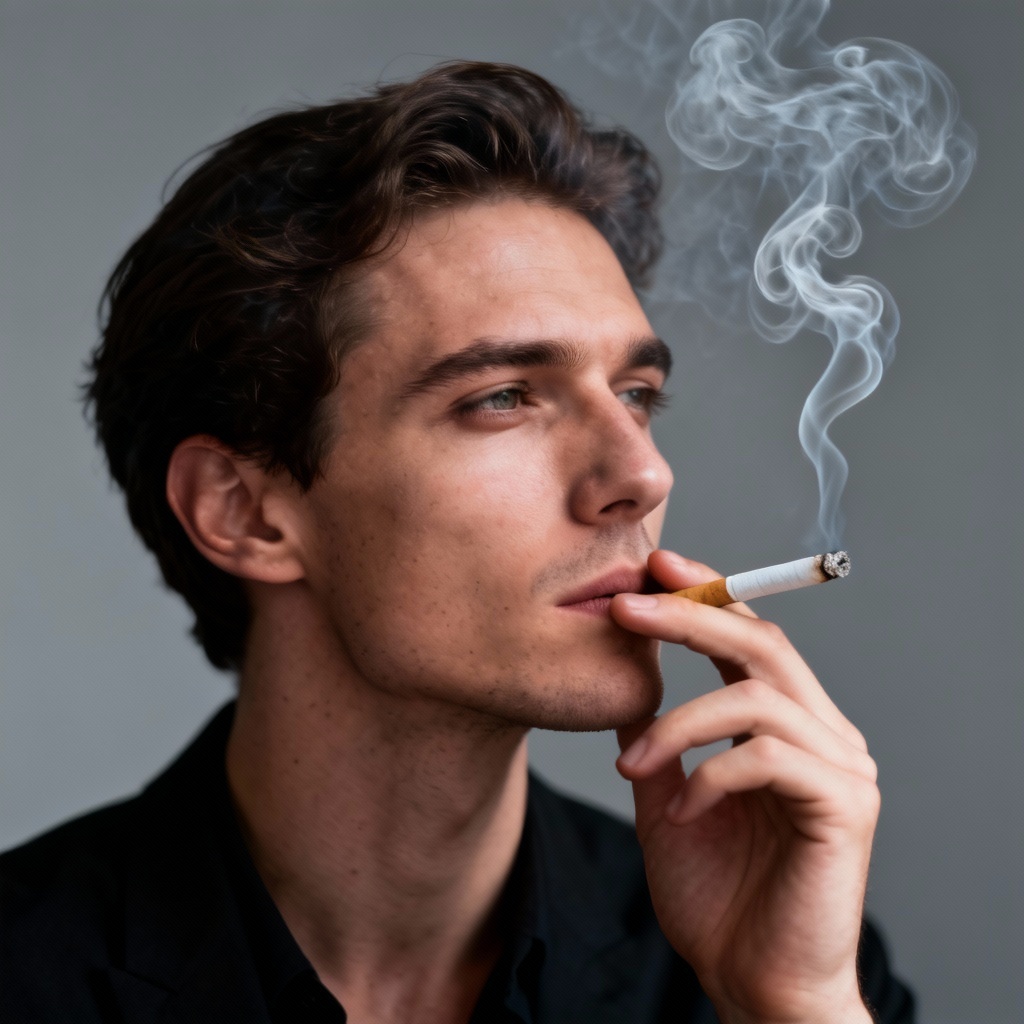
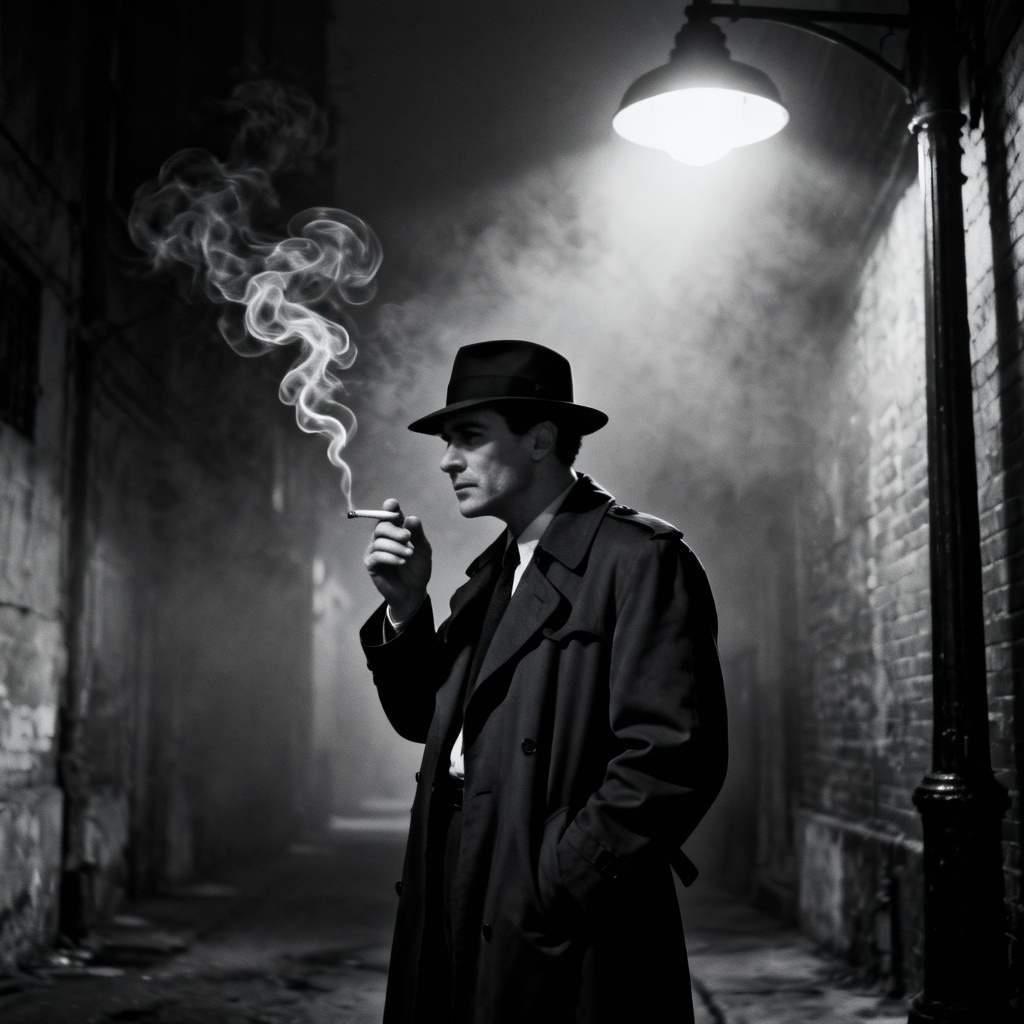
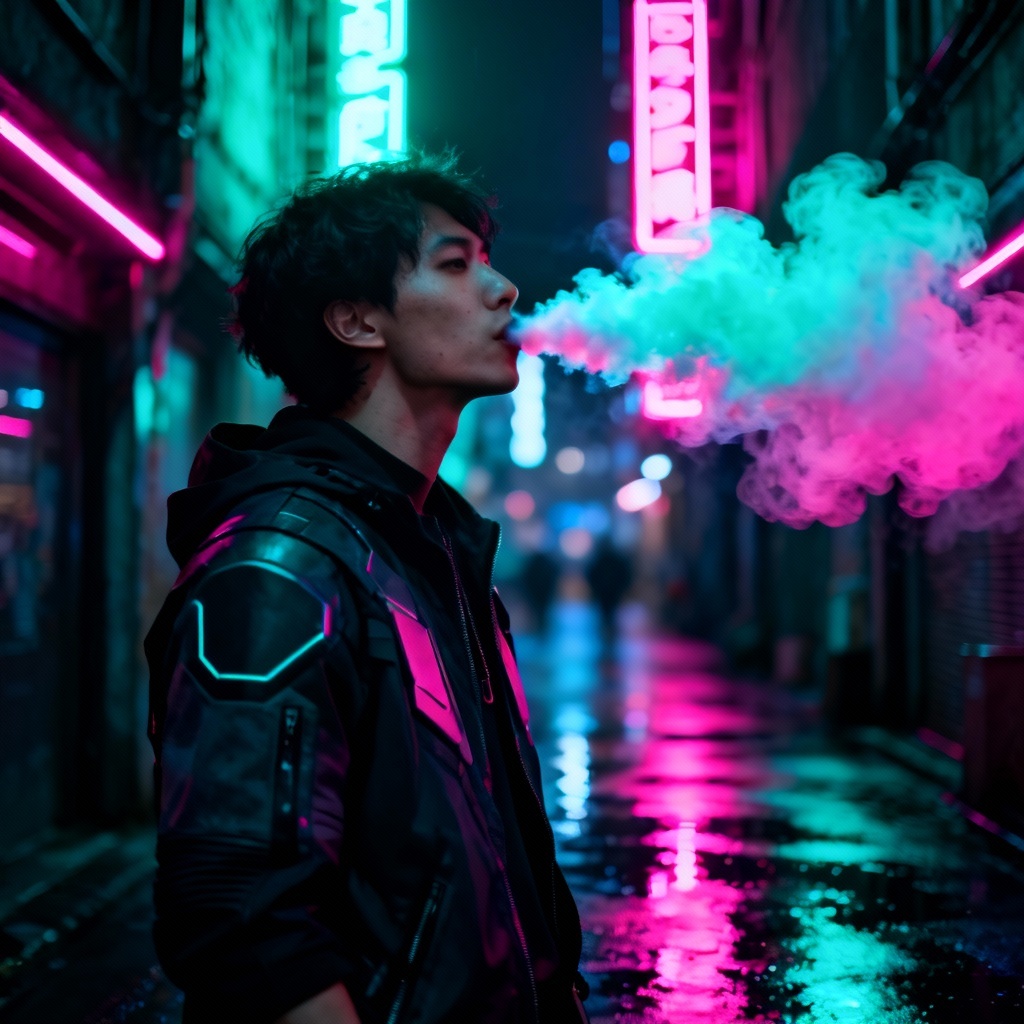
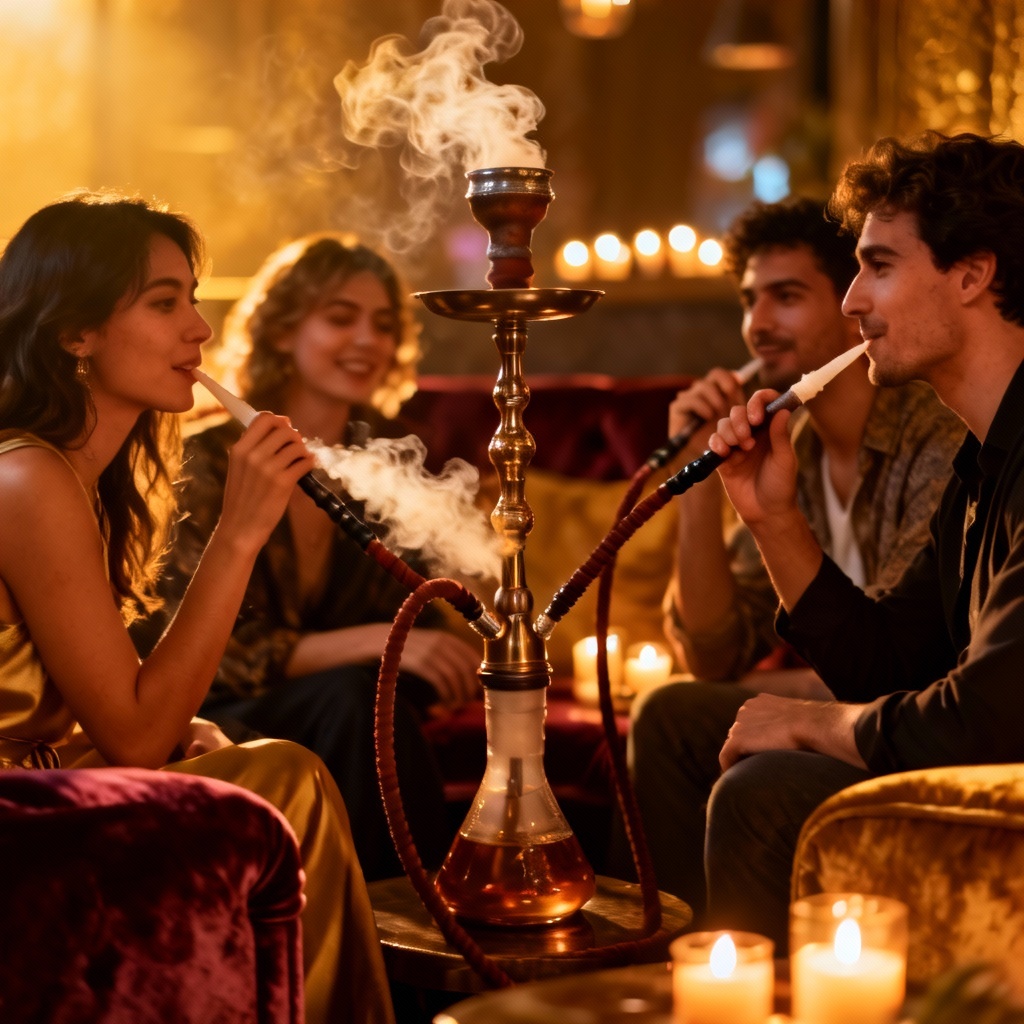
Start by uploading a photo or typing a detailed prompt. Specify smoke type such as cigarette, cigar, vape, or hookah, along with color, density, direction, and lighting. Add context like film noir, cyberpunk, studio portrait, or street scene.
Click Generate to create the smoking effect. Adjust settings like style strength, realism, color tone, and background preservation. Use masking to add smoke to specific areas or to create a smoke overlay without altering the subject.
Preview the result and export. Save a transparent PNG smoke overlay for compositing or download a full-resolution finished image. Your files are high quality and ready for design, social media, or print.
Use the AI smoking generator to craft cinematic scenes, overlays, and stylized visuals that fit your projects. Control smoke plumes, color, and motion for professional-looking results.
Generate lifelike smoke with natural turbulence, falloff, and light scattering. Control density, color, and direction to match camera angle, rim light, and scene mood.
Switch between cigarette, cigar, vape, hookah, or incense looks. Use masking for precise placement, create transparent overlays, or stylize smoke for anime, poster, or HDR photo art.
Create high-resolution smoking scenes in seconds. Enjoy clean results suitable for printing, marketing, or social media with no watermark and quick downloads.