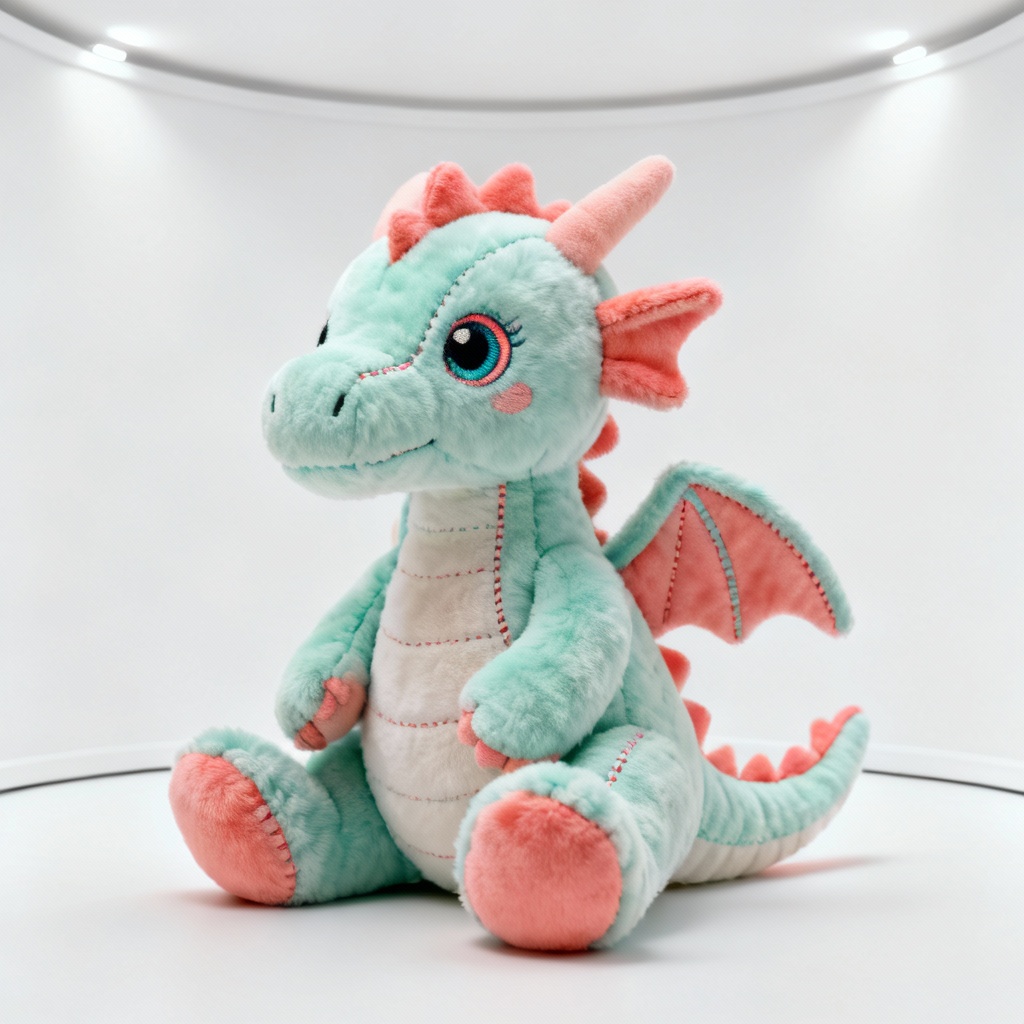
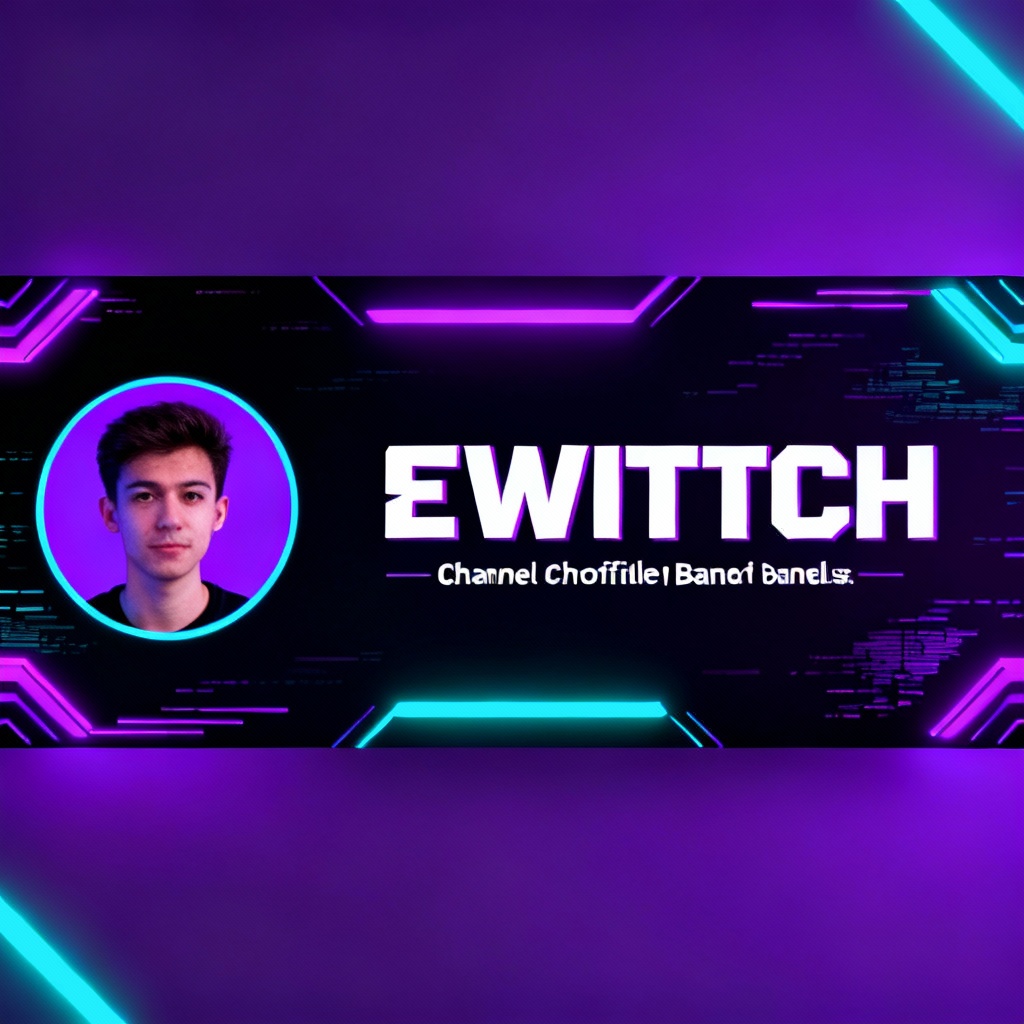
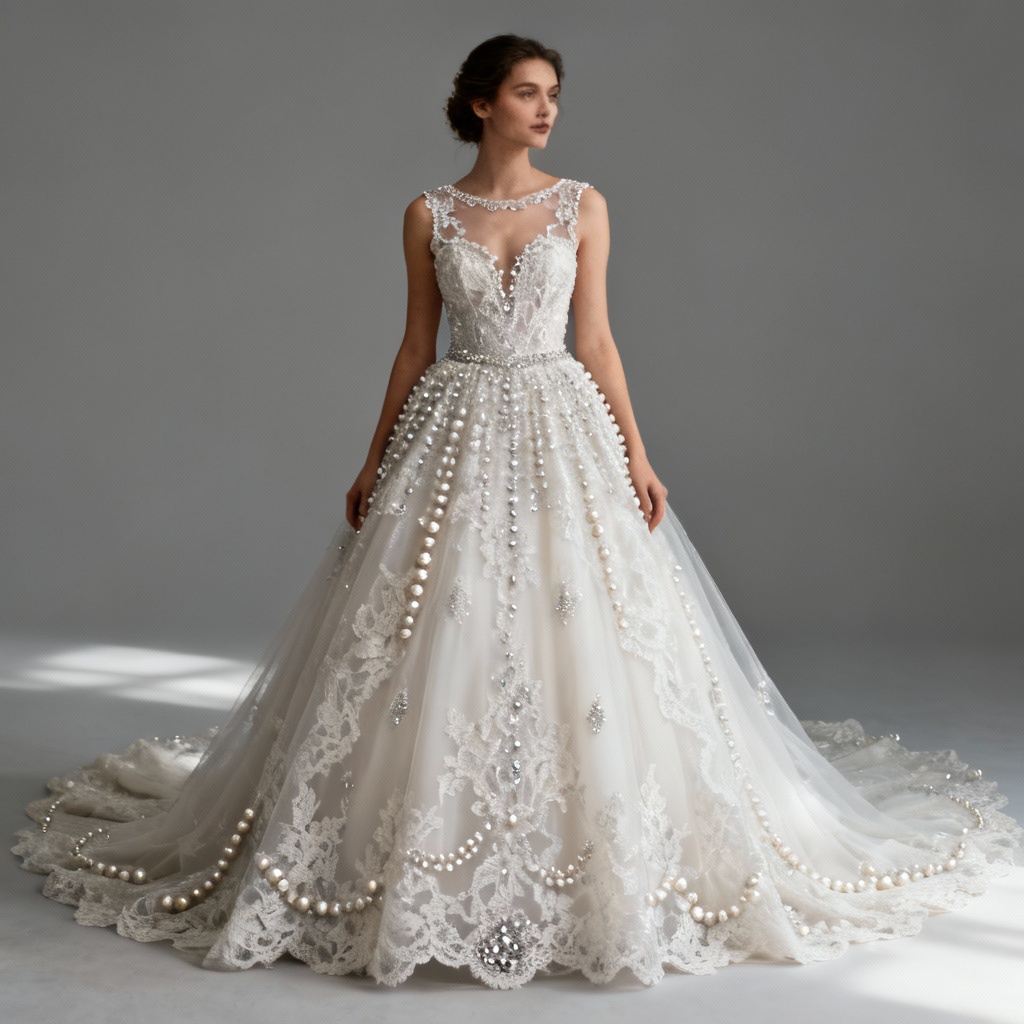
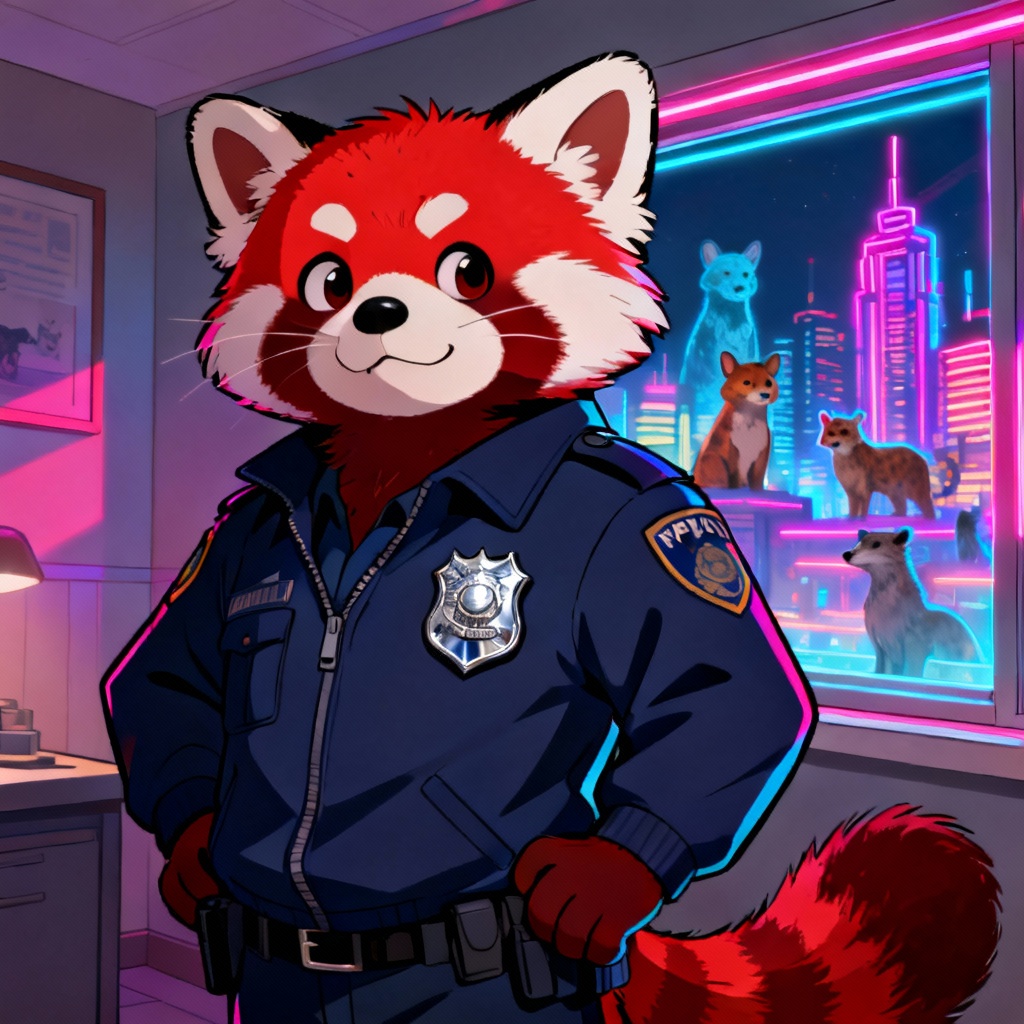
Generate clean, scalable vector graphics in seconds. Myaiart’s AI SVG generator turns text prompts or images into edit-ready SVG files. Design icons, logos, and illustrations with precise paths, grouped layers, and optimized file size. Create responsive web SVGs or print-ready vectors, then download instantly.
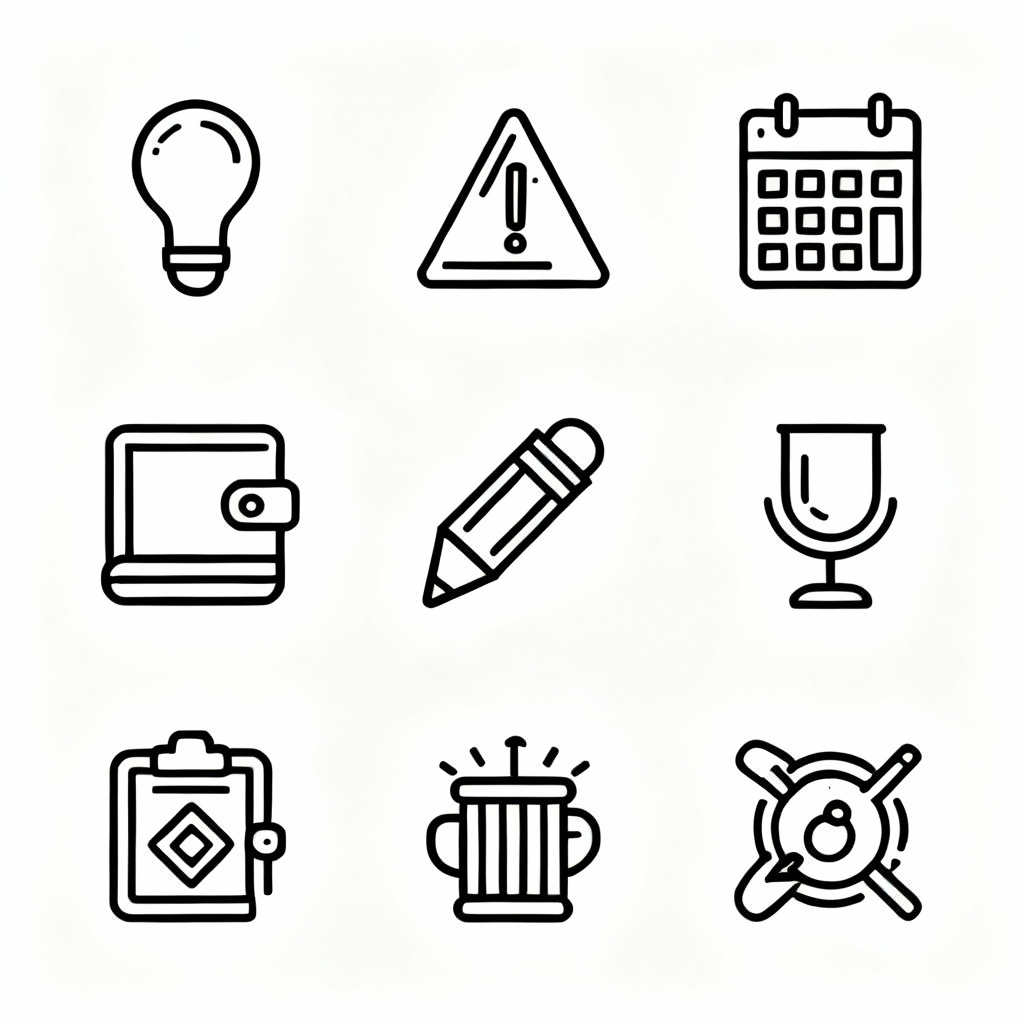
Type a detailed prompt for text to SVG, including style, stroke weight, color palette, and grid size. Or upload a PNG/JPG for the image to SVG converter. Choose icon, logo, or illustration mode for the best vectorization.
Click Generate to create your vector. Preview paths, adjust stroke vs fill, simplify curves, set precision, and pick a color theme. Toggle background removal, define viewBox, and check responsiveness for web-ready SVG.
Export optimized .svg, copy inline SVG code, or download as SVG sprite, PNG, or PDF. Get clean, scalable vector graphics ready for apps, websites, and print.
Create professional vectors for any project. Turn text into icons and logos or convert images to crisp, scalable vector graphics with web-optimized SVG output.
Advanced AI vectorizer delivers smooth bezier curves with fewer anchor points, accurate strokes and fills, and grouped layers. Edit easily in any SVG editor without jagged edges or artifacts.
Generate vectors from prompts or convert raster images. Control stroke weight, color palette, path precision, background removal, and export options for icons, logos, and illustrations.
Instant previews, web-optimized exports, and high-resolution downloads. No watermark. Copy inline SVG, export SVG sprite, or download PNG and PDF for every workflow.