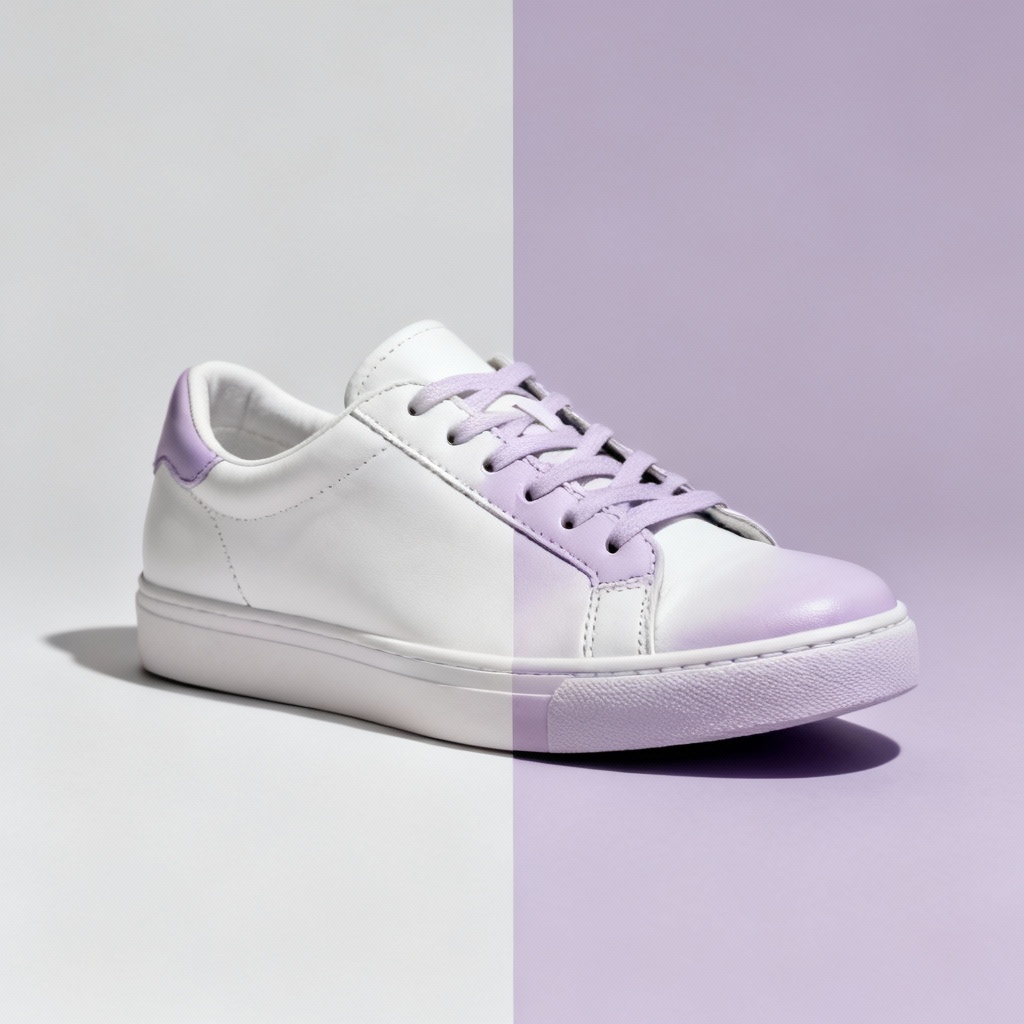
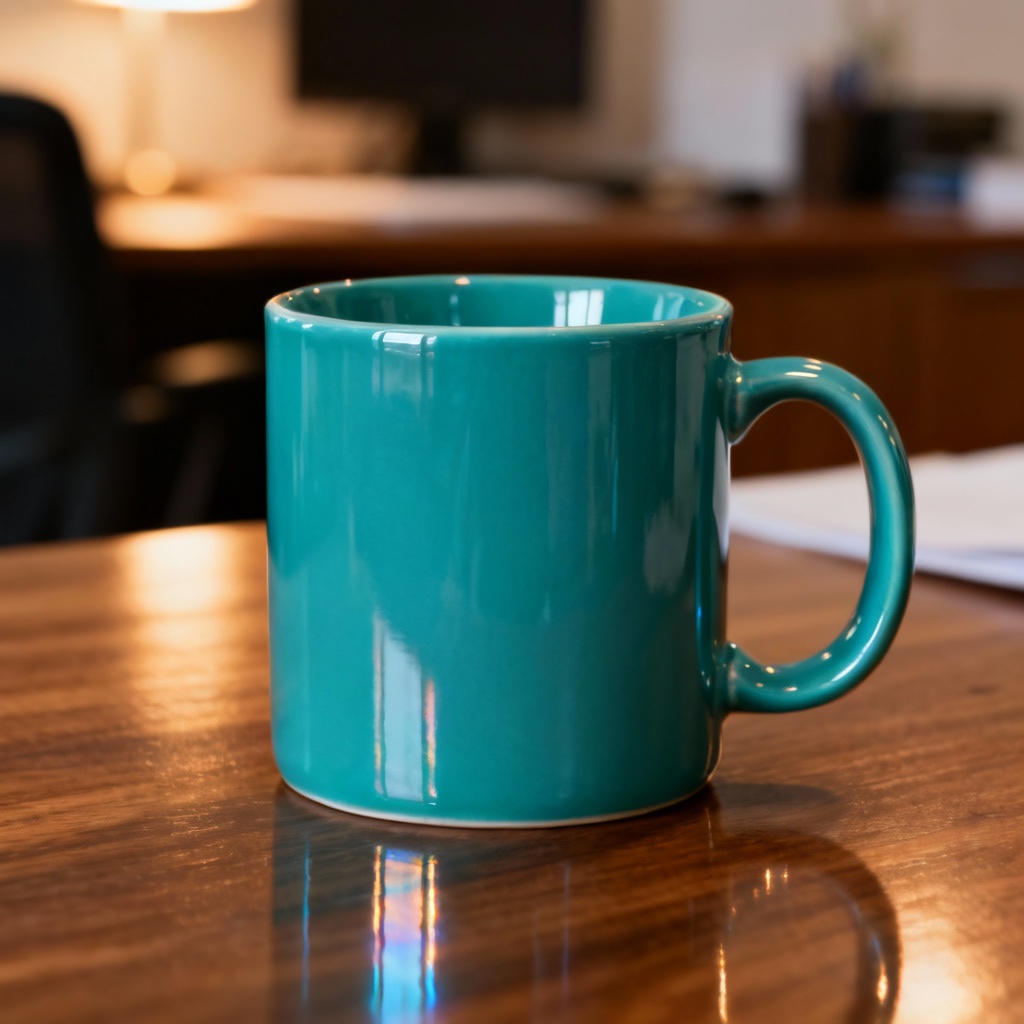
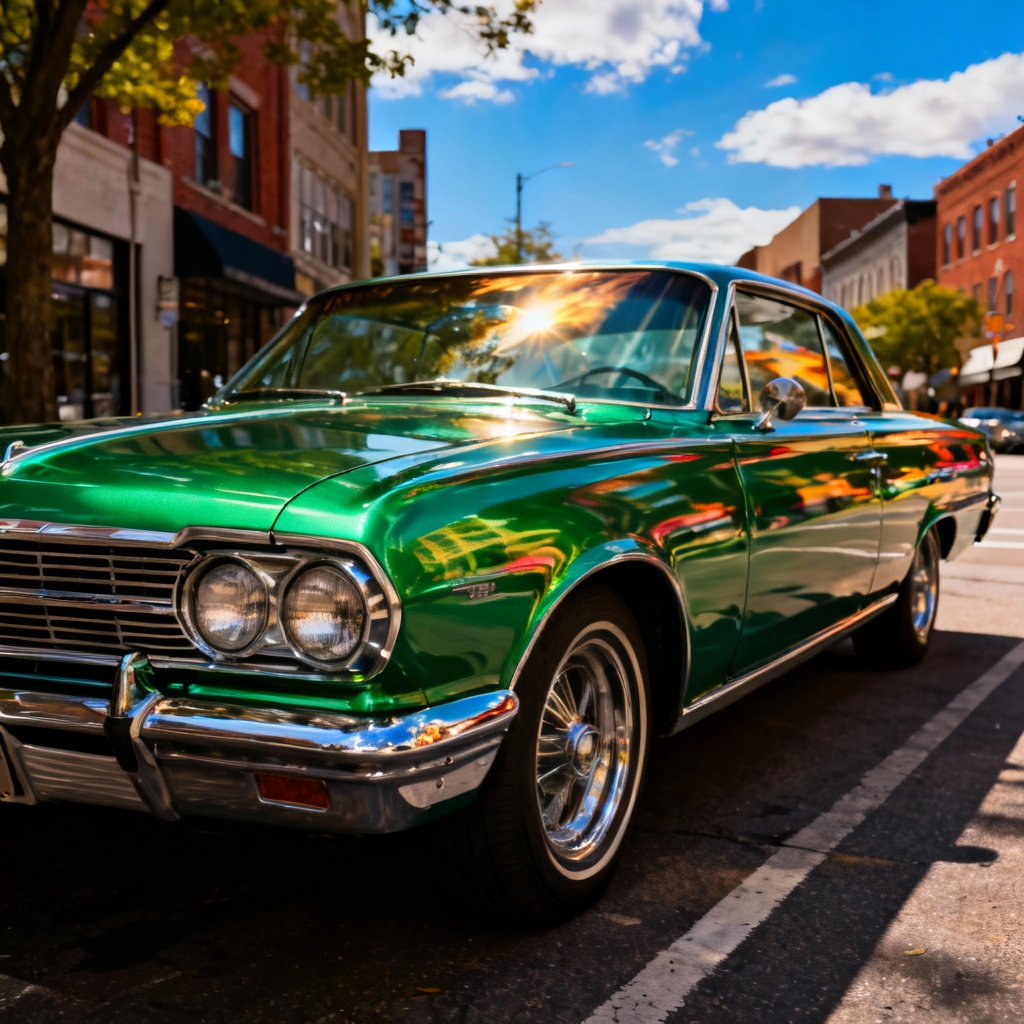
Myaiart’s free picture color changer lets you instantly replace and adjust colors in any image with AI precision. Swap product hues, match brand palettes, preview wall paints, or fix wardrobe colors in seconds. Preserve textures, lighting, and details while changing colors cleanly and naturally. Upload a photo, pick a target color, and download a high-quality result. No watermark.
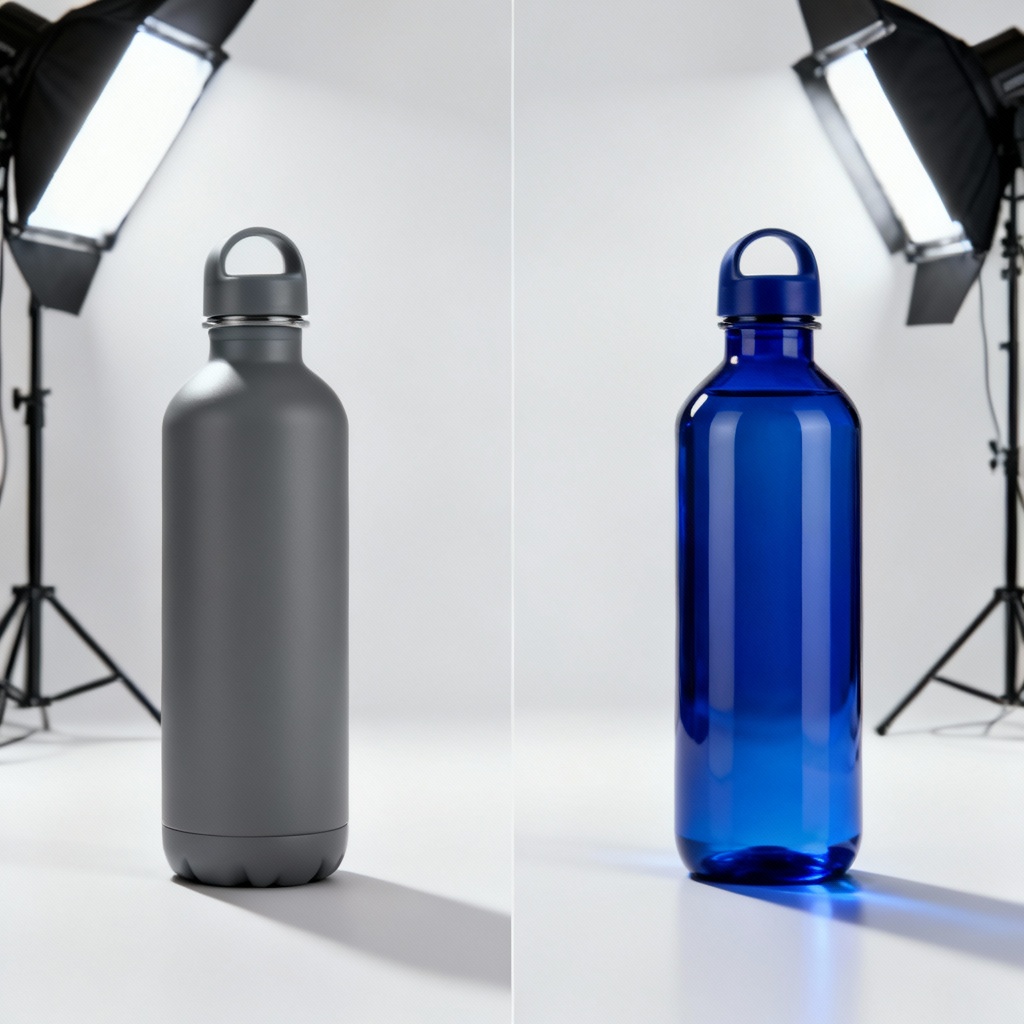
Upload your photo in JPG, JPEG, or PNG. For best results, choose a clear image with good lighting so the AI can detect edges, textures, and materials for precise color replacement.
Select the area or target color you want to change, then pick a new hue using Hex, RGB, or presets. Fine-tune tolerance, saturation, and lightness to get the exact look you want.
Preview the before and after, adjust masks if needed, then export a high-resolution image without watermark. Instantly download your recolored photo for web, print, or social media.
Apply the picture color changer across creative, commercial, and personal projects. Recolor photos online with accurate, texture-preserving results that look natural in any setting.
AI-powered selection locks onto edges, textures, and materials to avoid halos or bleed. Preserve lighting, reflections, and grain so recolors look natural, even on glossy or textured surfaces.
Dial in exact hues using Hex, RGB, or CMYK-friendly palettes. Control tolerance, saturation, and brightness for clean photo color replacement that matches brand palettes and print needs.
Get fast processing, high-resolution downloads, and no watermark. Enjoy clean exports for print, web, and social, with consistent quality across single images or batches.