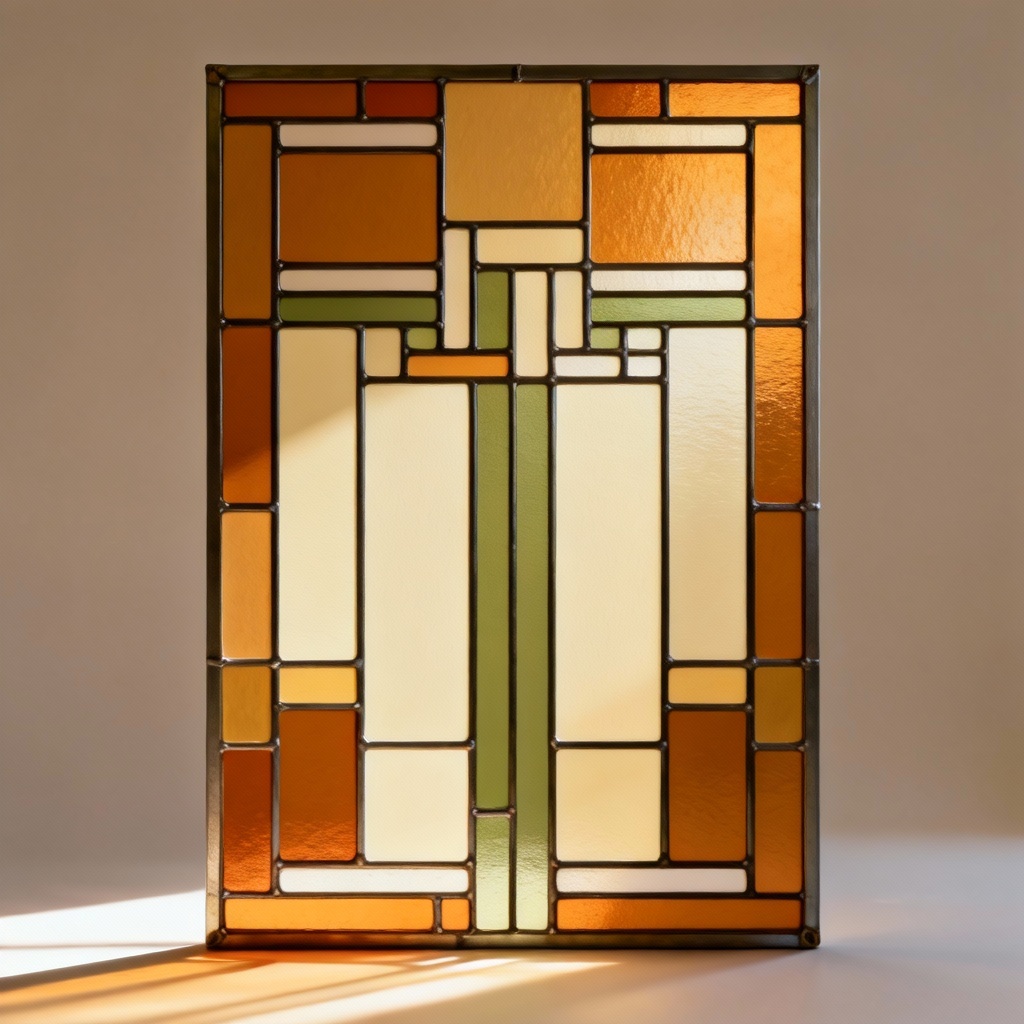
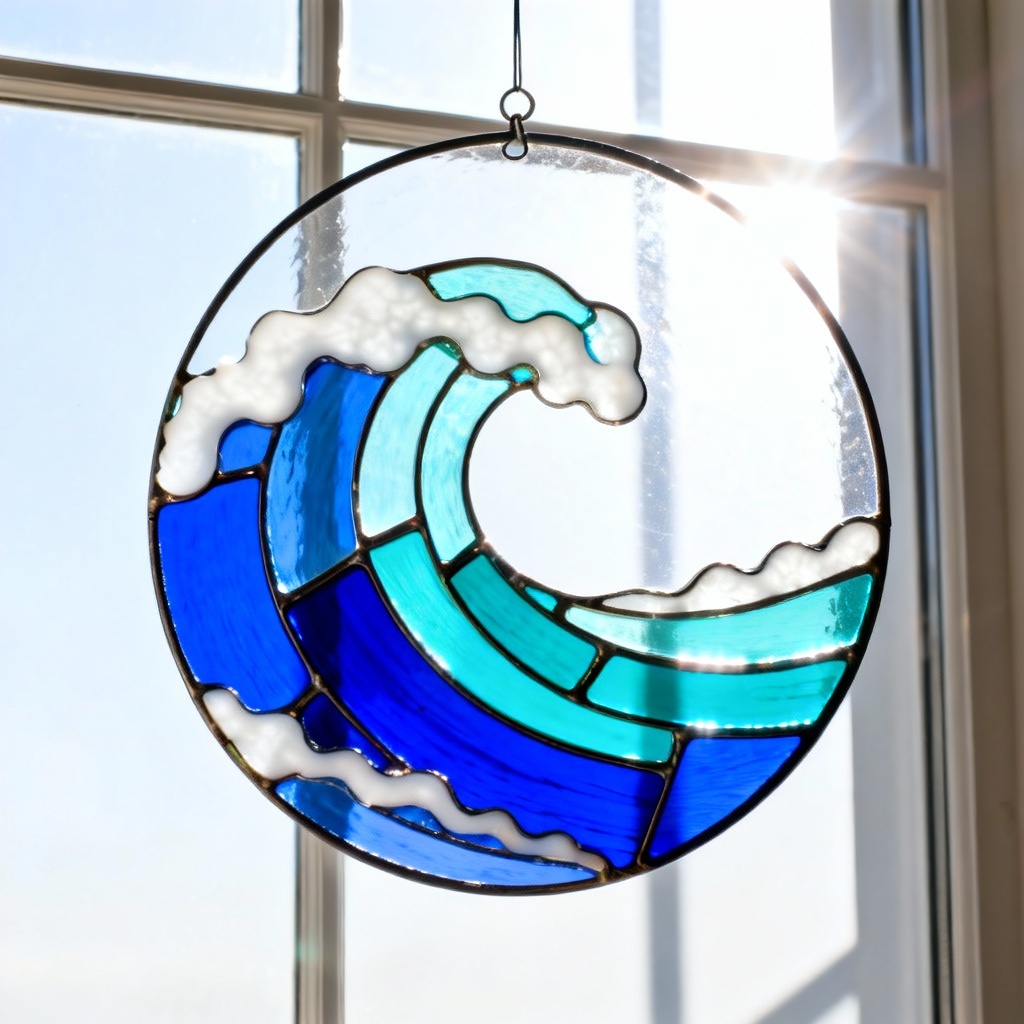
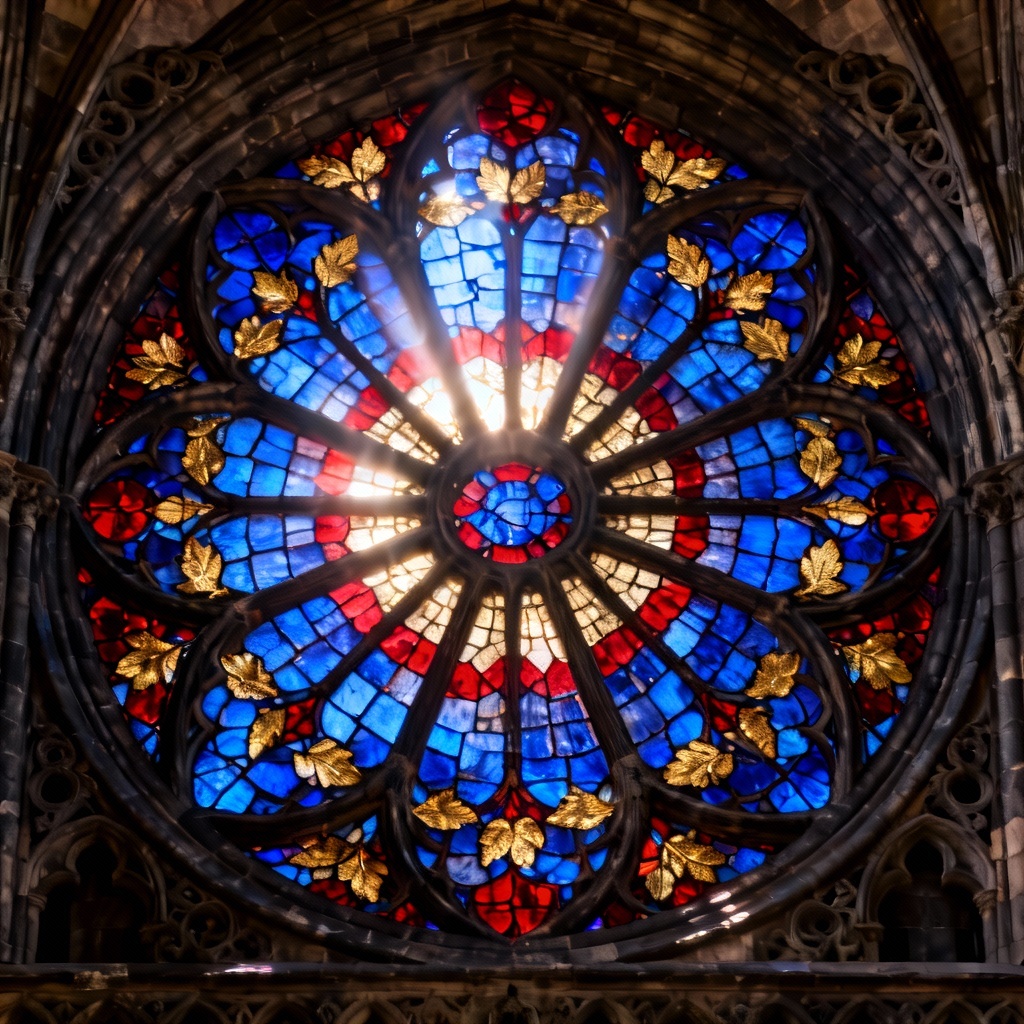
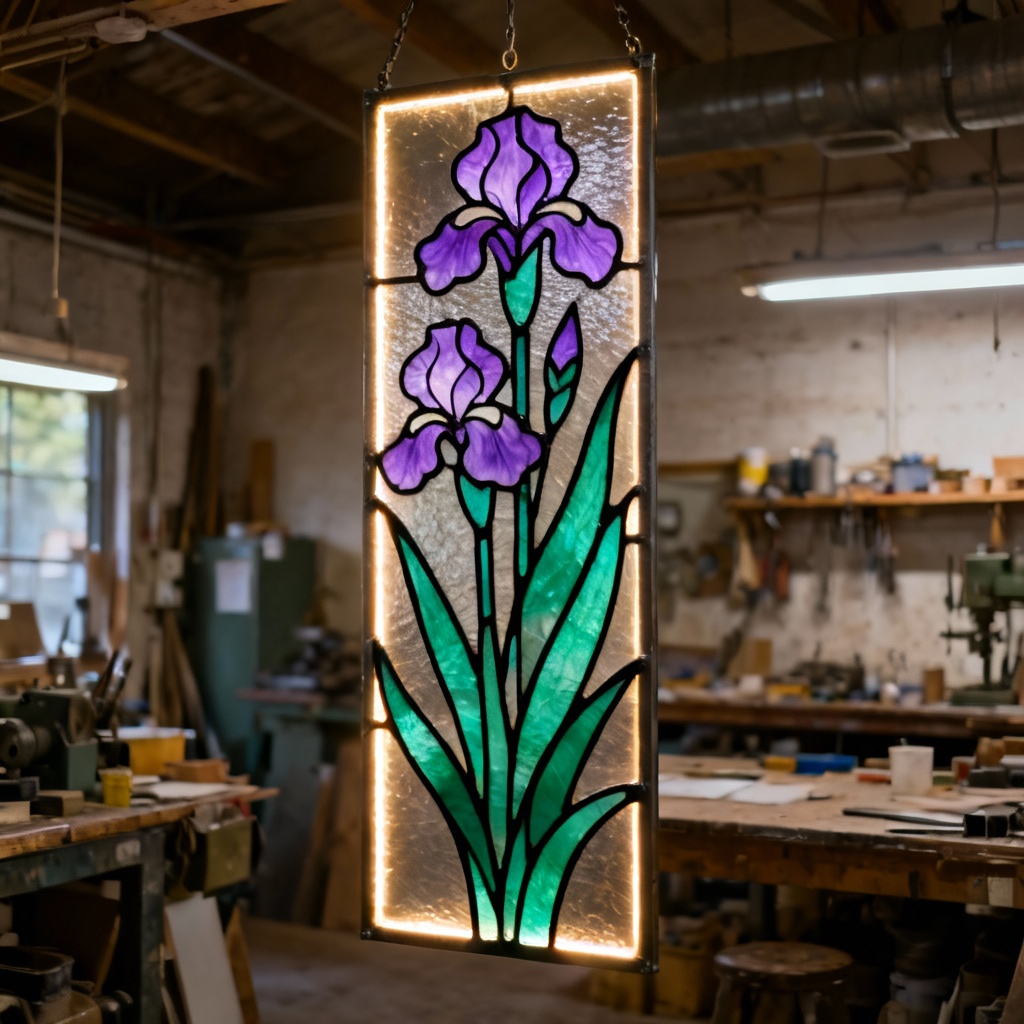
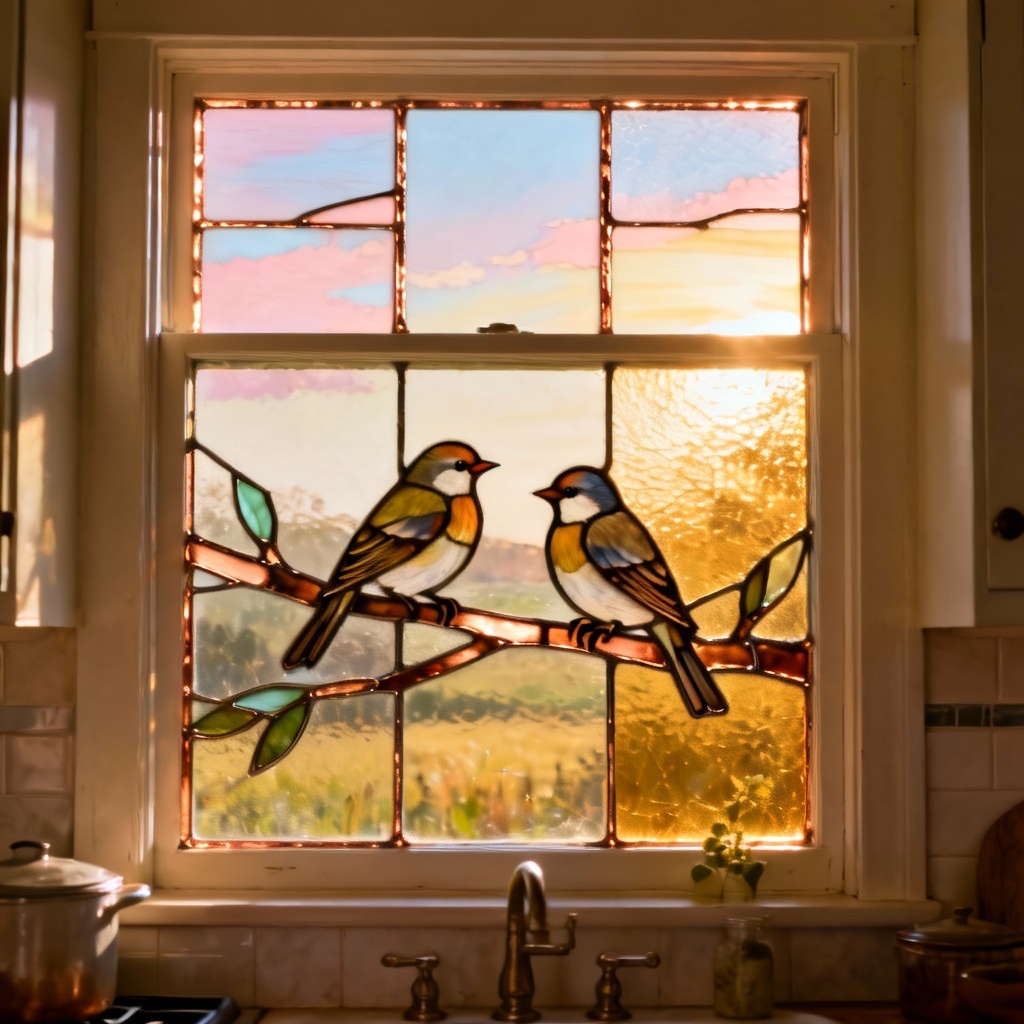
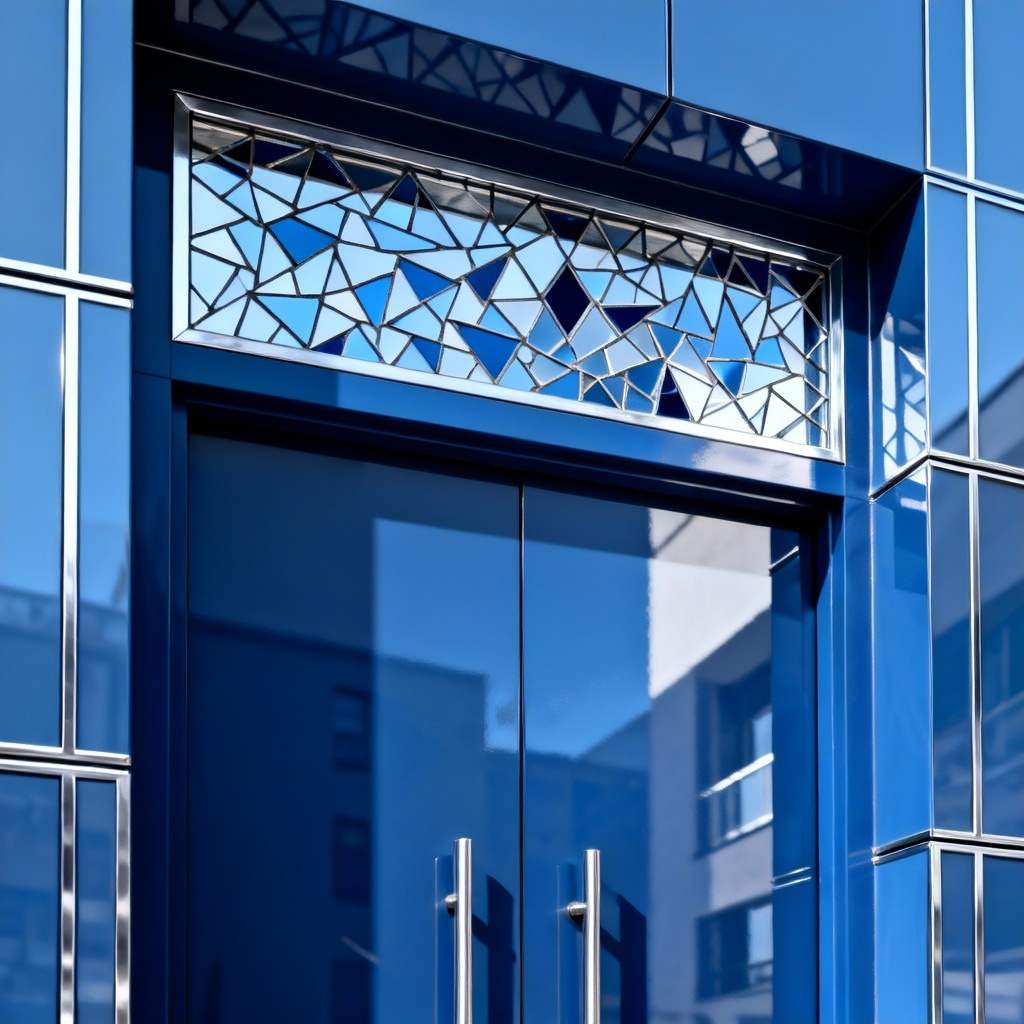
Turn prompts and photos into luminous stained glass designs in seconds. Myaiart automatically creates vector-friendly outlines, glass-like colors, and cathedral lighting for panels, windows, and suncatchers. Adjust palette, lead lines, and aspect ratio, then download print-ready patterns or art with one click. No design skills needed.
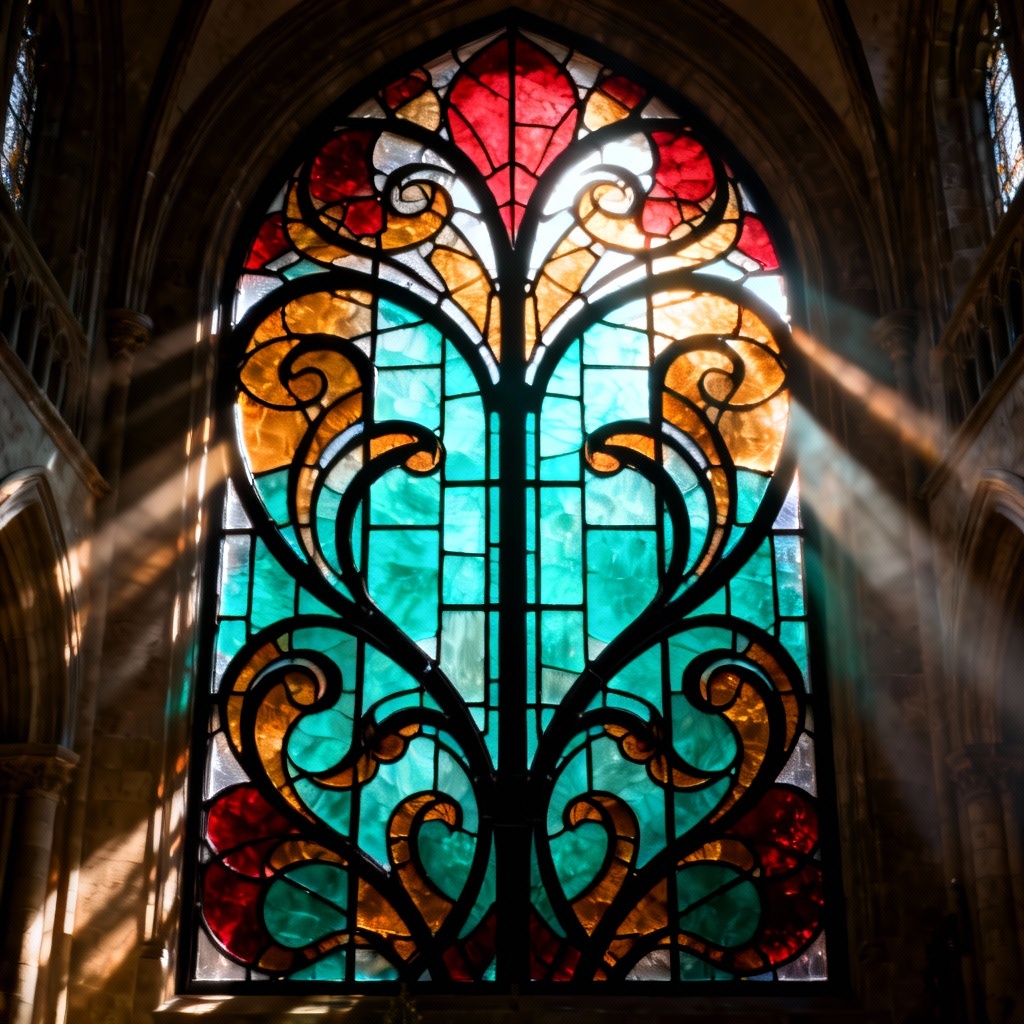
Start with a photo to convert or type a detailed prompt including subject, palette, glass style, and aspect ratio. Example: “peacock feathers, emerald and gold, tall window, copper foil.” Add notes like background, symmetry, or workshop lighting for precise control.
Select stained glass mode, then pick presets like Art Nouveau, Gothic, geometric, mosaic, or leadlight. Click Generate and let Myaiart segment shapes into glass pieces with clean lead lines, glow, and realistic translucency. Preview multiple variations instantly.
Adjust lead thickness, color palettes, transparency, vignette, and background blur. Toggle numbered segments for cutting and pattern labeling. Export high-resolution PNG for visuals or SVG/PDF for pattern-ready outlines, laser cutting, or print.
Create beautiful glass art for personal or professional projects with precise outlines and luminous panes. From windows and suncatchers to posters and logos, Myaiart helps you design faster and with consistent results.
Get photoreal glass textures, luminous color, and crisp lead lines while preserving your subject, pose, and composition. Myaiart’s rendering enhances depth with glow and subtle refractions for an authentic window feel.
Download clean SVG or PDF outlines with numbered pieces and minimal gaps for accurate cutting and assembly. Choose line thickness, simplify shapes, and print tiled patterns at any scale without losing detail.
One-click stained glass conversion from text or photo with intuitive controls. Enjoy high-resolution output, no watermark, and instant previews so you can iterate quickly and meet tight deadlines.